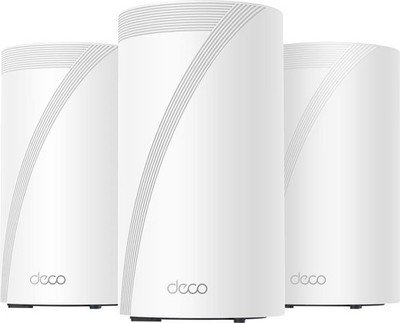
Are you tired of slow WiFi that struggles to keep up with all your smart home devices? Imagine a seamless connection that covers every corner of your house without breaking the bank.
Finding the right mesh WiFi system under $200 can transform how your home automation devices perform—making everything faster, smoother, and more reliable. You’ll discover the best budget-friendly mesh WiFi options designed to power up your smart home effortlessly. Keep reading to unlock the secret to a smarter, faster home network that fits your budget perfectly.

Credit: us.store.tp-link.com
Benefits Of Mesh Wifi For Home Automation
Mesh Wifi systems offer strong internet coverage for smart homes. They help connect many devices easily. This is important for home automation.
Choosing a mesh wifi under $200 can improve your home network. It supports many devices without losing speed.
Seamless Coverage Across Home
Mesh wifi uses multiple units to cover your whole house. This stops wifi dead zones. Your smart devices stay online in every room.
- Strong signal in every corner
- No need for extra wifi extenders
- Easy to add more units if needed
Improved Device Connectivity
Mesh wifi lets many home automation devices connect smoothly. Each device gets fast and stable internet. This helps devices work better together.
| Device Type | Benefit |
| Smart Lights | Quick response times |
| Security Cameras | Stable video streaming |
| Smart Thermostats | Reliable control |
| Voice Assistants | Clear and fast commands |
Simplified Network Management
Mesh wifi systems come with simple apps. They help you control your network from one place. You can see all connected devices and set rules.
- Easy setup without technical skills
- Parental controls and guest networks
- Automatic updates for security
Credit: evanmccann.net
Key Features To Consider
Choosing a mesh WiFi system under $200 can improve your home automation devices. It helps keep all devices connected without slowdowns or drops.
Look for important features that match your needs. These features affect the network speed, security, and ease of use.
Speed And Bandwidth
Speed means how fast data moves between devices and the internet. Bandwidth is how much data can travel at once.
Choose a mesh WiFi with enough speed and bandwidth to handle many devices at the same time. This keeps your smart home running smoothly.
- Look for WiFi 5 or WiFi 6 support for faster speeds
- Check if it offers dual-band or tri-band for better bandwidth
- Consider internet plan speed to match the router’s capacity
Device Capacity
Device capacity is how many gadgets connect without losing speed. Home automation needs many devices online at once.
Pick a mesh system that supports enough devices for your smart lights, cameras, and sensors.
- Check max device number supported by the mesh kit
- Choose systems designed for smart home use
- Consider future device additions in your home
Security Protocols
Security keeps your home network safe from hackers. It protects your smart devices and personal data.
Look for up-to-date security features to keep your network strong.
- Choose mesh WiFi with WPA3 encryption
- Check if the system offers guest networks
- Look for automatic security updates
Ease Of Setup
Easy setup saves time and avoids frustration. A simple setup helps you start using your mesh WiFi quickly.
Choose a system with clear instructions and helpful apps for management.
- Look for app-based setup with step-by-step guides
- Check if the system supports voice assistant integration
- Consider mesh kits with automatic device connection
Top Mesh Wifi Picks Under $200
Mesh wifi systems help cover your whole home with strong internet. They are great for smart home devices that need steady connections.
Finding a good mesh wifi under $200 is possible. These options offer good speed and coverage for home automation setups.
Affordable Yet Reliable Options
Some mesh wifi kits are budget-friendly but still work well. They keep your smart devices connected without lag.
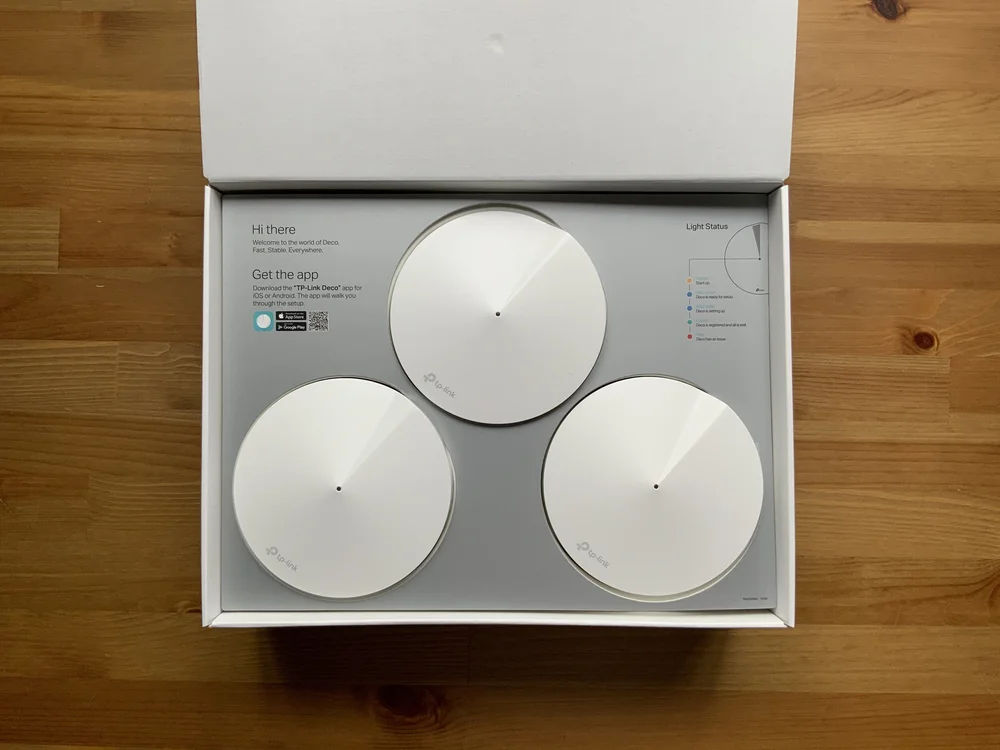
- TP-Link Deco S4: Easy setup and stable connection.
- Google Nest Wifi (single router): Good for small areas.
- Amazon eero 6 (2-pack): Supports many devices at once.
Best For Large Homes
Large homes need mesh wifi with wide coverage. These systems spread signal well to all rooms.
- TP-Link Deco X20: Covers up to 5,800 sq ft.
- Netgear Orbi RBK13 (3-pack): Strong signal for big houses.
- Linksys Velop AC1200 (3-pack): Good for multiple floors.
Best For Small Apartments
Small apartments need compact mesh wifi with easy setup. These keep your smart devices connected without extra gear.
- Google Nest Wifi Router: Simple and effective.
- Amazon eero 6 (single unit): Covers small spaces well.
- TP-Link Deco M4 (single unit): Budget-friendly and reliable.

Credit: www.ebay.com
Compatibility With Home Automation Devices
Choosing a mesh WiFi system under $200 requires checking its compatibility. Home automation devices need strong and stable WiFi connections to work well.
This guide covers how mesh WiFi supports smart lights, security cameras, and voice assistants. Each device type has different network needs.
Smart Lights And Switches
Smart lights and switches connect to WiFi to let you control them remotely. The mesh WiFi should support many devices at once without delays.
- Works with Zigbee or Z-Wave hubs via WiFi
- Supports stable connections for multiple bulbs
- Allows quick response times for app controls
- Handles firmware updates smoothly
Security Cameras
Security cameras stream video continuously. Mesh WiFi must offer good upload speeds and low interference to keep feeds clear.
| Feature | Importance | Mesh WiFi Role |
| Upload Speed | High | Supports smooth video streaming |
| Range | Medium | Covers all camera locations |
| Device Capacity | High | Handles multiple cameras without lag |
| Security | High | Protects video data from hacking |
Voice Assistants
Voice assistants rely on fast WiFi to hear commands and respond quickly. Good mesh WiFi reduces delays and drops in connection.
- Supports 2.4 GHz and 5 GHz bands for better device range
- Ensures low latency for voice command processing
- Works with popular voice platforms like Alexa and Google Assistant
- Offers easy setup and stable network for daily use
Setup Tips For Optimal Performance
Setting up a mesh WiFi under $200 for home automation is simple. These tips help you get the best performance from your network.
Follow these guidelines to ensure your smart devices connect smoothly and maintain a strong signal throughout your home.
Ideal Node Placement
Place nodes in open areas for better signal spread. Avoid placing them near thick walls or metal objects, which can block signals.
Keep nodes off the ground and away from electronic devices. This helps reduce interference and boosts connectivity.
- Position nodes at least 2 feet above the ground
- Space nodes evenly across your home
- Avoid placing nodes in enclosed cabinets
Firmware Updates
Regular firmware updates keep your mesh WiFi running smoothly. They fix bugs and improve performance.
Check for updates monthly to ensure your network is secure and efficient. Most systems update automatically but verify settings to be sure.
- Set updates to auto for convenience
- Verify update settings in your app
- Reboot nodes after updates if needed
Network Optimization
Optimizing your network settings can improve speed and connectivity. Use the app to manage devices and monitor usage.
Limit bandwidth-heavy activities during peak hours. This ensures your home automation devices have enough bandwidth to function properly.
- Use Quality of Service (QoS) settings
- Disable unused devices from the network
- Monitor network traffic through the app
Troubleshooting Common Issues
Mesh WiFi systems under $200 help connect smart home devices. Sometimes, issues can occur that affect performance.
Knowing how to fix common problems can keep your home automation running smoothly.
Connection Drops
Connection drops happen when devices lose WiFi signal suddenly. This can disrupt smart device control.
Check if the mesh nodes are too far apart or blocked by walls. Restarting the router can also help.
- Place mesh nodes closer to each other
- Remove obstacles like metal or thick walls
- Restart the mesh WiFi system regularly
- Update the firmware on your mesh router
Slow Speeds
Slow internet can make home devices respond late. Many devices using WiFi can cause speed drops.
Limit devices on the network and check for interference from other electronics. Changing WiFi channels may help.
- Disconnect unused devices from WiFi
- Keep mesh nodes away from microwaves or cordless phones
- Switch to a less crowded WiFi channel
- Run a speed test to check your internet plan
Device Pairing Problems
New smart devices may not connect to your mesh WiFi easily. This can stop them from working properly.
Make sure your WiFi password is correct. Restart the device and the mesh router before pairing again.
- Confirm you use the right WiFi password
- Restart both the smart device and mesh router
- Bring the device closer to the mesh node
- Use the device’s app for guided pairing steps
Frequently Asked Questions
What Is The Best Mesh Wifi Under $200 For Home Automation?
The best mesh WiFi under $200 offers reliable coverage and stable connections. It supports multiple smart devices without lag or dropouts. Look for models with easy setup and strong security features to protect your home network.
How Does Mesh Wifi Improve Home Automation Device Performance?
Mesh WiFi creates a seamless network covering your entire home. It reduces dead zones and provides consistent speeds for smart devices. This ensures smooth operation of home automation systems like lights, cameras, and thermostats.
Can Mesh Wifi Handle Multiple Smart Home Devices Simultaneously?
Yes, mesh WiFi systems efficiently manage multiple devices at once. They distribute bandwidth evenly to prevent network congestion. This makes them ideal for homes with many connected automation gadgets.
Is Setup Difficult For Mesh Wifi Under $200 Systems?
Most mesh WiFi systems under $200 offer user-friendly setup processes. They include mobile apps with step-by-step guides. This allows even non-technical users to install and manage their network easily.
Conclusion
Choosing a mesh WiFi under $200 helps connect smart devices easily. It keeps your home network strong and steady. You get good coverage in every room. This means fewer drops and faster responses for your gadgets. A reliable WiFi system makes home automation simple and smooth.
Invest wisely to enjoy smart living without extra cost. Keep your devices online and working well all day. A strong network is key to a smarter home.


