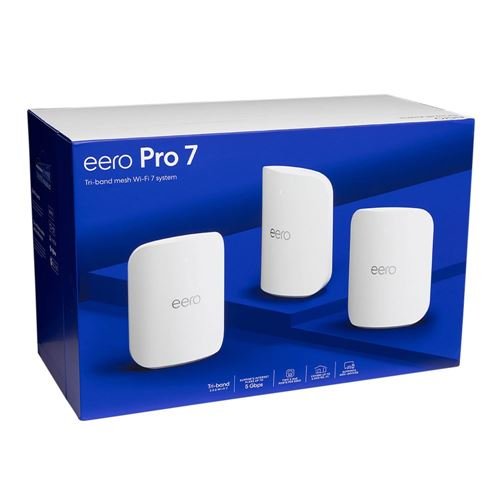
Are you tired of lagging streams and frustrating game delays? Your WiFi could be the culprit.
Imagine a connection so strong and reliable that buffering becomes a thing of the past, and your gaming sessions run smoothly without interruptions. That’s exactly what Eero Mesh WiFi promises. If you want to boost your streaming quality and enjoy seamless gaming, keep reading.
This guide will show you how Eero Mesh WiFi can transform your home network and give you the edge you need.
Credit: www.dell.com
Why Choose Eero Mesh Wifi
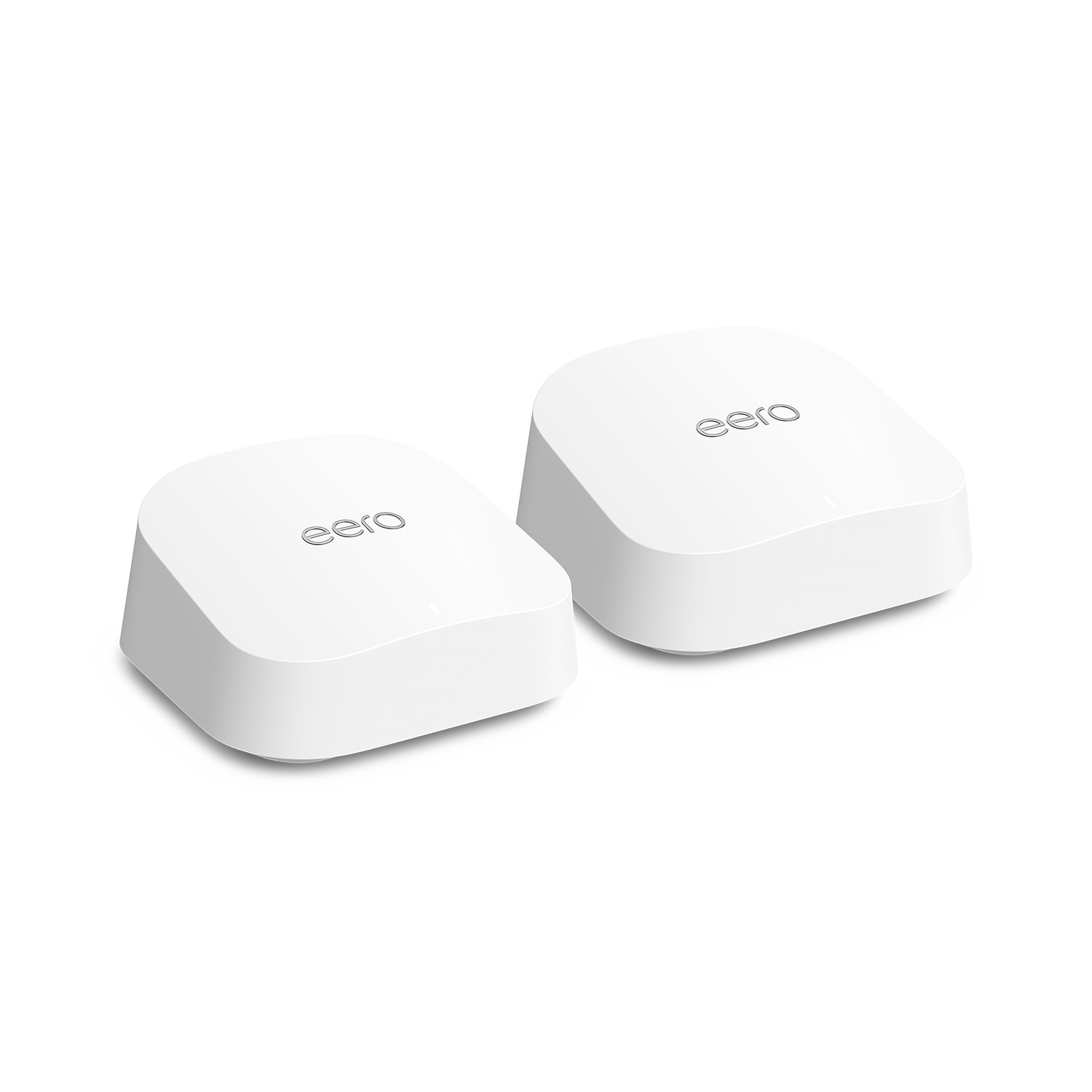
Eero Mesh Wifi improves your home internet connection. It spreads wifi signals evenly to cover every room. This helps reduce dead zones and slow speeds.
Good wifi is important for both streaming videos and playing online games. Eero makes sure your connection stays strong and stable all the time.
Key Features For Streaming
Eero Mesh Wifi is designed to handle high-quality video streaming. It supports multiple devices streaming at once without interruption.
- Seamless streaming on 4K and HD devices
- Fast automatic updates to keep your network secure
- Easy setup and control through a mobile app
- Smart routing to reduce buffering and lag
Benefits For Gaming
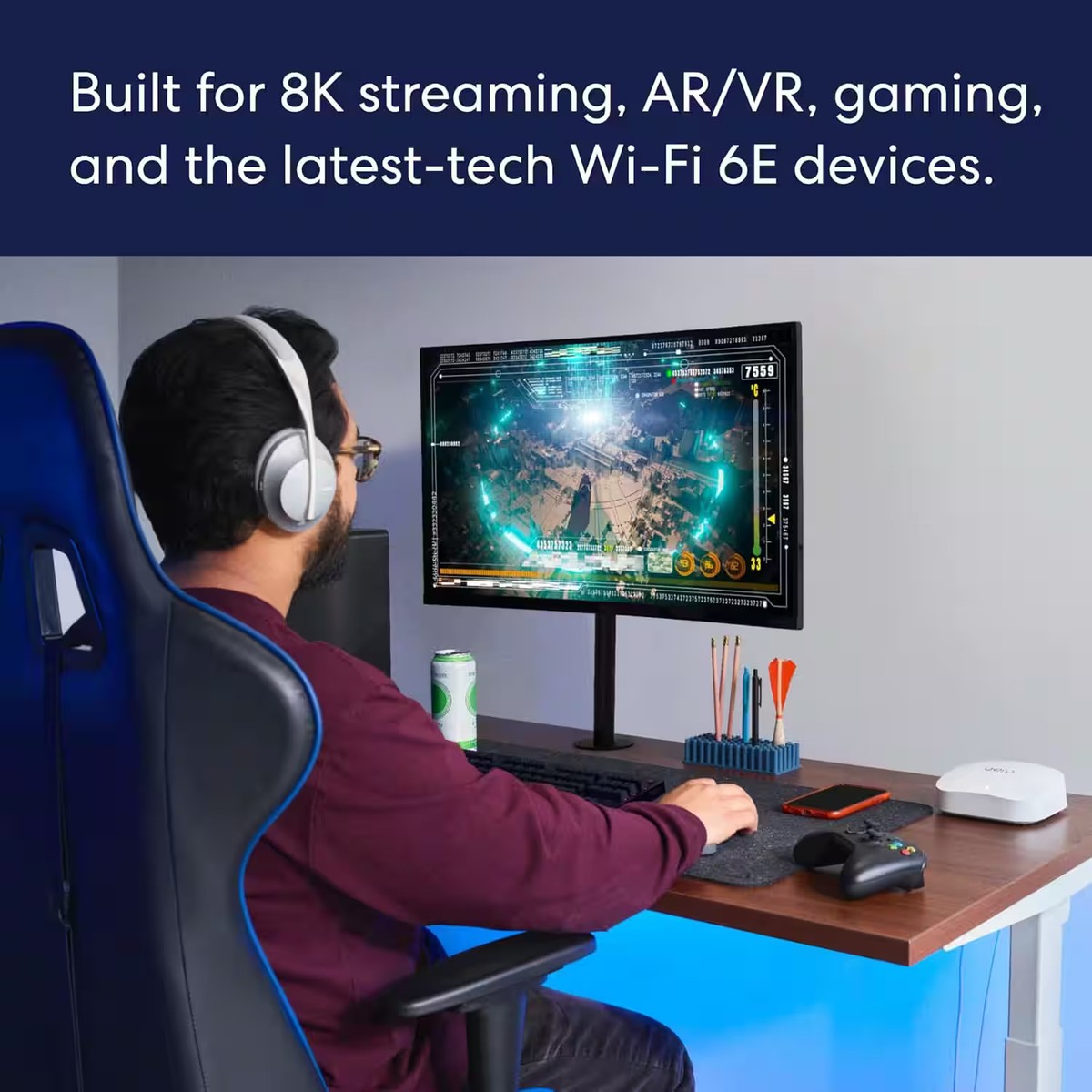
Online gaming needs a fast and stable connection. Eero Mesh Wifi lowers lag and keeps your game running smoothly.
| Benefit | Description |
|---|---|
| Low Latency | Reduces delay between your device and game server |
| Wide Coverage | Keeps strong signals in all rooms and corners |
| Device Prioritization | Allows gaming devices to get faster speeds first |
| Stable Connection | Prevents connection drops during important matches |

Credit: www.pcmag.com
Setting Up Your Eero System
Setting up your Eero mesh WiFi system is simple and fast. It helps improve your internet for streaming and gaming.
This guide will help you place your devices and install them with ease.
Placement Tips For Best Coverage
Place your Eero units where WiFi signals can travel freely. Avoid thick walls and metal objects.
Try to put units in open spaces and at a medium height for better reach.
- Keep units away from microwaves and cordless phones
- Space units evenly throughout your home
- Place one unit near your modem for the main connection
- Use additional units in rooms with weak signals
Easy Installation Steps
Start by plugging in your main Eero device to your modem. Download the Eero app on your phone to guide you.
The app will help you name your network and add more Eero units quickly.
- Connect the main Eero to your modem with an Ethernet cable
- Power on the main Eero and wait for the light to turn solid white
- Open the Eero app and follow the setup instructions
- Add extra Eero units by placing them in rooms with weak WiFi
- Plug in extra units and use the app to connect them to your network
- Check the app to confirm all units have strong connections
Maximizing Speed And Stability
Eero Mesh Wifi helps keep your internet fast and steady. It covers your whole home with strong signals.
Good speed and stable connection matter for smooth streaming and gaming. Let’s see how to get the best from Eero.
Optimizing Network Settings
Adjusting network settings can improve your connection speed. Use the Eero app to access these settings.
Make sure your Eero system uses the latest firmware. This helps fix bugs and boost performance.
- Enable automatic updates in the Eero app
- Choose the best Wi-Fi channel to avoid interference
- Use 5 GHz band for faster devices close to Eero units
- Keep Eero units in open spaces, away from walls and metal
Managing Device Prioritization
Eero lets you prioritize devices for faster speeds. This helps your streaming or gaming device get better bandwidth.
Set device priority in the Eero app. Prioritize one or more devices for a set time to reduce lag.
- Select your main gaming console or streaming device
- Enable priority mode for that device
- Limit the time to avoid slowing other devices too much
Troubleshooting Common Issues
Eero Mesh WiFi helps improve streaming and gaming. Sometimes, issues like connection drops or slow speeds happen.
Fixing these problems can make your experience better. Below are ways to solve common Eero WiFi troubles.
Fixing Connectivity Drops
Connectivity drops cause streaming or gaming to stop suddenly. This can happen due to weak signals or interference.
Try moving your Eero units to open spaces away from walls and metal objects. Keep them high and central.
- Restart your Eero devices to refresh connections
- Check for firmware updates in the Eero app
- Reduce interference from other wireless devices
- Limit the number of devices connected at the same time
Improving Slow Speeds
Slow speeds make streaming blurry and gaming laggy. This can result from network congestion or poor placement.
Use a wired connection if possible. Also, check that your internet plan matches your usage needs.
- Move Eero nodes closer to devices that need fast speeds
- Restart your modem and Eero devices to clear any issues
- Limit background downloads or updates during gaming or streaming
- Run a speed test to check if your internet provider is slow
Comparing Eero With Other Mesh Systems
Mesh WiFi systems help you get strong internet everywhere in your home. Eero is one popular choice. Let’s compare Eero to other mesh systems to see how it stands out for streaming and gaming.
We will look at performance differences and price and value. This will help you decide which mesh system might be best for you.
Performance Differences
Performance is key for smooth streaming and gaming. Eero offers reliable speed and coverage. Other systems might claim faster speeds, but Eero focuses on stable connections.
Some mesh systems have advanced features like tri-band technology. This can boost performance, especially in large homes. Eero uses dual-band, which is often enough for most users.
- Eero: Reliable and stable connections
- Other systems: May offer tri-band for more speed
Price And Value
Price and value are important when choosing a mesh system. Eero is affordable for many users. It offers good value with its easy setup and user-friendly app.
Other mesh systems might have a higher price. They may include extra features like extra security options. Consider what features are most important to you.
| Eero | Affordable, easy setup |
| Other Systems | Higher price, more features |
Enhancing Your Gaming And Streaming Setup
Using Eero Mesh Wifi can improve your home network. It helps keep your games and streams smooth. A strong signal reaches every room for better connection.
Setting up your devices right with Eero makes a big difference. It lowers lag and buffering. This guide shows what accessories to use and how to avoid delays.
Recommended Accessories
Adding the right accessories can boost your Eero Mesh Wifi performance. These tools help keep your setup fast and stable.
- Ethernet cables for wired connections to reduce lag
- Powerline adapters to extend network through walls
- Wifi range extenders for extra coverage in large homes
- High-quality gaming routers for better traffic management
- Surge protectors to keep devices safe during power spikes
Tips For Lag-free Experience
Lag can ruin gaming and streaming. Follow these tips to keep your Eero Mesh Wifi running smoothly.
| Tip | Details |
| Place Eero devices centrally | Reduce walls and obstacles between devices |
| Use wired connections | Connect consoles and PCs with Ethernet cables |
| Limit background apps | Close apps using bandwidth while gaming or streaming |
| Update firmware | Keep Eero devices and routers updated |
| Check internet speed | Ensure your plan supports your gaming and streaming needs |
Credit: www.ebay.com
Frequently Asked Questions
What Makes Eero Mesh Wifi Ideal For Streaming?
Eero Mesh WiFi offers seamless coverage with strong, consistent signals. It reduces buffering and lag, ensuring smooth streaming on multiple devices simultaneously.
How Does Eero Improve Online Gaming Performance?
Eero minimizes latency and interference through intelligent routing. It provides stable connections and prioritizes gaming traffic for faster, uninterrupted gameplay experiences.
Can Eero Mesh Handle Multiple Devices At Once?
Yes, Eero supports numerous devices with reliable speeds. Its mesh system balances bandwidth effectively, preventing slowdowns during high device usage.
Is Eero Setup Easy For Non-tech Users?
Eero features a user-friendly app for quick installation. The guided setup and automatic updates simplify managing your home network effortlessly.
Conclusion
Eero Mesh Wifi offers strong and steady internet for streaming and gaming. It reduces lag and keeps your connection smooth. Setting it up is quick and easy for everyone. You get good coverage in every corner of your home. This helps avoid interruptions during your favorite shows or games.
Reliable wifi makes online time more fun and less frustrating. Eero is a solid choice for better home internet. Enjoy clear videos and fast gameplay without hassle. Simple, strong wifi that works well for daily use.


