
Are you tired of slow internet spots around your home? You’ve probably heard about Google Nest Mesh Wifi and traditional WiFi extenders as solutions.
But which one truly makes your connection faster, stronger, and more reliable? Choosing the right option can transform how you stream, work, and connect every day. Keep reading to discover the clear differences between Google Nest Mesh Wifi and extenders—and find out which one fits your needs perfectly.
Your internet experience is about to get a serious upgrade.
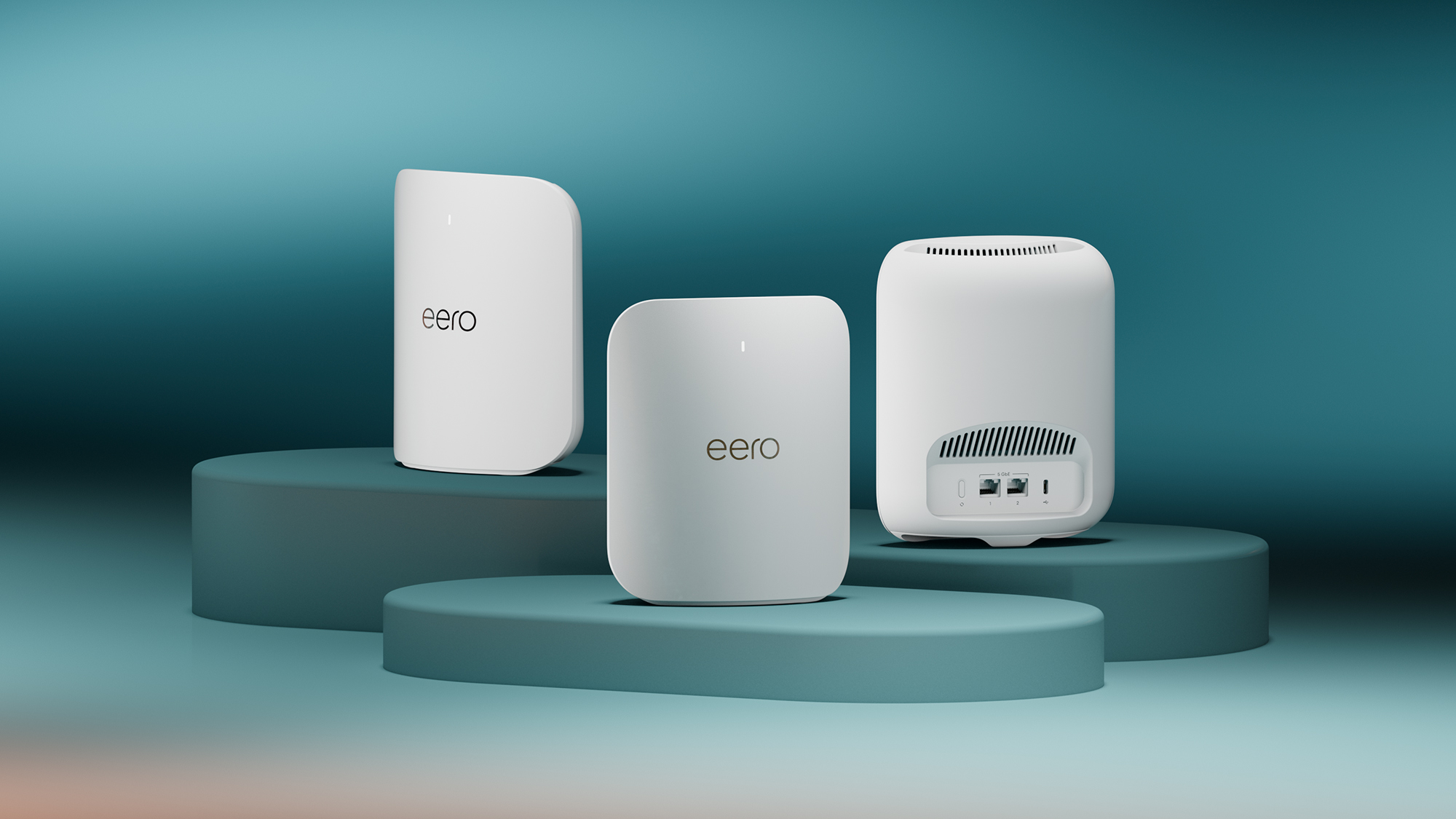
Credit: www.t3.com
Mesh Wifi Basics
Mesh wifi systems use multiple devices to spread wifi signals across your home. This creates a strong and steady internet connection everywhere.
Unlike regular wifi extenders, mesh networks work as one system. They help reduce dead spots and keep your devices connected smoothly.
How Mesh Networks Work
Mesh networks connect several nodes that communicate with each other. Each node acts as a wifi point, sharing data to cover large areas.
- Nodes link automatically to the best connection path
- They share the same network name for easy use
- The system balances traffic for fast speeds
- New nodes can be added without much setup
Key Features Of Google Nest Mesh
Google Nest Mesh offers smart features that improve your home wifi experience. It combines easy setup with reliable coverage.
| Feature | Description |
| Self-Healing | Automatically reroutes traffic if one node fails |
| Network Assist | Optimizes device connections for best speed |
| Parental Controls | Manage internet access for family devices |
| Voice Control | Works with Google Assistant for hands-free use |
Extender Essentials
Wifi extenders help increase the range of your home network. They boost signals to areas with weak wifi coverage.
Extenders are easy to set up and affordable. They work by repeating your main router’s wifi signal.
How Wifi Extenders Operate
Wifi extenders catch the wifi signal from your router. Then, they send the same signal to hard-to-reach places.
This helps devices far from the router get a better connection. But the extender can slow down your internet speed.
- The extender connects wirelessly to the router.
- It repeats the wifi signal to cover dead zones.
- Devices connect to the extender instead of the router.
- The extender creates a new wifi network or extends the existing one.
Common Types Of Extenders
There are different extenders for various needs. Some plug into a wall outlet, while others are more advanced.
- Plug-in Extenders:Simple devices that plug into power outlets. They repeat signals nearby.
- Desktop Extenders:Larger units that sit on desks. They may have better antennas and speed.
- Powerline Extenders:Use home electrical wiring to send internet signals. Good for thick walls.
- Dual-Band Extenders:Work on two wifi bands (2.4 GHz and 5 GHz) for better performance.
Setup And Installation
Setting up home Wi-Fi systems can be simple or complex. Choosing between Google Nest Mesh Wifi and traditional extenders depends on your comfort with technology. This guide explains the setup process and ease of use for both options.
Understanding the installation steps helps you decide which system fits your needs. Both have their own setup methods and user experiences.
Google Nest Mesh Setup Process
Google Nest Mesh Wifi offers a straightforward setup. It requires the Google Home app to guide you through each step. The system configures itself automatically to cover your home.
- Plug in the main Nest Wifi router and connect it to your modem.
- Open the Google Home app on your phone or tablet.
- Follow the app’s instructions to add the router to your network.
- Place additional Nest Wifi points around your home for better coverage.
- Use the app to connect each point and test the network strength.
Extender Installation Steps
Installing a Wi-Fi extender involves placing the device in a spot where it can catch your main Wi-Fi signal. The setup varies by brand but usually uses a web interface or an app.
- Plug the extender into a power outlet between your router and the area needing coverage.
- Press the WPS button on your router and then on the extender to pair them, or connect via the extender’s app.
- Wait for the extender to connect to your router’s network.
- Test the extender’s signal by moving around your home.
- Adjust the extender’s location if the signal is weak.
Ease Of Use Comparison
| Feature | Google Nest Mesh Wifi | Wi-Fi Extenders |
| Setup Time | About 15 minutes | 10-20 minutes |
| Guided Setup | Yes, via Google Home app | Sometimes, depends on brand |
| Placement Flexibility | Multiple points with app help | Limited by signal strength |
| Network Management | Centralized app control | Usually separate from router |
| Maintenance | Automatic updates | Manual firmware updates |

Credit: www.amazon.com
Performance And Coverage
Choosing between Google Nest Mesh Wifi and extenders depends on your needs. Both improve home internet but work differently.
This comparison covers signal strength, speed, and device handling to help you understand their performance and coverage.
Signal Strength And Range
Google Nest Mesh Wifi uses multiple nodes to create one strong network. It covers a large area without losing signal.
Extenders boost the signal from your router but create separate networks. This can cause signal drops when moving around.
- Mesh Wifi covers up to 4400 sq ft with one set.
- Extenders usually cover 1000 to 2000 sq ft each.
- Mesh nodes communicate to keep a steady signal.
- Extenders may have dead zones due to weak backhaul.
Speed And Reliability
Mesh Wifi offers consistent speed across all devices by smartly routing traffic. It avoids slowdowns even far from the main router.
Extenders can cut internet speed in half because they share bandwidth with the router. This may cause delays and buffering.
| Feature | Google Nest Mesh Wifi | Extenders |
| Speed Consistency | High across coverage area | Varies, often slower at distance |
| Bandwidth Sharing | Dedicated backhaul channels | Shares bandwidth with main router |
| Latency | Low for gaming and calls | Higher, may cause lag |
Handling Multiple Devices
Mesh Wifi systems manage many devices better. They balance load and reduce congestion on the network.
Extenders may struggle with many devices at once. They can cause slowdowns and disconnects under heavy use.
- Use mesh nodes near device clusters.
- Limit extender use to low-traffic areas.
- Update firmware regularly for best performance.
Network Management
Network management is important for keeping your internet fast and secure. It means controlling how your devices connect and share data.
Google Nest Mesh Wifi and extenders handle network management in different ways. This affects your control over the network and its settings.
App Control And Features
Google Nest Mesh Wifi uses the Google Home app. It offers a simple way to set up and control your network from your phone.
Wifi extenders often use different apps depending on the brand. These apps may vary in ease of use and features.
- Google Nest app allows device prioritization
- Extender apps may lack unified control
- Google Nest supports network speed tests
- Extenders might require manual updates
Security Options
Security is key to protect your network from threats. Google Nest Mesh Wifi offers automatic updates and strong encryption.
Wifi extenders’ security depends on the model. Some offer basic encryption but may need manual updates.
- Google Nest uses WPA3 security protocol
- Extenders may support only WPA2 or lower
- Automatic security updates on Google Nest
- Extenders often need manual firmware updates
Customization Possibilities
Customizing your network can help it fit your needs. Google Nest Mesh Wifi offers easy options for guest networks and parental controls.
Extenders may allow basic settings changes but often lack advanced controls found in mesh systems.
- Google Nest supports multiple user profiles
- Set internet schedules with Nest app
- Extenders usually allow only SSID and password changes
- Mesh systems offer better control for many devices
Cost And Value
When setting up a home network, choosing between Google Nest Mesh WiFi and extenders can be tricky. Cost and value are important factors in this decision.
Both options have their pros and cons. Understanding the financial aspects helps in making an informed choice.
Initial Investment
Google Nest Mesh WiFi systems usually have a higher upfront cost. They consist of multiple units that work together for seamless coverage.
WiFi extenders, on the other hand, are generally cheaper initially. They extend the range of your existing router with a single device.
- Google Nest Mesh: Higher initial cost
- WiFi Extenders: Lower initial cost
Long-term Expenses
Google Nest Mesh WiFi systems might require additional nodes for larger homes, increasing costs over time.
WiFi extenders may need frequent replacement if they fail to keep up with network demands, leading to more expenses.
- Mesh WiFi: Possible need for extra nodes
- Extenders: Frequent replacements may be needed
Cost-effectiveness Analysis
Google Nest Mesh WiFi offers consistent coverage and speed. This can be a good value for larger homes despite higher costs.
WiFi extenders are cost-effective for smaller spaces. They work well if you do not need a significant speed boost.
| Mesh WiFi | Best for large homes, consistent coverage |
| Extenders | Best for small spaces, budget-friendly |
Ideal Use Cases
Google Nest Mesh Wifi and Wifi Extenders help improve internet coverage. They serve different needs based on your home or office setup.
Choosing the right option can enhance your internet experience. Let’s explore the best scenarios for each.
Best Scenarios For Google Nest Mesh
Google Nest Mesh is ideal for large homes or offices. It offers seamless connectivity and is easy to manage.
- Large homes with multiple floors
- Open spaces needing consistent coverage
- Smart home setups with many devices
When To Choose Extenders
Wifi Extenders are a quick fix for dead zones in smaller spaces. They can boost signals in specific areas.
| Scenario | Extender Benefit |
| Small apartment | Fills weak spots |
| Budget-friendly | Less expensive solution |
| Temporary fix | Quick setup for events |

Credit: www.amazon.com
Common Issues And Troubleshooting
Google Nest Mesh Wifi and extenders help improve your home network. Still, users may face some common problems. This guide covers usual issues and how to fix them.
Understanding these problems will help you keep your wifi fast and reliable. Let’s look at challenges with mesh systems, extenders, and ways to solve connectivity troubles.
Problems With Mesh Systems
Mesh wifi systems like Google Nest are easy to set up but can face issues. Some common problems include slow speeds, dead zones, and devices not switching nodes properly.
- Interference from walls or other electronics can weaken signals.
- Software bugs or outdated firmware may cause instability.
- Too many connected devices can overload the network.
- Placement of mesh points affects coverage and speed.
Extender Challenges
Wifi extenders increase coverage but come with their own issues. They sometimes reduce speed or cause devices to connect to the wrong network.
| Issue | Cause | Solution |
| Slow speeds | Signal loss between router and extender | Place extender closer to router |
| Network confusion | Multiple SSIDs confuse devices | Use same network name (SSID) for extender |
| Connection drops | Extender overload or interference | Limit connected devices and change channel |
Fixing Connectivity Problems
Fixing wifi issues often means trying simple steps first. Restarting devices or checking settings can solve many problems.
- Restart your router, mesh points, or extenders.
- Update firmware for all network devices.
- Check device placement to avoid interference.
- Reset network settings on devices with trouble.
- Use a wifi analyzer app to find the best channels.
Frequently Asked Questions
What Is The Difference Between Nest Wifi And Extenders?
Nest Wifi creates a seamless mesh network with multiple access points. Extenders simply repeat the existing Wi-Fi signal, often causing slower speeds and dead zones.
Which Is Better For Large Homes: Nest Wifi Or Extenders?
Nest Wifi is better for large homes as it provides consistent coverage. Extenders may leave gaps and reduce overall network performance in big spaces.
How Does Nest Wifi Improve Internet Speed Compared To Extenders?
Nest Wifi optimizes device connections and reduces interference. Extenders can halve bandwidth as they retransmit signals, lowering internet speed.
Can I Use Nest Wifi And Extenders Together?
Yes, but it is not ideal. Mixing can cause network conflicts and reduce the benefits of a mesh system like Nest Wifi.
Conclusion
Choosing between Google Nest Mesh Wifi and extenders depends on your needs. Mesh Wifi covers larger areas with one network name. Extenders can be cheaper but may slow down your speed. Mesh systems are easier to manage and provide stable connections.
Extenders work well for small spaces or limited budgets. Think about your home size and internet use before deciding. Both options improve Wi-Fi but in different ways. Pick what fits your lifestyle best.


