Are you tired of slow internet and dead zones in your home? Your smart appliances deserve a strong, reliable connection to work their best.
Imagine streaming, cooking, and controlling your devices without interruptions—all without breaking the bank. Finding the right mesh WiFi system under $200 can transform your smart home experience. Keep reading to discover the top options that fit your budget and power up your smart appliances seamlessly.
Credit: www.bestbuy.com
Benefits Of Mesh Wifi For Smart Homes
Mesh wifi systems help smart homes stay connected. They offer strong wifi signals in every room. This is important for smart appliances to work well.
Using mesh wifi can improve how your devices communicate. It also makes managing your home network easier and more reliable.
Improved Coverage And Reliability
Mesh wifi uses multiple devices called nodes. These nodes spread wifi signals evenly across your home. This reduces dead zones and weak connections. Your smart appliances get steady internet everywhere.
Mesh networks automatically fix weak spots. If one node has trouble, others take over. This keeps your smart home running without interruptions.
Seamless Device Connectivity
Mesh wifi connects many devices at once without slowing down. It helps smart lights, cameras, and thermostats talk to each other quickly. Your devices switch smoothly between nodes while you move around.
- Supports many smart devices at the same time
- Maintains stable connections when moving through rooms
- Reduces delays for smart home commands
- Improves streaming and video calls on smart devices
Enhanced Network Management
Mesh wifi systems include user-friendly apps. These apps let you control your network easily. You can see all connected devices and set priorities.
| Feature | Benefit |
|---|---|
| Device Prioritization | Give smart appliances faster internet when needed |
| Guest Network | Keep visitors’ devices separate from smart home devices |
| Parental Controls | Manage children’s internet access safely |
| Automatic Updates | Keep network secure and up to date without effort |

Credit: www.amazon.ca
Key Features To Consider
Choosing a mesh WiFi system under $200 for your smart appliances needs care. It should work well and be easy to use. Good WiFi helps your smart devices run smoothly.
Look for features that match your home setup and keep your network safe. This guide helps you pick the right mesh WiFi for smart devices.
Speed And Bandwidth
Speed is how fast your WiFi can send data. Bandwidth means how much data can move at once. Both affect smart appliance performance.
Choose a system with enough speed to handle many devices at the same time. This prevents slow connections and delays.
- Look for WiFi 5 or WiFi 6 support
- Check max speed ratings like 300 Mbps or more
- Ensure bandwidth can support multiple devices
Ease Of Setup
Pick a mesh WiFi that is simple to install. Easy setup saves time and avoids frustration. Many systems use apps to help.
Look for clear instructions and quick connection steps. Some devices auto-configure to fit your home network.
- App-guided installation process
- Automatic device detection
- Minimal cables and parts
Compatibility With Smart Devices
Your mesh WiFi must support many smart home products. These include lights, cameras, speakers, and more.
Check if the system works with popular smart home brands and voice assistants. This helps your devices connect smoothly.
- Supports common smart home protocols
- Works with Alexa, Google Assistant, and others
- Can connect many devices without losing speed
Security Features
Security protects your smart appliances and personal data. Choose a mesh WiFi with strong safety features.
Look for encryption, automatic updates, and guest network options. These keep your network safe from threats.
- WPA3 encryption support
- Automatic firmware updates
- Guest network for visitors
- Device-level control and monitoring
Top Affordable Mesh Wifi Systems
Mesh wifi systems help connect all your smart appliances smoothly. They cover your whole home with strong signals. Here are some good options under $200.
These systems combine affordability with reliable performance. They keep your devices online without slowing down your network.
Budget-friendly Options
Choose mesh wifi systems that save money but still work well. These options are simple to set up and handle many devices.
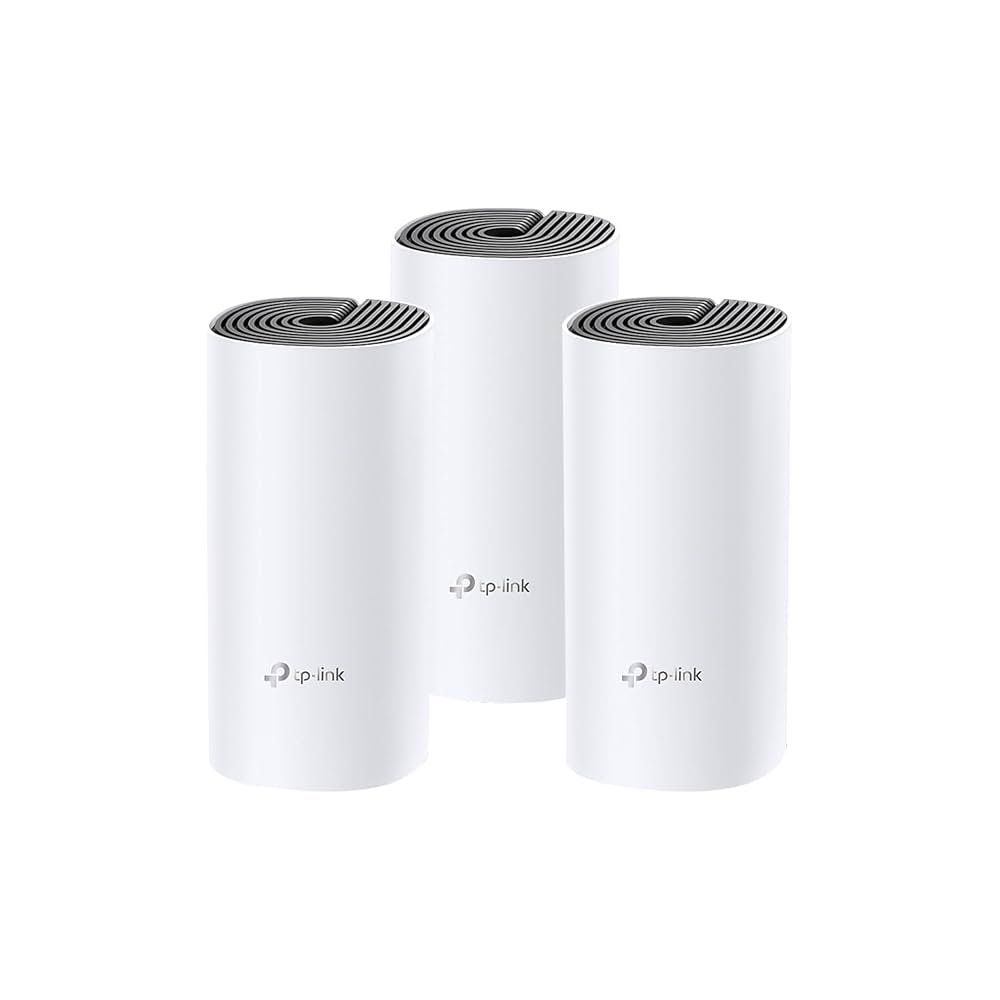
- TP-Link Deco S4: Covers up to 5,500 sq ft with three units.
- Google Nest Wifi Router: Easy to use and fits most homes.
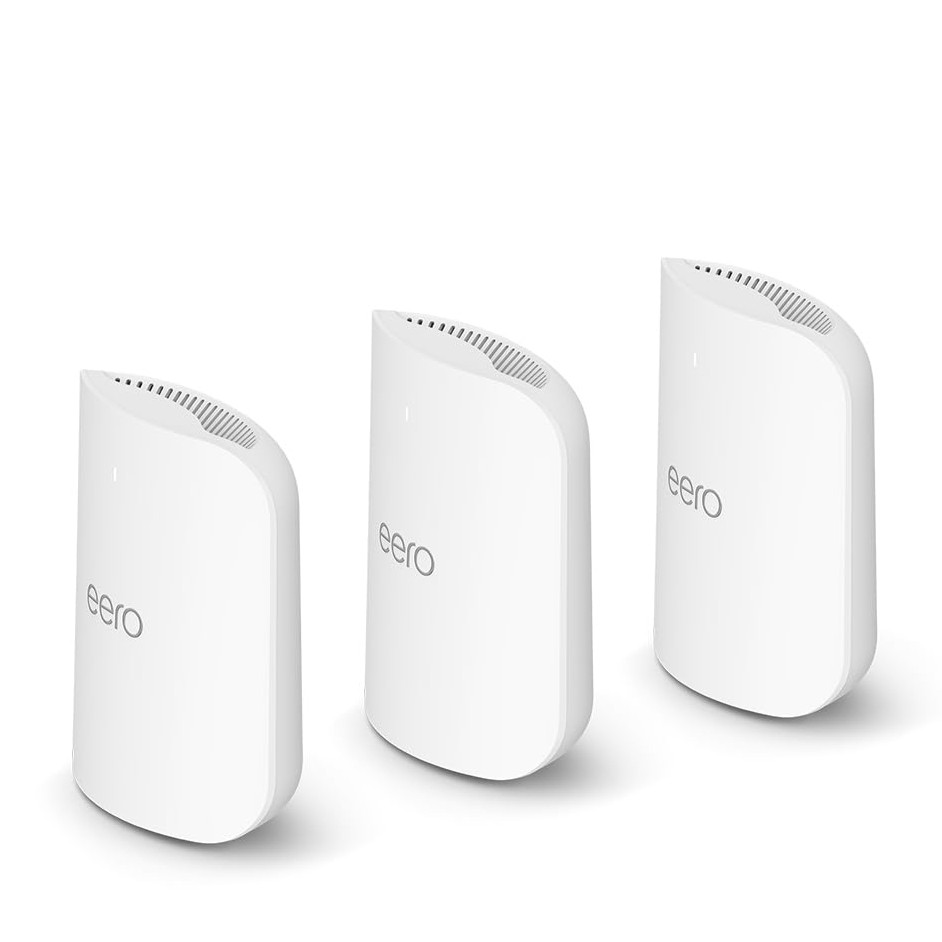
- Amazon Eero 6: Offers decent speed and works with Alexa.
Best Performance Under $200
These mesh systems give strong, stable wifi for smart homes. They support many devices without lag.
| Model | Coverage Area | Max Speed | Price |
| TP-Link Deco X20 | 4,000 sq ft | 1.8 Gbps | $180 |
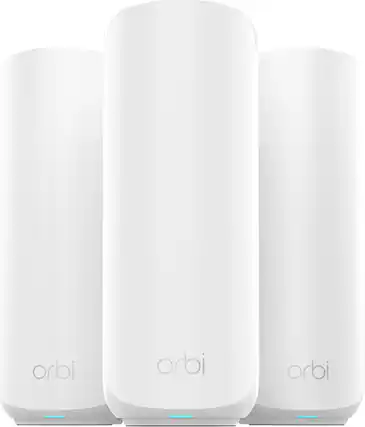
| Netgear Orbi RBK13 | 3,000 sq ft | 1.2 Gbps | $190 |
| Eero 6 Dual-Band | 3,500 sq ft | 900 Mbps | $160 |
Compact And Stylish Designs
Small and neat mesh wifi systems fit well in any room. They blend with your home decor and do not take much space.
- Google Nest Wifi: Rounded design, easy to place.
- TP-Link Deco M4: Compact shape, subtle look.
- Amazon Eero 6: Slim and modern style.
Comparing Popular Models
Mesh WiFi systems help smart appliances work better at home. They spread WiFi evenly across rooms. Choosing one under $200 can be tough. Let’s compare popular models to help you decide.
This guide covers coverage area, device support, user interfaces, and price vs features. Each section shows key points to consider for your smart devices.
Coverage Area
Coverage area means how much space the mesh WiFi can cover. It is important for smart appliances spread in different rooms.
| Model | Coverage Area (sq ft) |
|---|---|
| Model A | 3,000 |
| Model B | 2,500 |
| Model C | 3,500 |
| Model D | 2,800 |
Device Support
Device support shows how many devices can connect without slowing down. Smart homes need many devices connected at once.
- Model A supports up to 50 devices
- Model B supports up to 40 devices
- Model C supports up to 60 devices
- Model D supports up to 45 devices
App And User Interface
Good apps make setup and management easy. Simple interfaces help control smart appliances and check network health.
- Model A has an easy app with parental controls
- Model B uses a web portal, less user-friendly
- Model C offers a mobile app with device prioritizing
- Model D features voice assistant support in the app
Price Vs Features
Choosing the right mesh system means balancing price and features. Some models offer more for the same budget.
| Model | Price | Key Features |
|---|---|---|
| Model A | $180 | Good coverage, many devices, parental controls |
| Model B | $150 | Basic coverage, fewer devices, web portal |
| Model C | $200 | Best coverage, many devices, device prioritizing |
| Model D | $170 | Average coverage, voice support, easy app |
Tips For Optimizing Your Mesh Network
Mesh WiFi systems under $200 can support many smart appliances. Optimizing your mesh network helps keep devices connected and fast.
Simple changes to placement, updates, and device management improve your WiFi experience at home.
Ideal Router Placement
Place your mesh routers in open areas to avoid walls and furniture. This helps the signal travel better to all rooms.
Try to keep routers away from microwaves, cordless phones, and metal objects. These can cause interference.
- Put the main router near the center of your home
- Place satellite nodes where signal is weak but reachable
- Elevate routers on shelves or tables for better coverage
Firmware Updates
Keep your mesh system’s firmware updated. Updates fix bugs and improve performance.
Check your router app or website regularly for updates. Some systems update automatically.
- Schedule updates during low-usage times
- Restart your mesh devices after updates
- Backup your settings if possible before updating
Managing Connected Devices
Limit the number of smart appliances connected at the same time. Too many devices can slow your network.
Use your router’s device management features to prioritize important devices like security cameras or smart speakers.
- Disconnect devices not in use
- Set bandwidth limits for high-usage devices
- Create guest networks for visitors to reduce load
Credit: www.tomsguide.com
Frequently Asked Questions
What Is The Best Mesh Wifi Under $200 For Smart Appliances?
The best mesh WiFi under $200 balances speed, coverage, and device support. Popular options include TP-Link Deco and Google Nest Wifi, offering reliable connections for multiple smart devices. They ensure seamless streaming, automation, and low latency for smart home needs.
How Does Mesh Wifi Improve Smart Appliance Connectivity?
Mesh WiFi creates multiple access points, extending WiFi coverage throughout your home. This reduces dead zones and maintains strong signals for smart appliances, improving response time and stability. It supports many devices simultaneously without slowdowns, ideal for smart home automation.
Can Mesh Wifi Handle Multiple Smart Appliances Efficiently?
Yes, mesh WiFi systems are designed for multiple devices. They distribute bandwidth evenly, preventing network congestion. This ensures smart appliances like thermostats, cameras, and speakers work smoothly together, maintaining reliable connections and consistent performance across your home.
Is Setup Easy For Mesh Wifi Systems Under $200?
Most mesh WiFi systems under $200 offer simple, app-guided setup processes. They require minimal technical knowledge and often include user-friendly interfaces. This makes them accessible for anyone wanting to enhance smart appliance connectivity without professional help.
Conclusion
Finding a mesh WiFi under $200 can boost your smart home. These systems help connect your devices without slowdowns. You get reliable internet in every corner of your house. Setting up smart appliances becomes easier with strong WiFi. Choose a mesh system that fits your budget and needs.
Enjoy smooth streaming, quick responses, and fewer connection drops. Smart homes need good WiFi to work well. Affordable mesh WiFi makes this possible for many people. Your smart devices will thank you for better coverage. Simple, strong WiFi is key to a happy smart home.


