Are you tired of buffering and slow connections when streaming your favorite shows or gaming online? Your smart entertainment devices deserve a strong, reliable WiFi signal that reaches every corner of your home.
That’s where mesh WiFi comes in. It can transform your experience by eliminating dead zones and keeping all your devices connected seamlessly. If you want smooth streaming, lag-free gaming, and flawless smart home control, keep reading. This guide will show you how mesh WiFi can upgrade your entertainment setup like never before.

Credit: www.amazon.ca
Why Mesh Wifi Matters
Smart entertainment devices need fast and steady internet. Mesh wifi helps keep your devices connected without delays.
It solves common problems found with old routers. This makes streaming and gaming smoother at home.
Limitations Of Traditional Routers
Traditional routers often have weak signals in parts of the house. They create dead spots where wifi does not reach well.
- Signal drops when far from the router
- Slower speeds with many devices connected
- Hard to cover large homes fully
- Interference from walls and furniture
Benefits For Smart Entertainment
Mesh wifi spreads the signal evenly across your home. It keeps your smart devices online without interruptions.
| Feature | Benefit |
| Multiple wifi points | Strong signal everywhere |
| Seamless connection | Devices switch without dropping |
| Supports many devices | No slowdowns during streaming |
| Easy setup | Quickly covers large areas |
Credit: www.engadget.com
Key Features Of Mesh Wifi
Mesh Wifi systems improve internet connections in homes. They work well with smart entertainment devices like TVs and speakers.
These systems use multiple nodes to spread Wifi signals evenly. This helps avoid weak spots in your house.
Seamless Coverage
Mesh Wifi covers your whole home without interruptions. It lets you move around without losing connection.
All nodes work together to create one big network. Your devices switch smoothly between nodes as you move.
- Eliminates dead zones in your home
- Supports multiple devices at once
- Keeps streaming and gaming smooth
Self-healing Networks
Mesh Wifi can fix itself if one node stops working. The network finds other paths to send data.
This keeps your smart devices connected even if there is a problem. It helps avoid slow or lost connections.
- Automatically detects node failures
- Redirects traffic to working nodes
- Maintains stable internet for all devices
Easy Scalability
You can add more nodes to your mesh system anytime. This helps cover bigger spaces or new rooms.
Adding nodes is simple and does not need technical skills. The network updates itself to include new nodes.
- Expand coverage by adding nodes
- No complex setup needed
- Supports growing number of devices
Choosing The Right Mesh System
Mesh WiFi systems improve internet coverage for all your devices. Picking the right system helps your smart entertainment devices work well.
This guide explains how to select a mesh system based on device compatibility, speed, and security.
Compatibility With Devices
Make sure the mesh system supports your smart TVs, speakers, and gaming consoles. Some systems work better with certain brands or devices.
- Check if the mesh supports WiFi standards your devices use
- Look for systems that allow easy device management
- Consider systems that support many devices at once
- Verify compatibility with voice assistants if needed
Speed And Bandwidth
Fast internet speed keeps streaming and gaming smooth. Higher bandwidth supports multiple devices without slowing down.
| Speed Type | Best For | Example Use |
| AC1200 | Small homes | Streaming in HD |
| AC3000 | Medium homes | 4K streaming, gaming |
| AX6000 | Large homes | Multiple 4K streams, gaming |
Security Features
Security protects your devices and data from hackers. Look for mesh systems with strong safety measures.
- Automatic firmware updates
- Guest network access
- Encryption with WPA3
- Built-in firewall
Optimizing Streaming Performance
Mesh WiFi systems help improve internet coverage in your home. They create a strong network that supports smart entertainment devices.
Good setup and management of your mesh network can boost streaming quality. This guide covers key tips to optimize your streaming experience.
Placement Tips For Nodes
Placing mesh nodes correctly is important for fast and stable connections. Nodes should be spread out but still close enough to communicate well.
- Place nodes in open areas, away from walls and large objects.
- Keep nodes near the center of your entertainment devices.
- Avoid placing nodes near microwaves or cordless phones that cause interference.
- Elevate nodes on shelves instead of floors for better signal reach.
Prioritizing Entertainment Devices
Give priority to devices like smart TVs and streaming boxes. This helps them get faster speeds and less buffering during use.
| Device Type | Priority Level | Reason |
|---|---|---|
| Smart TVs | High | Used for streaming high-definition video |
| Gaming Consoles | Medium | Require stable connection for online play |
| Smartphones | Low | Often use mobile data or less bandwidth |
Managing Network Traffic
Control your network to avoid slowdowns. Limit downloads and background updates while streaming.
- Use Quality of Service (QoS) settings to give streaming traffic priority.
- Schedule large downloads during off-hours.
- Disconnect unused devices from the network.
- Regularly restart your router and nodes to clear traffic.
Popular Mesh Wifi Brands
Mesh wifi systems help smart entertainment devices work smoothly. They provide strong connections in every room.
Choosing the right brand can improve your streaming and gaming experience at home.
Top Performers For Streaming
Some mesh wifi brands offer fast speeds and wide coverage. These brands are great for streaming movies and shows without buffering.
- Netgear Orbi – known for high speed and strong signal.
- Google Nest Wifi – easy to set up and reliable.
- Asus ZenWiFi – offers excellent range and fast connections.
- Eero Pro – good for large homes with many devices.
Budget-friendly Options
Affordable mesh wifi systems still deliver solid performance for smart entertainment. They suit smaller homes or tight budgets.
| Brand | Price Range | Coverage Area |
| Tenda Nova | Low | Up to 3,000 sq ft |
| TP-Link Deco | Low to Mid | Up to 5,500 sq ft |
| Linksys Velop | Mid | Up to 4,500 sq ft |
Troubleshooting Common Issues
Mesh WiFi systems are great for smart entertainment devices. Sometimes, you might face issues. Here’s how to troubleshoot common problems.
We will look into signal drops, firmware updates, and device compatibility problems. Follow these steps to ensure smooth streaming.
Signal Drops And Interference
Signal drops can ruin your experience. Interference from other devices is a common cause. Here’s how to fix it.
- Place your router in a central location at home.
- Avoid placing it near metal objects or microwaves.
- Use a WiFi analyzer app to find less crowded channels.
- Consider adding more nodes to your mesh system.
Firmware Updates
Keeping your firmware updated is crucial. Updates often improve performance and fix bugs. Here’s what you need to do.
Device Compatibility Problems
Some devices may not work well with your mesh WiFi. This can lead to connectivity issues. Check the compatibility list provided by the manufacturer.
| Device | Compatibility |
| Smart TV | Yes |
| Older Laptops | No |
| New Smartphones | Yes |
Future Of Mesh Wifi And Entertainment
Mesh Wifi is changing how we use entertainment devices. It offers strong and reliable internet connections. This technology is important for smart entertainment setups.
Smart homes and streaming services benefit from Mesh Wifi. It enhances user experience by providing seamless connectivity. Understanding its future helps in making informed decisions.
Integration With Smart Homes
Smart homes need reliable internet to function well. Mesh Wifi provides this stability. It connects multiple devices without losing speed.
More devices can be added to the network easily. This makes it simple to expand smart home capabilities. Mesh Wifi helps in managing smart lights, thermostats, and more.
- Easy control of smart devices
- Stable connections for security systems
- Support for voice-activated assistants
Advancements In Streaming Technology
Streaming services need fast internet. Mesh Wifi helps by providing smooth streaming experiences. It reduces buffering and improves video quality.
New streaming technologies work better with Mesh Wifi. It supports high-definition and 4K content easily. Users can enjoy movies and shows without interruptions.
- Enhanced video quality
- Faster load times
- Support for multiple users at once
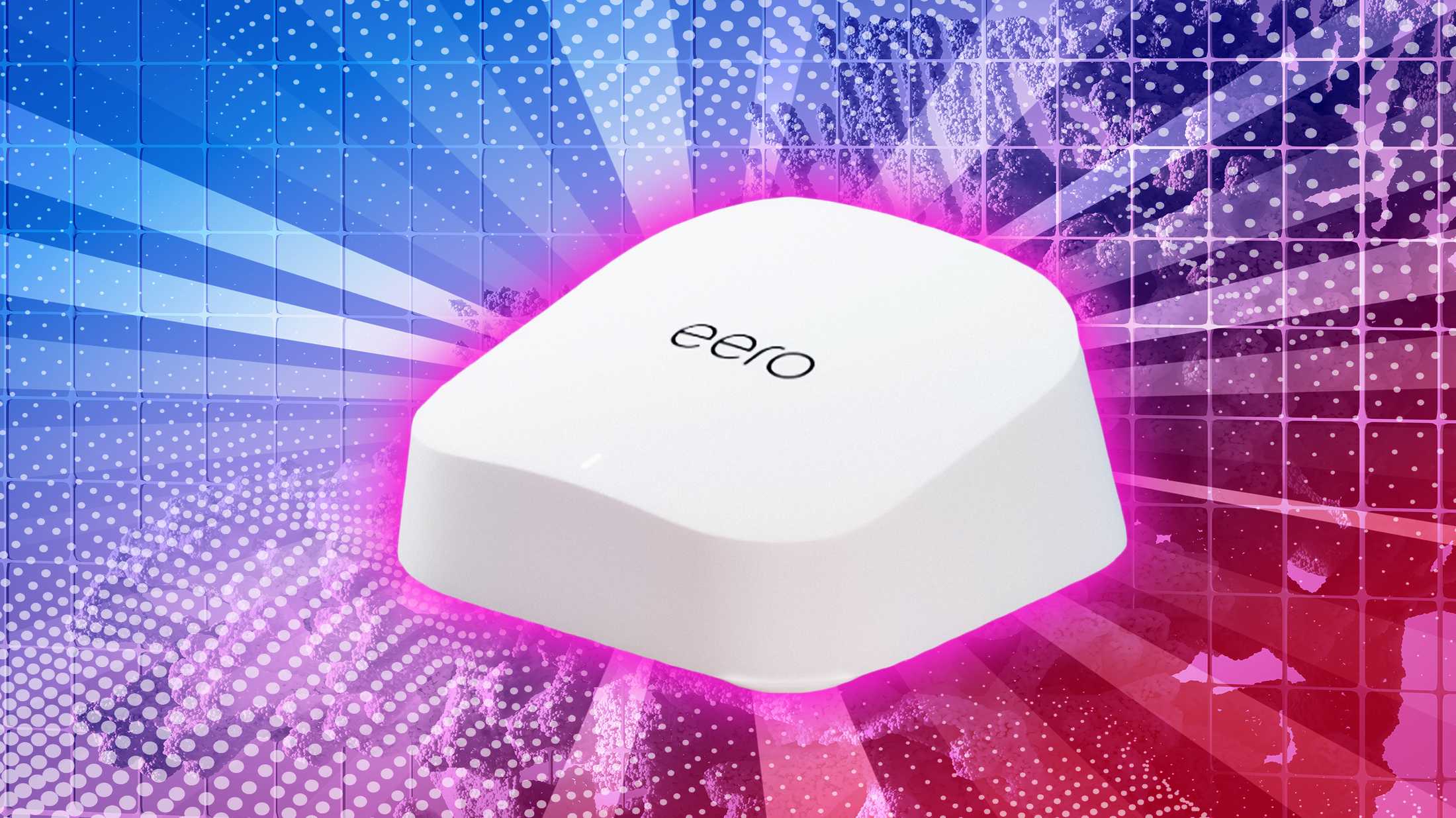
Credit: www.pocket-lint.com
Frequently Asked Questions
What Is Mesh Wifi For Smart Entertainment Devices?
Mesh WiFi uses multiple nodes to extend wireless coverage. It ensures stable connections for smart TVs, speakers, and gaming consoles. This reduces buffering and lag during streaming or gaming.
How Does Mesh Wifi Improve Streaming Quality?
Mesh WiFi provides consistent signal strength throughout your home. It eliminates dead zones that cause interruptions in streaming. This results in smoother video playback and faster loading times.
Can Mesh Wifi Support Multiple Smart Devices Simultaneously?
Yes, mesh WiFi systems handle many devices at once. They balance traffic efficiently to prevent network slowdowns. This is ideal for homes with multiple smart entertainment gadgets.
Is Mesh Wifi Better Than Traditional Routers For Gaming?
Mesh WiFi offers lower latency and broader coverage than standard routers. It reduces lag spikes by maintaining strong signals near gaming devices. This enhances online gaming performance and responsiveness.
Conclusion
Mesh WiFi improves your home network for smart entertainment devices. It gives strong signals in every room, reducing delays and buffering. Streaming movies and playing games become smoother and more fun. Setting up the system is simple and fits any home size.
Enjoying your favorite shows and music feels better with reliable WiFi. Choose mesh WiFi to keep all devices connected easily. Experience faster, steady internet without dead zones. Smart entertainment works best with a strong, steady connection.