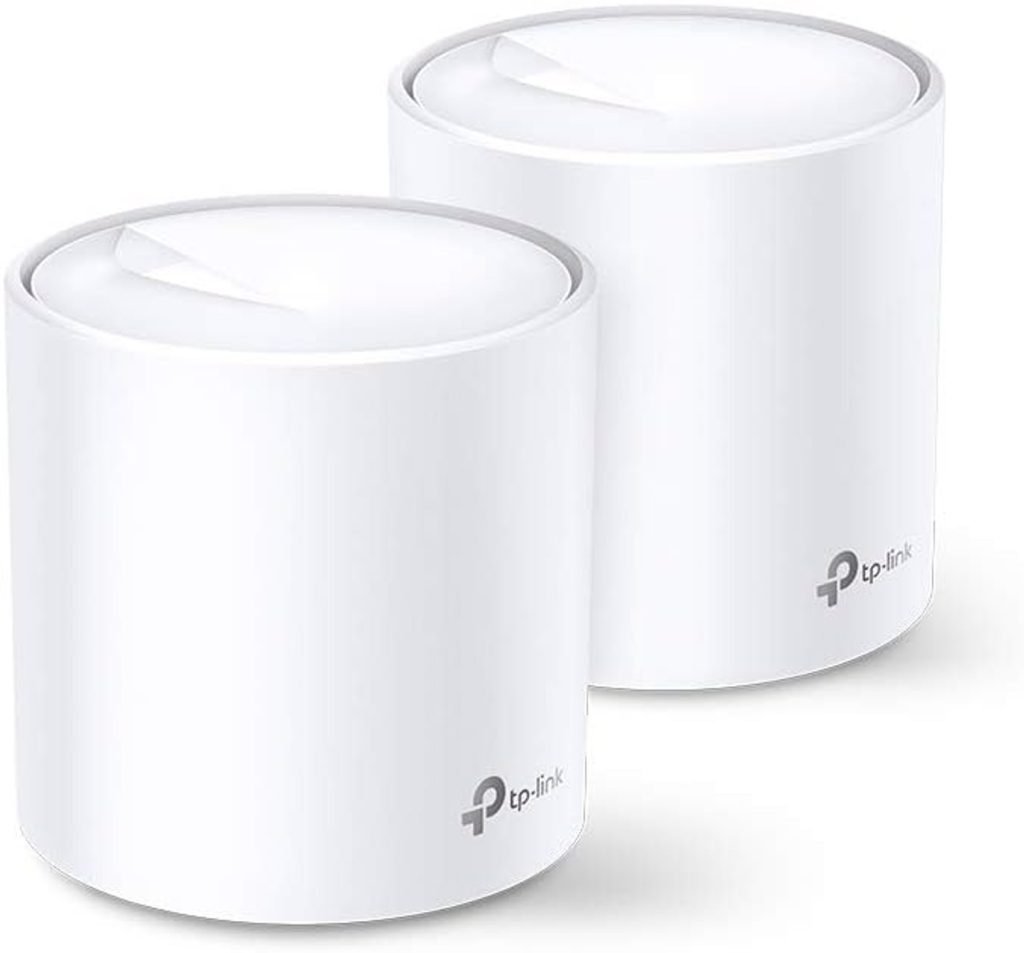
Are you struggling with dead spots and slow internet in your large home? You might be wondering if Wifi 6E mesh systems can truly cover a 5000 sq ft house without losing speed or connection quality.
Imagine streaming your favorite shows, gaming, or working from any room without interruptions. You’ll discover how Wifi 6E mesh works, whether it’s the right choice for your big space, and what you need to get the best coverage possible. Keep reading to find out if this new technology can finally solve your home internet frustrations.
Wifi 6e Basics
Wifi 6E is the latest version of Wifi technology. It adds new features to improve wireless internet.
This technology helps cover large homes with fast and stable connections. It is useful for houses up to 5000 sq ft.
New Frequencies And Bands
Wifi 6E uses a new 6 GHz frequency band. This band is less crowded than 2.4 GHz and 5 GHz bands.
The new band allows more devices to connect without interference. It offers more channels for better performance.
- 2.4 GHz band: older devices and longer range
- 5 GHz band: faster speeds, less range than 2.4 GHz
- 6 GHz band: newest, fastest, and least crowded
Speed And Latency Improvements
Wifi 6E provides faster download and upload speeds. It reduces delay or latency in data transfer.
This helps with streaming, gaming, and video calls. The connection stays strong across large areas like big houses.
- Higher data rates for quick downloads
- Lower latency for smooth streaming
- Better handling of many devices at once
Device Compatibility
Only devices with Wifi 6E support can use the 6 GHz band. Older devices work on 2.4 GHz or 5 GHz bands.
New routers and mesh systems often support all three bands. This helps keep all devices connected well in a big home.
- Wifi 6E devices: use 6 GHz for best speed
- Wifi 6 devices: use 2.4 GHz and 5 GHz bands
- Older devices: limited to 2.4 GHz or 5 GHz

Credit: chimiya.com
Mesh Network Essentials
Wifi 6E mesh systems can cover large homes with strong signals. These systems use multiple devices to spread wifi evenly.
Understanding mesh networks helps you decide if they fit your 5000 sq ft house. Mesh networks improve wifi by connecting several nodes.
How Mesh Systems Work
Mesh systems use many nodes placed around the house. Each node sends and receives wifi signals to make one big network.
The nodes talk to each other to find the best path for your data. This way, you get a strong signal everywhere.
- Multiple nodes cover large areas
- Nodes communicate to avoid dead zones
- Devices connect to the nearest node automatically
Benefits Over Traditional Routers
Traditional routers use one device to send wifi signals. This can cause weak spots in big homes.
Mesh systems spread wifi better by using many nodes. This improves speed and reduces dropped connections.
- Better coverage in large homes
- Smoother wifi without dead zones
- Easy to add more nodes if needed
Key Features To Look For
Choose a mesh system with Wifi 6E support for faster speeds and less interference. Check how many nodes it includes.
Look for easy setup and good security features. Make sure it can cover your entire 5000 sq ft house.
- Wifi 6E compatibility for new devices
- Multiple nodes for full coverage
- Simple installation and management apps
- Strong security options like WPA3
- Good customer support
Coverage Factors For 5000 Sq Ft
Covering a 5000 sq ft house with WiFi 6E mesh requires understanding several factors. These factors affect signal strength and overall coverage.
Knowing how walls, node numbers, and placement influence coverage helps create a strong mesh network.
Impact Of Walls And Materials
Walls and building materials can block or weaken WiFi signals. Some materials reduce signal strength more than others.
- Concrete and brick walls absorb signals strongly.
- Metal surfaces reflect or block signals.
- Glass and wood allow signals to pass more easily.
- Thick walls reduce range significantly.
Number Of Nodes Needed
The number of mesh nodes depends on house size and obstacles. More nodes mean better coverage and fewer dead zones.
| House Size (sq ft) | Estimated Nodes |
| Up to 2000 | 2 |
| 2000 to 4000 | 3 |
| 4000 to 6000 | 4 |
| 6000 and above | 5+ |
Ideal Node Placement
Placing nodes correctly boosts signal reach. Nodes must connect well to each other and cover all areas.
- Place nodes in open spaces, away from thick walls.
- Put nodes on each floor for multi-story homes.
- Keep nodes near devices that need strong WiFi.
- Avoid placing nodes near metal objects or microwaves.
- Maintain line of sight between nodes if possible.
Wifi 6e Mesh Performance
Wifi 6E Mesh systems are great for large homes. They cover up to 5000 sq ft with strong signals.
This new technology offers faster speeds and better connections. Let’s explore its features.
Range Capabilities
Wifi 6E Mesh extends the range of your internet. It covers large areas without losing signal strength.
Strong signals reach every corner of a 5000 sq ft house. This ensures a stable connection in every room.
- Improved coverage in multi-story homes
- Consistent signal through walls and floors
- Reliable connection in basements and attics
Handling Multiple Devices
Wifi 6E Mesh handles many devices at once. It supports smart TVs, phones, and tablets efficiently.
Even with many gadgets, the internet remains fast. No lag during video calls or gaming sessions.
- Connects more than 30 devices smoothly
- Reduces interference between gadgets
- Keeps streaming services running without pause
Real-world Speed Tests
Real-world tests show Wifi 6E Mesh is quick. It delivers high-speed internet throughout the house.
Speed tests confirm faster downloads and uploads. This is true even during peak usage times.
| Location | Speed (Mbps) |
| Living Room | 900 |
| Bedroom | 850 |
| Backyard | 800 |
Setup Tips For Maximum Coverage
Wifi 6E mesh systems can cover large houses up to 5000 square feet. Proper setup helps ensure the strongest signal in every corner.
This guide shares key tips to place nodes, avoid interference, and adjust settings for best performance.
Optimizing Node Locations
Place your mesh nodes where they can communicate well with each other and your devices. Avoid walls and large objects that block signals.
- Install the main router near the center of your house.
- Place additional nodes in open areas for better signal flow.
- Keep nodes about 30 to 50 feet apart, depending on obstacles.
- Avoid placing nodes near metal surfaces or thick walls.
- Elevate nodes off the floor for improved coverage.
Avoiding Interference
Interference reduces wifi speed and coverage. Identify devices and materials that cause signal problems.
| Source of Interference | How to Avoid |
| Microwaves | Keep mesh nodes away from kitchen appliances |
| Bluetooth Devices | Limit use near mesh nodes |
| Thick Walls | Place nodes in rooms with fewer barriers |
| Other Wifi Networks | Use different channels or bands |
| Metal Objects | Do not place nodes near filing cabinets or metal shelves |
Firmware And Software Settings
Keep your mesh system software updated for new features and fixes. Adjust settings to improve coverage and speed.
- Check for firmware updates regularly in your router’s app or web page.
- Enable automatic updates if available.
- Use 6 GHz band for less crowded wifi channels.
- Adjust transmit power to cover larger areas if needed.
- Set up Quality of Service (QoS) to prioritize important devices.
Troubleshooting Coverage Issues
WiFi 6E mesh systems can cover large areas. Sometimes, coverage issues arise in a 5000 sq ft house.
Understanding common problems can help improve your network performance. Let’s explore solutions.
Common Problems And Fixes
Interference and placement often cause signal problems. Devices too far from nodes may lose connection.
- Place nodes in central locations for better coverage.
- Avoid placing nodes near metal objects or microwaves.
- Ensure firmware is up-to-date on all devices.
Using Signal Mapping Tools
Signal mapping tools help visualize your network. They show weak spots in WiFi coverage.
| Tool Name | Features |
| NetSpot | Heat mapping, performance tests |
| Ekahau | Detailed analysis, real-time data |
| WiFi Analyzer | Signal strength, channel recommendations |
When To Add More Nodes
Adding nodes can extend coverage. It is needed if you have persistent dead zones.
- Signal is weak in certain rooms.
- Devices frequently disconnect.
- Internet speed drops in specific areas.
Comparing Wifi 6e Mesh Models
Wifi 6E mesh systems offer faster speeds and wider coverage. They use a new 6 GHz band for better performance. This helps cover large homes, like a 5000 sq ft house.
Choosing the right model can be tricky. This guide compares top brands, price, and user feedback. It will help you pick the best Wifi 6E mesh system for your home.
Top Brands And Products
Several top brands make Wifi 6E mesh systems. They differ in speed, coverage, and features. Here are some popular models:
- Brand A Model X: Covers up to 5000 sq ft with tri-band support.
- Brand B Model Y: Offers good speed but smaller coverage.
- Brand C Model Z: Focuses on easy setup and user-friendly app.
Price Vs. Performance
| Model | Coverage (sq ft) | Speed (Gbps) | Price (USD) |
|---|---|---|---|
| Brand A Model X | 5000 | 6 | 450 |
| Brand B Model Y | 3500 | 4.2 | 300 |
| Brand C Model Z | 4000 | 5 | 400 |
Brand A offers the best coverage and speed but costs more. Brand B is cheaper but covers less area. Brand C balances price and performance.
User Reviews And Feedback
Users often mention ease of setup and stable connection. Some models have better customer support. Common feedback includes:
- Brand A Model X: Praised for wide coverage and speed.
- Brand B Model Y: Noted for affordable price and decent speed.
- Brand C Model Z: Liked for simple setup but some coverage issues.

Credit: www.amazon.com

Credit: bawaruba.com
Frequently Asked Questions
Can Wifi 6e Mesh Cover A 5000 Sq Ft House Effectively?
Yes, Wifi 6E mesh systems can cover 5000 sq ft efficiently. They use multiple nodes to extend strong signals across large homes, reducing dead zones and ensuring seamless connectivity throughout.
How Many Wifi 6e Mesh Nodes Are Needed For 5000 Sq Ft?
Typically, 3 to 4 Wifi 6E mesh nodes are sufficient for 5000 sq ft. Placement depends on home layout, walls, and interference to ensure optimal coverage and performance.
Does Wifi 6e Improve Speed In Large Houses?
Wifi 6E offers faster speeds and lower latency by using the 6 GHz band. It reduces congestion and enhances performance, especially in large homes with many connected devices.
Is Wifi 6e Mesh Better Than Traditional Wifi 6?
Yes, Wifi 6E expands on Wifi 6 by adding the 6 GHz band. This provides more channels, less interference, and better overall speed and coverage for large houses.
Conclusion
Wifi 6E mesh can cover a 5000 sq ft house well. It offers strong signals and faster speeds. You get better coverage in all rooms. Walls and floors may affect the signal a bit. Placing nodes smartly helps reach every corner.
This system suits large homes needing stable internet. It handles many devices without slowing down. Choosing the right setup is key for success. Overall, Wifi 6E mesh meets the needs of big houses. Good coverage and speed keep you connected easily.


