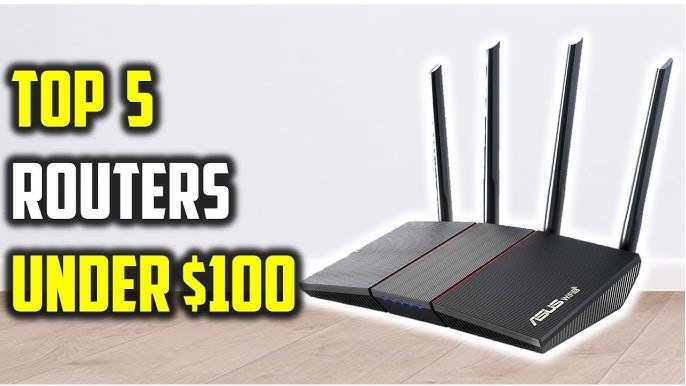
Are you looking to upgrade your home internet setup without breaking the bank? Choosing between a standalone router and a modem-router combo under $100 can be tricky.
You want the best speed, reliability, and value for your money—but which option truly fits your needs? This guide will help you cut through the confusion, so you can make a smart choice that boosts your online experience without extra hassle.
Keep reading to discover which device gives you the most bang for your buck.
Router Vs Modem-router
A routerconnects devices to the internet within your home. It creates a Wi-Fi networkso multiple devices can share one internet connection. A modem-router combocombines two devices in one. It both connects to the internet and shares it through Wi-Fi.
| Feature | Router | Modem-Router |
|---|---|---|
| Function | Shares internet via Wi-Fi | Connects to internet and shares Wi-Fi |
| Setup | Needs separate modem | All-in-one device |
| Cost | Usually cheaper | More expensive |
| Upgrade | Easier to upgrade separately | Upgrade both at once |
- Router pros:Flexible, often cheaper, easy to replace.
- Router cons:Needs a separate modem, more devices to manage.
- Modem-router pros:Simple setup, fewer devices, less space.
- Modem-router cons:Harder to upgrade, may cost more upfront.
Credit: www.thepcdoctor.com.au
Factors To Consider
Internet speed needsdepend on your daily activities. Streaming videos or online gaming require faster speeds. A separate modem and routermay deliver better performance. A modem-router combo can save space but might limit speed options.
Device compatibility matters for smooth connections. Some modems only work with certain internet providers. Routers should support your devices like phones and laptops. A combo device may have fewer settings to change, which is easier for beginners.
Consider space and setup complexity. A modem-router combo is compactand takes less room. Using separate devices means more cables and space but offers more control. Setup for combos is usually simpler, good for quick installation.
Top Picks Under 100
Choosing between a routerand a modem-router combodepends on your needs and budget. A routerconnects multiple devices to the internet through a modem. It offers better Wi-Fi range and faster speeds. A modem-routercombines both functions in one device, saving space and simplifying setup.
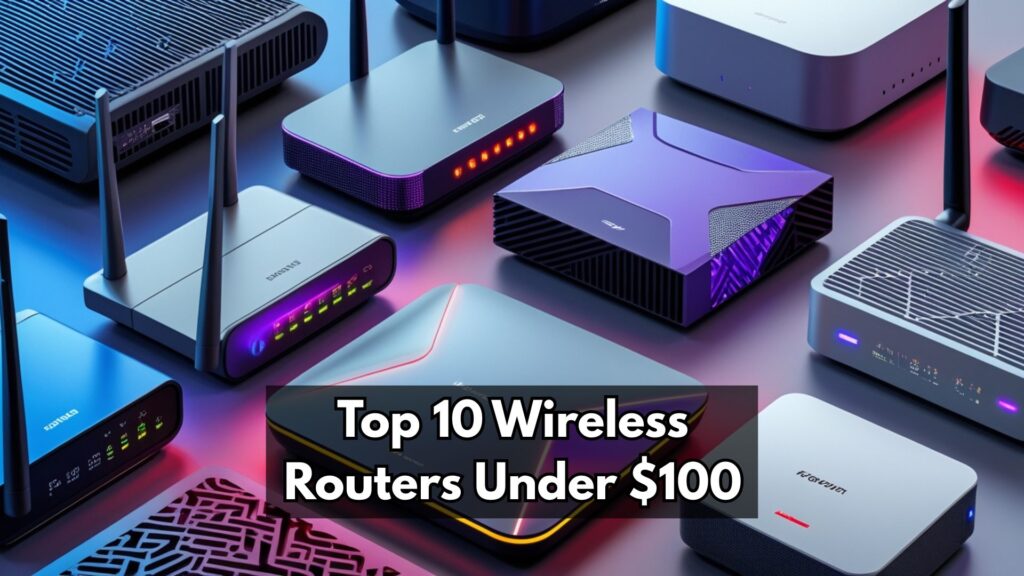
Here are some best picks under $100to consider:
Best Routers
- TP-Link Archer A7:Reliable Wi-Fi and easy setup.
- NETGEAR R6700:Strong signal and good speed.
- ASUS RT-AC66U B1:Good for streaming and gaming.
Best Modem-routers
- ARRIS SURFboard SBG10:Cable modem and Wi-Fi router combo.
- NETGEAR C6220:Fast internet with simple design.
- Motorola MG7700:Solid performance and easy setup.
Credit: wifi-guy.net
Cost And Value
Buying a modem-router combomeans one device instead of two. This can save money upfront, usually under $100. Standalone routers or modems may cost less, but you might need to buy both. That can add up fast.
Long-term, a separate modem and router offer more flexibility. You can upgrade one without replacing the other. This might save money over time. Modem-router combos may need full replacement if one part breaks.
- Modem-router combo:Lower initial cost, simple setup.
- Separate devices:Higher initial cost, easier upgrades later.
Installation And Maintenance
Setting up a router or modem-router usually takes just a few minutes. Most devices have a simple web page or app to guide you through the setup. Just connect the cables, turn it on, and follow the steps shown on your screen. No technical skills needed.
Maintaining these devices is easy. Keep the firmware updated to fix bugs and improve security. A quick restart can solve many common problems. Place the device in an open area for better signal and less overheating.
- Check all cable connections are secure.
- Restart the device to clear minor issues.
- Update firmware regularly for best performance.
- Reset to factory settings if problems persist.
- Contact your internet provider if connection fails.

Credit: www.youtube.com
When To Upgrade
Deciding between a router and a modem-router under $100 depends on your needs. A router is ideal if you already have a modem, while a modem-router combo can simplify setup. Evaluate your internet usage and existing equipment to make the right choice.
Signs Your Device Needs Replacement
Slow internet can be a big hint. If webpages load slowly, it might be time. Frequent connection drops are another sign. Devices struggle to stay connected? Think about replacing. Older devices may not support new features. Look for outdated technology. If your device gets hot, it’s working too hard. Overheating is a warning.
Future-proofing Your Network
Technology changes fast. Newer devices have better features. They support faster speeds and more connections. Investing in a new device can help. Look for dual-band or tri-band routers. They handle more traffic. Consider devices that support the latest Wi-Fi standards. This ensures better performance. A good investment today saves headaches tomorrow.
Frequently Asked Questions
Is A Modem-router Combo Better Under 100 Dollars?
A modem-router combo saves space and is easy to set up. It suits basic internet needs and reduces cable clutter. However, combos may offer fewer features than separate devices.
Should I Buy A Separate Router Or Modem Under 100?
Separate devices often provide better performance and flexibility. A standalone router can offer advanced features and stronger Wi-Fi. Modems focus solely on internet connection stability.
Can I Get Good Wi-fi With A Modem-router Under 100?
Yes, many modem-router combos under 100 offer reliable Wi-Fi for small homes. However, they may lack advanced speed or range features found in pricier models.
Does Buying Separate Modem And Router Improve Internet Speed?
Not always. Speed depends on your internet plan and device quality. Separate devices can help optimize performance if chosen wisely.
Conclusion
Choosing between a router and a modem-router under 100 depends on your needs. A modem-router saves space and is easy to set up. A separate router may offer better speed and features. Think about your internet plan and how many devices you use.
Budget matters, but so does performance. Both options can work well for home use. Decide what fits your home and internet best. This helps you get good service without spending too much. Simple and smart choices make your internet experience better.


