Are you tired of slow Wi-Fi that can’t keep up with all your devices? Whether you have a busy household or a home office, your internet should work smoothly everywhere.
Finding a mesh Wi-Fi system under $200 that handles multiple devices might seem tough, but it’s possible. Imagine seamless streaming, quick downloads, and no more frustrating dead zones—all without breaking the bank. Keep reading to discover the best budget-friendly mesh Wi-Fi options that will transform your home network and make slow connections a thing of the past.
Benefits Of Mesh Wifi
Mesh Wifi systems provide strong internet signals across large areas. They help multiple devices stay connected without slowdowns.
This technology is great for homes or offices with many rooms. It solves common issues like dead zones and weak signals.
Coverage For Large Spaces
Mesh Wifi uses several units to cover every corner of a big area. Each unit works together to give full coverage.
- Eliminates dead zones in large homes or offices
- Supports multiple floors and outdoor areas
- Easy to add more units to expand coverage
Seamless Connectivity
Mesh Wifi lets your devices switch nodes without losing signal. You can move around freely without internet drops.
| Feature | Benefit |
| Automatic switching | Keeps connection stable while moving |
| Unified network name | Easy to connect with one Wi-Fi name |
| Fast data transfer | Good for streaming and video calls |
Easy Network Management
Mesh Wifi systems often come with apps for simple control. You can check devices and change settings with a few taps.
- Set up guest networks
- Pause internet for certain devices
- Monitor usage and speed
- Receive updates automatically
Key Features To Consider
Choosing a mesh WiFi system under $200 can be tricky. You want a system that works well with many devices.
This guide covers the main features to check before buying. Focus on support, speed, security, and setup.
Number Of Supported Devices
Look for how many devices the mesh WiFi can handle at once. More devices mean better coverage for your home.
Some mesh systems support over 50 devices. Others may support fewer. Choose based on your home’s needs.
- Check maximum device count on the package or website
- Consider future devices you might add
- Think about smart home gadgets and mobile devices
Speed And Performance
Speed matters for streaming, gaming, and work. Look for mesh WiFi with fast data rates.
Performance depends on WiFi standards like WiFi 5 or WiFi 6. WiFi 6 is newer and faster.
- Choose WiFi 6 for better speed and range
- Check the combined speed rating (e.g., 1200 Mbps)
- Consider dual-band or tri-band options for less interference
Security Options
Good security keeps your network safe from hackers. Look for strong encryption and updates.
Most mesh WiFi systems use WPA3 or WPA2 security protocols. Some offer extra features like guest networks.
- Choose WPA3 support for better protection
- Look for automatic firmware updates
- Guest network option helps keep your main network safe
Ease Of Setup
Setup should be quick and simple. Most mesh WiFi systems use apps to guide you through installation.
Check if the system offers easy app controls and clear instructions. This saves time and stress.
- Look for user-friendly mobile apps
- Check if the system supports plug-and-play setup
- Some systems have voice assistant compatibility for easier control
Top Budget Mesh Wifi Systems
Mesh wifi systems help spread internet evenly in your home. They stop dead zones and keep your devices connected.
This guide shows mesh wifi options under $200 that work well with many devices. Find a system that fits your needs and budget.
Best Overall Value
The best overall value mesh wifi offers good speed and coverage. It works well for homes with several devices.
Look for systems with easy setup and strong signals. They balance cost and features for most users.
- Good range for medium to large homes
- Supports many devices without slowdown
- Includes parental controls and security features
Strongest Performance
Strongest performance mesh wifi handles many devices and fast internet. It keeps connections stable during heavy use.
These systems use advanced technology to reduce lag and improve speed. They work well for streaming and gaming.
- High data transfer rates
- Wide coverage with multiple nodes
- Supports latest wifi standards
Most User-friendly
User-friendly mesh wifi has easy app control and simple setup. It helps users manage their network without tech skills.
Look for systems with clear instructions and helpful apps. They allow quick network monitoring and device management.
- Step-by-step setup guides
- Intuitive mobile apps
- Automatic updates and fixes
Compact And Stylish
Compact and stylish mesh wifi fits well in any room. Small devices blend with home decor without clutter.
These systems are easy to place and move. They work well in small spaces and offer good coverage.
- Small size for discreet placement
- Modern designs and colors
- Easy to expand with extra units

Credit: www.digitaltrends.com
Comparison Of Affordable Mesh Systems
Mesh WiFi systems help cover your home with strong internet. Many good options cost less than $200. These systems can support many devices at once.
This guide compares affordable mesh WiFi systems. It looks at price, coverage, device support, and customer feedback.
Price And Package Details
Most mesh WiFi systems under $200 come in packs of two or three units. This setup helps cover larger areas at a low cost.
Prices vary slightly based on brand and number of units. Some packages include extra features like parental controls or easy setup apps.
| System | Price | Units Included |
|---|---|---|
| TP-Link Deco M4 | $150 | 2-pack |
| Amazon Eero 6 | $170 | 2-pack |
| Netgear Orbi RBK13 | $180 | 2-pack |
| Google Nest Wifi | $199 | 2-pack |
Coverage Area
Coverage depends on the number of units and their range. Most two-unit systems cover 3,000 to 4,000 square feet.
Some systems offer better coverage by using stronger hardware or better mesh technology.
- TP-Link Deco M4: Up to 3,800 sq ft
- Amazon Eero 6: Up to 3,500 sq ft
- Netgear Orbi RBK13: Up to 3,000 sq ft
- Google Nest Wifi: Up to 3,800 sq ft
Device Capacity
Mesh systems support many devices at once. This is useful for homes with many phones, laptops, and smart devices.
Capacity varies by system but generally supports 50 to 100 devices. Some manage traffic better for smooth performance.
| System | Max Devices Supported |
|---|---|
| TP-Link Deco M4 | 100 devices |
| Amazon Eero 6 | 75 devices |
| Netgear Orbi RBK13 | 40 devices |
| Google Nest Wifi | 100 devices |
Customer Ratings
Customer ratings show satisfaction and reliability. Most affordable mesh systems score between 4.0 and 4.5 stars out of 5.
Users praise easy setup and strong coverage. Some report slower speeds with many devices connected.
- TP-Link Deco M4: 4.4 stars
- Amazon Eero 6: 4.3 stars
- Netgear Orbi RBK13: 4.1 stars
- Google Nest Wifi: 4.5 stars
Tips For Optimizing Mesh Wifi
Mesh Wifi systems under $200 can support many devices well. To get the best speed and coverage, you need to set them up right.
Small changes in placement and settings help your network work better. Follow these tips to improve your mesh Wifi.
Ideal Router Placement
Place the main router in a central spot in your home. This helps the signal reach all rooms evenly.
Avoid putting routers near thick walls or large metal objects. These can block or weaken the Wifi signal.
- Keep routers off the floor and on a shelf or table
- Space out mesh nodes evenly around your home
- Do not hide routers inside cabinets or behind furniture
- Place nodes where you use your devices most
Firmware Updates
Firmware is the software inside your mesh Wifi devices. Updating it fixes bugs and improves performance.
Check for updates regularly in your router’s app or website. Install new versions as soon as they are available.
- Set automatic updates if your system allows
- Restart routers after updating firmware
- Keep all mesh nodes updated to the same firmware version
Network Security Practices
Secure your mesh Wifi to protect your devices and data. Use strong passwords and safe settings.
Change the default network name and password. Use WPA3 or WPA2 security if available.
- Enable guest networks for visitors
- Turn off remote management unless needed
- Use a strong password with letters, numbers, and symbols
- Regularly check connected devices and remove unknown ones

Credit: www.tomsguide.com
Credit: us.store.tp-link.com
Frequently Asked Questions
What Is The Best Mesh Wifi Under $200?
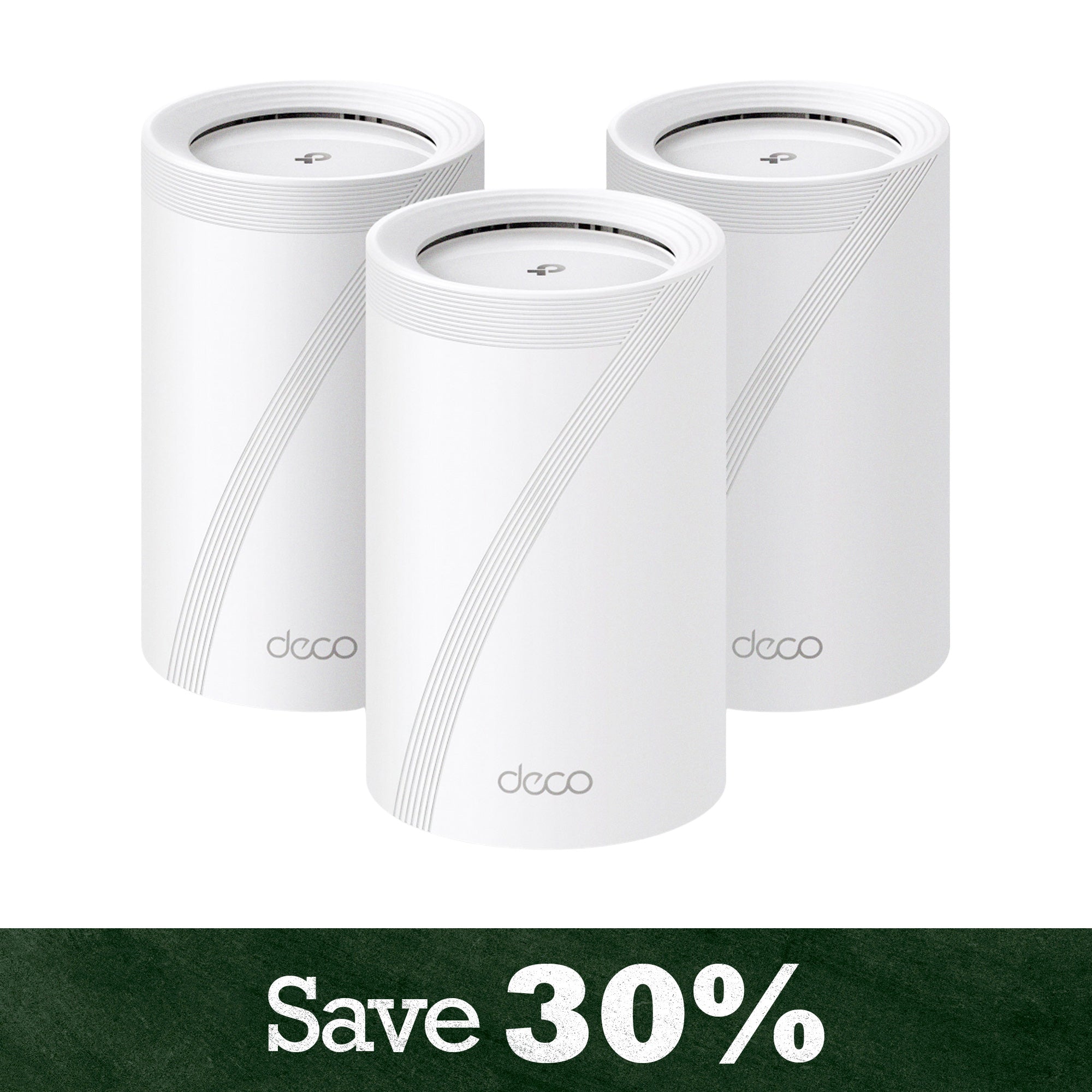
The best mesh WiFi under $200 offers reliable coverage and supports multiple devices. Popular models include TP-Link Deco and Google Nest Wifi. These systems provide seamless connectivity and easy setup, perfect for homes with several connected gadgets.
How Many Devices Can Mesh Wifi Support?
Mesh WiFi can support 50+ devices, depending on the model. Affordable mesh systems under $200 handle multiple devices efficiently, ensuring stable speeds without lag or dropouts in busy households.
Does Mesh Wifi Improve Home Internet Speed?
Yes, mesh WiFi improves home internet speed by reducing dead zones. It uses multiple nodes to extend coverage, providing consistent and faster connections throughout your home.
Is Mesh Wifi Easy To Set Up?
Mesh WiFi is easy to set up, often through smartphone apps. Most systems include step-by-step guides, making configuration quick, even for users with limited technical skills.
Conclusion
Choosing the right mesh WiFi under $200 can improve your home internet. These devices handle many gadgets without slowing down. You get better coverage in every room. Setup is usually quick and simple. Staying connected with family or work becomes easier.
A reliable network helps daily tasks run smoothly. This guide helps you find options that fit your budget. Strong WiFi means less frustration and more convenience. Simple, fast internet is possible without spending too much. Good WiFi makes your home smarter and more enjoyable.