Are you wondering if Wifi 5 mesh systems are still worth using? With so many new technologies popping up, it’s easy to question whether your current setup can keep up.
You want a network that’s fast, reliable, and covers every corner of your home without breaking the bank. This article will help you understand if Wifi 5 mesh can meet your needs or if it’s time to upgrade. Keep reading to find out what really works for your internet connection.
Wifi 5 Mesh Basics
Wifi 5 mesh systems help spread wireless internet across your home. They use several devices to cover large areas.
This setup improves signal strength in places far from the main router.
What Is Wifi 5 Mesh
Wifi 5 mesh is a wireless network using the 802.11ac standard. It connects multiple units to create one network.
Each unit acts as a node, sending and receiving data to improve coverage and speed.
How Mesh Networks Work
Mesh networks link several devices to share internet signals. They form a web of connections.
- The main router connects to the internet.
- Satellite nodes communicate with the main router and each other.
- Devices connect to the nearest node for best signal.
- Data travels through nodes to reach the internet or device.
Key Features Of Wifi 5 Mesh
| Feature | Description |
| Coverage | Extends wifi signal to cover large areas |
| Seamless Roaming | Devices switch nodes without dropping connection |
| Speed | Supports fast wireless speeds up to 1.3 Gbps |
| Easy Setup | Simple installation via apps or web portals |
| Compatibility | Works with most devices using Wifi 5 standard |
Performance Compared
WiFi 5 mesh systems still provide reliable network performance for many users. They offer good speeds and coverage for everyday internet needs.
Comparing WiFi 5 mesh to newer standards helps understand if it fits your home or office setup.
Speed And Coverage
WiFi 5 mesh networks support speeds up to 3.5 Gbps under ideal conditions. They cover medium to large homes well with multiple nodes.
- Good for streaming HD videos and online gaming
- Coverage typically reaches 3,000 to 5,000 square feet
- May slow down at longer distances from nodes
- Not as fast as WiFi 6 but sufficient for many users
Latency And Stability
Latency affects how quickly devices communicate with the router. WiFi 5 mesh provides stable connections with low latency for most tasks.
| Feature | WiFi 5 Mesh | WiFi 6 Mesh |
| Average Latency | 20-30 ms | 10-20 ms |
| Connection Stability | Good | Better with more devices |
| Interference Handling | Basic | Improved |
Device Compatibility
WiFi 5 supports most devices made in the last 5-7 years. It works well with smartphones, laptops, and smart home gadgets.
- Compatible with older and newer devices
- Does not support some WiFi 6 features
- Good choice if devices don’t need latest speeds
- Easy to set up and manage
Value For Money
Wifi 5 Mesh systems are a popular choice for home networks. They offer good coverage at an affordable price.
These systems are often seen as a budget-friendly solution. They provide reliable internet access throughout your home.
Cost Of Wifi 5 Mesh Systems
Wifi 5 Mesh systems are generally cheaper than newer models. This makes them attractive for those watching their budget.
Prices can vary depending on the brand and features. However, they are usually more affordable than Wifi 6 systems.
Long-term Investment
Investing in a Wifi 5 Mesh system can be a smart choice. They are reliable and can serve your needs for many years.
These systems often receive updates to improve performance. This helps extend their useful life and value.
Comparing Wifi 5 And Wifi 6 Prices
Wifi 6 systems are more advanced, but they cost more. Wifi 5 Mesh systems are cheaper and still provide good performance.
For many users, the cost difference is significant. Wifi 5 offers a balance of price and performance.
- Wifi 5 Mesh: Budget-friendly, reliable
- Wifi 6 Mesh: Higher cost, more features
When Wifi 5 Mesh Is Ideal
Wifi 5 mesh systems still work well in many homes. They help spread internet signals evenly. This avoids dead zones in different rooms.
Choosing the right mesh system depends on your home size, online activities, and budget. Wifi 5 mesh offers a good balance in these areas.
Suitable Home Sizes
Wifi 5 mesh fits best in small to medium homes. It covers areas up to 3,000 square feet. For larger homes, Wifi 6 or newer may work better.
- Apartments and small houses
- Homes with two floors or less
- Spaces without many thick walls
Types Of Online Activities
Wifi 5 mesh supports most daily internet tasks well. It handles web browsing, video streaming, and video calls with ease.
| Activity | Performance on Wifi 5 Mesh |
| Web browsing | Fast and smooth |
| Video streaming (HD) | Reliable without buffering |
| Online gaming | Good for casual games |
| 4K streaming | May have occasional slowdowns |
| Heavy file downloads | Moderate speeds |
Budget-friendly Solutions
Wifi 5 mesh systems cost less than newer models. They offer solid coverage and speed without a high price.
Benefits of choosing Wifi 5 mesh for budget:
- Lower upfront cost compared to Wifi 6
- Good compatibility with older devices
- Easy to set up and manage
Limitations To Consider
WiFi 5 mesh systems are still useful for many homes. Yet, there are some limitations to keep in mind.
Understanding these limitations can help you decide if WiFi 5 mesh is right for you.
Bandwidth Constraints
WiFi 5 mesh systems may struggle with high bandwidth needs. This can affect households with many devices.
- Streaming multiple 4K videos at once can slow down speeds.
- Online gaming on several consoles can cause lag.
- Video conferencing might experience interruptions.
Future-proofing Concerns
Technology advances rapidly, and WiFi 6 is now available. WiFi 5 mesh may not support future devices well.
Potential Interference Issues
WiFi 5 mesh systems can face interference from other electronics. This can affect signal quality and range.
| Device | Interference Type |
| Microwaves | Signal disruption |
| Bluetooth devices | Frequency overlap |
| Cordless phones | Channel interference |

Credit: www.pcmag.com
Upgrading To Wifi 6 Mesh
Wifi 5 mesh systems still work well for many homes. They offer good speed and coverage.
Still, Wifi 6 mesh brings new features and better performance. It is worth thinking about an upgrade.
Benefits Of Wifi 6 Mesh
Wifi 6 mesh gives faster speeds and handles many devices at once. It also improves battery life on some devices.
- Higher data rates for quicker downloads
- Better performance with many connected devices
- Improved security features for safer browsing
- Lower latency for smoother video calls and gaming
- Better battery use on compatible phones and laptops
Transitioning Smoothly
Switching from Wifi 5 to Wifi 6 mesh is easy. Most new systems support both Wifi 5 and Wifi 6 devices.
Keep your old devices connected during the change. Place mesh nodes in good spots for full home coverage.
- Check if your devices support Wifi 6
- Install new mesh nodes step by step
- Test signal strength in all rooms
- Update router firmware regularly
Is Upgrade Necessary Now
If your current Wifi 5 mesh works well, you may wait before upgrading. Wifi 6 is best if you have many devices or need faster speed.
Consider upgrading if you stream 4K videos, play online games, or work from home often. New tech lasts longer and supports future devices.
Setup And Maintenance Tips
Wifi 5 mesh systems still work well for many homes. Setting up and keeping them working takes some care.
Good setup and regular maintenance help your mesh system give steady wifi throughout your space.
Optimizing Placement
Place mesh nodes where wifi signals can travel easily. Avoid thick walls and metal objects between nodes.
Try to put the main node near your internet source. Spread other nodes evenly across your home.
- Keep nodes in open areas, not in cabinets
- Place nodes high, like on shelves or walls
- Keep nodes away from microwaves and cordless phones
Firmware Updates
Firmware updates fix bugs and improve security. Check for updates regularly to keep your mesh system safe.
Use the app or the web interface of your mesh system to find and install updates. Set updates to automatic if possible.
- Regularly check your router’s update page
- Update firmware during low-use hours
- Restart your mesh system after updates
Troubleshooting Common Issues
If your wifi is slow or nodes disconnect, start by rebooting the system. This often fixes small problems.
Check node connections and placement. Move nodes closer if the signal is weak or unstable.
- Restart the mesh router and nodes
- Check cables and power supplies
- Reset nodes if problems continue
- Contact support if problems persist
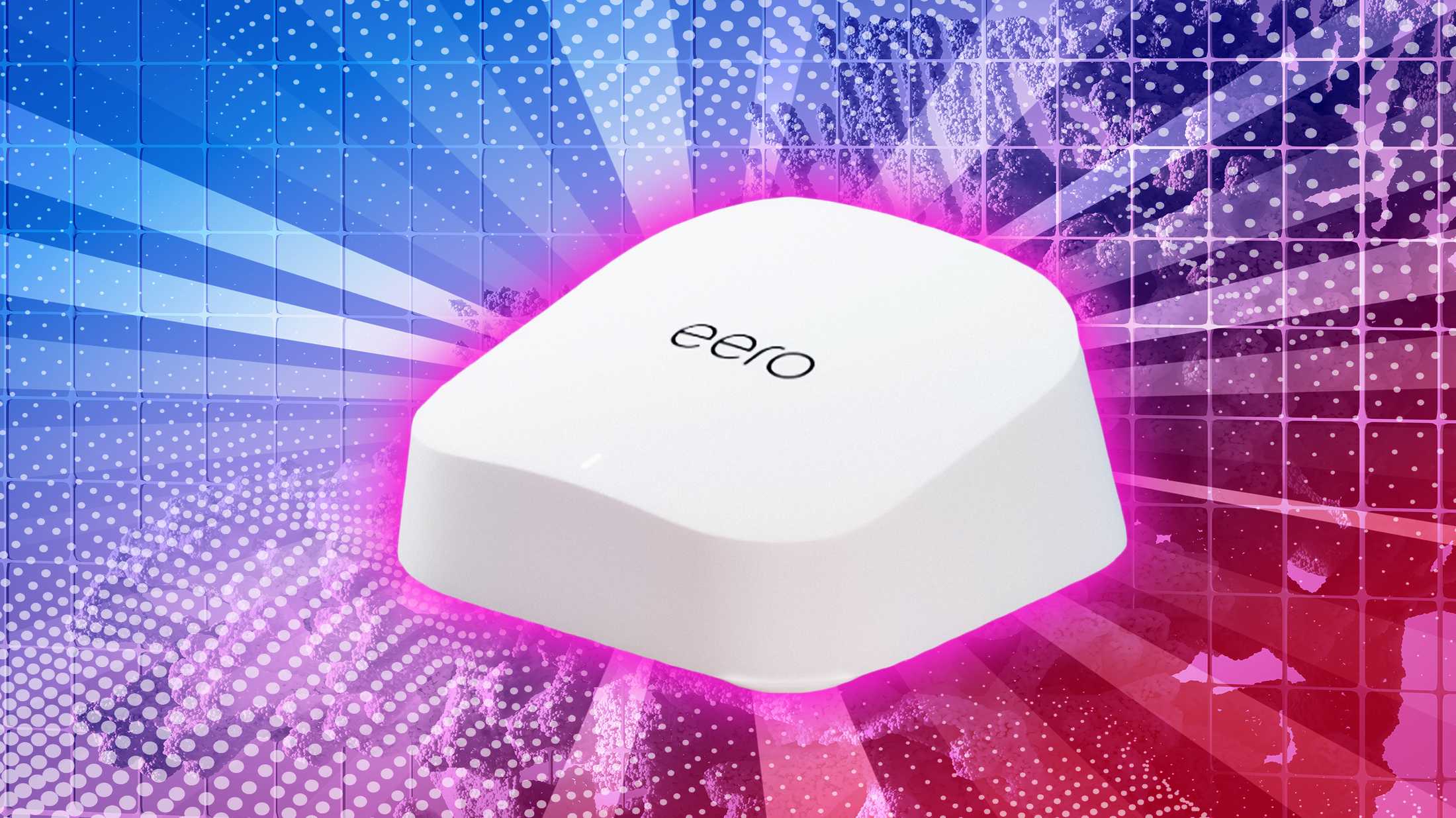
Credit: www.pocket-lint.com

Credit: www.reddit.com
Frequently Asked Questions
Is Wifi 5 Mesh Still Fast And Reliable?
Yes, Wifi 5 Mesh offers fast speeds and strong reliability. It suits most homes and streaming needs well.
Can Wifi 5 Mesh Handle Multiple Devices Smoothly?
Wifi 5 Mesh supports many devices with stable connections. It manages bandwidth effectively for everyday use.
How Does Wifi 5 Mesh Compare To Wifi 6?
Wifi 6 is faster and better at device management. But Wifi 5 Mesh remains cost-effective and sufficient for most users.
Is Wifi 5 Mesh Good For Large Homes?
Wifi 5 Mesh extends coverage well in large homes. It reduces dead zones and improves signal strength.
Conclusion
Wifi 5 mesh still meets many home needs well. It offers steady speed and good coverage. For basic internet tasks, it works fine. Newer Wifi 6 models bring faster speeds but cost more. Many users find Wifi 5 reliable and budget-friendly.
Consider your internet use and home size before choosing. This way, you get the best fit for you. Wifi 5 mesh remains a solid choice today. Simple, effective, and often enough for daily use.