Are you wondering if Wifi 6E mesh systems work with your Spectrum internet? You’re not alone.
Many people want faster, more reliable WiFi but aren’t sure if their equipment will play nicely with their service provider. Imagine streaming your favorite shows without buffering or having every device in your home connect smoothly at the same time.
If that sounds good to you, keep reading. This article will clear up the confusion and help you make the best choice for your home network.

Credit: www.youtube.com
Wifi 6e Mesh Basics
Wifi 6E is a new wireless technology that adds extra bandwidth. Mesh networks use many devices to cover large areas with wifi. Together, Wifi 6E and mesh can improve home internet.
This article explains what Wifi 6E is, benefits of mesh networks, and how Wifi 6E improves mesh systems.
What Is Wifi 6e?
Wifi 6E extends the Wifi 6 standard to a new 6 GHz band. This band is less crowded than older bands. It offers faster speeds and lower delays.
Devices that support Wifi 6E can use this new band for better performance. It helps avoid interference from other wireless devices.
Benefits Of Mesh Networks
Mesh networks use multiple nodes to spread wifi signals evenly. This setup covers large homes or offices better than a single router.
Mesh networks improve wifi reliability and reduce dead spots. They let devices switch between nodes for a steady connection.
- Better coverage in big or multi-story buildings
- Stronger wifi signals with fewer dropouts
- Easy to add more nodes to expand coverage
How Wifi 6e Enhances Mesh
Wifi 6E mesh systems use the 6 GHz band for faster data transfer. This band has more channels, so devices face less interference.
Using Wifi 6E in mesh improves speed and reduces lag. It helps many devices work well at the same time.
- More bandwidth means faster wifi for all devices
- Less interference leads to stable connections
- Lower latency improves video calls and streaming
- Better support for many smart home devices

Credit: www.reddit.com
Spectrum Internet And Wifi 6e
Spectrum is a popular internet provider in the U.S. It offers fast internet for homes and businesses.
Wifi 6E is the latest wireless technology. It adds a new 6 GHz band for faster and clearer connections.
Spectrum’s Network Features
Spectrum provides high-speed internet with wide coverage. It supports many devices at once.
The network uses advanced technology to reduce slowdowns. It can handle streaming, gaming, and work tasks.
- Speeds up to 1 Gbps or more
- Reliable connection across many devices
- Supports streaming in 4K and HD
- Good for online gaming and video calls
Compatibility With New Wifi Standards
Wifi 6E works on the 6 GHz band. It offers less interference and more bandwidth than older Wi-Fi.
Spectrum’s network can support Wifi 6E if you use compatible routers and devices. Older equipment may not use the new band.
- Wifi 6E adds a new frequency band
- Devices must support Wifi 6E to connect
- Spectrum’s internet works with Wifi 6E routers
- Older routers use 2.4 GHz and 5 GHz bands
Spectrum Equipment And Wifi 6e
Spectrum provides modems and routers for internet access. Most current Spectrum routers do not support Wifi 6E yet.
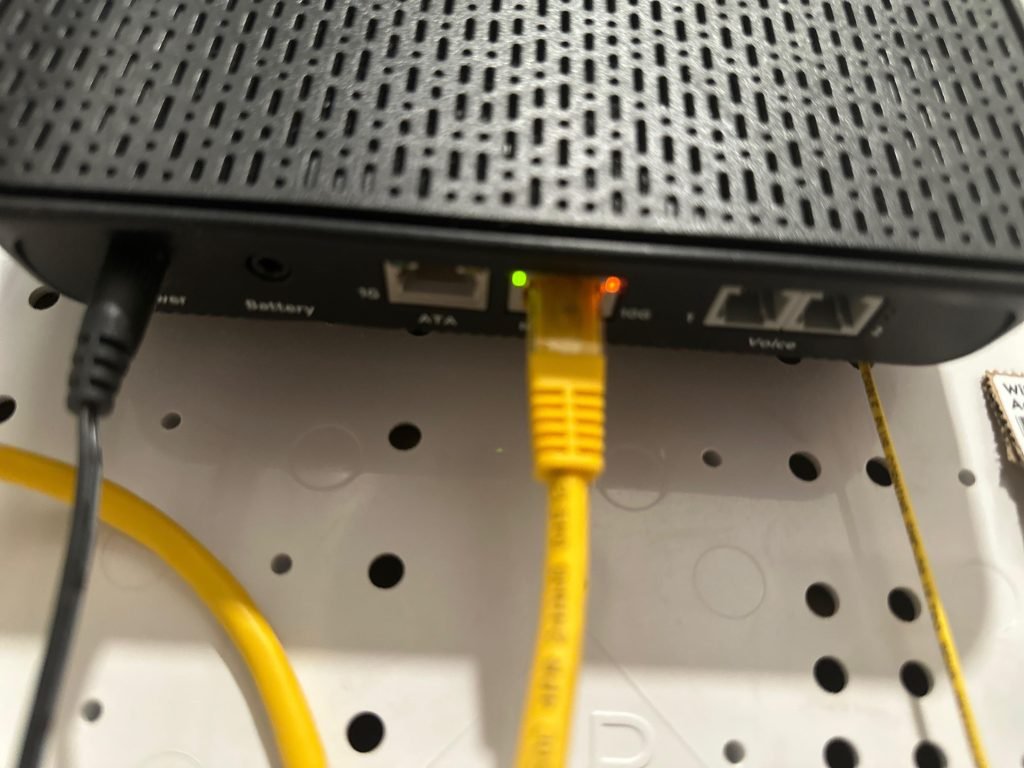
You can use your own Wifi 6E mesh system with Spectrum’s internet. The mesh system connects to the Spectrum modem via Ethernet.
- Spectrum modem connects to internet
- Use your own Wifi 6E mesh router for wireless
- Wifi 6E mesh improves coverage and speed
- Check router compatibility before buying
Setting Up Wifi 6e Mesh On Spectrum
Wifi 6E mesh networks offer faster speeds and better coverage. Setting them up with Spectrum can improve your home internet.
This guide helps you choose the right mesh system and connect it to your Spectrum modem. You will also learn how to optimize Wifi 6E performance.
Choosing The Right Mesh System
Pick a mesh system that supports Wifi 6E for the best speed. Check if it works well with your internet speed from Spectrum.
Look for systems with easy setup and good coverage for your home size. Make sure the system has enough nodes for every room.
- Supports Wifi 6E bands (6 GHz)
- Compatible with Spectrum speeds
- Multiple nodes for full home coverage
- Simple app or web setup
Configuring With Spectrum Modem
Connect your Wifi 6E mesh router to the Spectrum modem using an Ethernet cable. Turn off the modem’s Wi-Fi if possible.
Use the mesh system’s app or website to finish the setup. Follow instructions to create your new Wifi network with a name and password.
- Plug mesh router into Spectrum modem’s LAN port
- Disable modem Wi-Fi to avoid interference
- Open mesh setup app and follow prompts
- Create SSID and password for your Wifi 6E network
Optimizing Wifi 6e Performance
Place mesh nodes in open areas for better signal. Avoid walls and metal objects that block Wifi 6E signals.
Use the mesh app to check signal strength and update firmware. Set your devices to connect to the 6 GHz band for faster speeds.
- Position nodes in central, open locations
- Keep nodes away from thick walls and metal
- Update mesh firmware regularly
- Connect devices to 6 GHz band when possible
Troubleshooting Compatibility Issues
WiFi 6E mesh systems offer faster speeds and better range. But sometimes they may not work well with Spectrum services.
This guide helps you fix common problems when using WiFi 6E mesh with Spectrum.
Common Connection Problems
Users may face slow internet, dropped connections, or devices not connecting to the mesh network.
- Slow speeds even with WiFi 6E mesh
- Devices fail to connect or drop frequently
- Interference between mesh nodes and Spectrum modem
- Limited coverage despite mesh setup
- Incompatibility with Spectrum’s router settings
Firmware And Driver Updates
Updating firmware and drivers can solve many compatibility issues with WiFi 6E mesh systems.
| Device | Update Method | Why It Matters |
| WiFi 6E Mesh Router | Use manufacturer’s app or website | Fixes bugs and improves performance |
| Spectrum Modem/Router | Automatic or manual update via Spectrum dashboard | Ensures compatibility with new devices |
| Computer or Phone | Update WiFi drivers via system settings | Improves connection stability |
When To Contact Spectrum Support
If problems continue after updates, contact Spectrum support for help. They can check your account and network setup.
- Persistent slow speeds or outages
- Issues with Spectrum modem/router settings
- Help configuring mesh network with Spectrum service
- Confirm if your plan supports WiFi 6E speeds
- Report hardware problems or service interruptions
Future Of Wifi With Spectrum
Wifi technology keeps improving to give faster and better internet. Spectrum is working to support these new wifi standards.
Wifi 6E is the latest wifi that uses new frequencies for less interference. It can work well with Spectrum’s internet plans.
Upcoming Spectrum Upgrades
Spectrum plans to upgrade its network to support faster wifi speeds and better coverage. These upgrades will help users enjoy wifi 6E fully.
Upgrades include better modems and routers that can handle new wifi bands. This will reduce slow connections and improve stability.
- New routers supporting 6 GHz band
- Improved fiber connections in more areas
- Faster customer equipment upgrades
Wifi 6e Adoption Trends
More people are buying devices that use wifi 6E. These devices can connect on the new 6 GHz frequency band.
Wifi 6E reduces interference and increases speed in crowded places. This makes it popular for homes and offices using Spectrum internet.
- Smartphones and laptops now support wifi 6E
- Homes use mesh systems to cover large areas
- Businesses upgrade networks for better performance
Preparing For Wifi 7 And Beyond
Wifi 7 will bring even faster speeds and better reliability than wifi 6E. Spectrum is watching these advances closely.
Spectrum may update its infrastructure to support wifi 7 when it becomes available. This will keep customers connected with the best technology.
- Wifi 7 will offer multi-gigabit speeds
- Lower latency for gaming and video calls
- Improved support for many connected devices

Credit: www.reddit.com
Frequently Asked Questions
Does Wifi 6e Mesh Work With Spectrum Internet?
Yes, WiFi 6E mesh systems work with Spectrum internet. They enhance speed and coverage using Spectrum’s broadband service.
Can Spectrum Routers Support Wifi 6e Mesh Networks?
Most Spectrum routers support WiFi 6 but may need firmware updates for WiFi 6E. Check compatibility before upgrading.
Will Wifi 6e Mesh Improve Spectrum’s Wifi Range?
WiFi 6E mesh improves range by using the 6 GHz band. It reduces congestion and boosts overall WiFi performance.
Is Wifi 6e Mesh Faster On Spectrum Connections?
WiFi 6E mesh offers faster speeds on Spectrum by utilizing wider channels and less crowded frequencies, ideal for high-bandwidth use.
Conclusion
Wifi 6E mesh works well with Spectrum internet service. It offers faster speeds and better coverage in your home. You can enjoy smoother streaming and less buffering. Setting it up is simple and does not need special equipment. This makes it a good choice for homes using Spectrum.
Overall, Wifi 6E mesh helps improve your internet experience easily and reliably. Consider upgrading if you want a stronger, faster connection.


