Are you struggling with weak Wi-Fi signals in some parts of your home? You might be wondering if your budget router can keep up when paired with a range extender.
It’s a common question because not everyone wants to spend a fortune on high-end equipment. But can cheaper routers really work well with range extenders without slowing down your connection? You’ll discover the truth about how these devices interact, what to expect, and how to get the best performance from your setup.
Keep reading to find out if your current router can handle a range extender and how to boost your Wi-Fi without breaking the bank.
Budget Routers Basics
Budget routers offer a cost-effective way to connect devices to the internet. They serve as the main hub for home Wi-Fi networks. Understanding their basics helps in deciding how well they can work with range extenders. These routers are designed for simple use and basic internet needs.
Key Features Of Budget Routers
- Affordable price making them accessible to most users
- Basic wireless standards like Wi-Fi 4 or Wi-Fi 5
- Limited coverage area suitable for small homes or apartments
- Simple setup and user-friendly interfaces
- Essential security features such as WPA2 encryption
- Few Ethernet ports for wired connections
Common Limitations
- Lower data speeds compared to high-end models
- Limited range may cause dead zones in larger spaces
- Fewer advanced settings and customization options
- Less powerful processors can slow down network traffic
- Basic antennas that affect signal strength
- May struggle with multiple devices connected simultaneously

Credit: www.wepc.com
Range Extenders Explained
Understanding how range extenders work can help you decide if pairing one with a budget router is a smart move. Range extenders boost your existing Wi-Fi signal to reach areas where your router alone can’t provide a strong connection. This can be especially useful in larger homes or offices with thick walls or multiple floors.
How Range Extenders Work
Range extenders capture the Wi-Fi signal from your router and then rebroadcast it to areas with weak or no coverage. Think of it as a relay race, where the extender grabs the signal and passes it forward to cover more ground.
However, this process can sometimes reduce the overall speed of your connection because the extender uses the same channel to receive and send data. You might notice slower speeds in the extended areas compared to being close to your main router.
Have you ever experienced a dead zone in your home where Wi-Fi just disappears? A range extender can fill that gap, but its effectiveness depends on where you place it. Too far from the router, and it won’t catch enough signal to extend; too close, and it won’t improve your coverage much.
Types Of Range Extenders
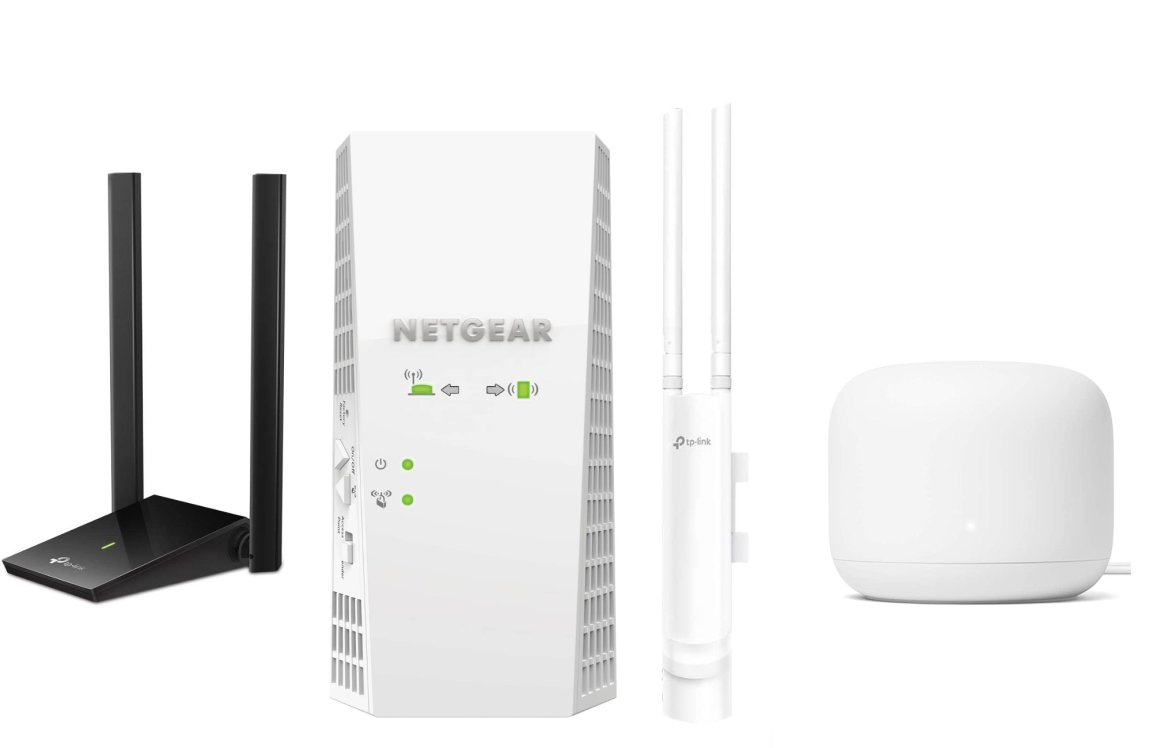
- Traditional Wi-Fi Extenders:These plug into a power outlet and connect wirelessly to your router. They are easy to set up and affordable, but may halve your bandwidth due to signal repeating.
- Powerline Extenders:These use your home’s electrical wiring to carry internet signals. You plug one adapter near your router and another in the area that needs better Wi-Fi, making them great for thick-walled spaces.
- Mesh Wi-Fi Systems:While not exactly extenders, these replace your router with multiple nodes working together. They provide seamless coverage but usually cost more than basic extenders.
Choosing the right type depends on your budget and the size or layout of your space. Would investing in a powerline extender offer better results for your home than a simple plug-in model? Think about where your Wi-Fi struggles the most and how each type might address those specific issues.
Compatibility Factors
Compatibility plays a key role in making budget routers work well with range extenders. Not all routers and extenders pair smoothly. Understanding compatibility factors helps avoid connection problems and slow speeds.
Some budget routers may have limits that affect extender use. Checking these factors ensures a stronger and stable network.
Router And Extender Compatibility
Routers and range extenders must support the same communication standards. Most budget routers use standard Wi-Fi protocols like 802.11n or 802.11ac. Extenders should support these to connect properly.
Matching manufacturer brands is not required. Extenders from different brands often work fine if standards match. Look for extenders that list compatibility with your router’s Wi-Fi standards.
Some budget routers lack advanced features like MU-MIMO or beamforming. Extenders that rely on these features may not perform well with budget models. Opt for extenders designed for basic compatibility.
Frequency Bands And Standards
Frequency bands impact compatibility and speed. Most budget routers offer 2.4 GHz bands. Some also support 5 GHz. Extenders must support the router’s bands to repeat signals effectively.
Using a dual-band extender with a single-band router can cause issues. It may default to the 2.4 GHz band, reducing speed. Extenders that support both bands provide more flexibility.
Standards like 802.11n work on 2.4 GHz, while 802.11ac mainly uses 5 GHz. Choose extenders matching your router’s frequency and standards for the best results.
Credit: www.youtube.com
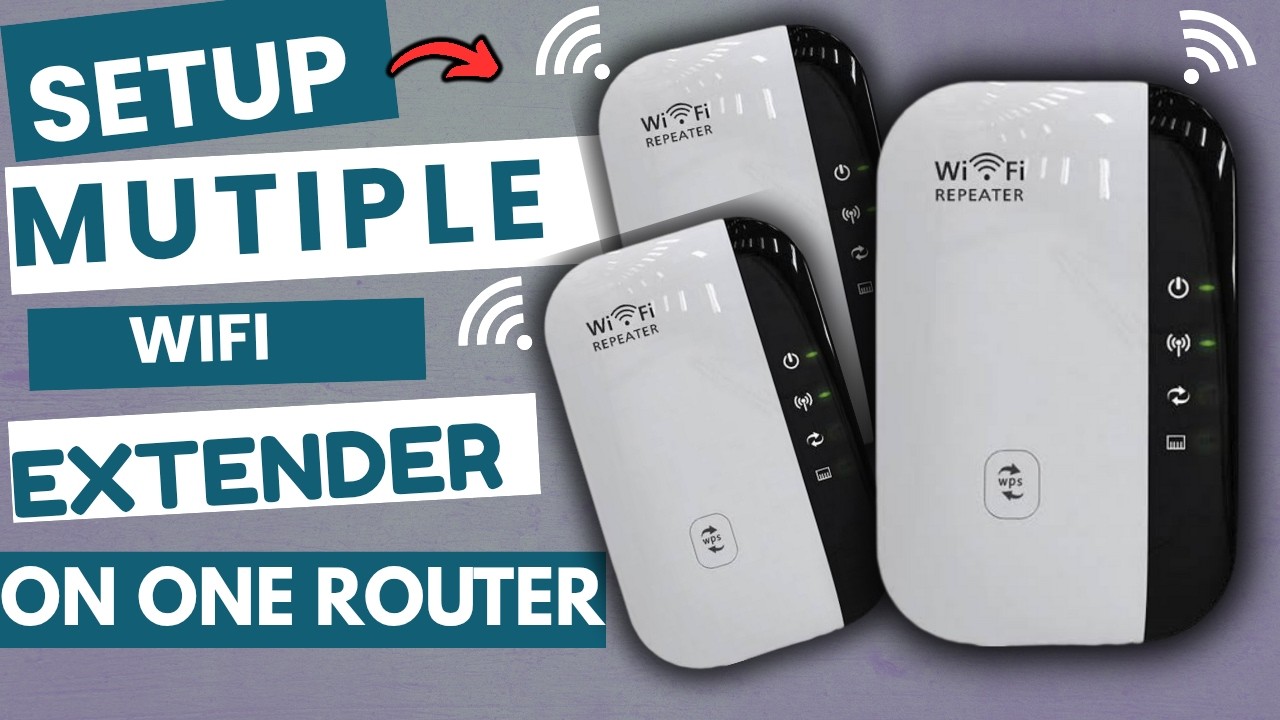
Setting Up Budget Router With Extender
Budget routers can work well with range extenders to improve Wi-Fi coverage. Setting up both devices properly helps avoid signal drops and slow speeds. This combination offers an affordable way to boost internet reach at home.
Setting up a budget router with a range extender can boost your Wi-Fi. You don’t need expensive gadgets for a stronger connection. With the right steps, you can improve your network’s reach. Let’s dive into the setup process.Step-by-step Setup Guide
Begin by placing your router in a central location. This helps in even signal distribution. Next, plug in the range extender halfway between the router and the area with poor signal. Ensure the extender is within the router’s range. Connect the extender to a power source and switch it on. Access the extender’s settings via a computer or smartphone. Use the provided IP address to log in. Follow the on-screen instructions to connect the extender to your router. This often involves entering your Wi-Fi network name and password. Once connected, position the extender optimally. Test the connection by trying to access the internet from a previously weak spot.Troubleshooting Common Issues
Sometimes, the setup may not go smoothly. If the extender doesn’t connect, restart it and try again. Ensure the extender is within the router’s signal range. If the connection is still weak, move the extender closer to the router. If internet speed is slow, check for interference. Other electronic devices can disrupt signals. Change the Wi-Fi channel in your router settings if needed. Make sure your firmware is up-to-date for both router and extender. This can fix many issues and improve performance. Ensure your devices are compatible. Some extenders work only with specific routers. Read the extender’s manual for compatibility details. If problems persist, resetting the extender can help. Follow the reset instructions in the manual and repeat the setup process.Performance Considerations
Performance is a key factor when pairing budget routers with range extenders. These devices must work well together to maintain a reliable network. Budget routers often have limited features and weaker hardware. This can affect how well they support range extenders. Understanding performance considerations helps avoid slow or unstable connections.
Speed Impact
Budget routers usually have slower processors and fewer antennas. This limits their data handling capability. Range extenders depend on the router’s speed to boost the signal. If the router is slow, the extended network will also be slow.
Range extenders often cut the speed by half because they use the same channel to send and receive data. A budget router’s limited bandwidth makes this worse. Users may notice slower downloads, buffering videos, or delays in gaming.
Signal Stability
Signal stability depends on the router’s ability to maintain a steady connection. Budget routers may struggle with multiple devices connected at once. This can cause dropped signals or frequent disconnects.
Range extenders rely on a strong signal from the router. If the router signal is weak or unstable, the extender cannot improve it. This leads to spotty coverage and frustration.
Choosing the right placement for the range extender can help. Placing it too far from the router increases instability. Keeping it within a good signal range improves performance.
Alternatives To Range Extenders
Range extenders can help increase Wi-Fi coverage, but they are not the only option. Some alternatives offer better performance and easier setup. These solutions work well with budget routers and can improve your home network.
Mesh Wi-fi Systems
Mesh Wi-Fi systems use multiple devices to create one strong network. Each device, called a node, spreads the Wi-Fi signal evenly. This avoids weak spots and slow speeds.
Mesh systems are easy to manage through smartphone apps. They automatically connect your devices to the best node. This means you get a smooth internet experience without drops.
These systems are a good choice for bigger homes or places with many walls. They work well with budget routers and can replace traditional range extenders.
Powerline Adapters
Powerline adapters send internet signals through your home’s electrical wiring. You plug one adapter near the router and another where you need better Wi-Fi.
This method provides a stable connection without extra wires. It is simple to set up and works with most routers.
Powerline adapters are ideal for rooms where Wi-Fi signals are weak. They offer a reliable way to extend your network without buying a new router or range extender.
Cost Vs. Benefit Analysis
Choosing between a budget router and a more expensive model requires weighing costs against benefits. Budget routers cost less upfront but may have limitations in speed and coverage. Range extenders can help fill coverage gaps but might reduce internet speed. This section explores whether combining budget routers with extenders makes sense financially and practically.
Is It Worth Using A Budget Router With Extender?
Budget routers are affordable and easy to find. They work fine in small homes or apartments. Range extenders boost signal to hard-to-reach places. Together, they can improve Wi-Fi coverage without spending much.
Still, there are trade-offs. Extenders often cut your speed by half. The network may become slower and less stable. Some budget routers lack advanced features like dual-band support. This can limit extender performance.
Consider your home size and internet use. For light browsing and emails, a budget router plus extender might be enough. For streaming, gaming, or many devices, this setup may disappoint.
When To Upgrade Your Router
- Wi-Fi often drops or is too slow
- Many devices connect at once
- Extenders fail to improve coverage
- Router lacks modern features like Wi-Fi 5 or 6
- Online activities need high speed and low delay
Upgrading can save time and frustration. New routers offer better range and stronger signals. They handle many devices better and support faster internet plans. Sometimes, a better router removes the need for extenders completely.
Credit: www.popsci.com
Frequently Asked Questions
Can Budget Routers Support Range Extenders Effectively?
Yes, many budget routers can support range extenders. However, performance depends on the router’s specs and compatibility. Low-end routers may limit speed and coverage improvements when paired with extenders.
Will Range Extenders Improve My Budget Router’s Wi-fi Coverage?
Range extenders can boost your router’s Wi-Fi coverage by repeating the signal. They help eliminate dead zones but may reduce overall speed due to signal retransmission.
How To Set Up A Range Extender With A Budget Router?
To set up, connect the extender near your router. Follow the extender’s setup wizard via app or browser. Ensure both devices use the same SSID for seamless roaming.
Are There Any Limitations Using Budget Routers With Extenders?
Yes, budget routers often have fewer antennas and weaker processors. This can limit the extender’s effectiveness in speed and range enhancement.
Conclusion
Budget routers can work with range extenders to improve Wi-Fi coverage. They may not offer the fastest speeds but can still help. Choosing compatible devices is important for a smooth connection. Placement of the extender affects signal strength and coverage.
Simple setup steps make adding an extender easy. Overall, budget routers paired with range extenders offer a practical way to enhance home Wi-Fi without high costs. Small upgrades can make a big difference in your internet experience.