Are you thinking about upgrading your home network without breaking the bank? You might be wondering if budget routers come with app control features that make managing your Wi-Fi simple and hassle-free.
Imagine being able to adjust settings, monitor devices, and boost your internet speed right from your phone—sounds convenient, right? But do affordable routers really offer this level of control? Keep reading to discover how budget routers stack up when it comes to app control and what you need to know before making your choice.
Budget Routers And App Control
Budget routers are increasingly offering app control features, making it easier for you to manage your home network without needing technical skills. But what exactly does app control mean in this context, and what can you realistically expect from a budget-friendly device? Understanding these aspects helps you choose a router that fits your needs without overspending.
What App Control Means
App control allows you to manage your router directly from a smartphone or tablet. Instead of accessing complicated settings via a web browser, you can use an app designed to simplify tasks like setting up Wi-Fi, monitoring devices, and updating firmware.
This means you can pause your kids’ internet access during dinner or check which devices are connected while you’re away from home. The convenience of app control turns network management into a few taps rather than a technical chore.
Common Features In Budget Routers
Even budget routers offer several app control features that enhance your user experience. Here are some common ones you’ll find:
- Device Management:See all connected devices and block unwanted ones.
- Parental Controls:Set time limits or filter content to keep your family safe online.
- Guest Network Setup:Easily create a separate Wi-Fi network for visitors.
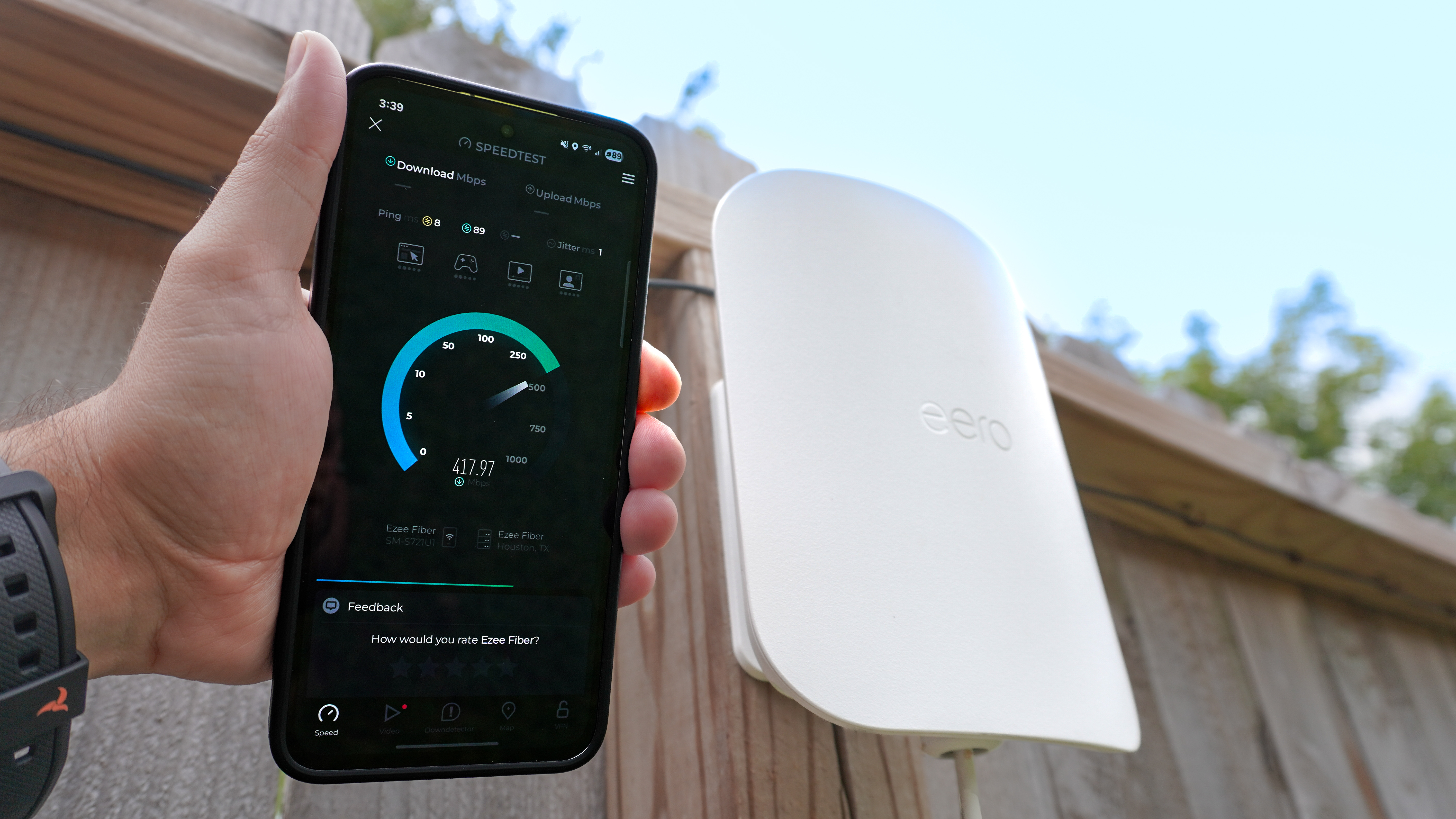
- Speed Tests:Check your internet speed directly from the app.
- Firmware Updates:Receive notifications and install updates without hassle.
However, don’t expect the same level of customization or advanced security features that premium routers offer. The apps on budget routers focus on simplicity and essential controls rather than deep technical options.
Have you tried managing your router through an app yet? You might find it surprisingly straightforward, even on a tight budget.
Credit: www.tomsguide.com
Benefits Of App Control
App control on budget routers offers more than just convenience; it puts powerful tools right at your fingertips. Managing your home network becomes simpler and more efficient, even when you’re away. Let’s look at how these apps can make a real difference in your daily internet experience.
Remote Network Management
Imagine being able to check your network status or fix connection issues without being home. App control lets you do that effortlessly from anywhere using your smartphone. You can reboot your router, see which devices are connected, and even limit bandwidth for certain users remotely.
This level of control means you don’t have to wait until you’re on-site to solve problems. You can keep your network running smoothly, whether you’re at work, traveling, or simply on the couch.
Parental Controls And Security
Keeping your family safe online is a priority, and app control makes it easier. You can set time limits, block harmful sites, and pause internet access for specific devices with just a few taps. This kind of control helps you manage screen time without complicated setups.
Additionally, many apps send alerts about suspicious activity or new devices joining your network. This immediate feedback allows you to react quickly and protect your data from potential threats.
Easy Setup And Monitoring
Setting up a router used to mean digging through manuals and fiddling with confusing settings. With app control, the process becomes straightforward and guided. Most apps walk you through installation step-by-step and offer simple dashboards to monitor your network’s health.
You get real-time data on speed, usage, and device connections in an easy-to-read format. This transparency helps you understand your network better and make adjustments without needing technical know-how.
Popular Budget Routers With App Support
Budget routers with app control have become increasingly popular, making network management easier without breaking the bank. These routers let you adjust settings, monitor your network, and even pause internet access for devices—all from your smartphone. Knowing which budget models offer reliable app support can save you time and frustration.
Top Brands And Models
Several trusted brands offer budget-friendly routers with user-friendly apps. TP-Link’s Archer A7 is a standout, providing solid performance and an intuitive app that lets you manage your Wi-Fi effortlessly. Another popular choice is the NETGEAR Nighthawk R6700, which includes a robust app with features like parental controls and guest network setup.
ASUS also offers affordable options like the RT-AC66U B1, which comes with their ASUS Router app, known for easy setup and detailed device management. These models prove that you don’t need to spend a fortune to enjoy app-based control.
Feature Comparisons
| Router Model | App Features | Parental Controls | Guest Network | Device Management |
|---|---|---|---|---|
| TP-Link Archer A7 | Network monitoring, speed tests, device blocking | Yes | Yes | Detailed device list with controls |
| NETGEAR Nighthawk R6700 | Real-time network usage, parental controls, QoS setup | Yes | Yes | Device prioritization and blocking |
| ASUS RT-AC66U B1 | Easy setup, traffic monitoring, parental control | Yes | Yes | Device grouping and controls |
Looking at these features, which app controls matter most to you? If you want simple device blocking or advanced parental controls, these budget options cover both. The choice depends on your daily needs and how hands-on you want to be with your network.
Limitations Of Budget Router Apps
Budget routers often promise to deliver essential features at a lower cost. Yet, their app controls may face certain limitations. These limitations can impact user experience and performance, affecting overall satisfaction.
Restricted Functionality
Budget router apps often offer limited features. They provide basic settings like network name and password changes. Advanced options like parental controls or guest networks might be absent. Users might miss out on detailed customization options. This can limit control over network security and privacy.
Performance Concerns
Performance can be an issue with budget routers. Apps might slow down during use. This can lead to delays in applying settings or changes. Limited processing power in budget routers affects responsiveness. Users may experience lag when accessing app controls. Consistent performance issues can frustrate users, reducing satisfaction.
User Interface Challenges
The user interface in budget router apps can be less intuitive. Complex designs may confuse users. Navigation might not be straightforward. This can make configuring settings a challenge. Users with limited tech experience may find it difficult. An easy-to-use interface enhances user experience and satisfaction.
Enhancing Smart Home With Budget Routers
Budget routers now offer more than just basic internet access. Many come with app control features that boost smart home capabilities. These affordable devices help manage various connected gadgets easily from a single app. This makes smart living simpler without needing expensive equipment.
Integrating Iot Devices
Budget routers support many Internet of Things (IoT) devices. Smart bulbs, cameras, and thermostats connect smoothly. The app lets users add and control devices in one place. This reduces the hassle of juggling different apps. It also provides a clear view of all connected gadgets at once.
Automation Possibilities
App control on budget routers allows basic automation. Users can schedule device activity like turning lights on or off. Some routers support triggers based on time or device status. This helps create a more efficient and convenient home setup. Automation saves energy and improves daily routines.
Security Best Practices
Security remains key with smart homes. Budget router apps include features to secure the network. Users can set guest access, monitor connected devices, and update firmware easily. Strong passwords and regular updates keep data safe. These simple steps protect privacy without extra costs.

Credit: cybernews.com
Choosing The Right Router For Your Smart Home
Choosing the right router for your smart home can feel overwhelming. You want a device that handles all your connected gadgets smoothly without breaking the bank. But how do you balance cost, features, and the need for easy control over your network?
Balancing Price And Features
Budget routers often come with app control, but the quality varies. Some apps offer simple interfaces for managing devices, while others provide advanced settings like parental controls and guest networks.
Think about what you really need. If you only have a few smart devices, a basic app-controlled router might be enough. But if you want to manage multiple users or prioritize traffic for video calls, look for routers with more robust apps—even if they cost a bit more.
Ask yourself: Are you willing to trade some features to save money? Sometimes spending a little extra upfront saves frustration later.
Future-proofing Your Network
Your smart home will grow, and so will your network demands. Choosing a router that supports the latest Wi-Fi standards means you won’t have to upgrade again soon.
App control features can also improve over time with updates. A router backed by a reputable brand is more likely to receive software improvements that keep your network secure and easy to manage.
Consider how many devices you expect to add in the next year. Will your router’s app let you easily add and monitor new gadgets without a complicated setup?

Credit: www.popularmechanics.com
Frequently Asked Questions
Do Budget Routers Support App Control Features?
Many budget routers now include app control for easy setup and management. However, features may be limited compared to premium models. App control helps users monitor connections and adjust settings remotely, making budget routers more user-friendly and accessible for everyday needs.
How Reliable Is App Control On Budget Routers?
App control on budget routers is generally reliable for basic functions like network setup and device management. However, advanced features or seamless performance might be less robust than higher-end routers. Still, these apps offer convenience and sufficient control for most home users on a budget.
Can App Control Improve Budget Router Performance?
App control itself does not directly enhance router performance. It simplifies managing settings, updating firmware, and monitoring network health. This convenience can indirectly improve user experience by enabling timely adjustments and troubleshooting, especially for users unfamiliar with traditional router interfaces.
Are App-controlled Budget Routers Secure?
App-controlled budget routers typically use encryption and authentication to protect settings and data. However, security depends on the router brand and app quality. Always keep firmware updated and use strong passwords to ensure maximum security when managing your router via an app.
Conclusion
Budget routers often include app control features for easy management. These apps let users change settings and check connections quickly. Not all budget models have full app support, though. It depends on the brand and model you choose. Still, many budget routers offer simple app controls.
This makes handling your home network less stressful. So, app control is possible without spending a lot. Just check the router’s details before buying. That way, you get the features you need. Simple and smart network management is within reach.