Are you looking to upgrade your home network without breaking the bank? One question that often comes up is whether budget routers come with gigabit ports.
You want fast, reliable internet, but you also need to keep costs low. Understanding if a budget router can deliver gigabit speeds could save you from a slow connection and wasted money. Keep reading to discover the truth about budget routers and gigabit ports, so you can make the smartest choice for your internet setup.
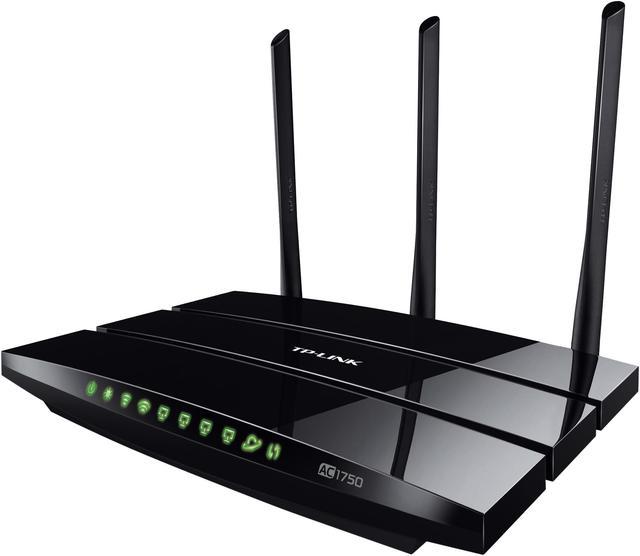
Credit: www.newegg.ca
Gigabit Ports In Budget Routers
Gigabit ports have become an important feature for many users buying budget routers. These ports allow faster wired connections than older Ethernet ports. Many budget routers now include gigabit ports, improving speed and network performance without extra cost.
What Are Gigabit Ports?
Gigabit ports are Ethernet ports that support speeds up to 1,000 Mbps. They are much faster than traditional 100 Mbps ports. This speed helps in streaming, gaming, and transferring large files over a local network. Gigabit ports connect devices like computers, gaming consoles, and smart TVs with reliable and quick wired connections.
Common Features Of Budget Routers
- Basic Wi-Fi coverage suitable for small homes.
- Simple setup and user-friendly controls.
- Multiple Ethernet ports, usually 4, for wired devices.
- Support for 2.4 GHz or dual-band frequencies.
- Security features like WPA2 encryption.
Budget routers aim to balance cost and essential features. They often focus on easy use and decent performance.
Prevalence Of Gigabit Ports In Budget Models
Many budget routers today come with gigabit Ethernet ports. Manufacturers include them to meet user demands for better speed. These ports are standard in most models under $50 or $60.
However, some very low-cost routers may still use slower 100 Mbps ports. Always check product specifications before buying. Gigabit ports provide a noticeable boost in wired network performance, even in budget devices.
Benefits Of Gigabit Ports
Gigabit ports offer many benefits that improve your home or office network. They provide faster speeds, better connection quality, and support for modern devices. Even budget routers with gigabit ports can boost your internet experience. Here are some key advantages.
Faster Data Transfer
Gigabit ports support speeds up to 1,000 Mbps. This means files move quickly across your network. Large downloads and uploads complete faster. Transferring videos, photos, and documents becomes more efficient. It reduces wait times and improves productivity.
Improved Streaming And Gaming
Streaming high-quality videos needs stable, fast connections. Gigabit ports help reduce buffering and lag. Online games run smoother with less delay. This makes entertainment more enjoyable and responsive. Multiple devices can connect without slowing down.
Future-proofing Your Network
Technology keeps advancing rapidly. Gigabit ports prepare your network for new devices. They handle higher internet speeds as providers improve service. Investing in gigabit means fewer upgrades later. Your network stays reliable and ready for changes.
Limitations Of Budget Routers
Budget routers offer affordable internet access but come with certain limitations. These limits affect speed, reliability, and features. Understanding these drawbacks helps set realistic expectations for network performance and capabilities.
Performance Bottlenecks
Budget routers often have slower processors. This causes delays when handling multiple devices. Network speed may drop during heavy use. Gigabit ports might be present but cannot always deliver full speed. Wireless range and stability might also be limited.
Build Quality And Durability
Cheap materials reduce the router’s lifespan. Cases may feel fragile and buttons less responsive. Heat management is often poor, which can cause overheating. Frequent restarts or failures become common over time. This affects consistent internet access.
Limited Advanced Features
Budget routers lack many modern functions. Features like Quality of Service (QoS), VPN support, and parental controls are often missing. Firmware updates may be infrequent or unavailable. This limits security and customization options. Users get basic connectivity without extras.
Choosing The Right Budget Router
Choosing the right budget router can feel overwhelming, especially with so many options promising gigabit speeds and advanced features. But the key is to focus on what truly fits your network needs without overspending. Understanding your requirements and comparing specs carefully will help you find a router that delivers solid performance without breaking the bank.
Assessing Your Network Needs
Start by thinking about the devices you connect daily. Are you streaming 4K videos, gaming online, or just browsing the web? Your internet usage influences whether you really need gigabit ports or if standard Ethernet speeds suffice.
Also, consider the size of your home or office. Larger spaces might require routers with stronger signals or mesh capabilities, which can sometimes be found in budget-friendly models. Ask yourself: How many devices will share the connection simultaneously?
Comparing Router Specifications
Look beyond the marketing jargon and check the actual specs. Pay close attention to the type and number of ports. Gigabit Ethernet ports offer faster wired connections, which matter for activities like gaming or transferring large files.
Check the wireless standards supported (such as Wi-Fi 5 or Wi-Fi 6) and the router’s maximum speed ratings. Sometimes, budget routers include gigabit ports but may have slower wireless capabilities. Balancing both wired and wireless performance is essential.
User Reviews And Expert Opinions
Reviews from real users can reveal how a router performs in everyday situations. Look for feedback on connection stability, speed consistency, and ease of setup. You might find that a router with gigabit ports doesn’t always deliver top speeds if the firmware or hardware isn’t optimized.
Expert reviews often include detailed tests and comparisons that highlight hidden flaws or advantages. Combining user experiences with professional insights gives you a clearer picture of what to expect. What issues have other buyers faced, and how responsive is the manufacturer’s support?
Top Budget Routers With Gigabit Ports
Many budget routers now include gigabit ports for faster wired connections. These affordable models offer reliable speed without high costs. Choosing one with gigabit ports improves home network performance easily.
If you’ve ever felt the frustration of slow internet speeds, you’re not alone. Many people think they need to break the bank to get a router with gigabit ports, but that’s not the case. There are budget-friendly options available that offer high-speed connections without compromising on quality. Let’s explore some top budget routers with gigabit ports that can transform your internet experience.Popular Models Under $50
Finding a router that fits your budget and still delivers performance can seem daunting. Yet, several models under $50 offer gigabit ports. The TP-Link Archer A6 and the Tenda AC10 are favorites among budget-conscious users. These routers provide reliable speeds and are perfect for everyday use, including streaming and online gaming.Best Value For Performance
It’s not just about the price; it’s about what you get for your money. Routers like the D-Link DIR-867 offer incredible value with features like dual-band connectivity and strong signal coverage. This means you can enjoy high-speed internet in every corner of your home without interruptions. Investing in a router that balances cost with performance can enhance your online activities significantly.Where To Buy
Once you’ve decided on a model, the next step is purchasing it from a reliable source. You can find these budget routers on popular online platforms like Amazon and Newegg, which often offer competitive prices and user reviews. Additionally, checking local electronics stores can sometimes yield great deals and allow you to see the product firsthand. Always compare prices and read reviews to ensure you’re getting the best deal for your needs. Are you ready to upgrade your internet experience without emptying your wallet? With these budget-friendly options, high-speed connectivity is within your reach.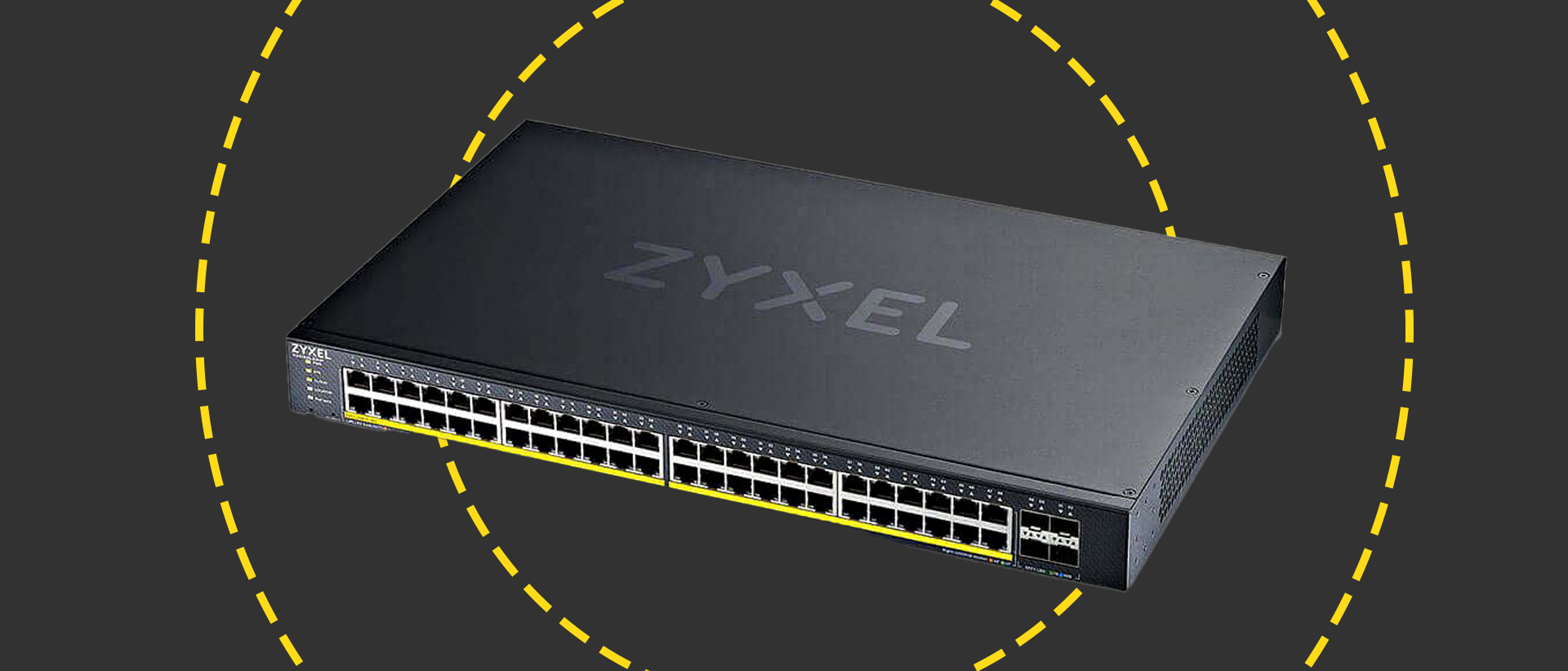
Credit: www.itpro.com
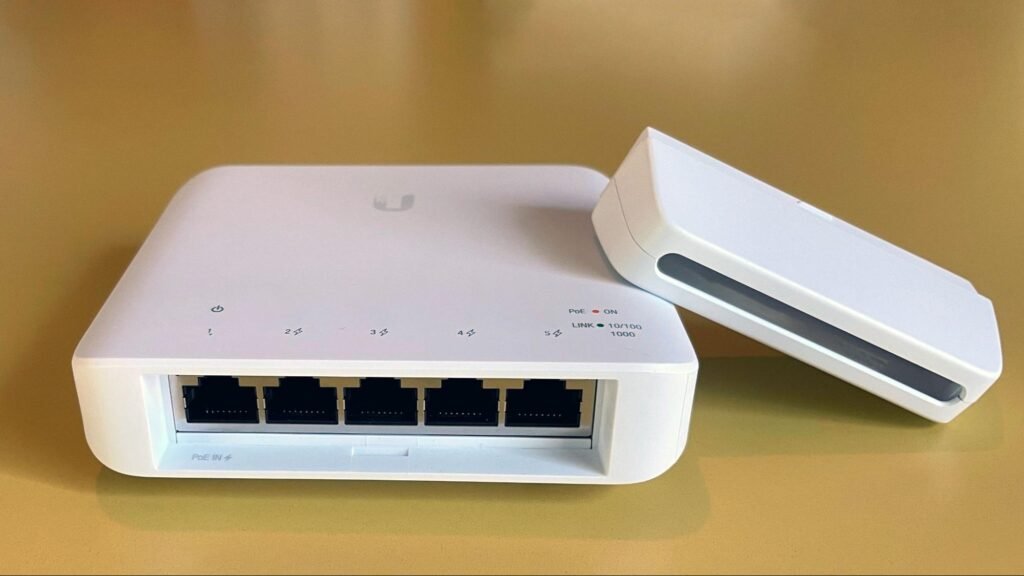
Credit: blog.jazzcybershield.com
Frequently Asked Questions
Do Budget Routers Usually Include Gigabit Ports?
Yes, many budget routers now feature gigabit Ethernet ports. This allows faster wired connections and better network performance. However, always check specifications to confirm gigabit support before purchasing a budget router.
How Do Gigabit Ports Improve Router Performance?
Gigabit ports enable data transfer speeds up to 1 Gbps. This reduces bottlenecks for wired devices and enhances overall network speed. They are essential for high-bandwidth activities like streaming and gaming.
Can Budget Routers Handle Gigabit Internet Speeds?
Some budget routers can handle gigabit internet speeds if they have gigabit Ethernet ports. However, the wireless speed may vary based on the model and Wi-Fi standards supported.
Are Gigabit Ports Important For Home Networking?
Yes, gigabit ports provide faster and more stable wired connections. They improve file transfers, streaming, and gaming experiences on home networks. Gigabit Ethernet is a valuable feature even in budget routers.
Conclusion
Budget routers often include gigabit ports, but not always. Check the product details before buying. Gigabit ports help speed up your internet connection at home. They are useful for fast file sharing and streaming. Choosing a router with gigabit ports can improve your network experience.
Keep in mind that some budget models may only have fast Ethernet ports. Knowing the difference helps you pick the right router for your needs. Small investments in the right router make a big difference in speed. Choose wisely for a better internet connection.