Have you ever struggled with slow or unreliable Wi-Fi while traveling? Your travel router could be the key to fixing that.
But how fast is a travel router really? Understanding its speed can help you decide if it meets your needs for streaming, working, or staying connected on the go. You’ll discover exactly what affects a travel router’s speed and how to choose one that keeps up with your lifestyle.
Keep reading to make sure your next trip is powered by the right connection.
Credit: www.yankodesign.com
Travel Router Basics
Understanding the basics of a travel router is essential if you want to improve your internet experience while on the move. Travel routers are designed to be compact, portable, and easy to use, giving you control over your connectivity wherever you go. Knowing what they are and what to look for can help you choose the right one for your needs.
What Is A Travel Router
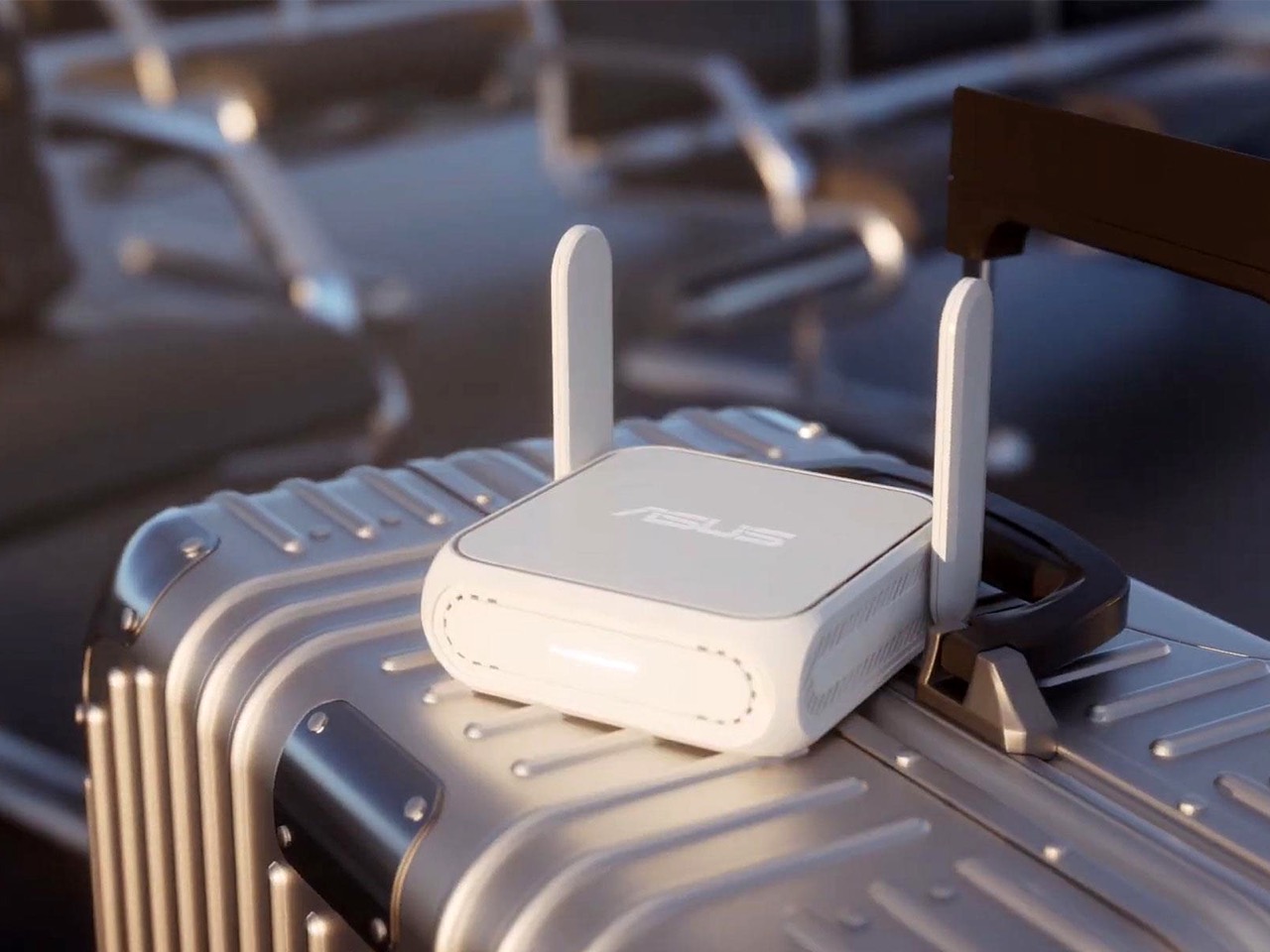
A travel router is a small device that creates a private Wi-Fi network using a wired or wireless internet connection. It allows multiple devices like smartphones, laptops, and tablets to connect securely, even in places with limited or shared internet access.
Think of it as your personal hotspot, but with more control and better security. This is especially useful in hotels, airports, or cafes where public Wi-Fi can be unreliable or unsafe. Have you ever struggled with spotty hotel Wi-Fi? A travel router can solve that problem by boosting your connection and keeping your data safe.
Key Features To Consider
- Speed:Check the maximum speed the router supports. Faster speeds mean smoother streaming and quicker downloads.
- Portability:The size and weight matter if you carry it daily. Look for a lightweight model that fits easily in your bag or pocket.
- Battery Life:If you plan to use it unplugged, consider how long the battery lasts. Some models offer several hours of continuous use.
- Security:Features like WPA3 encryption and VPN support keep your data safe on public networks.
- Compatibility:Make sure the router works with different internet sources like Ethernet, 4G/5G dongles, or hotel Wi-Fi.
- Ease of Use:A simple setup process and user-friendly interface save time and frustration.
Which of these features matters most to you? If speed is your priority, you might trade off some portability. If you value security, look for advanced encryption options. Understanding these features will help you pick a travel router that fits your lifestyle perfectly.
Factors Affecting Speed
Understanding the speed of a travel router is crucial for travelers. Several factors influence this speed, affecting how quickly data transfers. These factors determine the efficiency and reliability of the connection. Let’s dive into these factors to better understand their impact.
Wireless Standards And Protocols
Wireless standards play a significant role in speed. Older standards like 802.11b offer slower speeds. Modern standards like 802.11ac and 802.11ax provide faster connections. Protocols also impact speed. For instance, WPA3 encryption can slightly slow down the network. Always check the router’s supported standards and protocols before purchase.
Hardware Specifications
The hardware inside the router affects speed. A powerful processor ensures smooth data handling. Routers with more RAM can manage more devices efficiently. Antenna quality also influences speed. Better antennas provide stronger signals and wider coverage. Choose a router with robust hardware for optimal performance.
Network Environment Impact
The network environment affects router speed. Physical obstructions can weaken the signal. Walls and metal objects are common culprits. Interference from other devices can also slow the network. Nearby Wi-Fi networks can cause signal overlap. Position the router strategically to minimize these impacts. Consider using frequency bands to reduce interference.
Measuring Travel Router Speed
Measuring the speed of a travel router helps you understand its real performance. Many factors affect how fast the router can send and receive data. Speed measurement goes beyond just looking at numbers on the box. It involves testing and comparing actual results under different conditions.
Throughput Vs Bandwidth
Bandwidth is the maximum data a travel router can handle. It shows the theoretical speed limit. Throughput is the actual speed you get during use. It is always less than bandwidth because of interference and device limits.
Bandwidth is like a highway’s width. Throughput is the number of cars that pass at a time. A wide highway (high bandwidth) does not guarantee many cars (high throughput).
Travel routers list bandwidth in megabits per second (Mbps). Real throughput varies based on distance and obstacles. Always check throughput tests for a true speed idea.
Real-world Speed Tests
Real-world tests measure how fast a travel router performs in everyday use. These tests check upload and download speeds with actual internet connections. They reveal how well the router handles multiple devices and data types.
- Use speed test apps to check download/upload rates.
- Test at different distances from the router.
- Try both Wi-Fi bands (2.4 GHz and 5 GHz).
- Measure performance with several devices connected.
- Note any speed drops during heavy use.
Results vary by environment and internet service. Real-world tests offer the best insight into a router’s true speed. They help pick a travel router that meets your needs.
Credit: www.techradar.com
Top Fast Travel Routers
Finding the right travel router can make a huge difference in your internet experience on the go. Speed is often the top priority, but you also want reliability and ease of use. Let’s look at some of the fastest travel routers that fit different budgets and needs.
High-speed Models
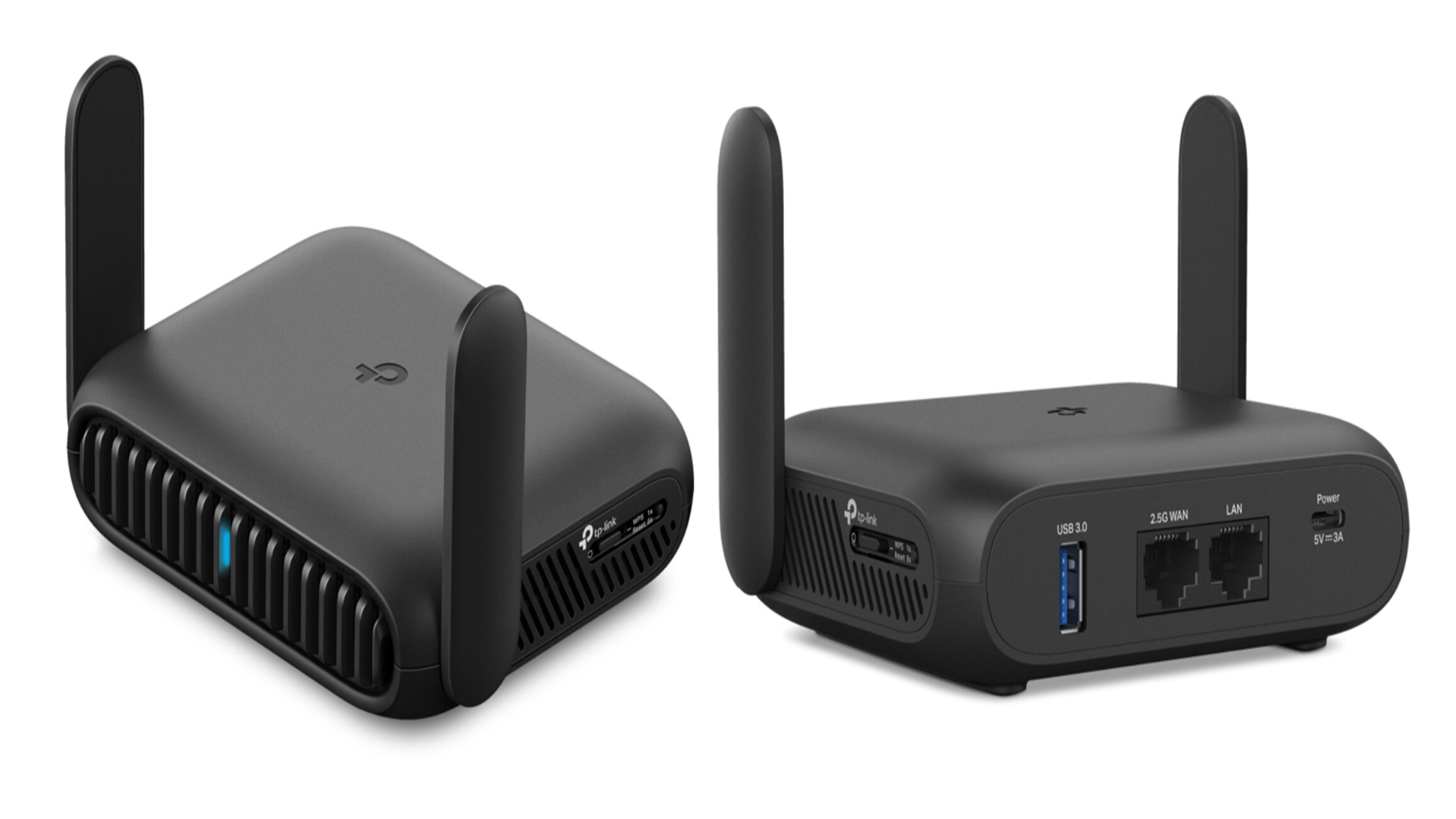
If you need blazing fast speeds, certain travel routers stand out. These devices support the latest Wi-Fi standards like Wi-Fi 6, delivering speeds up to 1,200 Mbps or more. They are perfect for streaming, video calls, and even light gaming while traveling.
One example is the Netgear Nighthawk M1. It offers impressive download speeds and can handle multiple devices without lag. Another strong contender is the TP-Link Archer MR600, which balances speed and portability well.
Are you someone who often works remotely or streams high-quality videos? Investing in a high-speed model ensures you won’t face frustrating buffering or delays.
Budget-friendly Options
Not everyone needs the absolute fastest router, especially if you mostly check emails or browse social media on the road. Budget-friendly travel routers can still provide decent speeds, typically around 300 to 600 Mbps, and offer good battery life.
The GL.iNet GL-AR750Sis a popular choice here. It’s affordable, compact, and supports dual-band Wi-Fi, which helps reduce interference. Another option is the HooToo TripMate Titan, which also doubles as a power bank.
Choosing a budget-friendly router means you get reliable performance without breaking the bank. What’s your priority—cutting costs or squeezing out every bit of speed? This question can guide your selection.
Optimizing Connection Speed
Optimizing the speed of a travel router ensures smooth and fast internet access. Small changes in setup and maintenance can greatly improve connection quality. Focus on simple actions that boost performance without extra cost or effort.
Placement And Setup Tips
Place the travel router in an open area, free from walls or large objects. Avoid metal surfaces and electronic devices that cause interference. Keep the router elevated, such as on a table or shelf, for better signal reach.
Use the 5 GHz band if available; it offers faster speeds and less interference. Position the router close to your device for stronger connection. Limit the number of devices connected to avoid speed drops.
Firmware And Software Updates
Check for firmware updates regularly. Updates fix bugs and improve router performance. Use the router’s official app or website to download the latest version.
Update any related software on your devices too. Keep drivers and network settings current for better compatibility. Updated software helps maintain fast and stable connections.
Common Speed Issues
Travel routers promise fast internet on the go, but you might face speed issues that slow you down. Understanding common speed problems helps you get the most from your device. Let’s look at two frequent challenges: interference and compatibility problems.
Interference And Signal Loss
Interference is a major speed killer for travel routers. Other wireless devices, thick walls, and even microwaves can disrupt your signal.
Imagine trying to stream a video in a crowded airport. The router competes with dozens of signals, causing slow speeds and frequent drops. You can improve this by choosing less crowded Wi-Fi channels or moving closer to the router.
Signal loss happens when your router is too far from your device or blocked by obstacles. Even a small barrier can reduce speed significantly. Carrying a compact travel router with strong antennas can make a big difference.
Compatibility Problems
Not all travel routers work perfectly with every network or device. Some routers may not support the latest Wi-Fi standards, limiting speed and performance.
I’ve seen travelers frustrated when their router couldn’t connect to hotel networks or public hotspots. Checking the router’s compatibility with your expected networks before traveling saves you from this hassle.
Also, firmware updates can fix speed and connectivity issues. Make sure your router’s software is up to date to avoid unexpected slowdowns.

Credit: www.technetbooks.com
Frequently Asked Questions
What Affects The Speed Of A Travel Router?
The speed depends on Wi-Fi standards like 802. 11ac or 802. 11ax. Signal strength, interference, and router hardware also impact performance. Travel routers usually offer speeds between 150 Mbps and 1200 Mbps based on their specifications and usage environment.
How Fast Can A Travel Router Realistically Go?
Most travel routers provide speeds from 300 Mbps to 1200 Mbps. Actual speed varies due to internet connection quality and network congestion. High-end models support faster speeds but are limited by your ISP and environment.
Does Router Speed Impact Streaming Quality On Travel Routers?
Yes, higher router speeds improve streaming quality by reducing buffering. Faster routers handle HD and 4K streams more efficiently. A stable, fast router ensures smooth playback during travel or remote work.
Can Travel Routers Match Home Router Speeds?
Travel routers generally have lower speeds than home routers due to size and power limits. However, some high-quality travel routers offer competitive speeds suitable for most travel needs. They balance portability with adequate performance.
Conclusion
Travel router speed depends on many factors like model and network type. Faster speeds improve your internet experience while traveling. Choose a router that fits your device needs and location. Remember, real speed may vary due to signals and interference.
Understanding these basics helps you pick the right travel router. Stay connected smoothly wherever you go.