Are you wondering if your dual band router can work with satellite internet? You’re not alone.
Many people ask this because satellite internet has some unique features compared to other connections. If you want fast, reliable Wi-Fi at home or work, knowing how your router fits into the picture is key. This article will clear up any confusion and show you exactly what you need to make your internet setup smooth and efficient.
Keep reading to discover how you can get the most out of your satellite internet with a dual band router.

Credit: device.report
Dual Band Router Basics
A dual band router can send and receive signals on two different frequency bands. This helps manage traffic and reduces interference from other devices. Understanding the basics of these routers is key to knowing how they work with satellite internet.
What Is A Dual Band Router
A dual band router uses two separate wireless frequencies: 2.4 GHz and 5 GHz. The 2.4 GHz band covers a larger area but has slower speeds. The 5 GHz band offers faster speeds but covers a smaller area. Devices can connect to either band depending on their needs.
Benefits Of Dual Band Routers
- Less interference from other wireless devices
- Better speed and performance for multiple devices
- Improved connection stability in busy networks
- Ability to separate low and high bandwidth activities
- Greater flexibility for devices with different wireless needs
Satellite Internet Essentials
Satellite internet offers a way to connect in areas without traditional cable or fiber. It uses satellites orbiting Earth to send and receive data. Understanding its basics helps to see if a dual band router fits well with this technology.
How Satellite Internet Works
A satellite dish on your property sends signals to a satellite in space. The satellite relays data to a ground station connected to the internet. This back-and-forth creates your internet connection.
Data travels through space, which can cause a slight delay. The satellite dish acts as both a receiver and a transmitter. Your device connects to the dish via a modem or router.
Common Challenges With Satellite Internet
- Latency is higher compared to cable or fiber internet.
- Weather like rain or storms can weaken the signal.
- Data limits may apply, restricting heavy usage.
- Speeds can fluctuate depending on network traffic.
- Installation requires a clear view of the sky.
Knowing these points helps in choosing compatible equipment. Dual band routers can support satellite internet but must handle its unique traits.
Compatibility Between Dual Band Routers And Satellite Internet
Understanding how a dual band router interacts with satellite internet is key to optimizing your home network. Both technologies have unique characteristics, and ensuring they work well together can improve your internet experience. Let’s look closely at the technical requirements and potential limitations you should consider.
Technical Requirements
Dual band routers operate on two frequencies: 2.4 GHz and 5 GHz. Satellite internet, on the other hand, connects through a satellite dish and a modem before reaching your router. To make these systems compatible, your router must support standard internet protocols like DHCP and NAT.
Most modern dual band routers meet these criteria, so connecting them to your satellite modem is usually straightforward. However, you need to ensure your router’s firmware is up to date to handle any specific configurations required by your satellite ISP. You might also want to check if your router supports Quality of Service (QoS) settings to prioritize traffic, especially since satellite internet can have higher latency.
Potential Limitations
Satellite internet often has higher latency and lower bandwidth compared to cable or fiber connections. This can affect how well your dual band router performs, especially on the 5 GHz band which is more sensitive to distance and obstacles.
Another limitation is weather interference, which impacts satellite signals but not your router’s Wi-Fi bands. This means occasional slowdowns or interruptions won’t be fixed by changing your router settings. Are you prepared to manage these interruptions with smart network practices like scheduling heavy downloads for off-peak hours?
Keep in mind that not all dual band routers handle long-distance Wi-Fi coverage equally. If your home is large or has many walls, 2.4 GHz might be more reliable despite being slower. Testing both bands in your environment will give you a clear picture of what works best with your satellite internet.
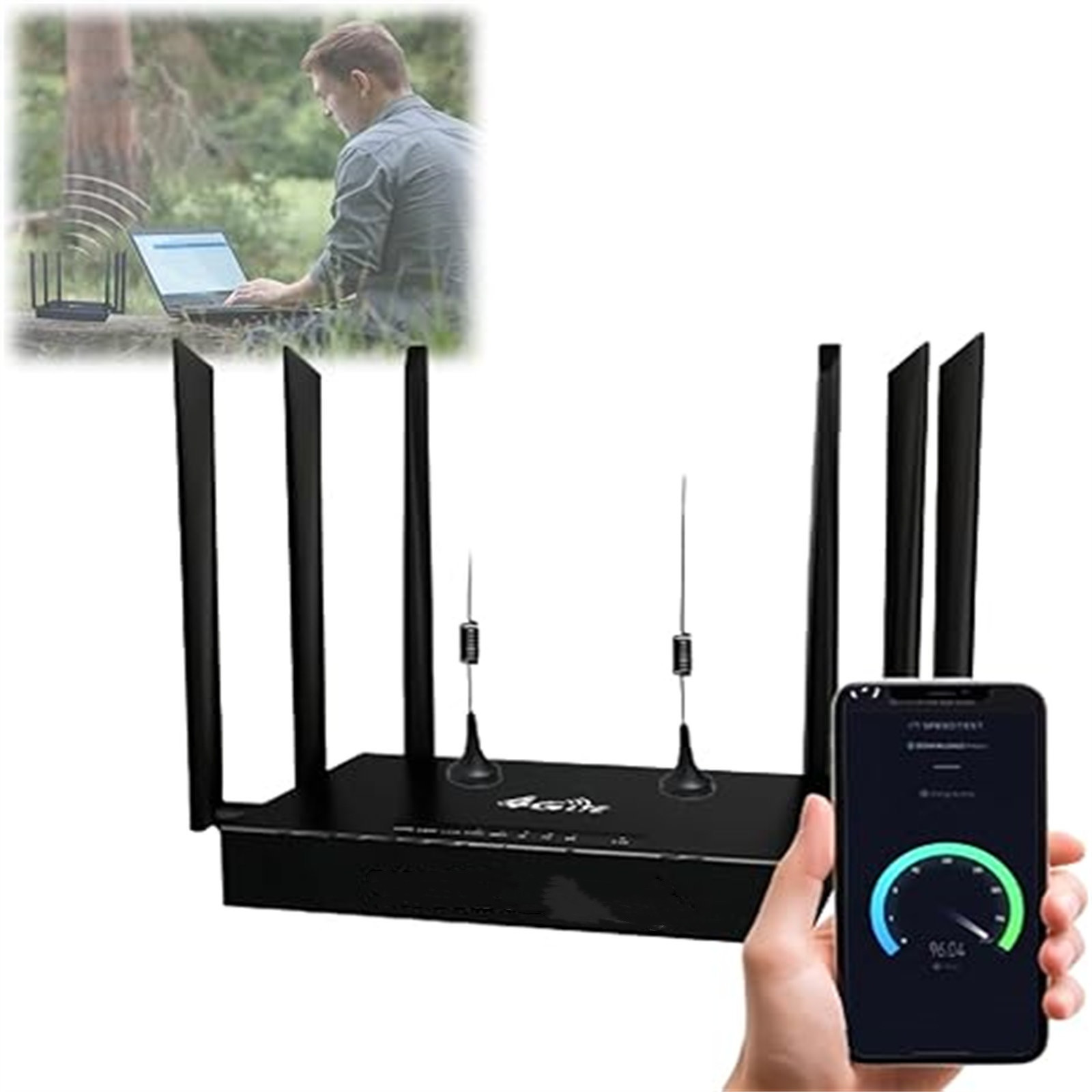
Credit: www.walmart.com
Setting Up Dual Band Router With Satellite Internet
Dual band routers can work well with satellite internet by managing both 2. 4 GHz and 5 GHz signals. They help improve wireless coverage and reduce interference for better connections. Setting up is simple and supports multiple devices at once.
Setting up a dual band router with satellite internet can improve connectivity. This setup can provide faster speeds and a more stable connection. Let’s dive into the steps for installation and optimization.Step-by-step Installation
Begin by unboxing your dual band router. Connect the router to the satellite modem using an Ethernet cable. Ensure the connection is secure. Plug the router into a power source and turn it on. Wait for the router to boot up fully. Access the router’s settings via a web browser. Enter the default IP address, usually found in the manual. Log in using the default username and password. Change the default credentials to secure your network. Follow the on-screen prompts to set up the network. Name your network and create a strong password. Save the settings to finalize the installation process.Optimizing Router Settings
Access the router’s settings dashboard again. Navigate to the wireless settings section. Enable both 2.4 GHz and 5 GHz bands. Assign different names to each band for easy identification. Adjust the channel settings to avoid interference. Use automatic channel selection for optimal performance. Enable Quality of Service (QoS) to prioritize bandwidth. This helps in managing heavy internet activities. Regularly update the router’s firmware for security. Monitor the network to ensure smooth operation.Improving Performance And Connectivity
Improving the performance and connectivity of your dual band router with satellite internet requires a strategic approach. Small changes in setup and settings can make a significant difference in how smoothly your internet runs. Let’s explore practical ways to get the most out of your connection.
Positioning Your Router
Where you place your router impacts your internet speed and coverage. Position your router in a central, elevated spot free from walls or large metal objects. Avoid placing it near microwaves or cordless phones, as these can disrupt the signal.
Think about the layout of your home or office. Could moving your router a few feet improve the signal in your most-used areas? Testing different spots might surprise you with better connectivity.
Managing Interference
Satellite internet can be sensitive to interference, especially on the 2.4 GHz band. Devices like baby monitors, Bluetooth gadgets, and even neighboring Wi-Fi networks can cause signal clashes. Switching your router to the 5 GHz band can reduce interference and boost speed, but keep in mind it has a shorter range.
Using a Wi-Fi analyzer app can help identify crowded channels. Changing your router’s channel to a less congested one often improves performance. Have you checked if your neighbors’ networks overlap with yours?
Using Quality Of Service (qos)
QoS settings let you prioritize bandwidth for specific devices or applications. This means video calls or streaming won’t lag because someone else is downloading large files. Setting QoS can be especially useful if multiple people share your satellite internet connection.
Access your router’s admin panel and look for QoS options. Assign higher priority to activities that need stable connections. Are your favorite apps getting the bandwidth they deserve?
Troubleshooting Common Issues
Troubleshooting common issues with a dual band router and satellite internet helps keep your connection stable. Problems may arise due to the unique nature of satellite internet signals. Knowing how to fix basic issues can improve your online experience.
Connection Drops
Connection drops happen often with satellite internet. Weather changes can interrupt the signal. Check for physical obstructions like trees or buildings blocking the dish.
- Restart the router to refresh the connection.
- Ensure the satellite dish is properly aligned.
- Keep the router firmware updated for better stability.
Slow Speeds
Slow speeds can frustrate users. Satellite internet has higher latency than other types. Many devices using the network at once may reduce speed.
- Limit the number of devices connected at the same time.
- Place the router in a central location for stronger signals.
- Check for software updates on your router and devices.
Device Compatibility Problems
Some devices may not work well with dual band routers. Older gadgets may only support one frequency band. This can cause connection issues or slow speeds.
- Verify if your device supports 2.4 GHz and 5 GHz bands.
- Connect older devices to the 2.4 GHz band for better compatibility.
- Update device drivers or firmware to improve connection.
Alternatives And Upgrades
Exploring alternatives and upgrades can improve your satellite internet experience. Different technologies and devices can boost speed, coverage, and reliability. Choosing the right option depends on your home setup and internet needs.
Mesh Networks With Satellite Internet
Mesh networks use multiple devices to spread Wi-Fi evenly across your home. Each unit connects to the others, creating a strong network. This setup reduces dead spots and improves signals. Mesh systems work well with satellite internet by enhancing coverage without complex wiring. They offer easy management through smartphone apps and adapt to changes in your home layout.
Wi-fi 6 Routers
Wi-Fi 6 routers provide faster speeds and better performance than older models. They handle many devices at once, perfect for busy households. These routers improve efficiency and reduce delays. Wi-Fi 6 supports better battery life for connected gadgets. Using a Wi-Fi 6 router with satellite internet can make streaming, gaming, and browsing smoother.
Satellite Internet Equipment Updates
Satellite internet technology is evolving with new hardware and software. Modern modems and dishes offer better signal quality and speed. Equipment updates often include improved security and easier setup. Upgrading your satellite modem or antenna can enhance your connection. Check with your provider for the latest compatible devices to maximize performance.
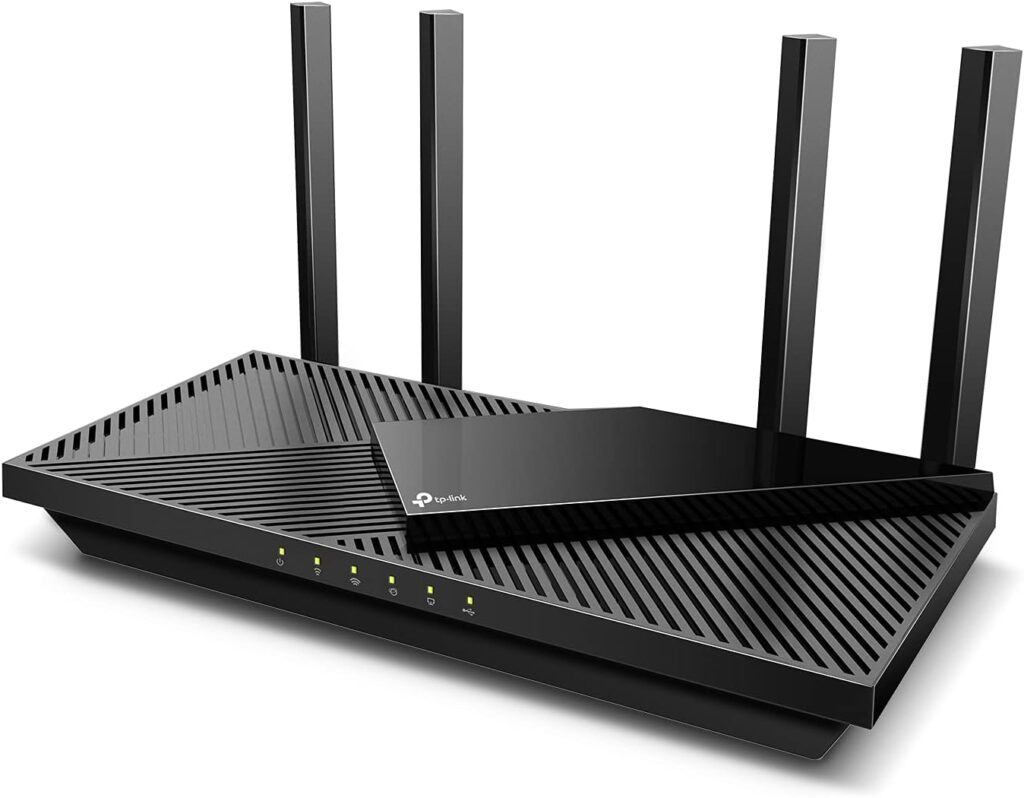
Credit: www.highspeedoptions.com
Frequently Asked Questions
Can Dual Band Routers Improve Satellite Internet Speed?
Yes, dual band routers can enhance satellite internet speed. They reduce interference by operating on 2. 4 GHz and 5 GHz bands, improving connection quality and network performance.
Are Dual Band Routers Compatible With Satellite Internet?
Dual band routers are generally compatible with satellite internet. They connect seamlessly, allowing users to benefit from better range and faster wireless speeds on satellite networks.
Does Dual Band Router Reduce Satellite Internet Latency?
Dual band routers do not directly reduce satellite internet latency. Latency mainly depends on satellite signal travel time, but dual band routers improve overall network stability and user experience.
Can Dual Band Routers Handle Multiple Devices On Satellite Internet?
Yes, dual band routers efficiently manage multiple devices on satellite internet. They distribute bandwidth smartly across 2. 4 GHz and 5 GHz bands, minimizing congestion and maintaining stable connections.
Conclusion
Dual band routers work well with satellite internet. They offer better speed and less interference. You can connect many devices at once. The 2. 4 GHz band covers longer distances. The 5 GHz band gives faster speeds nearby. Satellite internet may have higher latency, but the router handles signals efficiently.
Choosing a dual band router can improve your online experience. It makes your connection more stable and reliable. Simple setup and good compatibility make it a smart choice. Consider your needs and enjoy better internet at home.