Are you tired of buffering ruining your favorite shows or games? Your internet speed might not be the only culprit—your router plays a huge role in how smoothly your streaming experience goes.
If you’ve heard about tri band routers and wondered, “Is a tri band router good for streaming? ” you’re in the right place. This article will clear up the confusion and help you decide if upgrading to a tri band router is the key to flawless streaming.
Keep reading, because what you learn here could change the way you enjoy your entertainment forever.
Tri Band Router Basics
Understanding the basics of a tri band router is key before deciding if it fits your streaming needs. These routers are designed to handle multiple devices without slowing down your connection. This is especially important if your home is filled with gadgets all demanding internet access at the same time.
How Tri Band Works
A tri band router broadcasts three separate wireless bands. Typically, this includes one 2.4 GHz band and two 5 GHz bands. This setup allows more devices to connect simultaneously without interference.
Think of each band as its own highway. When one band gets crowded, your devices can switch to another, keeping your streaming smooth and uninterrupted. This means less buffering and better quality video when you’re watching your favorite shows.
Difference From Dual Band
Dual band routers have two bands: one 2.4 GHz and one 5 GHz. They work well for smaller households with fewer devices. But when multiple people stream or game at the same time, these bands can get crowded quickly.
Tri band routers add a second 5 GHz band, which helps distribute the traffic better. This reduces lag and speeds up your connection during heavy usage. If you’ve ever experienced slow streaming during a family movie night, a tri band router might be the solution.

Credit: www.pcmag.com
Speed Benefits For Streaming
Speed plays a crucial role in streaming quality. A tri band router can offer significant advantages by providing more bandwidth and better traffic management. This means smoother playback, less lag, and a more enjoyable viewing experience for you and everyone in your home.
Handling Multiple Devices
Streaming often happens alongside other online activities. A tri band router splits the connection into three separate bands, allowing multiple devices to connect without slowing each other down. This setup means your smart TV, phone, laptop, and gaming console can all stream or browse at the same time without interruptions.
Think about a typical evening in your home: while you watch a movie, someone else might be video calling, and another person could be gaming. The tri band router keeps these activities flowing smoothly by assigning each device to the best available band.
Reducing Buffering
Buffering can quickly ruin the enjoyment of a good show. With a tri band router, the increased capacity reduces congestion, which lowers the chances of buffering. This is especially important when streaming in high definition or 4K, where data needs to move fast and steady.
If you’ve ever faced constant pauses or pixelated streams, you know how frustrating it is. Using a tri band router can help keep your video playing without those annoying interruptions, even when your internet plan isn’t the fastest.
Reliability Factors
Reliability is key when choosing a tri-band router for streaming. You want your movies, shows, and games to play smoothly without constant buffering or dropped connections. Understanding what makes a tri-band router reliable helps you get the best streaming experience.
Signal Stability
Signal stability means your connection stays strong and consistent over time. Tri-band routers use three separate bands to handle traffic, which reduces congestion and keeps the signal steady. This means fewer interruptions during your streaming sessions.
Imagine streaming your favorite show while others in your home are gaming or video calling. With stable signals, your device won’t compete as much for bandwidth, allowing for smoother playback. Have you noticed less lag when your router supports multiple bands? That’s signal stability in action.
Interference Management
Interference from other wireless devices can cause your streaming to drop or buffer. Tri-band routers help manage interference by spreading connections across different frequency bands. This separation lowers the chance of overlapping signals from neighbors or household gadgets.
Think about crowded Wi-Fi environments, like apartment buildings. A tri-band router can better avoid interference than single or dual-band options, keeping your streaming quality intact. Are you tired of battling slowdowns caused by other networks? Proper interference management can be a game-changer.
Comparing Router Types
Understanding the differences between router types can make or break your streaming experience. Whether you’re binge-watching the latest series or enjoying a live concert online, having the right router is essential. Let’s dive into the key differences between dual band and tri band routers and see which one suits your streaming needs best.
Dual Band Vs Tri Band
Dual band routers operate on two frequency bands: 2.4 GHz and 5 GHz. The 2.4 GHz band is great for general internet browsing and devices that are further from the router. The 5 GHz band offers faster speeds for devices that are closer, making it ideal for streaming.
Tri band routers, on the other hand, add an extra 5 GHz band. This means more devices can connect without congestion. Imagine a virtual highway with an additional lane; traffic moves more smoothly, and your streaming quality stays high even during peak times.
When To Choose Each
Dual band routers are perfect if your household has fewer devices and less intense streaming needs. They offer a cost-effective solution for small to medium-sized homes. If your streaming is limited to a couple of devices, a dual band router should suffice.
If you’re in a tech-savvy home with multiple devices streaming simultaneously, a tri band router is your best bet. It can handle high-demand activities without a hitch. Consider this option if lagging and buffering are frequent headaches in your home.
Ultimately, knowing your streaming habits and household needs will guide you to the right choice. Are you ready to enhance your streaming experience with the right router?
Potential Drawbacks
Tri-band routers offer impressive speed and multiple channels, making them appealing for streaming enthusiasts. However, they aren’t without their downsides. Understanding these potential drawbacks can help you decide if a tri-band router truly fits your streaming needs.
Cost Considerations
Tri-band routers usually come with a higher price tag than dual-band or single-band options. The advanced technology and extra hardware increase manufacturing costs, which you end up paying for.
If you primarily stream on just one or two devices, you might not see enough benefit to justify the extra expense. Are you paying more for features you won’t fully use? This is a crucial question to ask before investing.
Setup Complexity
Setting up a tri-band router can be more complicated than simpler routers. Managing three separate bands means more configuration steps to optimize performance.
For those not comfortable with network settings, it can be confusing to assign devices to the right band or troubleshoot issues. Have you considered whether you’re ready to handle a more complex setup, or would a simpler router save you time and frustration?
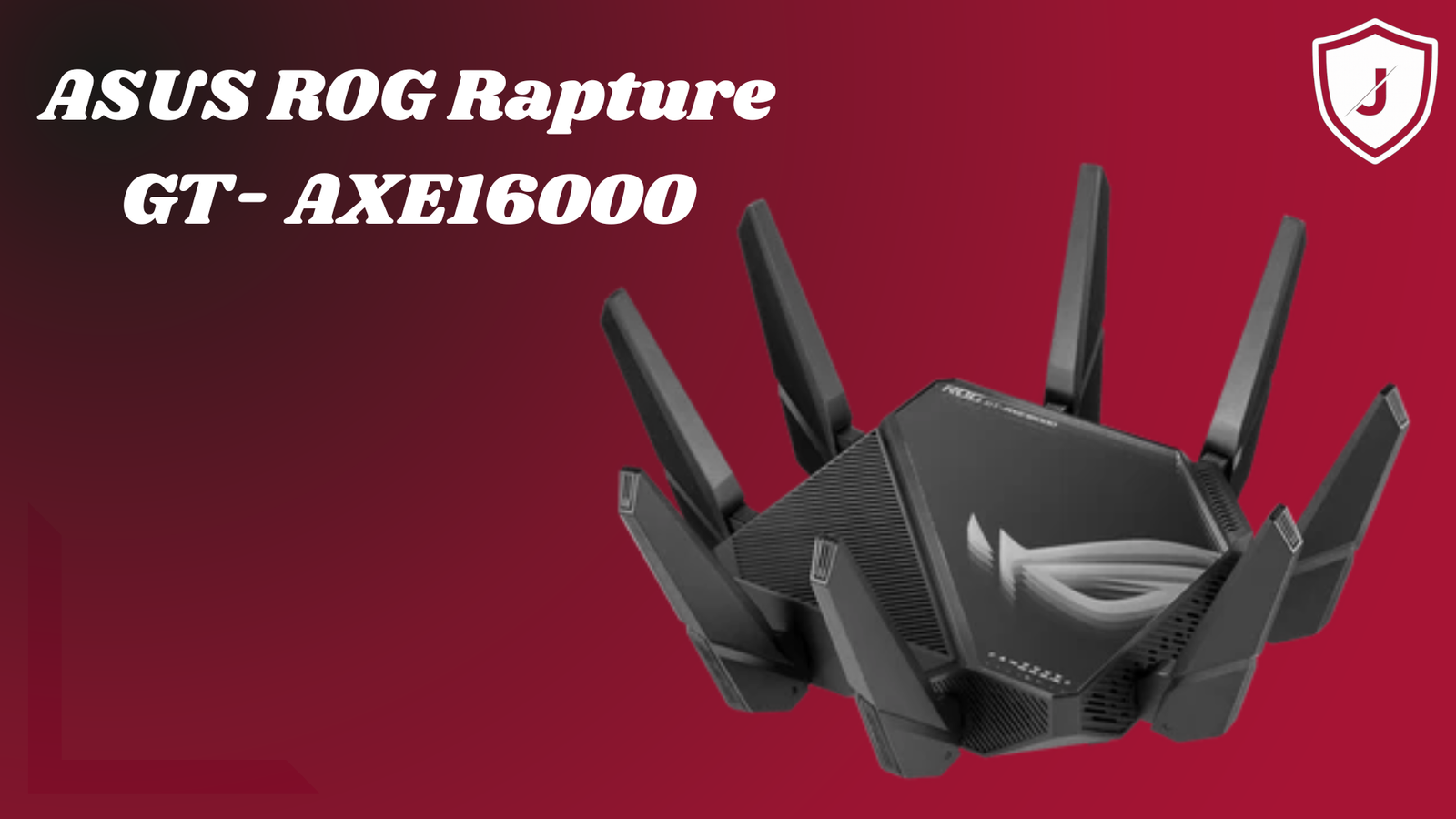
Credit: blog.jazzcybershield.com
Optimizing Streaming Performance
Optimizing your streaming performance with a tri-band router can make a noticeable difference in how smoothly your videos play. A tri-band router offers multiple channels, which means less congestion and better bandwidth management. To get the best out of your device, a few practical steps can help you avoid interruptions and buffering during your favorite shows or live streams.
Placement Tips
Where you put your tri-band router matters a lot. Place it in a central location in your home to ensure the signal reaches every room evenly. Avoid hiding it in cabinets or behind large furniture, as walls and objects can block signals.
Try to keep it away from other electronics like microwaves or cordless phones, which can cause interference. Elevate the router on a shelf or table rather than placing it on the floor. Have you noticed how your streaming quality improves when the router is out in the open?
Firmware Updates
Keeping your router’s firmware updated is essential for smooth streaming. Manufacturers release updates to fix bugs, improve security, and boost performance. Check your router’s settings regularly or enable automatic updates if available.
Updated firmware can optimize how your router handles multiple devices and heavy streaming traffic. If you’ve ever experienced sudden drops in speed, outdated firmware might be the culprit. Don’t let your router fall behind—keep it current to enjoy the best streaming experience.
User Experiences
User experiences offer valuable insights into how tri-band routers perform during streaming. Real users share their daily interactions, highlighting strengths and weaknesses. These stories help understand if tri-band routers meet streaming needs in real settings.
Real-world Streaming Tests
Many users test tri-band routers by streaming videos on multiple devices simultaneously. They report smooth playback on 4K and HD streams without buffering. Some notice fewer interruptions in crowded Wi-Fi environments. Streaming on mobile, laptops, and smart TVs works well together. The extra band helps separate devices, reducing network traffic jams. Some also observe quick recovery from signal drops during streaming. Overall, streaming quality often improves with tri-band routers in busy homes.
Common Feedback
- Improved speed and stability during heavy streaming sessions
- Reduced lag when multiple users stream at the same time
- Easy to manage with user-friendly apps and settings
- Occasional setup complexity for beginners
- Higher cost compared to dual-band routers
- Better performance in larger homes with many devices
Users appreciate the clearer connection and less buffering. Some find the setup process tricky but rewarding. Cost remains a concern, yet many feel the benefits justify it. Tri-band routers suit families or groups with high streaming demand.

Credit: www.amazon.ca
Frequently Asked Questions
What Is A Tri Band Router?
A tri band router operates on three wireless bands: one 2. 4 GHz and two 5 GHz bands. This setup reduces congestion, improves speed, and optimizes performance for multiple devices, making it ideal for streaming and gaming.
Is Tri Band Router Better For Streaming?
Yes, tri band routers provide faster, stable connections and handle more devices simultaneously. This reduces buffering and lag, enhancing your streaming experience with high-quality video playback.
Can Tri Band Routers Support Multiple Streamers?
Tri band routers efficiently distribute bandwidth across devices. This means multiple users can stream 4K or HD content simultaneously without interruptions or speed drops.
How Does Tri Band Improve Streaming Speed?
Tri band routers reduce network congestion by splitting devices across three bands. This allocation minimizes interference, allowing smoother, faster data transfer, which boosts streaming speed and quality.
Conclusion
Tri band routers offer strong, fast connections for streaming. They reduce buffering and keep videos smooth. More devices can connect without slowing down your network. This helps in busy homes with many users. Investing in a tri band router can improve your streaming experience.
Clear, uninterrupted video makes watching shows more enjoyable. Choosing the right router depends on your internet needs and budget. Overall, tri band routers work well for streaming and multitasking online.