Are you worried about exposing your devices when using public Wi-Fi or staying in unfamiliar places? Hiding your devices behind a travel router can keep your online activity private and secure.
Imagine having one simple gadget that shields all your devices at once, making your connection safer and easier to manage. You’ll discover how to set up a travel router to protect your gadgets without any hassle. Keep reading to learn the easy steps that will give you peace of mind wherever you go.
Benefits Of Using A Travel Router
Using a travel router to hide your devices offers several clear advantages that enhance your connectivity experience on the go. It’s not just about convenience; it’s about taking control of your network environment wherever you are. Let’s look at the real benefits you gain by adding a travel router to your travel tech toolkit.
Enhanced Privacy On Public Networks
Public Wi-Fi can expose your devices to unwanted snooping. A travel router creates a private network, shielding your gadgets from direct exposure. This means your data stays between your devices and the router, making it much harder for hackers to intercept.
Think about the last time you connected at an airport café—did you wonder who might be watching your activity? Using a travel router removes that worry by adding a layer of separation from the public network.
Centralized Device Management
When you connect multiple devices through a travel router, you manage them all from one point. This simplifies tasks like monitoring data usage or adjusting network settings. Instead of juggling multiple connections, you have one secure hub controlling everything.
This centralized approach also helps when you want to prioritize certain devices, like your laptop for work, over others like your phone or tablet. It’s about making your network work smarter, not harder.
Improved Network Security
A travel router often supports advanced security features such as firewalls, VPN compatibility, and encrypted connections. These tools protect you from cyber threats that often target travelers using unsecured networks. Without these protections, your devices are more vulnerable to attacks.
Have you ever considered how much you expose yourself by just clicking “connect” on a public Wi-Fi? A travel router adds strong security measures that most public hotspots simply don’t offer, giving you peace of mind wherever you go.

Credit: www.amazon.ca
Choosing The Right Travel Router
Choosing the right travel router is key to hiding your devices on the go. The right device keeps your connection safe and stable. It should fit your travel style and tech needs. Consider features, device compatibility, and how easy it is to carry and power. This makes your travel network smooth and secure.
Key Features To Look For
- Strong security protocols like WPA3 for safe connections
- Ability to create a private Wi-Fi network from public hotspots
- Multiple device support to connect all your gadgets
- Easy setup and user-friendly interface for quick use
- Guest network option to keep your devices private
Compatibility With Devices
Check if the travel router works with your devices. It should support smartphones, tablets, and laptops. It must handle different operating systems like iOS, Android, and Windows. Compatibility ensures every device connects without issues. This helps keep all your gear hidden behind one secure network.
Portability And Power Options
Choose a travel router that is compact and light. Small size fits easily in your bag or pocket. Power options matter for trips without easy access to outlets. Look for models with rechargeable batteries or USB power support. This keeps your network running anywhere, anytime.
Setting Up Your Travel Router
Setting up your travel router is the first step to keep your devices private and secure. A travel router creates a small, personal network that hides your devices behind it. This setup helps protect your gadgets from public Wi-Fi risks and makes connecting easier. Follow these simple steps to get your router ready and secure.
Initial Configuration Steps
Start by plugging in your travel router and connecting it to a computer or smartphone. Open a web browser and type the router’s IP address, usually found on the device label or manual. Log in using the default username and password provided.
Next, update the router’s firmware to the latest version. This ensures better security and performance. Then, configure the network settings to match your travel needs, such as setting the connection type (Wi-Fi, Ethernet, or mobile data).
Securing The Router Access
Change the default login details to a strong username and password. This prevents others from accessing your router settings. Set up WPA3 or WPA2 encryption for your Wi-Fi network. Avoid using open or WEP security, as they are less safe.
Disable remote management features to stop external access. Enable a firewall to protect your network from threats. These actions help keep your personal network safe while on the go.
Connecting Devices To The Router
Turn on Wi-Fi on your devices and search for the travel router’s network name (SSID). Enter the password you created during setup. Your devices will connect through the router, hiding their IP addresses behind it.
Check the router’s admin panel to see connected devices. This helps you monitor and control which gadgets use your network. You can now enjoy safer browsing and device privacy wherever you travel.
Techniques To Hide Devices Behind The Router
Hiding devices behind a travel router helps protect privacy and manage connections. Changing device names and using network isolation keeps devices less visible. Secure settings on the router also limit unwanted access to your devices.
Hiding devices behind a travel router is a smart way to enhance security and manage your network efficiently while on the go. Whether you’re working from a coffee shop or staying at a hotel, these techniques can help you protect your devices from prying eyes. Let’s explore some of the effective methods you can use.Using Nat And Dhcp Settings
Network Address Translation (NAT) is a common feature that allows multiple devices to connect to the internet using a single IP address. By configuring NAT on your travel router, you can keep your device IPs hidden from the external network. Adjusting the DHCP settings will also let you assign local IP addresses to your devices, further masking them from public view. When I was on a business trip, setting up NAT and DHCP on my travel router provided an extra layer of security. It was reassuring to know that my devices were shielded from potential threats on the hotel Wi-Fi. Have you ever thought about how much safer your devices could be with these settings?Enabling Firewall Features
A firewall acts as a barrier between your network and potential threats, blocking unauthorized access. Enabling the firewall features on your travel router can prevent intrusions, ensuring that your devices remain secure. Many travel routers come with built-in firewall settings that are easy to activate. On one occasion, I encountered a suspicious network while traveling. The firewall on my router blocked several unauthorized attempts to access my devices, keeping my data secure. Isn’t peace of mind worth the few moments it takes to enable a firewall?Utilizing Vpn On The Router
Setting up a VPN on your travel router encrypts all the data passing through it, adding an extra layer of privacy and security. This means that your online activities remain hidden, even on unsecured networks. Some routers support VPN functionality, allowing you to connect all your devices through a single, secure tunnel. During a trip abroad, using a VPN on my travel router provided seamless access to the internet without compromising security. It was like having a personal security guard for my data. Have you considered how a VPN could protect your information while traveling? By implementing these techniques, you can ensure that your devices remain out of sight and secure, no matter where your travels take you.Maintaining Privacy While Traveling
Maintaining privacy while traveling is essential for protecting personal data. A travel router helps hide your devices on public networks. This ensures safer internet use on the go. Privacy risks increase with unknown or public Wi-Fi connections. Use simple steps to keep your devices secure and private.
Regular Firmware Updates
Keep your travel router’s firmware up to date. Updates fix security weaknesses and bugs. They improve router performance and protect against hackers. Check for updates often through the router’s settings page. Install new firmware as soon as it becomes available.
Avoiding Suspicious Networks
Choose Wi-Fi networks carefully when connecting your travel router. Avoid networks with strange or generic names. These networks may be traps to steal information. Use trusted networks like hotel or airport Wi-Fi with proper security. Always connect your travel router first before linking your devices.
Monitoring Connected Devices
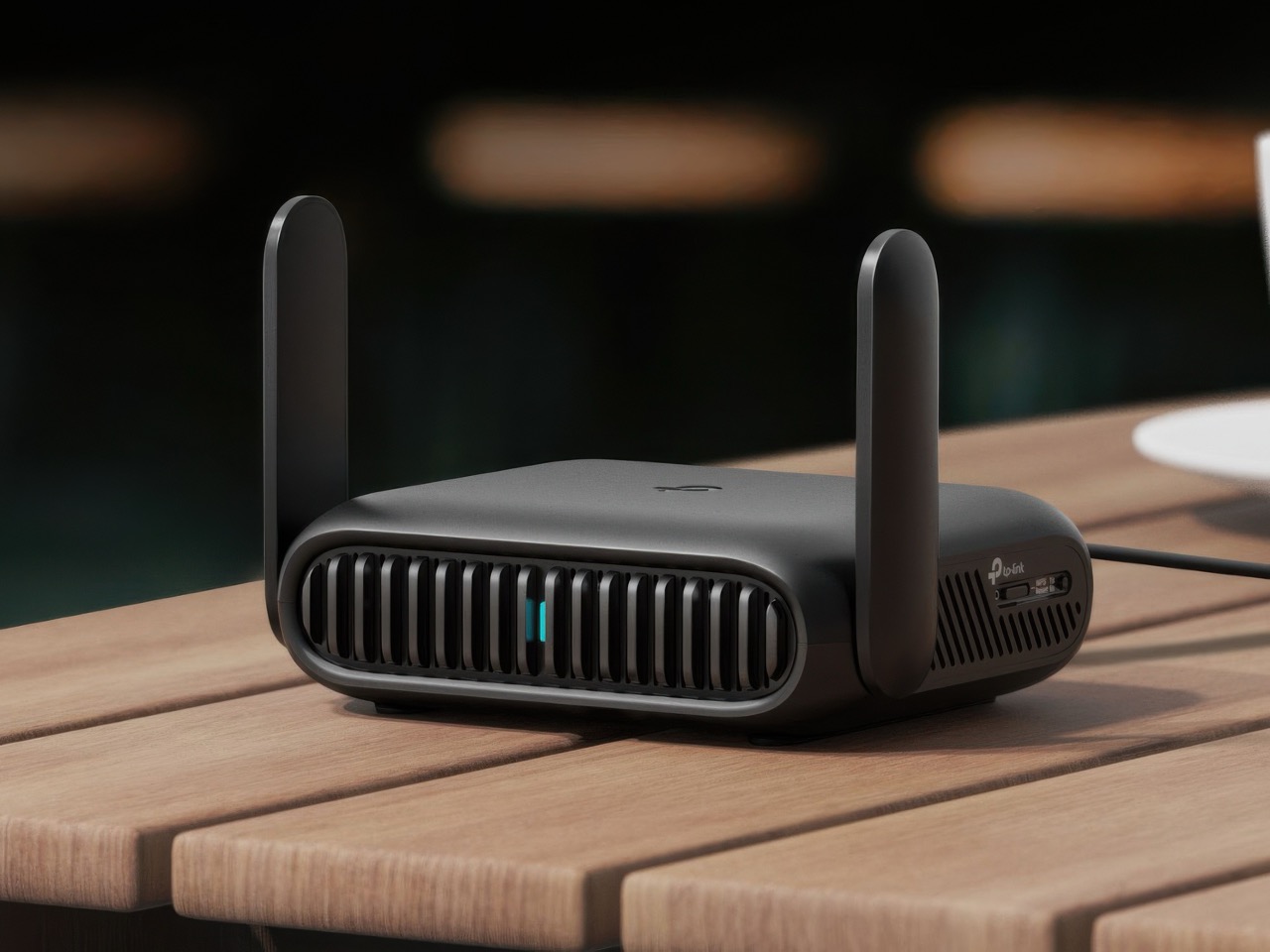
Regularly check which devices connect to your travel router. This helps spot unknown or unauthorized connections. Use the router’s management interface to view connected devices. Remove any device that looks suspicious or unfamiliar. Monitoring prevents unwanted access and keeps your network safe.
Credit: www.yankodesign.com
Troubleshooting Common Issues
Troubleshooting common issues helps keep your travel router working smoothly. Problems may arise from device connections, internet speed, or detection errors. Understanding these issues makes fixing them faster and easier. This section breaks down solutions to typical challenges.
Connectivity Problems
Devices may fail to connect to the travel router. Check if the router is powered on and broadcasting a signal. Make sure devices are within range and have correct Wi-Fi passwords. Restarting both the router and devices often restores connections. Update the router firmware to fix bugs. Clear saved networks on devices to remove conflicts.
Slow Internet Speeds
Slow speeds affect browsing and streaming quality. Test the internet speed using online tools. Reduce the number of connected devices to free bandwidth. Change the router’s channel to avoid interference. Place the router in a central location, away from walls and metal objects. Use Ethernet cables for devices that support wired connections.
Device Detection Challenges
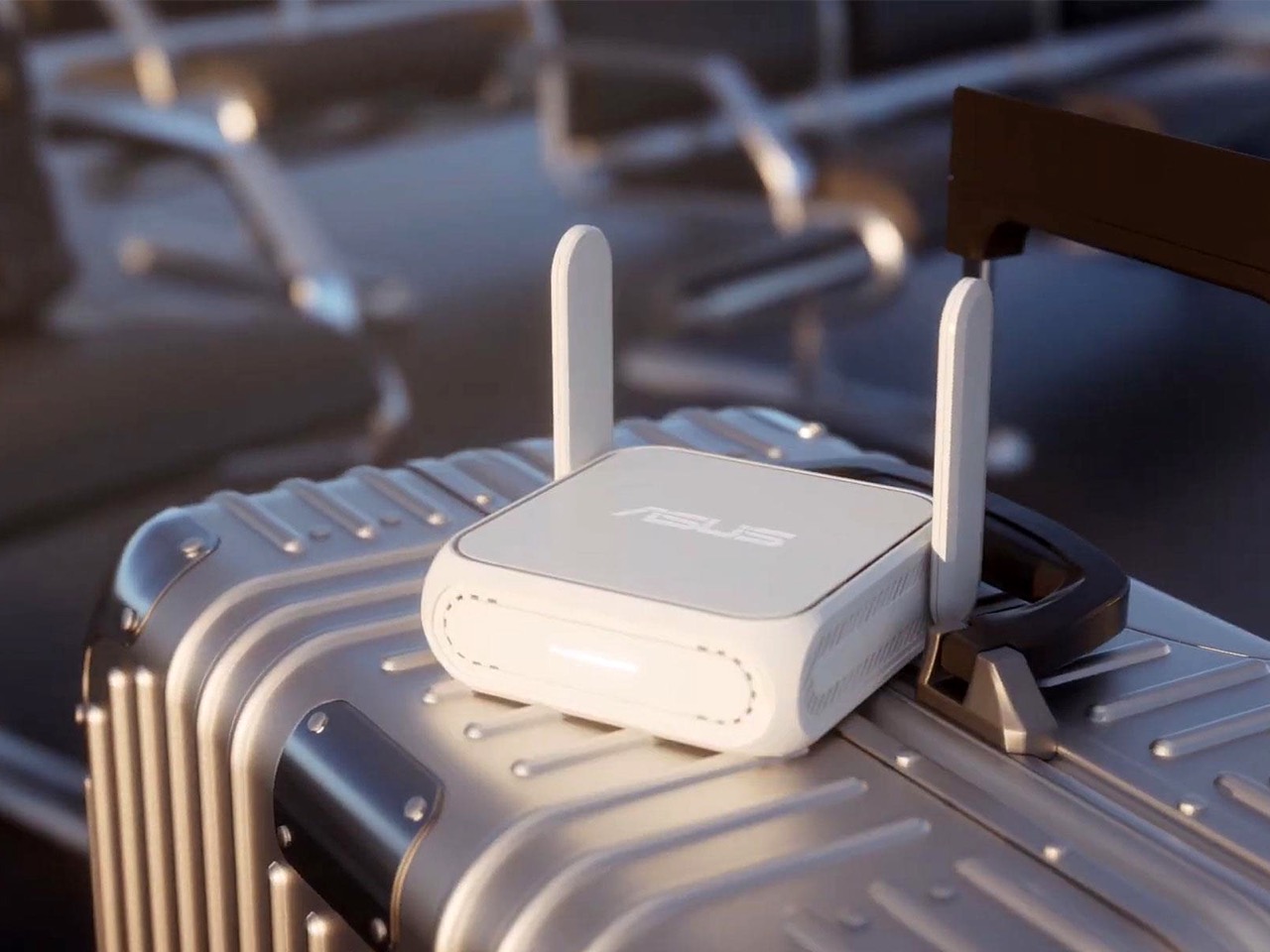
Some devices may not appear on the router’s list. Ensure the travel router supports the device type. Disable any MAC address filtering or security settings blocking devices. Restart the router to refresh device detection. Check device settings for network visibility and permissions. Reset the router to factory settings if problems persist.
Credit: www.yankodesign.com
Frequently Asked Questions
How Does A Travel Router Hide Connected Devices?
A travel router creates a private network, masking individual device IPs. It assigns local IPs to devices, hiding them from the public network. This improves security and privacy when using shared or public Wi-Fi connections during travel.
Can Hiding Devices Improve Travel Router Security?
Yes, hiding devices enhances security by preventing direct access from outsiders. The travel router acts as a firewall, blocking unauthorized connections. This reduces the risk of hacking and keeps your data safe while on unfamiliar networks.
What Types Of Devices Can Be Hidden Behind A Travel Router?
Any device that connects via Wi-Fi or Ethernet can be hidden. This includes smartphones, laptops, tablets, smartwatches, and gaming consoles. The travel router manages all device traffic through one network, keeping individual devices private.
Is Configuring Device Hiding On Travel Routers Difficult?
No, most travel routers have user-friendly interfaces for easy setup. You can enable network isolation or guest mode with a few clicks. Basic technical knowledge is sufficient to configure device hiding effectively.
Conclusion
Hiding devices behind a travel router keeps your network safer. It helps protect your gadgets from unwanted access. Setting up the router is simple and quick. You control which devices connect to the internet. This method works well when traveling or in public places.
Use a travel router to keep your data private. Stay secure without complicated steps or extra tools. A travel router offers peace of mind on the go. Try it and enjoy safer internet connections anywhere you are.