Are you wondering if your travel router needs configuration before you hit the road? You’re not alone.
Many travelers ask this question because setting up new gadgets can feel confusing and time-consuming. But here’s the truth: a little setup can make a huge difference in your internet speed, security, and overall experience. Keep reading to find out exactly why configuration matters and how it can turn your travel router into your best travel companion.
Your next trip just got a whole lot easier.
Why Configure Travel Routers
Configuring a travel router is important before use. It ensures the device works well with different networks. Proper setup helps protect your data and devices while traveling. It also improves connection speed and stability. Without configuration, the router might not function correctly or safely.
Benefits Of Proper Setup
- Secure your internet connection from hackers
- Access multiple devices at the same time
- Improve Wi-Fi signal strength and range
- Control network settings to avoid slow speeds
- Use a single internet source for various devices
- Enable guest networks to keep your data safe
Common Issues Without Configuration
- Weak or unstable internet connection
- Devices failing to connect or disconnecting often
- Open networks that risk data theft
- Slow browsing due to default settings
- Conflicts with hotel or public Wi-Fi systems
- Difficulty managing connected devices
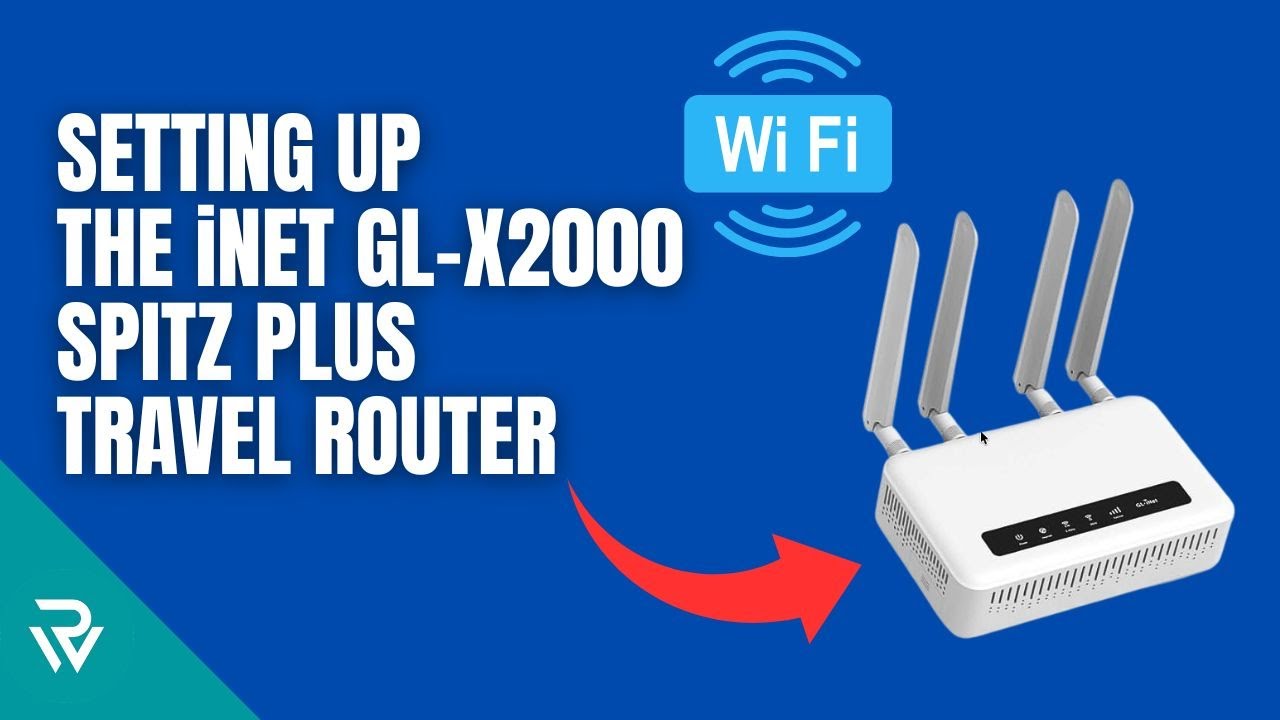
Credit: www.youtube.com
Basic Setup Steps
Setting up a travel router might seem tricky at first, but the basic steps are straightforward and quick. Once you understand the process, you’ll find it easier to create a secure and reliable network wherever you go. These steps focus on connecting the hardware, accessing the router’s interface, and setting up your network name and password.
Connecting Hardware
Start by plugging your travel router into a power source using the provided adapter or USB cable. If your router supports it, connect it to the internet source—like a hotel Ethernet port or a mobile hotspot device—using an Ethernet cable. Some travel routers also allow you to use a SIM card or connect directly via Wi-Fi, so check your model’s options.
Have you noticed how sometimes a simple power connection is all it takes to get your router ready? Keeping cables organized and confirming each connection is secure can prevent common setup frustrations.
Accessing Router Interface
Once your router is powered on, connect your laptop or smartphone to its default Wi-Fi network. Open a web browser and enter the router’s IP address, usually something like 192.168.0.1or 192.168.1.1. This takes you to the router’s login page where you enter the default username and password found in the manual or on the device label.
Don’t overlook this step—accessing the router interface is where you gain control over your network settings. If you can’t log in, double-check the IP address or try resetting the router to factory settings.
Setting Network Name And Password
After logging in, look for wireless settings or Wi-Fi setup options. Change the default network name (SSID) to something memorable but not personally identifiable. Then, set a strong password using a mix of letters, numbers, and symbols to keep your connection secure.
Think about the last time you used a public Wi-Fi with no password—did it feel safe? Setting your own password helps you avoid risks and keeps your devices protected wherever you travel.
Security Settings To Enable
Security settings are essential for travel routers to protect your data and devices. Without proper settings, your connection risks being exposed to hackers. Enabling strong security measures keeps your network safe wherever you go.
Choosing Encryption Types
Encryption scrambles your data so others cannot read it. Select the strongest encryption available on your router. WPA3 offers the best protection today. If unavailable, WPA2 is still secure. Avoid WEP as it is outdated and vulnerable. Use a strong password with the encryption for better safety.
Updating Firmware
Firmware updates fix security holes and improve router performance. Check for updates regularly through the router’s admin panel. Install the latest firmware before each trip. Outdated software can let attackers access your network. Automatic updates, if available, help keep security current.
Setting Up A Guest Network
A guest network separates visitors from your main devices. Enable this feature to protect your personal files and devices. Limit guest network access to the internet only. Use a different password for the guest network. This prevents unauthorized access to your private network.

Credit: www.theverge.com
Optimizing Performance
Optimizing your travel router enhances your internet speed and security. Proper configuration can make a significant difference. It ensures you get the best performance while on the go. Focusing on a few key areas can help you achieve this. Let’s explore these areas in detail.
Selecting Best Wi-fi Channels
Selecting the right Wi-Fi channel reduces interference. Routers often default to common channels. This can lead to congestion. Use apps to scan local networks. Identify the least crowded channel. Adjust your router settings accordingly. This simple step can boost your connection speed.
Managing Device Connections
Limit the number of devices connected. Each device uses bandwidth. Too many connections slow down your network. Prioritize essential devices. Disconnect unnecessary gadgets. Doing so improves overall speed and reliability. Monitor connections regularly for best results.
Using Vpn With Travel Routers
VPNs provide security and privacy. They encrypt your data. This is crucial when using public Wi-Fi. Configure your router to use a VPN. It protects all connected devices. Look for VPN services compatible with your router. A secure connection is always a smart choice. This keeps your data safe from prying eyes.
Troubleshooting Common Problems
Travel routers are handy gadgets, but sometimes they act up. Troubleshooting common problems can save you from frustration and wasted time. Knowing how to reset, fix connectivity, or tackle slow speeds ensures you stay connected wherever you are.
Resetting The Router
Resetting your travel router often clears out glitches and restores smooth operation. Most routers have a small reset button—you usually need a pin or paperclip to press it. Hold it down for about 10 seconds until the lights blink; this returns the router to its factory settings.
Remember, resetting erases your custom settings, so you’ll need to set up your network again. It’s a quick fix if your router stops responding or you’ve forgotten your password. Have you ever found a reset solved a connectivity headache instantly?
Fixing Connectivity Issues
Connectivity issues can stem from various causes like wrong passwords, interference, or IP conflicts. Start by checking if your device is within range of the router’s signal—walls and electronic devices can weaken it. Re-enter your Wi-Fi password carefully; a tiny typo can block access.
If the problem persists, reboot both your travel router and the device you’re using. Sometimes, assigning a static IP address on your device improves stability. Consider changing the Wi-Fi channel on your router to avoid crowded frequencies, especially in busy hotels or airports.
Dealing With Slow Speeds
Slow internet speeds on a travel router can be frustrating, especially when you need to work or stream. First, check your internet source speed; a weak hotel connection limits your router’s performance. Try moving closer to the router or reducing the number of connected devices to free bandwidth.
Updating your router’s firmware often improves speed and security. Also, disabling unused features like guest networks or VPNs can boost speed. Have you noticed speed improvements after tweaking your router settings during your travels?

Credit: www.pocnetwork.net
Tips For Different Travel Scenarios
Travel routers often need different settings based on where you use them. Each place has unique challenges and needs. Adjusting your travel router can improve your internet connection and security. Here are tips for various travel situations.
Hotels And Public Wi-fi
Hotels usually offer Wi-Fi but may limit devices or require logins. Configure your travel router to connect once and share the signal safely with all your devices.
- Set up the router to create a private Wi-Fi network.
- Use router login to avoid repeated hotel portal logins.
- Enable encryption to protect your data on public Wi-Fi.
Remote Locations
In remote areas, internet access can be weak or unstable. Travel routers may need special settings to boost or share signals.
- Use external antennas if supported to improve reception.
- Adjust frequency bands for better connectivity (2.4 GHz for range, 5 GHz for speed).
- Enable offline modes if available for local sharing without internet.
International Travel Settings
Different countries use different internet standards and power supplies. Check router compatibility before travel.
- Change router region settings to match local regulations.
- Use a compatible power adapter for your router.
- Update firmware to support international network bands.
Frequently Asked Questions
Do Travel Routers Require Initial Setup?
Yes, travel routers need initial configuration to connect to the internet. Setup ensures secure and optimized network access during travel.
How To Configure A Travel Router For Hotel Wi-fi?
Access the router’s admin panel via a browser. Enter hotel Wi-Fi credentials and customize security settings before connecting.
Can Travel Routers Work Without Configuration?
Some travel routers offer plug-and-play options, but basic configuration is recommended for security and performance optimization.
Is Configuring Travel Routers Necessary For Vpn Use?
Yes, to use a VPN with a travel router, you must configure VPN settings in the router’s interface first.
Conclusion
Travel routers often need some setup to work well. Setting them up helps keep your connection safe and fast. You can choose simple settings that fit your travel needs. A quick configuration avoids common problems on the road. This small step makes your internet use easier and more reliable.
Travel routers give you control over your online safety. Take a few minutes to adjust them before your trip. It saves time and stress later. Safe and steady internet is worth the effort.