Are you struggling with weak Wi-Fi signals in some parts of your home? Maybe you’ve wondered if using two dual band routers can solve this problem.
It sounds like a smart idea—more routers, more coverage, right? But is it really that simple? Before you spend money on extra equipment, it’s important to understand how these devices work together. You’ll discover whether using two dual band routers in your home is a good move, how to set them up correctly, and what common mistakes to avoid.
Keep reading to unlock the secrets to stronger, faster Wi-Fi throughout your space.
Benefits Of Using Two Dual Band Routers
Using two dual band routers in your home can bring several clear benefits that improve your overall internet experience. This setup can help you get better coverage, faster speeds, and more control over your network. Let’s look at how adding a second router can make a real difference.
Enhanced Wi-fi Coverage
One dual band router might struggle to cover every corner of your home, especially if you have thick walls or multiple floors. Adding a second router expands your Wi-Fi range, reducing dead zones and weak signals.
Think about your basement or backyard where your signal usually drops. With two routers, you get stronger and more consistent coverage in these tricky spots. This means uninterrupted streaming or gaming no matter where you are.
Improved Network Performance
Multiple devices compete for bandwidth on a single router, which can slow down your connection. Two dual band routers can split the load, allowing your devices to connect without overcrowding one network.
You’ll notice less buffering and faster downloads when your work laptop, smart TV, and phone aren’t fighting for the same wireless channel. This setup also reduces interference, making your network more stable overall.
Separate Networks For Different Needs
Sometimes you want to keep work devices separate from entertainment or smart home gadgets. With two dual band routers, you can create distinct networks for different purposes.
For example, you might have one router dedicated to high-priority work tasks and another for casual browsing or guest access. This way, your important connections stay fast and secure without interruptions from other devices.
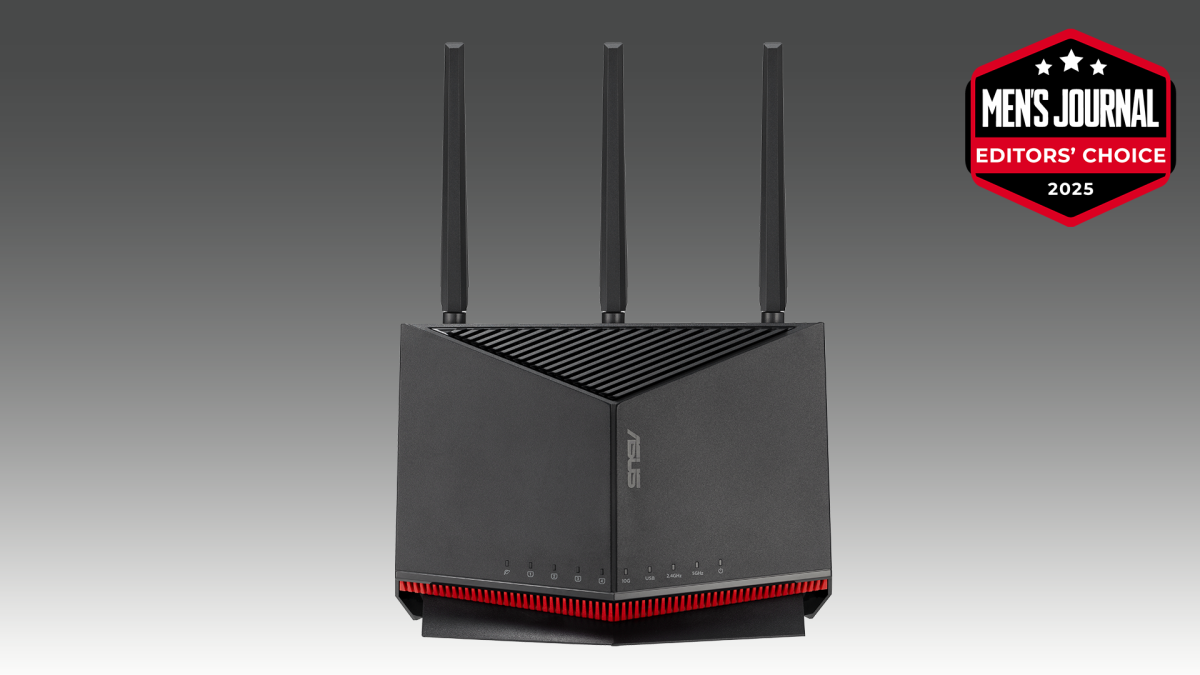
Credit: www.mensjournal.com
Types Of Dual Band Router Setups
Using two dual band routers in one home can improve Wi-Fi coverage and performance. Different setups exist to connect these routers effectively. Choosing the right setup depends on your home size, internet needs, and technical comfort.
Router And Access Point Configuration
One router acts as the main device, managing the internet connection. The second router works as an access point. It extends the Wi-Fi signal to areas with weak coverage. This setup creates a larger wireless network with better reach.
To configure the second router as an access point, disable its DHCP server. Assign a static IP address within the main router’s range. Connect the second router to the first using an Ethernet cable. This setup avoids IP conflicts and ensures smooth network operation.
Router Cascading
Router cascading links two routers in sequence. The first router connects to the internet, and the second router connects to the first one. This setup allows separate networks or improved coverage.
There are two types of cascading:
- LAN-to-WAN: The second router creates a different network segment. Useful for guest networks or security separation.
- LAN-to-LAN: Both routers share the same network. Devices can communicate freely across routers.
Proper configuration is essential to avoid IP conflicts and maintain internet access.
Mesh Network Integration
Mesh networks use multiple devices to create a single seamless Wi-Fi network. Dual band routers compatible with mesh systems work together to cover the whole home. The main router and mesh nodes communicate to optimize signal strength.
This setup provides:
- Automatic device connection to the strongest signal
- Easy expansion by adding more nodes
- Consistent network name (SSID) across the home
Mesh integration suits larger homes or areas with many obstacles. It simplifies managing multiple routers and improves user experience.
Step-by-step Setup Process
Setting up two dual band routers in one home can boost your Wi-Fi coverage and reduce dead zones. The process might seem tricky, but breaking it down into clear steps makes it manageable. Here’s a straightforward guide to help you get your network running smoothly.
Choosing The Right Router Placement
Placement affects your network’s speed and reliability. Put your primary router in a central spot, away from thick walls or large metal objects that can block signals.
Place the secondary router where the Wi-Fi signal starts to weaken but still strong enough to connect. This way, you create a seamless transition between routers without losing connection.
Have you noticed areas in your home where your current Wi-Fi drops? That’s a good clue for where to put the second router.
Configuring Ip Addresses
Each router needs a unique IP address to avoid conflicts. Usually, your main router uses something like 192.168.1.1.
Change the secondary router’s IP to a different address in the same range, such as 192.168.1.2. This keeps both routers on the same network but distinct.
Make sure the new IP address is outside the DHCP range of the primary router to prevent overlap.
Disabling Dhcp On Secondary Router
DHCP assigns IP addresses to devices on your network. Only your primary router should handle this task.
Access your secondary router’s settings and turn off its DHCP server. This avoids two routers trying to assign IP addresses, which can cause network issues.
Disabling DHCP on the secondary router makes it act as an access point, extending your network smoothly.
Connecting Routers Via Ethernet Or Wi-fi
You have two main options to link your routers: Ethernet or Wi-Fi. Ethernet is faster and more reliable but requires running a cable between devices.
If running cables isn’t feasible, you can connect them wirelessly. Just ensure the secondary router supports wireless bridging or repeater mode.
Choosing the right connection depends on your home layout and how much speed you need. Which option fits your setup best?
Common Issues And How To Fix Them
Using two dual band routers in one home may cause some common problems. These issues can affect your network’s performance and stability. Understanding these problems and knowing how to fix them helps keep your internet running smoothly.
Below are typical issues users face and practical solutions for each.
Ip Address Conflicts
Two routers may assign the same IP address to devices. This causes connection drops or no internet access. To fix this, assign different IP address ranges to each router. For example, set one router to use 192.168.1.x and the other 192.168.2.x. Disable DHCP on the second router if you want only one router to manage addresses.
Signal Interference
Dual band routers use 2.4 GHz and 5 GHz frequencies. Overlapping channels cause interference and weak signals. Choose different channels for each router to avoid this. Use a Wi-Fi analyzer app to find less crowded channels. Place routers far apart to reduce signal clash and improve coverage.
Slow Speeds And Latency
Multiple routers can cause slower speeds and delays if not set properly. Avoid connecting the second router through Wi-Fi; use an Ethernet cable instead. Check that both routers support the same Wi-Fi standards. Limit the number of devices on each router to prevent overload. Restart routers regularly to clear memory and improve speed.
Device Compatibility Problems
Some devices struggle to switch between two routers. This can cause frequent disconnections. Use the same network name (SSID) and password on both routers for seamless roaming. Ensure firmware updates are applied to fix bugs and improve compatibility. Consider using mesh Wi-Fi systems if smooth device handoff is critical.
Optimizing Network Performance
Using two dual band routers can boost Wi-Fi coverage and reduce dead zones in large homes. Proper setup ensures devices connect smoothly without interference or speed loss. This approach helps balance network traffic and improves overall internet performance.
Having two dual-band routers in one home can significantly boost your network performance if done right. It’s not just about doubling your coverage; it’s about smartly managing your network to ensure fast, reliable connectivity. Think of it as giving every device in your home the bandwidth it needs to perform optimally. But how do you achieve this optimization without overwhelming your network? Let’s dive into some practical tips.Channel Selection Tips
Choosing the right channels for your routers can make a world of difference. Dual-band routers offer both 2.4GHz and 5GHz channels. The 2.4GHz band covers a wider area but is susceptible to interference from other devices, while the 5GHz band offers faster speeds with less interference but shorter range. To optimize performance, use a Wi-Fi analyzer app to identify the least crowded channels in your area. Set one router to a different channel than the other to minimize overlap. This approach helps reduce interference and ensures smoother connectivity for all devices.Bandwidth Management
Managing bandwidth effectively can prevent network congestion, especially if multiple people are streaming, gaming, or working from home. Most modern routers come with Quality of Service (QoS) settings that allow you to prioritize certain devices or applications. Allocate bandwidth based on usage needs. For instance, prioritize gaming consoles or streaming devices during peak hours. By strategically distributing bandwidth, you can ensure a seamless experience for everyone in your household.Security Best Practices
Securing your network is crucial, especially when using multiple routers. With more devices connected, there’s a higher risk of unauthorized access. Always update your router’s firmware to the latest version to protect against vulnerabilities. Set up strong, unique passwords for each router and enable WPA3 encryption if available. Consider disabling remote management features unless necessary. Regularly check connected devices and remove any that are unfamiliar. By taking these steps, you can safeguard your network against potential threats and maintain optimal performance. Implement these strategies, and you’ll likely see a noticeable improvement in your home network’s performance. Are you ready to transform your home network into a powerhouse of efficiency and security?
Credit: www.pocket-lint.com
When To Consider Alternative Solutions
Using two dual band routers in one home might seem like a good idea. It can work in some cases. But this setup may cause issues like interference or network confusion. Consider other solutions if your current setup slows down or coverage is weak. Different options can improve your Wi-Fi experience more effectively.
Using A Mesh Wi-fi System
A mesh Wi-Fi system uses several devices working together. They create one strong network with seamless coverage. This setup reduces dead zones in large homes. It is easy to manage through one app. Mesh systems adapt to your home’s layout and devices automatically. It offers better speed and reliability than two separate routers.
Upgrading To A Single High-performance Router
A powerful router can handle many devices at once. These routers support the latest Wi-Fi standards. They often include features like beamforming and MU-MIMO. This technology improves signal strength and data flow. Upgrading to one strong router simplifies network management. It also reduces interference and confusion between devices.
Adding Wi-fi Extenders Or Repeaters
Wi-Fi extenders boost your existing network’s signal. They help reach areas with weak or no signal. Extenders are easy to set up and affordable. They work well in homes with specific dead spots. Repeaters receive and resend Wi-Fi signals to extend coverage. This solution is better than running two routers separately.

Credit: www.youtube.com
Frequently Asked Questions
Can I Use Two Dual Band Routers In One Home?
Yes, you can use two dual band routers in one home. Connect one as the main router and the other as an access point or repeater. This setup can extend Wi-Fi coverage and improve signal strength across large areas.
Will Two Dual Band Routers Cause Interference?
Two dual band routers can cause interference if placed too close or using the same channels. To avoid this, set each router on different Wi-Fi channels and bands. Proper placement reduces signal overlap and ensures better performance.
How Do I Connect Two Dual Band Routers Together?
You connect two dual band routers via Ethernet cable or Wi-Fi bridge mode. Use Ethernet for stable, high-speed connections. Configure the second router as an access point to extend network coverage seamlessly.
Can Two Dual Band Routers Improve Home Wi-fi Speed?
Two dual band routers can improve Wi-Fi speed by reducing congestion and expanding coverage. Distributing devices across different routers balances network load, resulting in faster and more stable connections throughout your home.
Conclusion
Using two dual band routers in one home can improve your Wi-Fi coverage. It helps reduce dead zones and boost signal strength. Make sure to set different channels to avoid interference. Connect them properly for smooth network performance. This setup fits large houses or places with many devices.
Small homes may not need two routers. Overall, two dual band routers can bring better internet access. Just plan the network carefully for the best results.