Are you tired of weak Wi-Fi signals when you’re on the go? You might have heard that travel routers can help, but what about mesh networking?
Can these compact devices support a seamless, strong connection like a mesh system does at home? If you want to know how to keep your internet fast and reliable no matter where you are, this article is for you. Keep reading to discover the truth about travel routers and mesh networking—and find out how to boost your online experience wherever you roam.
Travel Routers Basics
Travel routers offer a smart way to stay connected on the go. They create a private Wi-Fi network from public or wired internet sources. This lets multiple devices access the internet securely and easily. Understanding the basics of travel routers helps you decide if they fit your travel needs.
What Are Travel Routers
Travel routers are compact devices designed for portability. They connect to hotel Ethernet, public Wi-Fi, or mobile hotspots. Then, they share this connection with your devices through a private Wi-Fi network. This setup enhances security and internet speed stability. Many models also support power-saving features and easy setup.
Key Features To Look For
- Portability:Small and lightweight for easy packing.
- Multiple Connection Types:Support for Ethernet, Wi-Fi, and USB modems.
- Security:WPA3 encryption and VPN compatibility.
- Battery Life:Built-in battery for use without power outlets.
- Ease of Use:Simple setup with user-friendly interfaces.
- Speed:Support for dual-band Wi-Fi (2.4 GHz and 5 GHz).
- Additional Features:Guest networks, parental controls, and app management.

Credit: currently.att.yahoo.com
Mesh Networking Essentials
Understanding mesh networking is key if you’re considering travel routers and their capabilities. Mesh networks create a seamless web of connections, ensuring your devices stay online no matter where you move within your space. This technology transforms multiple access points into one unified network, making coverage smooth and reliable.
How Mesh Networks Work
Mesh networks use several nodes that communicate with each other to spread Wi-Fi signals across a large area. Each node acts as both a receiver and a transmitter, passing data along to other nodes until it reaches your device.
This setup eliminates dead zones by creating multiple pathways for data. If one node encounters an issue, the network automatically reroutes traffic through other nodes, keeping your connection stable.
Benefits Of Mesh Networking
- Consistent Coverage:You won’t lose connection when moving around because the network adjusts to your position.
- Easy Expansion:Adding more nodes is simple, allowing you to extend coverage as needed without complicated setup.
- Improved Speed:Multiple nodes reduce congestion by distributing traffic efficiently.
- Self-Healing:The network detects problems and finds alternative routes automatically.
Have you ever struggled with spotty Wi-Fi in a hotel or a large Airbnb? Mesh networking can solve that by keeping your devices connected no matter where you sit or stand.
Compatibility Of Travel Routers With Mesh
Understanding the compatibility of travel routers with mesh networking can transform how you stay connected on the go. Not all travel routers are built to work seamlessly within a mesh system. Knowing which models support mesh and what challenges you might face helps you make smarter choices for your travel tech setup.
Popular Travel Routers Supporting Mesh
Certain travel routers come with built-in mesh capabilities or support mesh firmware, making them stand out for travelers who need reliable and expandable Wi-Fi coverage.
- TP-Link Deco M4– A compact option that easily joins a mesh network, perfect for travelers who want consistent Wi-Fi in large or multi-room spaces.
- GL.iNet GL-MT1300 (Beryl)– Supports OpenWRT and mesh protocols like 802.11s, offering flexibility for advanced users.
- Netgear Nighthawk M1– Though primarily a mobile hotspot, it can be part of a mesh setup when paired with compatible Netgear routers.
- Asus Lyra Mini– Designed with mesh in mind, it provides simple setup and good range for travelers needing stable connections.
Each of these routers has its strengths, but what really matters is how easily they integrate with your existing mesh system or if they allow you to create one from scratch.
Limitations And Challenges
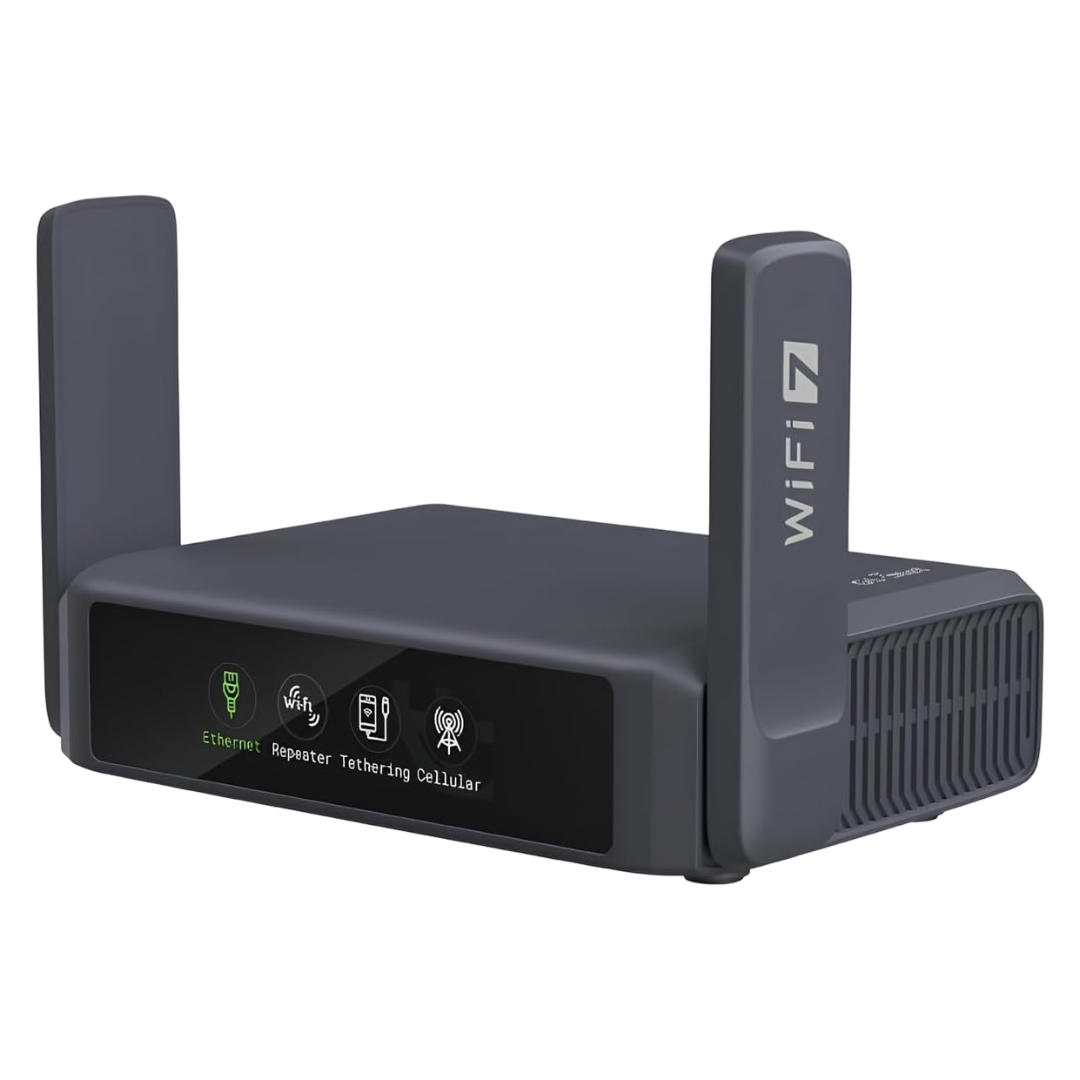
Travel routers often face hurdles when used in mesh networks, mainly due to their compact design and limited hardware.
- Hardware Constraints:Many travel routers lack the processing power or multiple antennas needed for seamless mesh communication.
- Firmware Support:Some routers don’t support mesh protocols by default, requiring manual firmware updates or third-party software that can be tricky to install.
- Compatibility Issues:Mixing different brands or models in a mesh setup can cause connectivity drops and slow speeds.
- Range and Coverage:Travel routers are usually optimized for portability, which may reduce their coverage compared to dedicated mesh nodes.
Have you ever struggled with spotty Wi-Fi while traveling despite having a travel router? The issue might be rooted in these compatibility challenges. It’s worth asking yourself if your router truly supports mesh or if a different setup could serve you better.
Credit: www.xda-developers.com
Setting Up Mesh With Travel Routers
Travel routers can support mesh networking, but not all models have this feature. Mesh allows multiple devices to work together, creating a larger Wi-Fi area. Choosing the right travel router ensures better connection during trips.
Setting up a mesh network with travel routers can enhance your internet experience. Travel routers often come with the capability to support mesh networking. This allows you to extend Wi-Fi coverage in your temporary accommodations. If you travel frequently, this setup can be very useful. It ensures a strong and stable connection across all devices.Step-by-step Configuration
Setting up mesh networking on a travel router is simple. First, check if your router supports mesh technology. Then, access the router’s web interface via a browser. Enter the default IP address in the address bar. Log in using the default credentials provided by the manufacturer. Once logged in, locate the mesh network settings. Enable the mesh feature to start configuration. Follow on-screen instructions to add nodes to your network. Place additional nodes around your location for optimal coverage. Ensure each node connects successfully to the main router.Troubleshooting Common Issues
Sometimes, setting up mesh networks can encounter issues. If a node fails to connect, check its distance from the main router. Nodes placed too far may not connect properly. Ensure firmware is up-to-date to avoid connectivity issues. If the network speed is slow, check for interference. Other electronic devices can disrupt the signal. Adjust the position of nodes to reduce interference. If the problem persists, consider resetting the router. This can resolve many common issues.Alternatives For Enhanced Connectivity
Travel routers often have limits in range and connection strength. Alternatives help improve internet access in hotels, cafes, or shared spaces. These options boost Wi-Fi signals and create more stable connections. They suit users needing better coverage without complicated setups.
Using Extenders And Repeaters
Extenders and repeaters catch the existing Wi-Fi signal. They then send it further to cover dead zones. This method increases the reach without new cables or networks. It suits places with a weak or spotty Wi-Fi signal.
Many models are easy to set up. Just plug in and connect to the main router. They work well with travel routers to extend coverage. This solution is cost-effective and simple for travelers.
Mobile Hotspots And Other Solutions
Mobile hotspots use cellular data to create Wi-Fi networks. They offer internet access anywhere with mobile signal. These devices are small and portable for travel convenience.
Other options include tethering from smartphones or using USB modems. These solutions do not rely on local Wi-Fi networks. They provide secure and private internet connections on the go.
Choosing The Best Option
Choosing the best travel router that supports mesh networking can significantly improve your connectivity on the go. The right device will ensure seamless internet access whether you’re in a hotel, a conference room, or a vacation rental. Let’s break down what really matters when picking your travel companion for reliable mesh networking.
Factors To Consider
Start by looking at the router’s compatibility with mesh systems. Not all travel routers support mesh networking natively, so verify if the device can connect with other nodes or routers to extend your network. Check if it supports common mesh protocols like Wi-Fi EasyMesh or proprietary systems from brands like Netgear or TP-Link.
Portability is another key factor. You want a router that’s compact and lightweight without sacrificing signal strength or range. Battery life matters too if you plan to use it unplugged during travel.
Security features should never be overlooked. Look for routers with built-in VPN support, firewall capabilities, and regular firmware updates to keep your data safe.
Budget Vs Performance
Balancing cost and performance can be tricky. High-end travel routers often offer better mesh support, faster speeds, and more robust security, but they come at a premium price. Cheaper models might suffice for light browsing, but can struggle with multiple devices or streaming.
Ask yourself: How many devices will you connect? Will you stream high-definition videos or just check emails? Your usage pattern will guide your investment.
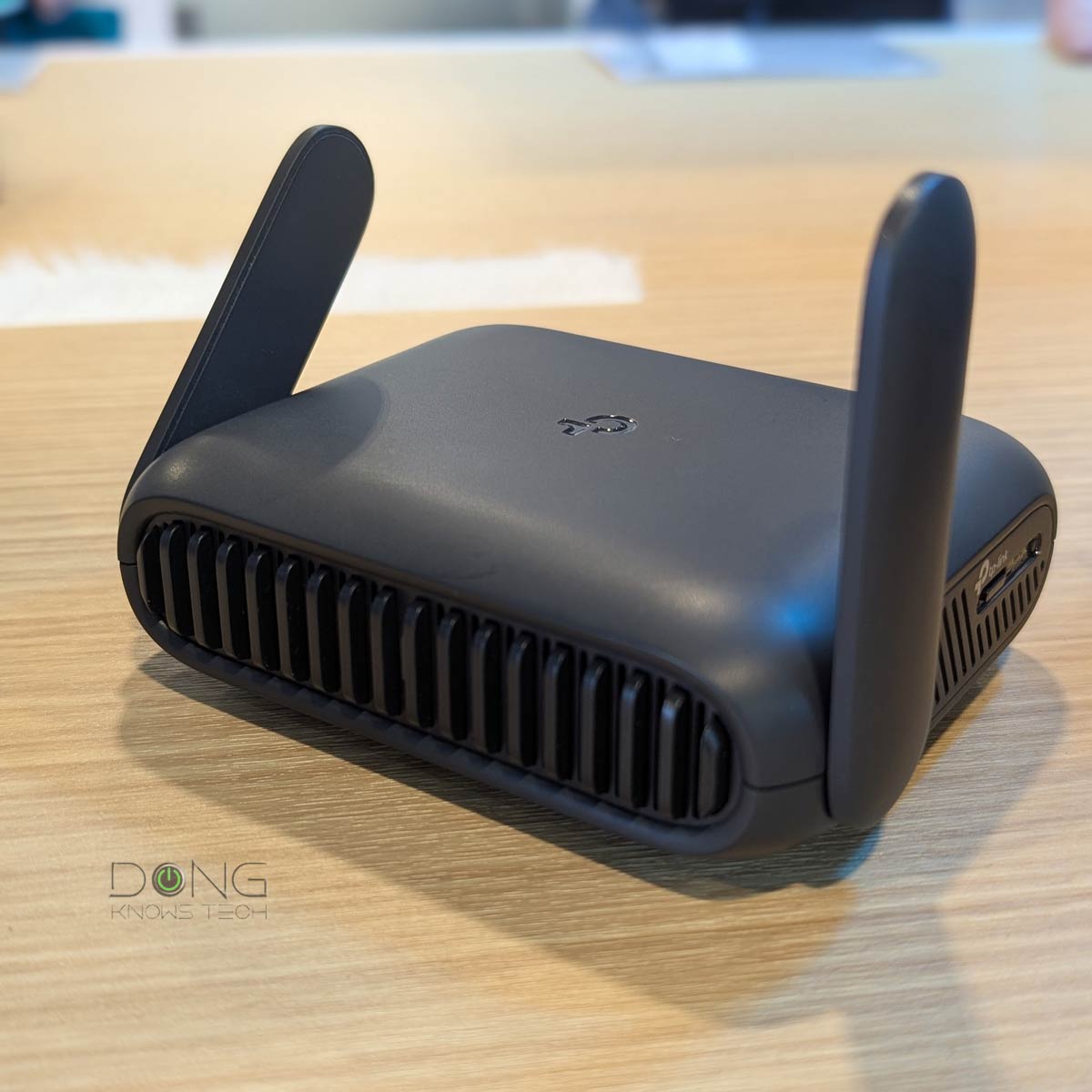
Sometimes spending a bit more upfront saves frustration later. I once bought a budget travel router that dropped connections frequently, forcing me to reset it constantly. Investing in a mid-range model with mesh capabilities made a huge difference during a week-long trip with multiple users.
Credit: dongknows.com
Frequently Asked Questions
Do Travel Routers Work With Mesh Networks?
Most travel routers do not support mesh networking. They are designed for single Wi-Fi access points. However, some advanced travel routers offer limited mesh capabilities. For full mesh support, look for dedicated mesh Wi-Fi systems instead.
Can I Create A Mesh Network With Travel Routers?
Creating a true mesh network with travel routers is generally not possible. Travel routers lack the software and hardware to communicate seamlessly. For reliable mesh setups, use routers specifically built for mesh networking.
Are Travel Routers Compatible With Mesh Wi-fi Systems?
Travel routers typically do not integrate with mesh Wi-Fi systems. Mesh networks require compatible devices for seamless connection and management. Travel routers focus on portability and basic connectivity, not mesh compatibility.
Why Don’t Travel Routers Support Mesh Networking?
Travel routers prioritize compact size and portability over advanced features. Mesh networking requires more processing power and firmware support. Due to cost and design constraints, most travel routers skip mesh functionality.
Conclusion
Travel routers can support mesh networking, but not all do. Check the product details before buying. Mesh helps extend Wi-Fi coverage smoothly and easily. It connects multiple devices with one network name. This is useful in big homes or when traveling.
Choose a travel router with mesh features for better signals. It makes your internet experience more reliable. Simple setup and stable connection matter most. Understanding these points helps you pick the right travel router. Stay connected wherever you go without hassle.