Is your budget router dragging down your internet speed? You’re not alone, and the good news is you don’t have to spend a fortune to fix it.
Imagine streaming your favorite shows without buffering or browsing without constant delays. You’ll discover simple, effective steps to boost your router’s performance right now. Keep reading, and you’ll learn how to turn your slow connection into a smooth, reliable experience—no tech skills needed.
Identify Common Causes
Slow internet speeds on a budget router can be frustrating, especially when you rely on it for work or entertainment. Before rushing to buy a new device, it’s important to understand the common causes that might be slowing down your connection. Identifying these issues can save you time and money while improving your network’s performance.
Check For Firmware Updates
Your router’s firmware acts like its brain, controlling how it handles data and connections. Manufacturers often release updates to fix bugs and improve speed. If you haven’t updated your router in a while, it might be running outdated software that slows it down.
Access your router’s settings through its IP address and look for a firmware update option. Updating is usually quick and can resolve many performance issues without extra cost.
Inspect Router Placement
Where you place your router matters more than you might think. Walls, furniture, and even appliances can block signals and reduce speed. Placing your router in a central, elevated spot often helps the signal reach every corner of your home.
Have you noticed slower speeds in certain rooms? That could be a sign your router’s location is limiting its range. Experiment with different spots and watch your connection improve.
Analyze Connected Devices
Too many devices connected to a single router can drain its resources, causing slower speeds for everyone. Streaming videos, gaming, or large downloads on multiple devices at once can overwhelm a budget router.
Check your router’s interface to see all connected devices. Disconnect any that aren’t in use and consider limiting heavy activities during peak hours. This simple step often makes a noticeable difference in speed.
Credit: medium.com
Optimize Router Settings
Optimizing your router settings can make a noticeable difference in your internet speed, especially if you’re using a budget router. These devices often come with default configurations that don’t suit every home environment. Tweaking a few key settings can reduce interference, better allocate your bandwidth, and prioritize important traffic.
Change Wi-fi Channel
Your router broadcasts on specific Wi-Fi channels, and if many nearby networks use the same channel, your connection can slow down. You can log into your router’s admin panel to check which channels are crowded and switch to a less busy one.
I once fixed slow Wi-Fi at home simply by switching from channel 6 to channel 11. The improvement was immediate—fewer dropouts and faster speeds. Have you checked if your router is stuck on a crowded channel?
Adjust Bandwidth Settings
Many budget routers default to lower bandwidth settings to maintain stability. However, if your router supports dual-band (2.4 GHz and 5 GHz), you can assign devices to the appropriate band. The 5 GHz band offers faster speeds but shorter range, while 2.4 GHz covers larger areas but with slower speeds.
Try limiting bandwidth-heavy tasks like streaming or gaming to the 5 GHz band to free up the 2.4 GHz band for general use. This simple adjustment often improves overall network performance without extra cost.
Enable Quality Of Service
Quality of Service (QoS) lets you prioritize certain types of traffic or devices on your network. For example, you can give priority to video calls or work laptops, ensuring they get the bandwidth they need even if others are streaming or downloading.
Enabling QoS helped me maintain smooth video meetings despite others watching movies on the same network. Check your router’s settings to see if QoS is available and start prioritizing what matters most to you.
Improve Hardware Performance
Improving the hardware performance of a budget router can greatly enhance its speed and reliability. Hardware tweaks often offer quick and noticeable improvements. These changes help reduce lag and improve connection stability.
Restart And Reset Router
Restarting the router clears temporary bugs and frees up memory. A simple reboot often resolves slow speeds caused by software glitches. Resetting the router to factory settings removes misconfigurations that slow down the device. Use reset only if restarting does not help. Remember to back up your settings before a reset.
Upgrade Antennas
Many budget routers have basic antennas that limit signal strength. Replacing these antennas with higher-gain models boosts range and signal quality. Improved antennas help reduce dead zones in your home. Choose antennas compatible with your router’s frequency bands. Stronger signals lead to faster and more stable connections.
Use Wired Connections
Wired connections offer faster and more stable internet than wireless. Using Ethernet cables reduces interference and packet loss. Connect devices like computers or gaming consoles directly to the router. This simple step can significantly improve speed and reduce lag. Keep cables organized to avoid damage and maintain performance.
Credit: www.highspeedinternet.com
Manage Network Traffic
Struggling with a sluggish budget router? Efficiently managing your network traffic can help. It optimizes speed and ensures smooth connectivity. Learn how to make the most out of your router.
Limit Background Applications
Background apps can hog bandwidth. Close unnecessary apps on devices. Check for apps that auto-update. Disable auto-updates during peak hours. This frees up bandwidth for essential tasks.
Schedule Heavy Usage
Plan bandwidth-heavy tasks during off-peak hours. This includes downloads and updates. Use router settings to schedule these tasks. This ensures peak times remain smooth for everyone. A little planning can make a big difference.
Control Guest Access
Guest networks can slow your connection. Limit access to trusted devices only. Set up a guest network with limited speed. This keeps your main network running smoothly. Consider changing the guest password regularly.
Consider Upgrades And Alternatives
Slow internet from a budget router can frustrate daily tasks. Sometimes, fixing slow speeds means looking beyond simple tweaks. Upgrading or changing your equipment can bring noticeable improvements. Consider options that fit your needs and budget to boost your network performance.
Add A Wi-fi Extender
A Wi-Fi extender increases your router’s coverage area. It catches the signal from the router and rebroadcasts it. This helps reach far corners of your home or office. Extenders are affordable and easy to install. Place them where the signal is weak to improve speed and connection.
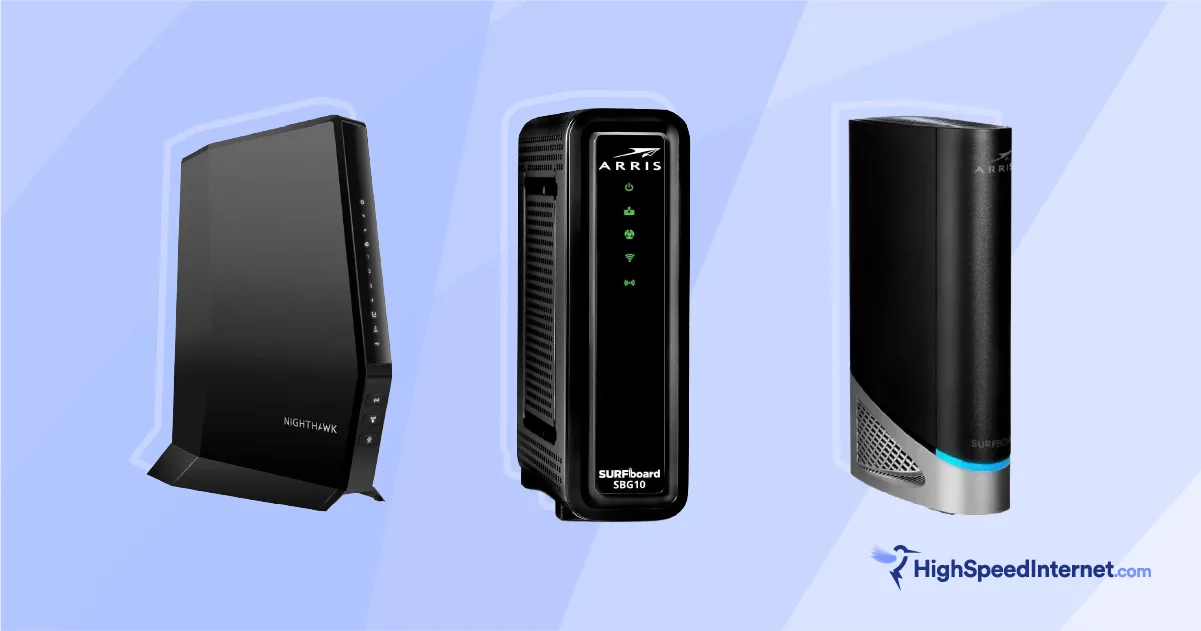
Switch To A Better Router
Budget routers often lack the power for multiple devices. A better router offers stronger signals and faster speeds. Look for routers with updated Wi-Fi standards like Wi-Fi 5 or Wi-Fi 6. These models handle more devices without slowing down. Investing in a quality router improves reliability and speed.
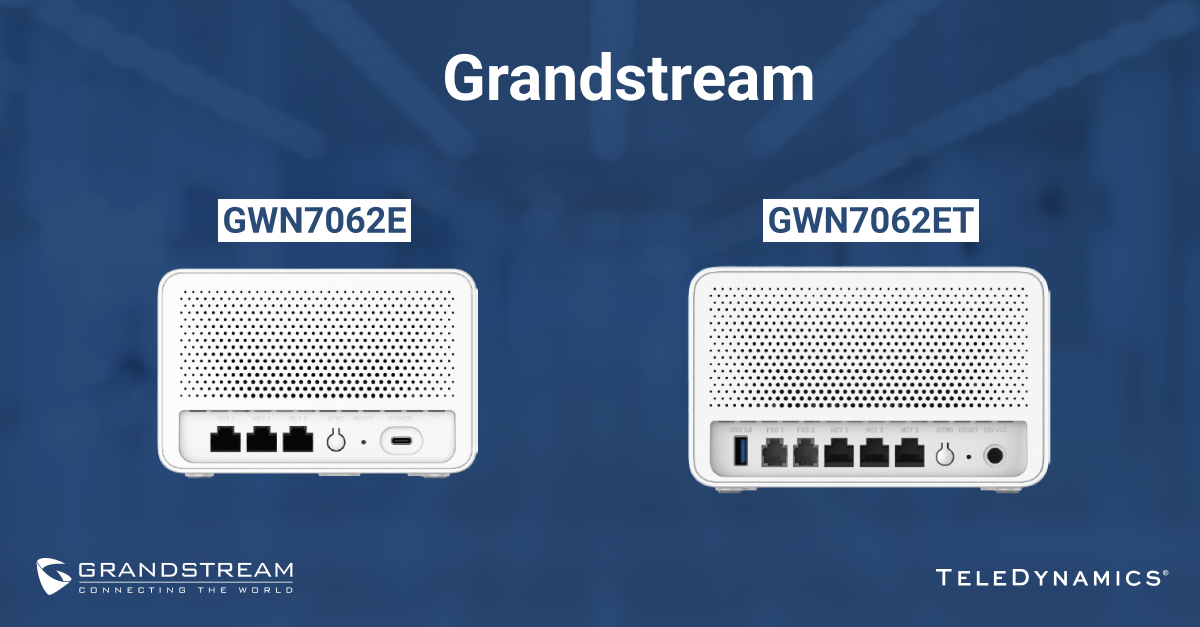
Explore Mesh Network Options
Mesh networks use multiple units to cover large areas. They create one seamless Wi-Fi network with strong signals everywhere. This setup prevents dead zones and keeps speeds stable. Mesh systems are simple to expand by adding more nodes. Ideal for bigger homes or spaces with thick walls.
Credit: info.teledynamics.com
Frequently Asked Questions
Why Is My Budget Router So Slow?
Budget routers often have weaker processors and limited bandwidth. This causes slow speeds during multiple device connections. Interference and outdated firmware also reduce performance. Upgrading firmware and minimizing connected devices can help improve speed.
How Can I Improve Slow Router Speed Cheaply?
Place the router centrally and away from obstructions. Update the router’s firmware regularly. Limit connected devices and avoid bandwidth-heavy activities. Using a Wi-Fi extender or changing the wireless channel can boost speed affordably.
Does Router Firmware Affect Speed Performance?
Yes, outdated firmware can cause slow speeds and connectivity issues. Firmware updates fix bugs, improve security, and optimize router performance. Regularly checking and updating firmware ensures your router runs efficiently.
Can Interference Cause Budget Router Slowness?
Absolutely. Nearby electronics, walls, and other Wi-Fi networks create interference. This weakens the wireless signal and slows down the connection. Changing the router’s channel or relocating it can reduce interference.
Conclusion
Fixing a slow budget router is easier than you think. Start by checking your internet speed and router placement. Clear old devices and update your router’s firmware often. Changing the wireless channel can reduce interference. Restart your router regularly to keep it running smoothly.
Small steps can make a big difference in speed. A better connection helps you work, stream, and browse without frustration. Keep your router healthy, and enjoy faster internet at home. Simple fixes save money and improve your online experience.