If you rely on your tri band router for fast and reliable internet, keeping it in top shape is key. You might not realize it, but simple maintenance steps can boost your router’s performance and extend its life.
Imagine smoother streaming, quicker downloads, and fewer connection drops—all within your reach. You’ll discover easy and effective tri band router maintenance tips that anyone can follow. Ready to get the most out of your router? Let’s dive in.
Credit: www.tomshardware.com
Choosing The Right Location
Choosing the right location for your tri band router is vital for strong and stable Wi-Fi. The router’s position affects signal strength and coverage. Small changes in placement can improve your internet speed and reduce dead zones. Focus on avoiding interference and placing the router at an optimal height.
Avoiding Signal Interference
Keep the router away from devices that cause interference. Microwaves, cordless phones, and baby monitors can disrupt the signal. Walls made of concrete or metal block Wi-Fi waves. Place the router in an open space, not inside cabinets or behind thick furniture. Avoid crowded areas with many electronic devices.
Optimal Height And Placement
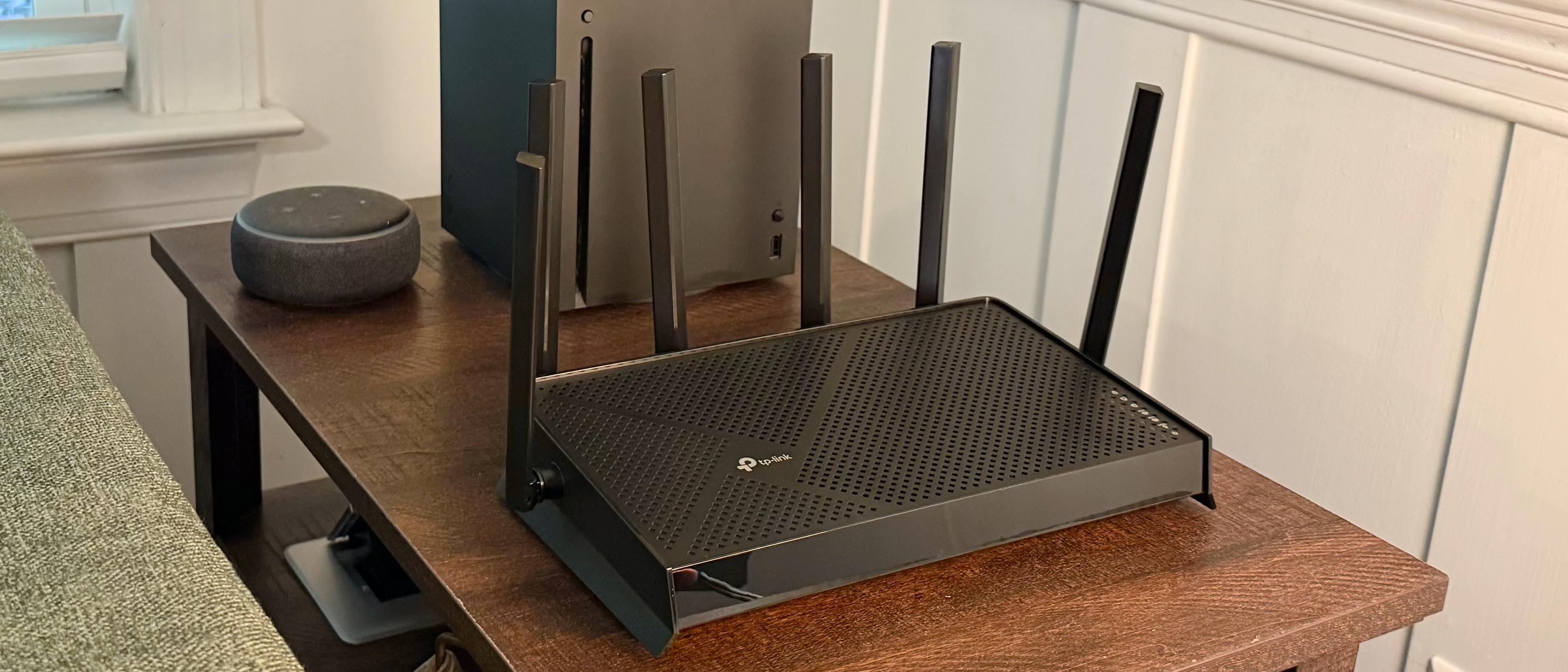
Position the router at a high and central spot in your home. Higher placement helps signals travel farther. Avoid placing the router on the floor. A shelf or a table works well. Aim for a location that spreads signals evenly to all rooms. Keep the antennas upright for the best coverage.
Credit: www.tomshardware.com
Regular Firmware Updates
Keeping your tri band router updated with the latest firmware is crucial for maintaining a smooth and secure network. Firmware updates often include important fixes and improvements that enhance your router’s performance. Skipping these updates can leave your network vulnerable and slow.
Checking For Updates
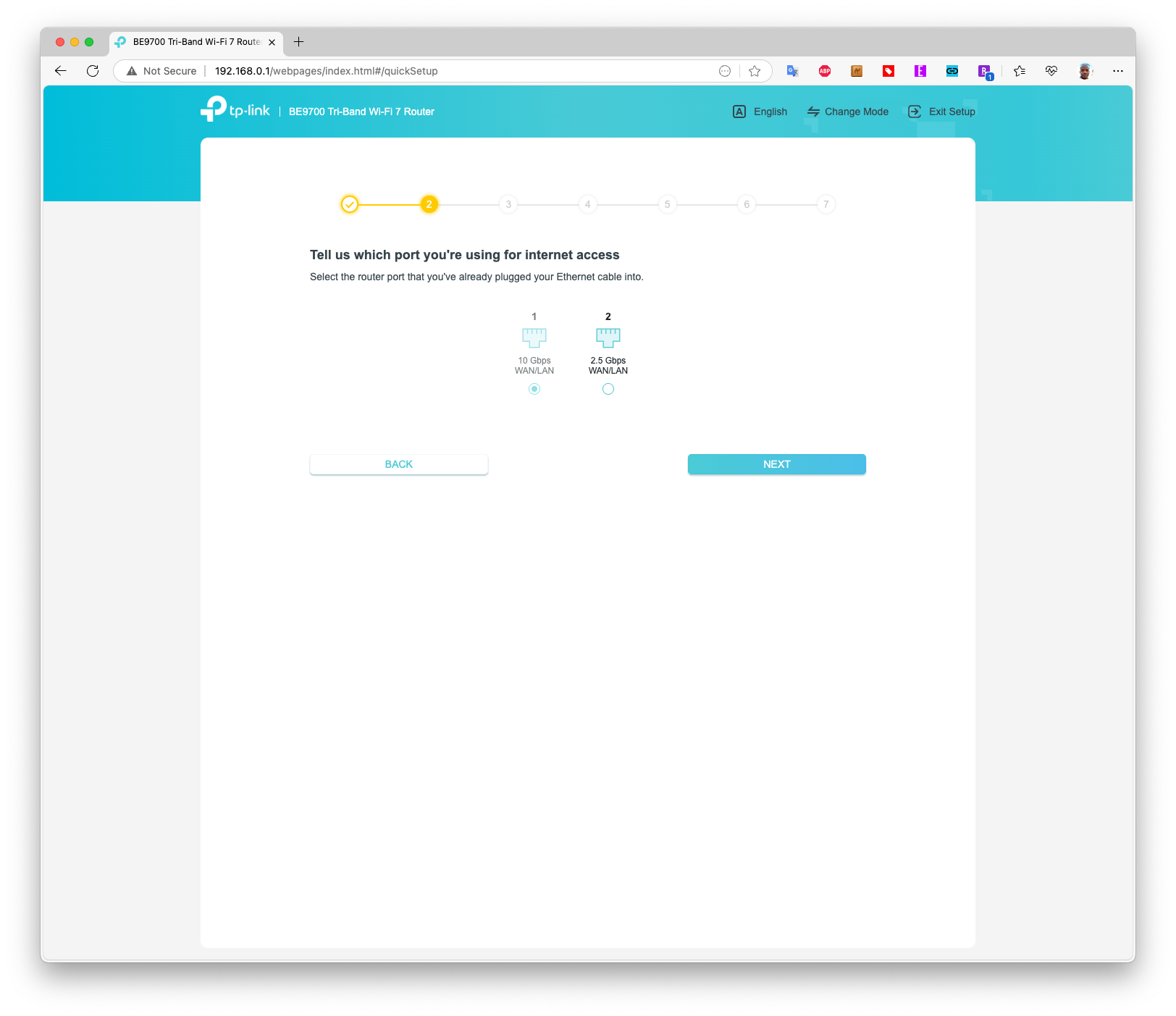
Start by logging into your router’s admin panel, usually accessed through a web browser. Look for the firmware or system update section—it’s often found under settings or maintenance. If you’re unsure, your router’s manual or manufacturer’s website can guide you through the process.
Many modern routers offer automatic update options. Enabling this feature can save you time and ensure you never miss an important update. Have you checked your router settings recently? It might be time.
Benefits Of Latest Firmware
Updating firmware does more than just fix bugs. It can improve your router’s speed and stability, making your internet experience smoother. Security patches protect your network from new threats, which is essential as hackers constantly find new vulnerabilities.
Sometimes, updates add new features or improve compatibility with devices. Imagine trying to connect a new gadget only to find your router doesn’t support it—updates can prevent this frustration. Keeping your firmware current helps your router work at its best, protecting your home network and connected devices.
Managing Connected Devices
Managing connected devices on a tri band router helps keep your network fast and stable. Many devices can slow down the internet for everyone. Regular checks on devices help keep your router efficient and secure. It also prevents network overload and improves your browsing experience.
Prioritizing Bandwidth Usage
Prioritize bandwidth for devices that need fast internet. Streaming videos, online gaming, and video calls use more data. Assign higher priority to these devices in your router settings. Lower priority for less important devices reduces lag and buffering.
Use Quality of Service (QoS) features on your router. QoS controls how much bandwidth each device gets. Adjust settings to balance speed and fairness across all devices.
Removing Unnecessary Devices
Check your router’s device list regularly. Identify devices that no longer connect or are unknown. Removing unused devices frees up bandwidth and reduces security risks.
Disconnect devices not in use or rarely used. This helps keep your network clean and fast. It also limits access to your network, protecting your data.
Optimizing Router Settings
Enhance your tri-band router’s performance with regular maintenance. Update firmware and adjust channel settings for optimal speed. Rebooting often helps maintain connection stability.
Optimizing Router Settings Fine-tuning your tri-band router settings can significantly enhance your internet experience. Imagine streaming your favorite show without a single buffering hiccup or enjoying seamless online gaming. These outcomes are possible with just a few tweaks to your router’s settings.Channel Selection Tips
Choosing the right channel for your router is like finding the best lane on a highway—fewer cars mean faster travel. Routers often default to a specific channel, which can become overcrowded if many devices are connected. You can use apps like WiFi Analyzer to check which channels are least congested in your area. Switching to a less crowded channel can reduce interference and boost your connection speed. If your neighbor’s network is on channel 6, try channel 1 or 11. Experiment with different channels to find the sweet spot for your home.Adjusting Transmission Power
Does your WiFi struggle to reach the far corners of your home? Adjusting the transmission power of your router can help. Most routers allow you to increase or decrease the signal strength. By lowering the power, you can reduce interference with nearby networks, which is especially useful in apartment buildings. On the other hand, boosting the power can extend the range of your WiFi. Consider your home’s layout and where you need the strongest signal before making adjustments. Don’t overlook the importance of these settings. Have you ever adjusted your router settings? What difference did it make for you? Your feedback can be a game-changer for others.Cleaning And Physical Care
Keeping your tri band router clean and well cared for helps it last longer. Dirt and dust can block signals and cause overheating. Simple cleaning and good physical care improve performance and reduce problems.
Dust Removal Techniques
Dust gathers quickly on routers and inside vents. Use a soft brush or microfiber cloth to remove dust gently. Compressed air cans help blow dust from hard-to-reach areas. Avoid using wet cloths or harsh chemicals. Clean your router once a month to keep dust away.
Ensuring Proper Ventilation
Routers need space to cool down. Place your router on a flat, open surface. Avoid placing it inside cabinets or near walls. Keep vents clear of objects like books or papers. Good airflow stops overheating and keeps your router running smoothly.
Monitoring Network Performance
Monitoring network performance is key to keeping your tri band router working well. It helps spot slow speeds and interruptions early. Regular checks ensure smooth internet for all devices. This process makes it easier to fix issues before they become big problems.
Using Speed Test Tools
Speed test tools measure your internet connection speed. They show download, upload, and ping rates. Use these tests on different bands of your tri band router. Compare results to see if speeds match your plan. Run tests at various times to catch slow periods. Many free apps and websites provide quick speed tests.
Identifying Bottlenecks
Bottlenecks slow down your network. They occur when one band or device uses too much bandwidth. Check which devices consume the most data. Look for signal interference or weak connections. Router logs and performance charts help find problem areas. Fix bottlenecks by moving devices or changing settings.
Resetting And Rebooting
Resetting and rebooting are essential for maintaining your tri band router’s performance. These simple actions can fix slow connections, dropouts, and other issues. Knowing the right time and way to reboot or reset your device keeps your network running smoothly and securely.
When To Reboot
Rebooting means turning your router off and on again. It clears temporary glitches and refreshes the connection.
- Use reboot if the internet is slow or unstable.
- Try rebooting when devices can’t connect to Wi-Fi.
- Reboot after changing settings to apply updates.
- Reboot regularly, such as once a week, to keep the router healthy.
Factory Reset Guidelines
A factory reset erases all settings and returns the router to its original state. Use it only when other fixes fail.
- Perform a reset if you forget your password or can’t access the router.
- Reset before selling or giving away the router to protect your data.
- Press and hold the reset button for 10-15 seconds with a pin or paperclip.
- After reset, you must reconfigure your network settings and passwords.
Security Best Practices
Securing your tri band router protects your home network from threats. Strong security keeps your personal data safe. It also prevents unauthorized access to your internet connection. Follow these security best practices to maintain a safe and reliable network.
Changing Default Passwords
Default passwords are easy targets for hackers. Change them immediately after setting up your router. Use a strong password with a mix of letters, numbers, and symbols. Avoid simple or common passwords. Update passwords regularly to keep your network secure.
Enabling Network Encryption
Encryption scrambles the data sent over your network. This makes it hard for outsiders to read or steal information. Use WPA3 encryption if your router supports it. Otherwise, choose WPA2 as a minimum. Avoid outdated encryption methods like WEP, as they are not secure.

Credit: www.esecurityplanet.com
Frequently Asked Questions
How Often Should I Update Tri Band Router Firmware?
Regular firmware updates enhance router security and performance. Check for updates monthly and install them promptly to fix bugs and improve stability.
What Is The Best Way To Clean Tri Band Router?
Use a soft, dry cloth to remove dust from the router. Avoid liquids and compressed air to prevent damage to internal components.
How Can I Optimize Tri Band Router Placement?
Place your router centrally, away from walls and electronic devices. Elevate it for better signal coverage and reduce interference for optimal performance.
Why Is Rebooting My Tri Band Router Important?
Rebooting clears memory and refreshes connections. It improves speed and resolves minor connectivity issues, enhancing your network’s stability and reliability.
Conclusion
Keeping your tri band router in good shape helps it run smoothly. Clean it often and update its software. Place it where signals spread best. Check connections regularly and restart the router if slow. These small steps keep your internet fast and steady.
A well-maintained router saves time and frustration. Simple care makes a big difference every day.