Have you ever struggled with slow or unreliable internet while traveling, especially when trying to stream your favorite shows or videos? If you’ve been wondering whether a travel router can help you enjoy smooth video streaming on the go, you’re in the right place.
Imagine watching your favorite movies without annoying buffering or poor quality, no matter where you are. You’ll discover how a travel router works, whether it can improve your streaming experience, and what you need to know to make the most of it.
Keep reading to unlock the secret to hassle-free streaming during your trips!
Credit: www.youtube.com
How Travel Routers Work
Understanding how travel routers work can help you decide if they fit your streaming needs on the go. These compact devices create a private Wi-Fi network from a single internet source, allowing multiple devices to connect simultaneously. This setup often improves stability and security, especially in places with shared or weak connections.
Basic Functions
At their core, travel routers take an existing internet connection and share it wirelessly with your devices. This connection might come from a hotel’s Ethernet port, a public Wi-Fi hotspot, or even a mobile data dongle.
They often include features like:
- Network encryptionto keep your data safe
- DHCP servicesto assign IP addresses automatically
- Firewall protectionto block unwanted traffic
Because of these functions, you can connect your phone, tablet, or laptop without juggling multiple cables or worrying about unsecured Wi-Fi networks.
Connectivity Options
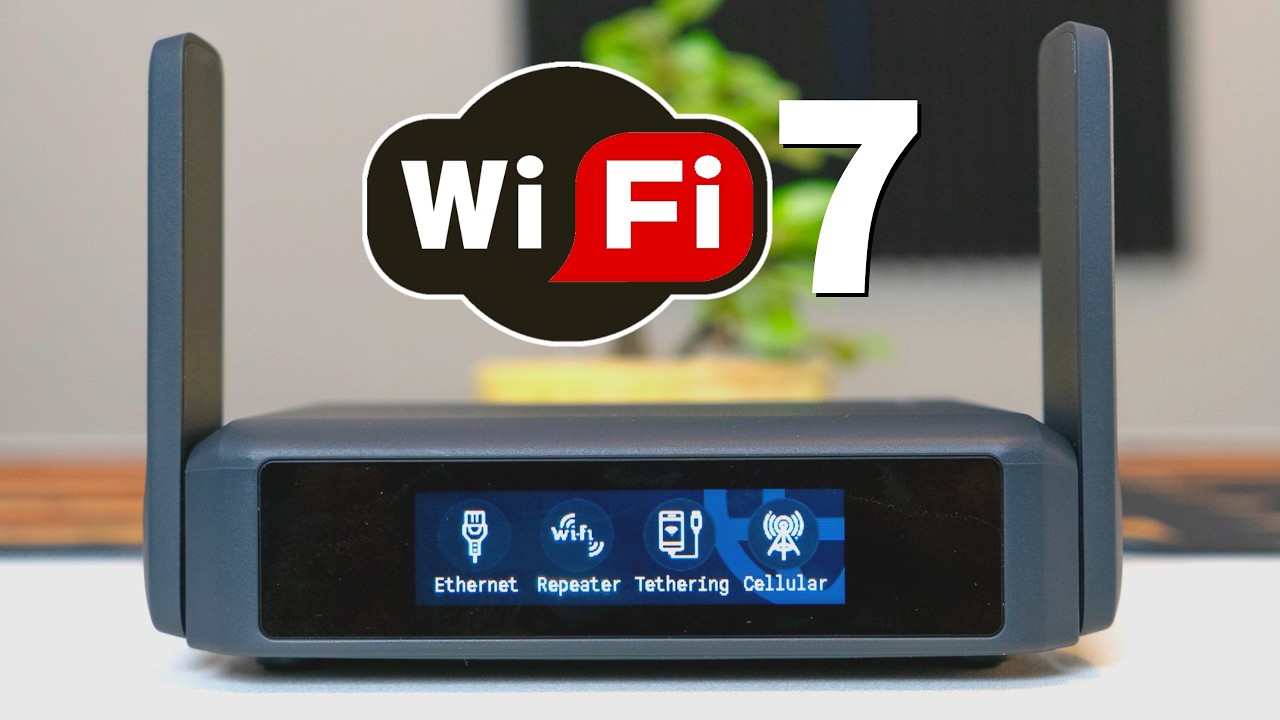
Travel routers offer various ways to connect to the internet, making them versatile for different environments.
- Ethernet Port:Plugging directly into wired internet sources, common in hotels or offices.
- Wi-Fi Repeater Mode:Extending an existing wireless network by rebroadcasting the signal.
- 4G/5G USB Dongle Support:Using a cellular data modem for internet access when wired or Wi-Fi isn’t available.
Choosing the right connection method can significantly affect your video streaming quality. Have you ever noticed buffering or lag when streaming abroad? A travel router’s ability to switch between these options can make your viewing experience smoother and more reliable.
Video Streaming Requirements
Streaming video smoothly requires certain technical needs. Understanding these helps you judge if a travel router can handle video streaming. Two main factors affect video quality: bandwidth and latency.
Bandwidth Needs
Bandwidth means how much data travels through the internet per second. Videos need enough bandwidth to load without interruptions. Higher quality videos need more bandwidth. For example:
- Standard Definition (SD) needs about 3-4 Mbps
- High Definition (HD) needs 5-8 Mbps
- 4K Ultra HD needs 15-25 Mbps
Your travel router must support these speeds. If bandwidth is too low, videos will pause or lower in quality.
Latency And Buffering
Latency is the delay before data starts moving. Low latency means faster video start and less lag. High latency causes buffering and freezes.
Buffering is when the video pauses to load more data. Good travel routers keep latency low. They also manage connections well to avoid buffering.
Travel Router Features For Streaming
Travel routers are often seen as compact companions for the globetrotter, but did you know they can also be your best friend when it comes to streaming video on the go? With the right features, a travel router can enhance your streaming experience, ensuring smooth playback and minimal buffering. Let’s dive into the key features that make travel routers ideal for streaming video content.
Dual-band Support
Dual-band support is a game-changer for streaming. With both 2.4GHz and 5GHz frequencies, you can switch to the less crowded band, reducing interference from other devices. Imagine being in a bustling airport or a busy hotel where everyone is vying for bandwidth. A dual-band router can help you find the sweet spot, ensuring a seamless streaming experience.
Quality Of Service (qos)
Quality of Service is like having a traffic director for your internet. It prioritizes bandwidth for streaming services, ensuring that your video gets the lion’s share of the connection. Have you ever been frustrated by buffering during a climactic scene? With QoS, your travel router can minimize these interruptions, giving priority to your Netflix or YouTube stream.
Portability And Power
Portability means more than just size; it’s about how easily you can power your device. Most travel routers can be charged via USB, making them easy to power with a laptop or portable battery. Think about the convenience of slipping a small router into your backpack, ready to set up a personal network wherever you go. The compact design ensures you can enjoy your shows without being tethered to a power outlet.
Are you ready to elevate your travel streaming experience? Consider these features when choosing your travel router, and enjoy uninterrupted video wherever your adventures take you.
Setting Up A Travel Router For Video
Setting up a travel router for streaming video can transform your travel experience, making it easier to enjoy your favorite shows and movies on the go. But it’s not just about plugging in the device; how you connect and configure it matters a lot. Let’s break down the essential steps to get your travel router ready for smooth video streaming.
Connecting To Networks
First, you need to link your travel router to the available internet source. This could be a hotel Wi-Fi, a mobile hotspot, or a wired Ethernet connection.
Most travel routers have a simple interface where you select the network and enter the password. Double-check the signal strength and network stability before connecting—poor signal can ruin your video streaming.
Have you noticed how some public Wi-Fi spots require a login page? Your travel router should support captive portal authentication so you don’t get stuck during setup.
Optimizing Settings
After connecting, it’s time to tweak the settings to make streaming smoother. Start by assigning a unique network name (SSID) and setting a strong password to keep your connection secure.
Adjust the Quality of Service (QoS) settings if your router supports it. This feature prioritizes video traffic over other data, reducing buffering and lag.
Also, consider switching to the 5GHz band if available. It offers faster speeds and less interference, which is crucial for streaming HD or 4K video.
Have you tried limiting the number of devices connected at once? Too many devices sharing the same network can slow down your video playback.
Common Streaming Issues With Travel Routers
Streaming video through a travel router can seem straightforward, but several common issues might disrupt your viewing experience. Understanding these problems can help you troubleshoot quickly and enjoy smooth streaming wherever you are. Let’s look at two major hurdles you might face and how they impact your video playback.
Interference And Signal Strength
Travel routers often operate on crowded Wi-Fi channels, which can cause interference. This interference lowers signal quality, leading to buffering or pixelated videos. If you’re in a busy hotel or airport, many devices compete for the same frequencies, weakening your connection.
Walls and physical obstacles can also reduce signal strength. Even a small distance between your device and the router can cause drops in video quality. Have you noticed your video buffering more in certain spots? Moving closer to the router or switching to a less crowded Wi-Fi channel might help.
Device Compatibility
Not all devices work seamlessly with travel routers. Some streaming apps or devices require specific network settings or higher bandwidth. If your router’s firmware is outdated, it might not support newer streaming protocols, causing issues like lag or failure to load content.
Before you travel, check if your device and streaming apps are compatible with your travel router’s capabilities. Sometimes, updating your router’s firmware or adjusting settings like DNS can improve compatibility. Have you tested your setup before hitting the road to avoid surprises?
Credit: www.techradar.com
Tips For Smooth Streaming
Streaming video through a travel router can be smooth and enjoyable. Small adjustments help avoid buffering and lag. Focus on selecting the right hardware, organizing your network, and keeping software updated.
Choosing The Right Router
Pick a travel router with strong Wi-Fi signals and good speed. Look for devices that support the latest wireless standards like Wi-Fi 5 or Wi-Fi 6. A dual-band router can switch between 2.4 GHz and 5 GHz for better performance. Compact models with good battery life suit travel needs.
Managing Network Traffic
Limit the number of devices connected to the travel router. Close apps and tabs that use internet in the background. Prioritize video streaming over downloads or other heavy tasks. Some routers have Quality of Service (QoS) features to give streaming priority. Keep your device close to the router to ensure a stronger connection.
Regular Firmware Updates
Update the router’s firmware often. Manufacturers fix bugs and improve performance with updates. Check the router’s website or app for the latest firmware. Installing updates keeps your router secure and efficient. Avoid skipping updates to prevent connection issues during streaming.
Popular Travel Routers For Streaming
Travel routers enhance video streaming by creating a stable Wi-Fi network anywhere. They help bypass weak or limited hotel Wi-Fi. Choosing the right travel router depends on your streaming needs and budget. Some models offer fast speeds and strong signals, perfect for HD or 4K video.
Many travel routers are small and easy to carry. They often support multiple devices, allowing you to stream on phones, tablets, or laptops simultaneously. Battery life and setup ease also matter for travelers.
Top Budget Options
- TP-Link TL-WR902AC:Compact and affordable. Supports dual-band Wi-Fi for smooth streaming.
- GL.iNet GL-AR300M:Lightweight with good security features. Works well with public Wi-Fi networks.
- HooToo TripMate Nano:Small size and USB charging. Offers decent speeds for casual streaming.
High-end Models
- Netgear Nighthawk M1:High-speed 4G LTE router. Ideal for streaming in remote places.
- Asus RT-AC68U:Strong signal and fast performance. Supports multiple devices without lag.
- GL.iNet GL-AR750S Slate:Robust security and excellent speed. Great for frequent travelers.

Credit: www.youtube.com
Frequently Asked Questions
Can A Travel Router Handle Video Streaming Smoothly?
Yes, many travel routers support video streaming smoothly. They offer stable Wi-Fi and sufficient bandwidth for streaming HD videos without buffering, depending on your internet speed.
What Internet Speed Is Needed For Streaming Via Travel Router?
For smooth streaming, a minimum of 5 Mbps download speed is recommended. Higher speeds improve video quality and reduce buffering when using a travel router.
Does A Travel Router Improve Streaming Quality?
A travel router can improve streaming quality by providing a stable Wi-Fi connection and reducing interference compared to public hotspots, enhancing your video viewing experience.
Can Multiple Devices Stream Video On A Travel Router?
Yes, most travel routers support multiple devices streaming simultaneously. However, streaming quality depends on the router’s bandwidth and your internet connection speed.
Conclusion
A travel router can help stream videos smoothly while on the move. It creates a stable Wi-Fi connection from various internet sources. This lets you watch your favorite shows without constant buffering. Keep in mind, video quality depends on your internet speed.
Choose a travel router with good range and fast data support. Portable and easy to use, it suits travelers well. Streaming on the go becomes easier and more convenient. A travel router is a handy tool for video streaming abroad.