Are you wondering if a budget router can keep up with your MacBook’s needs? You want fast, reliable internet without spending a fortune, but is that even possible?
Choosing the right router can make a huge difference in your online experience. This article will help you understand how budget routers work with MacBooks and what you should look for to get the best performance. Keep reading to find out if saving money means sacrificing speed or if you can have both.

Credit: www.popularmechanics.com
Budget Routers And Macbook Compatibility
Choosing a budget router for your MacBook might seem straightforward, but compatibility can sometimes be tricky. Not all routers play well with every device, and understanding how your MacBook connects to these routers is key. Let’s break down what you need to know about budget routers and MacBook compatibility to help you avoid common headaches and get the best performance.
Connection Basics
Your MacBook uses Wi-Fi standards like 802.11ac or 802.11ax (Wi-Fi 5 and Wi-Fi 6) to connect to routers. Most budget routers support at least 802.11ac, which should work fine with recent MacBooks. However, older budget models might only offer 802.11n, which can limit your connection speed and stability.
Besides Wi-Fi standards, security protocols also matter. Your MacBook prefers WPA2 or WPA3 encryption for safer connections. Budget routers sometimes stick to older security types, which could cause your MacBook to refuse connection or warn you about security risks.
Do you know your router’s exact Wi-Fi standard and encryption type? Checking this can save you from future connection frustrations.
Common Compatibility Issues
- Slow or unstable connections:Budget routers may have weaker antennas or outdated chipsets, causing your MacBook’s Wi-Fi to drop or slow down unexpectedly.
- Frequency band mismatches:MacBooks often perform best on 5GHz Wi-Fi, but some budget routers only provide 2.4GHz, resulting in interference and slower speeds.
- Firmware limitations:Budget routers might not receive regular updates, leading to bugs that affect MacBook connectivity.
- Device recognition problems:Occasionally, your MacBook might fail to recognize a budget router’s network due to incompatible network settings or outdated router software.
From personal experience, I once struggled with a cheap router that dropped my MacBook’s Wi-Fi every few minutes. Switching to a slightly higher-end budget router with dual-band support fixed the issue immediately. Sometimes, spending just a bit more saves you from endless troubleshooting.
Have you noticed unusual Wi-Fi problems with your MacBook that only happen on certain routers? Pinpointing whether the router or the MacBook is at fault can guide your next purchase decision.
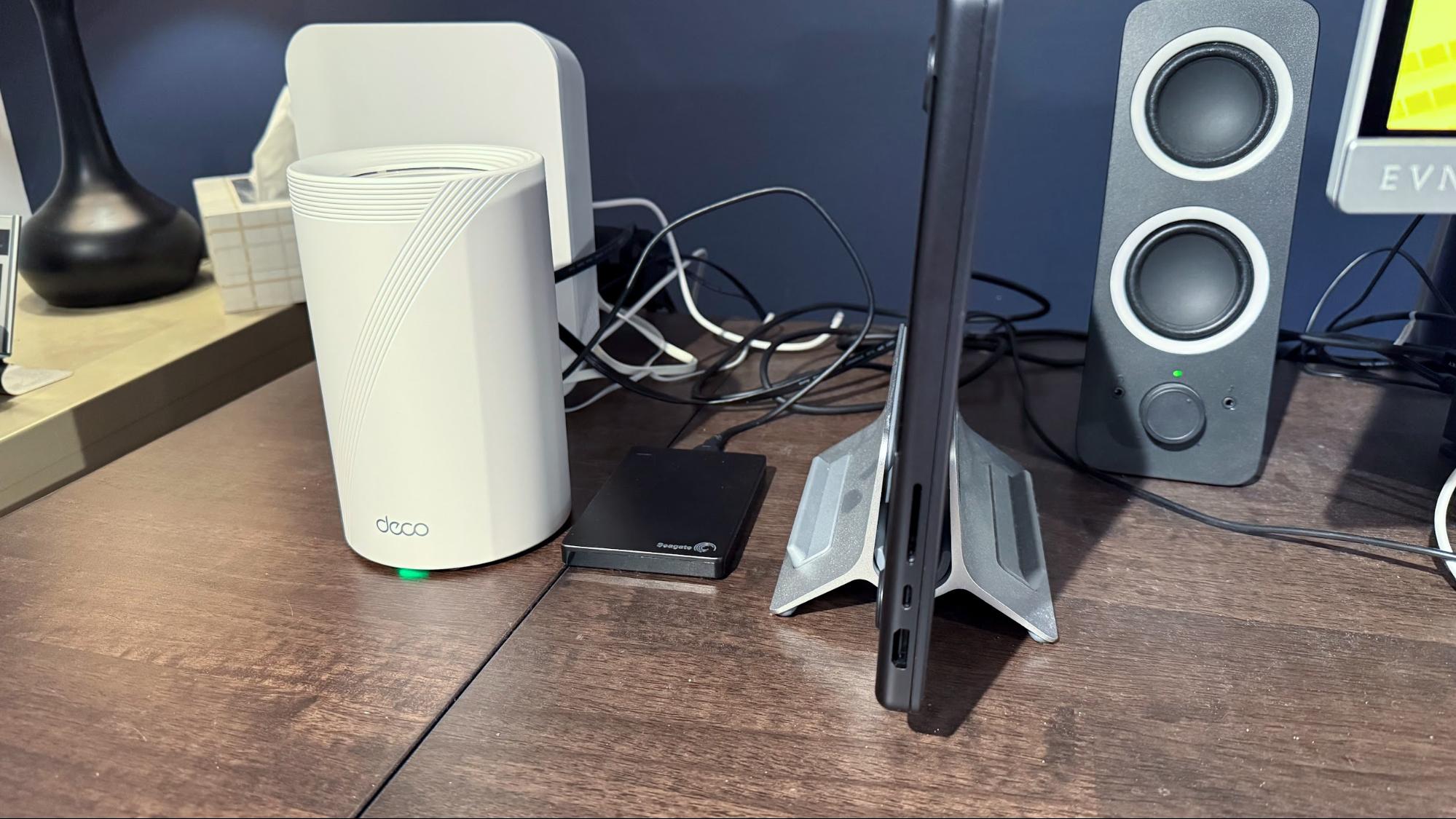
Credit: www.tomshardware.com
Performance Expectations
Performance expectations play a key role in choosing a budget router for your MacBook. Many users wonder if these affordable devices can support daily tasks efficiently. Understanding their limits helps avoid frustration and ensures smoother internet use.
Speed Limitations
Budget routers often have lower maximum speeds than premium models. They may support older Wi-Fi standards, which can slow down data transfer. This means your MacBook might not reach its full internet speed potential.
Streaming videos or downloading large files could take longer. Online gaming and video calls may experience occasional lag. Keep in mind that multiple devices connected at once can reduce speed further.
Range And Signal Strength
Cheap routers usually have weaker antennas and limited coverage areas. Walls and furniture can block signals more easily, causing dead spots in some rooms. Your MacBook might lose connection or have slow speeds far from the router.
Using a budget router in a small space works better than in a large home. You may need to place the router in a central location to improve signal strength. Adding range extenders can help but adds to the total cost.
Security Features In Budget Routers
Security features in budget routers often get overlooked, but they play a crucial role in protecting your MacBook and personal data. Even affordable routers can offer decent security if you know what to look for. Understanding these features helps you avoid common pitfalls and keeps your network safer.
Encryption Standards
Encryption is your first line of defense against hackers. Most budget routers support WPA2 encryption, which is strong enough for everyday use. However, some newer models even offer WPA3, providing enhanced protection by making it harder for attackers to crack your password.
Check your router’s settings to see what encryption it uses. If you find only older options like WEP, that’s a red flag. Using outdated encryption can leave your MacBook vulnerable to intrusion.
Firmware Updates
Firmware updates fix security holes and improve router performance. Budget routers sometimes lag behind in providing these updates, which can expose your network to risks. Make sure you pick a brand that regularly releases firmware updates and makes them easy to install.
Have you ever ignored a router update only to face connectivity or security problems later? Staying on top of these updates is a simple step that pays off. You can usually set your router to update automatically, saving you time and worry.
Setup Tips For Macbook Users
Budget routers can work well with MacBooks when set up correctly. These routers provide essential connectivity without breaking the bank. Setting them up with a MacBook requires some specific steps. This guide will help optimize your network experience.
Configuring Network Settings
Open the System Preferenceson your MacBook. Click on Network. Select your Wi-Fi network from the list. Ensure you enter the correct password to connect. If the router supports dual-band, select the preferred band for better performance. For faster speeds, use the 5GHz band. Ensure your MacBook is updated to the latest macOS version. This helps avoid compatibility issues.
Troubleshooting Connectivity
First, restart your router and MacBook. This often resolves minor issues. If problems persist, check the router’s LED lights. Ensure they indicate a stable connection. Access the router’s settings through a web browser. Verify that the firmware is up to date. Outdated firmware can cause connectivity problems. Also, check for interference from other devices. Move the router to a central location for better signal strength.
Popular Budget Routers For Macbooks
Budget routers can work well with MacBooks, offering good speed and stable connections. Many affordable models support the features MacBooks need, like dual-band Wi-Fi and easy setup. Choosing the right budget router helps avoid slow internet and connection drops during work or streaming.
Several popular budget routers stand out for MacBook users. These models balance price and performance, making them suitable for everyday use. They also provide decent range and reliable signals in small to medium homes.
Top Models Reviewed
- TP-Link Archer A7:Dual-band router with fast speeds up to 1750 Mbps. Easy to set up and good coverage.
- NETGEAR R6700:Offers strong signal and fast data transfer. Supports multiple devices without lag.
- ASUS RT-AC66U B1:Reliable connection with good security features. Works well with MacBook’s Wi-Fi standards.
- D-Link DIR-867:Affordable dual-band router. Provides stable Wi-Fi and decent speed for daily tasks.
- Linksys EA6350:Simple setup and good performance. Compatible with MacBooks and supports 4K streaming.
User Feedback And Ratings
Users appreciate budget routers that are easy to install and maintain. Many report smooth video calls and fast downloads using these models.
Positive reviews often mention consistent connection and good signal range. Some users highlight the routers’ ability to handle multiple devices at once without slowing down.
On the downside, a few users experience occasional slowdowns when many devices connect simultaneously. Still, most find these routers reliable for everyday MacBook use.
When To Upgrade Your Router
Deciding when to upgrade your router can be tricky, especially if your budget model seems to be holding up. However, not all routers are built the same, and your MacBook’s performance might suffer without you realizing it. Understanding the signs that your router is limiting your experience is key to making the right choice.
Signs Of Router Limitations
If your MacBook struggles with slow internet speeds despite a strong signal, your router might be the bottleneck. Are your video calls lagging or dropping unexpectedly? This could indicate your router can’t handle multiple devices or high-bandwidth activities.
Another sign is dead zones in your home where Wi-Fi barely works or cuts out. Budget routers often have limited range and weaker antennas. Also, if your router doesn’t support the latest Wi-Fi standards like Wi-Fi 6, you miss out on faster, more stable connections.
Benefits Of Higher-end Models
Upgrading to a higher-end router can dramatically improve your MacBook’s connectivity. These models often support multiple devices without slowing down your network, which is essential if you work or stream from various gadgets.
They also offer better security features to protect your data and smoother handling of large files and high-definition streaming. Plus, with advanced technologies like beamforming, your MacBook gets a stronger, more focused Wi-Fi signal exactly where you use it most.
Have you noticed your MacBook slowing down during important tasks? Maybe it’s time to consider if your router is holding you back.
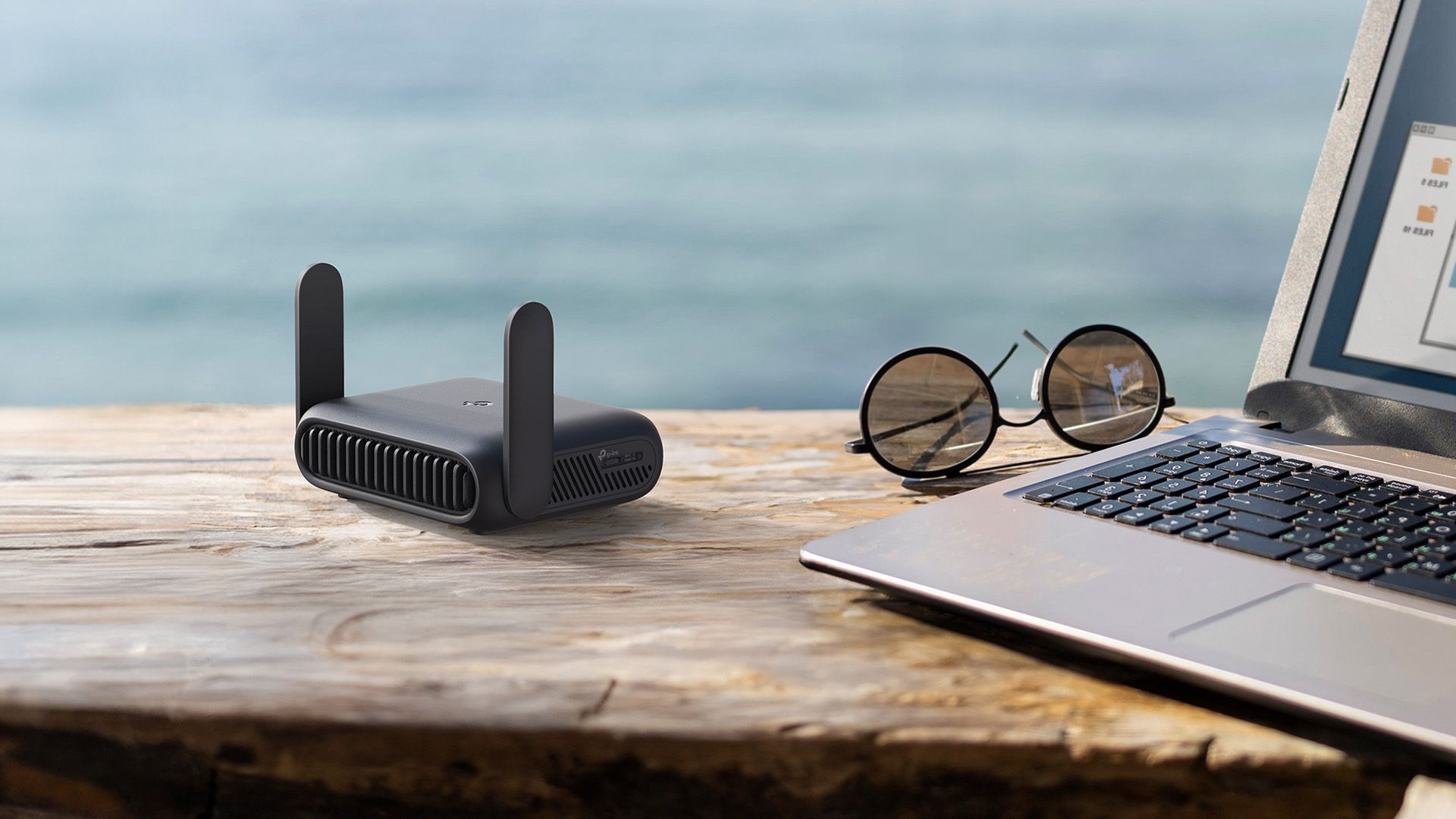
Credit: www.howtogeek.com
Frequently Asked Questions
Do Budget Routers Support Macbook Connectivity?
Yes, budget routers can support MacBook connectivity well. Most use standard Wi-Fi protocols compatible with MacBooks. However, speed and range may vary compared to premium routers.
Can Budget Routers Affect Macbook Internet Speed?
Budget routers may limit MacBook internet speeds due to less advanced hardware. They often have lower bandwidth and fewer features, which can impact performance, especially with multiple devices connected.
Are Budget Routers Secure For Macbook Users?
Budget routers offer basic security features like WPA2 encryption suitable for MacBook users. For enhanced protection, consider routers with updated firmware and stronger encryption options.
Will Budget Routers Handle Macbook Streaming And Gaming?
Budget routers can handle basic streaming and gaming on MacBooks. However, for heavy usage or multiple devices, higher-end routers provide better stability and faster speeds.
Conclusion
Budget routers can work well with MacBooks for everyday tasks. They provide enough speed for browsing, streaming, and simple downloads. Some features may be limited, but basic internet use stays smooth. Choosing a budget router depends on your needs and home setup.
Keep in mind, stronger signals and faster speeds come with higher-end models. Still, many users find budget options reliable and affordable. Testing your router with your MacBook helps ensure good performance. So, budget routers are a practical choice for many MacBook users.
Simple, effective, and easy on the wallet.