Are you wondering if your portable router can work with a prepaid SIM card? You’re not alone.
Many people want the freedom to stay connected without long-term contracts or complicated setups. Imagine having internet access wherever you go, simply by popping in a prepaid SIM. But does it really work that way? Keep reading to find out how you can make the most of your portable router and prepaid SIM, so you can enjoy fast, flexible internet on your terms.

Credit: www.eiotclub.com
How Portable Routers Operate
Portable routers provide internet access by connecting to cellular networks. They use a SIM card to receive mobile data from a network provider. This data is then shared with devices like smartphones, laptops, and tablets. Portable routers create a local Wi-Fi network, allowing multiple devices to connect at once.
These devices are compact and battery-powered, making them ideal for travel or areas without fixed internet. They work independently of wired connections, offering internet wherever cellular signals exist. Users can carry them easily and stay connected on the go.
Key Features Of Portable Routers
- Compact and lightweight design for easy portability
- Battery-powered for wireless internet access
- Support for multiple device connections simultaneously
- Built-in Wi-Fi hotspot capability
- Easy setup with plug-and-play functionality
- Secure connections with password protection
- Display screens showing signal strength and battery status
Compatibility With Sim Cards
Portable routers support various SIM card types, including prepaid SIMs. They usually accept standard, micro, or nano SIM cards. Users insert the SIM card into the router to access mobile data.
Compatibility depends on the router’s network bands and carrier support. Most routers work with 3G, 4G, and some with 5G SIM cards. Prepaid SIM cards function the same as postpaid cards in these devices.
Users should check if the portable router is unlocked and supports the SIM’s carrier bands. This ensures smooth internet access without restrictions. Prepaid SIMs offer flexible data plans ideal for short-term use with portable routers.
Types Of Prepaid Sim Cards
Prepaid SIM cards come in different types, and understanding these can help you decide which one suits your portable router best. Each type offers distinct features and limitations, especially when paired with devices designed to share internet connections. Knowing these differences can save you time and prevent connectivity issues.
Data-only Vs Voice And Data Sims
Data-only SIM cards focus solely on internet access. They don’t support phone calls or SMS, making them ideal for devices like portable routers that primarily need to share a data connection.
On the other hand, voice and data SIMs provide both internet and traditional phone services. If you want the flexibility to make calls or send texts from your device alongside internet access, this type is necessary.
Have you ever tried to use a voice SIM in a device that only supports data SIMs? It often leads to compatibility problems or unexpected charges. Choosing the right SIM type for your router ensures smoother performance and can avoid hidden costs.
Regional Variations In Prepaid Sims
Prepaid SIM cards vary widely depending on the country or region. Some areas offer SIMs with generous data allowances but limited validity periods, while others focus on balanced voice and data packages.
For example, in Europe, many prepaid SIMs provide extensive data roaming options, which is great if you travel frequently. In contrast, prepaid SIMs in some Asian countries might have strict restrictions on data use or require frequent top-ups.
Before buying a prepaid SIM for your portable router, check local regulations and network compatibility. Have you considered how regional differences might affect your internet speed or coverage?
Using Prepaid Sims In Portable Routers
Using prepaid SIM cards in portable routers offers flexibility for mobile internet access. These SIMs provide data without long contracts or monthly bills. Many travelers and temporary users prefer this option for easy control of internet costs.
Portable routers support most prepaid SIMs from popular carriers. The setup process is straightforward, making it simple to get online quickly. Understanding how to insert and activate the SIM, plus configure network settings, is key for smooth usage.
Inserting And Activating The Sim
Start by powering off your portable router. Locate the SIM card slot, usually under the back cover or battery. Insert the prepaid SIM card carefully in the correct orientation. Power the device back on after securing the SIM.
Activation varies by carrier. Some prepaid SIMs activate automatically once inserted. Others require a call or online registration. Check the instructions provided with your SIM card for specific activation steps.
Configuring Network Settings
Access the router’s admin panel via a web browser. Enter the default IP address shown in the manual. Login with the default username and password. Navigate to the mobile network or SIM settings section.
Set the Access Point Name (APN) according to your prepaid carrier’s details. This setting ensures the router connects to the correct network. Save changes and restart the router if needed. Your portable router should now connect using the prepaid SIM’s data plan.
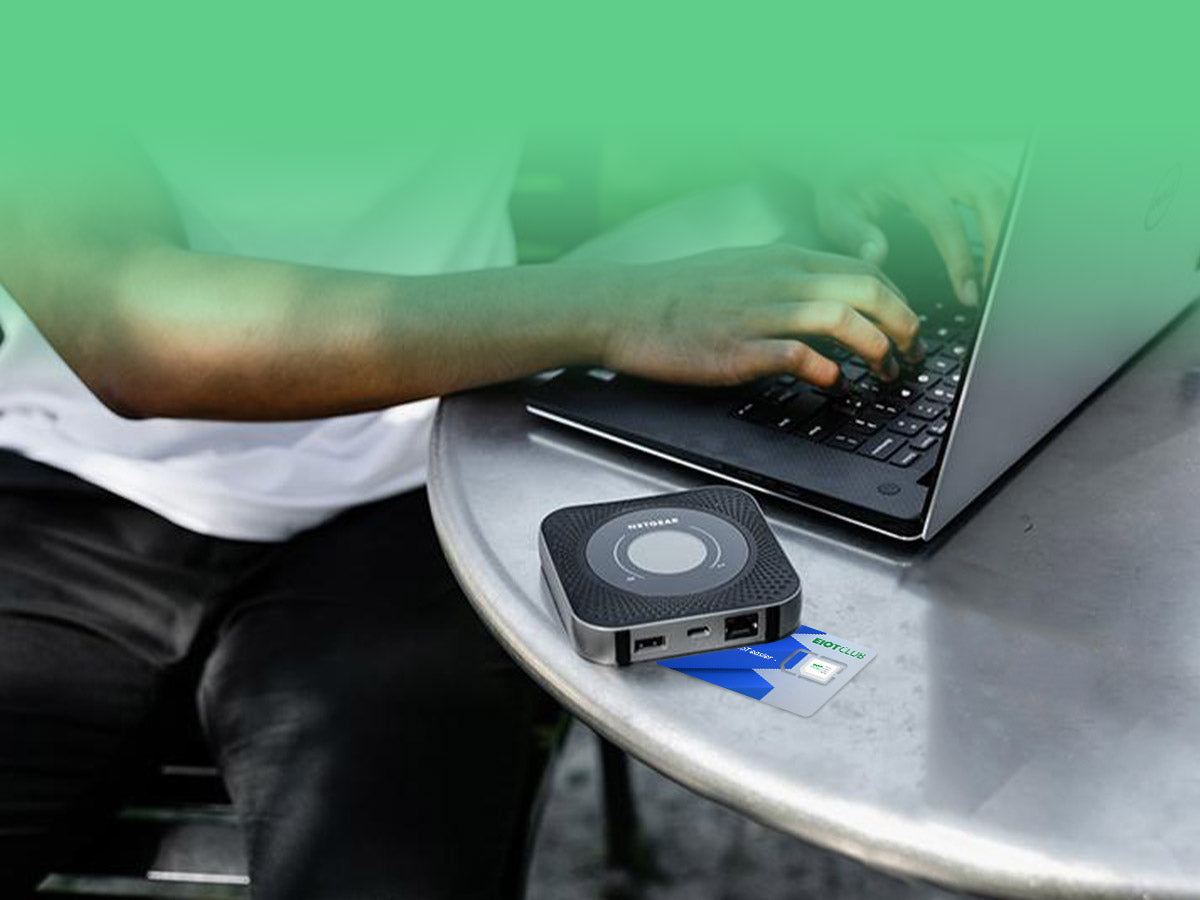
Credit: www.eiotclub.com
Benefits Of Combining Portable Routers And Prepaid Sims
Combining portable routers with prepaid SIMs offers flexible internet access anywhere. This setup saves money and avoids long contracts. It also lets you share fast Wi-Fi with multiple devices on the go.
Combining portable routers with prepaid SIMs offers many advantages. This pairing gives users enhanced connectivity and more control over internet usage. It’s perfect for travelers, digital nomads, or anyone needing flexible internet options.Cost Efficiency And Flexibility
Using a prepaid SIM in a portable router cuts costs. You pay only for the data you need. There’s no need for long-term contracts. This flexibility is great for users with varying data needs. You can adjust your plan based on your monthly requirements.Enhanced Mobility And Connectivity
Portable routers with prepaid SIMs offer great mobility. You can connect multiple devices on the go. This is ideal for road trips or remote work. Stay connected wherever you are. Access the internet in places with limited Wi-Fi options.Common Challenges And Solutions
Using a portable router with a prepaid SIM card can be convenient, but it comes with its own set of challenges. Understanding these issues helps you avoid frustration and get the most out of your device. Let’s look at some common problems and practical ways to solve them.
Network Compatibility Issues
Your portable router must support the network bands used by your prepaid SIM provider. If the router only supports 3G and your SIM uses 4G or 5G, you won’t get a connection. Always check the router’s specifications against the carrier’s frequency bands before buying.
If you’re unsure, try contacting customer service or searching online forums for your specific router and SIM card combination. Many users share their experiences, which can save you time and money.
Data Speed And Coverage Concerns
Prepaid SIMs often have lower priority on networks, which can affect speed during peak hours. This can be frustrating if you rely on your portable router for work or streaming. You might notice slower speeds or frequent drops in signal.
To improve this, test your SIM card in different locations to find the best coverage spots. Sometimes, simply moving closer to a window or higher ground makes a significant difference. Also, consider routers with external antenna ports to boost signal strength.
Managing Data Limits
Prepaid SIMs usually come with limited data plans, which means you need to monitor your usage carefully. Running out of data mid-month can disrupt your internet access and cause unexpected costs.
Many routers offer built-in data tracking features. Set alerts or limits to avoid overuse. Additionally, prioritize essential tasks and pause automatic updates or heavy downloads when nearing your data cap.
Choosing The Right Portable Router
Choosing the right portable router affects how well it works with your prepaid SIM. The right device ensures strong signals and good speed. It also helps save battery life and keeps your connection stable. Picking a router that fits your needs avoids frustration and extra costs. Focus on features that matter for prepaid SIM cards.
Key Specifications To Consider
- SIM Compatibility:Check if the router supports your SIM’s network and frequency bands.
- Battery Life:Longer battery life means more hours of internet on the go.
- Network Speed:Look for 4G LTE or 5G support for faster internet.
- Number of Connections:Choose a router that can handle all your devices at once.
- Portability:Size and weight matter if you carry it daily.
- Security Features:Make sure it has strong encryption to protect your data.
- Ease of Use:Simple setup and user-friendly interface save time.
Top Models For Prepaid Sim Use
| Model | Network Support | Battery Life | Max Devices |
|---|---|---|---|
| Netgear Nighthawk M1 | 4G LTE | 24 hours | 20 |
| TP-Link M7350 | 4G LTE | 10 hours | 10 |
| Huawei E5785 | 4G LTE | 12 hours | 16 |
| Gl.iNet GL-MT1300 | 4G LTE | 8 hours | 20 |
Tips For Maximizing Performance
Getting the most out of your portable router with a prepaid SIM requires some smart adjustments. Small changes can lead to noticeable improvements in speed and reliability. Let’s look at practical tips you can apply right now to boost your connection and keep your network safe.
Optimizing Signal Strength
Your router’s location plays a huge role in signal quality. Place your router near a window or a higher spot in your home to catch better signals. Avoid putting it inside cabinets or behind thick walls which can block reception.
Check if your portable router supports an external antenna. Adding one can make a big difference, especially if you’re in a low-signal area. You can also test different SIM cards from various carriers to see which offers stronger coverage where you are.
Ever noticed your internet slows down at certain times? That might be network congestion. Try using your router during off-peak hours to see if performance improves. This simple timing adjustment can save you frustration.
Securing Your Portable Network
Your portable network is only as strong as its security. Always set a strong password for your Wi-Fi to keep unwanted users out. Avoid using default passwords that come with the device—they’re easy targets.
Regularly update your router’s firmware. These updates often fix security holes and improve performance. If you share your connection with others, consider setting up a guest network to keep your main network safe.
Do you leave your portable router on all the time? Turning it off when not in use reduces the chance of hacking attempts. It also saves your battery and data allowance.

Credit: www.eiotclub.com
Frequently Asked Questions
Can A Portable Router Support Prepaid Sim Cards?
Yes, most portable routers support prepaid SIM cards. They work by connecting to the cellular network via the SIM. This allows you to access the internet without a fixed broadband connection.
How To Insert A Prepaid Sim In A Portable Router?
To insert a prepaid SIM, open the router’s SIM slot. Place the SIM card carefully, ensuring proper alignment. Close the slot and power on the router to activate the connection.
Does Prepaid Sim Affect Portable Router Speed?
Prepaid SIM speed depends on the carrier’s network coverage and plan. Portable routers deliver speeds based on the SIM’s data plan limits. Good network strength usually ensures stable and fast internet access.
Are Portable Routers Compatible With All Prepaid Sim Brands?
Portable routers generally support most prepaid SIM brands. However, compatibility may vary by router model and network frequency bands. Always check the router’s specifications before purchase.
Conclusion
A portable router can work well with a prepaid SIM card. It offers flexible internet access anywhere you go. Just insert the SIM, turn on the router, and connect your devices. This setup saves money and avoids long contracts. Keep in mind the network coverage and data limits.
Choose a prepaid plan that fits your needs best. Overall, this combination provides easy and affordable internet on the move. Simple and practical for daily use.