Are you tired of your videos freezing just when the action gets exciting? Buffering can turn your favorite shows and games into a frustrating experience.
You might have heard that a tri-band router could be the solution, but does it really reduce buffering? If you want smoother streaming and faster internet without interruptions, understanding how a tri-band router works is key. Keep reading to discover how this technology can change your online experience and whether it’s the right choice for your home.
How Tri Band Routers Work
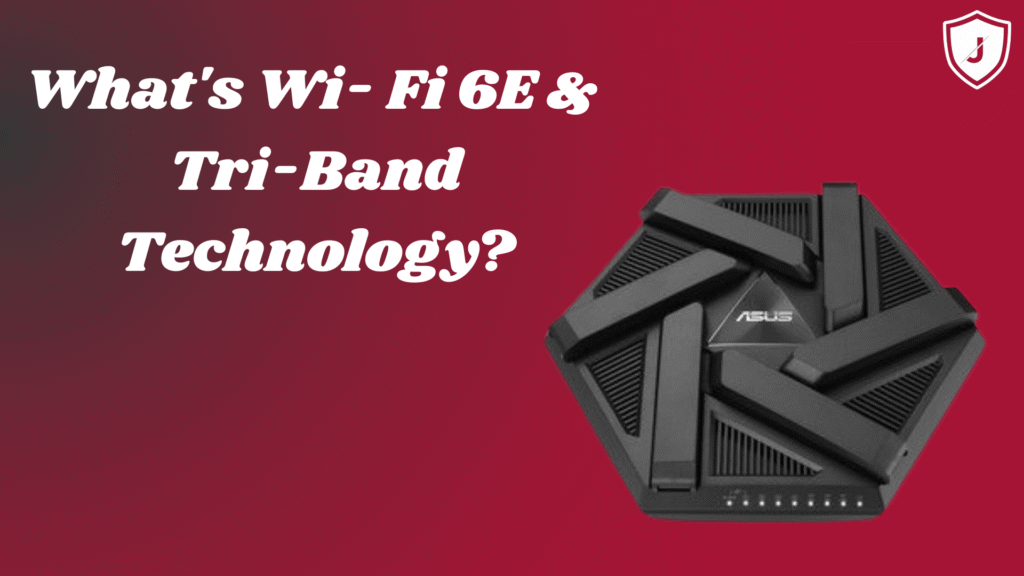
Tri band routers manage internet traffic by using three separate frequency bands. This design helps spread out devices across different channels. It reduces interference and network congestion. As a result, devices get faster and more stable connections.
Each band works independently, allowing multiple devices to connect smoothly. This setup is ideal for homes or offices with many devices. Streaming, gaming, and video calls face less buffering or lag.
Frequency Bands Explained
Tri band routers have one 2.4 GHz band and two 5 GHz bands.
- 2.4 GHz band:Covers a larger area but offers slower speeds.
- First 5 GHz band:Provides faster speeds for nearby devices.
- Second 5 GHz band:Offers additional fast connections, reducing traffic on the first 5 GHz band.
This separation helps balance the load. Devices that need speed connect to 5 GHz bands. Devices far away use the 2.4 GHz band for better reach.
Comparison With Dual Band Routers
Dual band routers have only two bands: one 2.4 GHz and one 5 GHz.
They can handle fewer devices at once. Traffic on the 5 GHz band can become crowded.
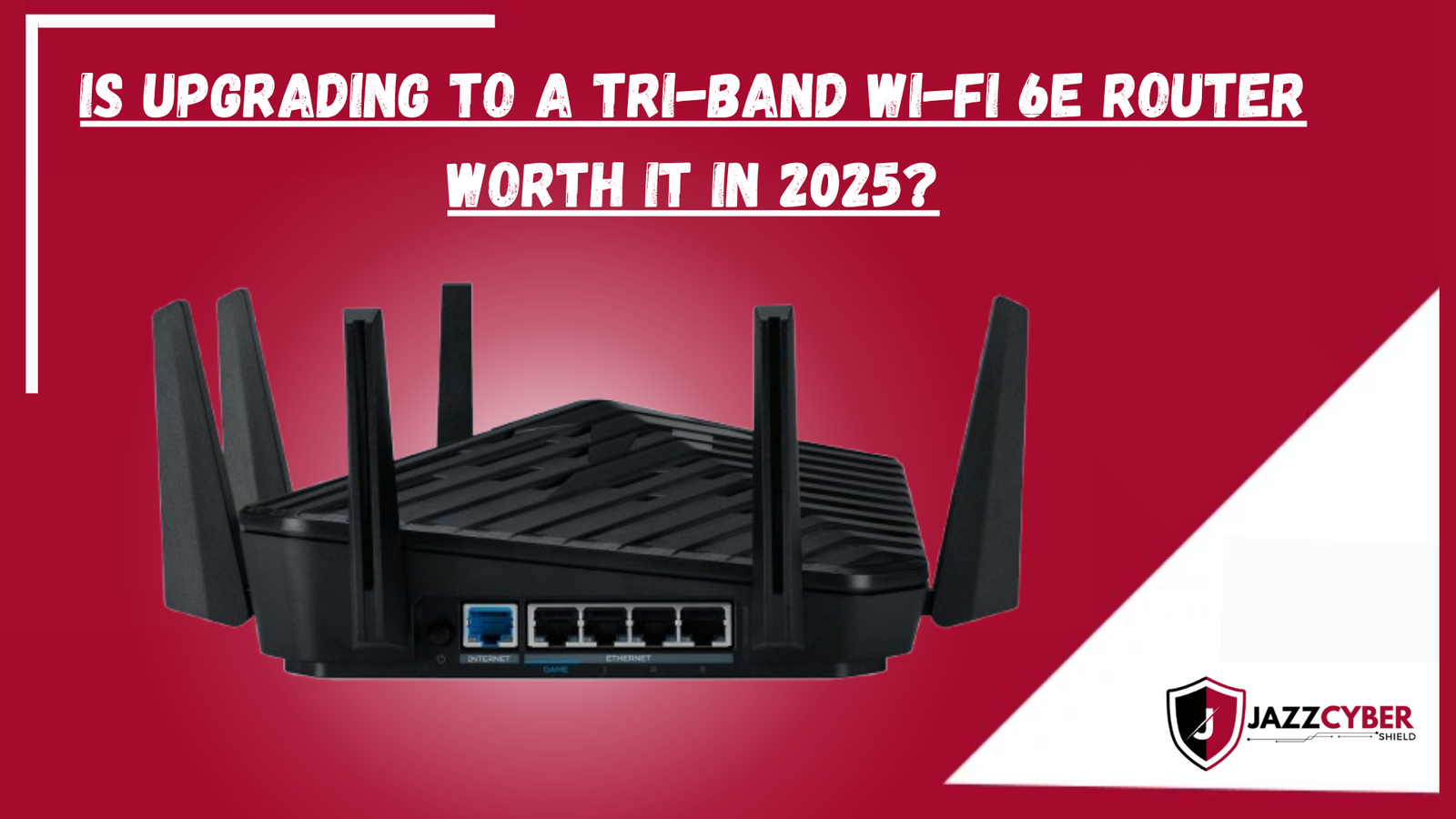
Tri band routers add an extra 5 GHz band. This extra band allows more devices to connect without slowing down.
The result is less buffering and smoother internet use, especially in busy networks.
Credit: blog.jazzcybershield.com
Buffering Causes In Networks
Buffering can turn an enjoyable online experience into a frustrating wait. Understanding what causes buffering in your network is the first step to reducing it. Let’s break down the key reasons why your streaming or gaming might pause unexpectedly.
Bandwidth Limitations
Your internet connection has a maximum speed called bandwidth. If many devices or applications share this bandwidth, each one gets less speed, causing buffering. Imagine trying to fill multiple buckets from a single tap—the flow slows down for each bucket.
You might notice buffering if you stream high-definition videos but have a low-speed plan. Upgrading your plan or managing how many devices use the network can help avoid this slowdown.
Network Congestion
Network congestion happens when too many users access the internet in your area at the same time. This is common during peak hours like evenings when everyone is streaming or gaming. The internet service provider’s network slows down, leading to buffering on your end.
Have you ever noticed your video buffering more on Friday nights? That’s network congestion in action. It’s not always about your equipment but the traffic on the entire network.
Device Interference
Wireless signals can get interrupted by physical obstacles or other electronic devices. Walls, microwaves, and even cordless phones can cause interference. This weakens your connection, causing your stream or game to buffer.
Positioning your router away from walls and electronics can strengthen your signal. Sometimes, a simple change in router placement can reduce buffering significantly.
Impact Of Tri Band Routers On Buffering
Tri band routers can significantly impact buffering by managing network traffic more effectively. These routers split the wireless connection into three bands. This setup helps devices connect with less congestion. The result is smoother streaming and fewer interruptions. Understanding how tri band routers reduce buffering helps in choosing the right device for your home or office network.
Load Distribution Benefits
Tri band routers spread devices across three frequency bands. This distribution prevents one band from becoming overloaded. Devices like phones, laptops, and smart TVs connect to different bands. This balance reduces traffic jams on the network. It lowers the chance of buffering during video streaming or online gaming.
Reduced Interference
Tri band routers minimize interference from other electronics and networks. Each band operates on separate channels. This separation avoids overlapping signals. Less interference means a clearer connection for each device. Buffering issues caused by signal clashes become less frequent.
Enhanced Signal Strength
With three bands, tri band routers provide stronger signals across the area. This improvement helps devices farther from the router maintain good speeds. A strong signal reduces delays and pauses in streaming. Enhanced coverage ensures smooth playback in every room.
Real-world Speed Improvements
Real-world speed improvements from tri-band routers often show up in how smoothly your internet tasks run. These routers add an extra band, which can help spread out your devices and reduce congestion. But how does that actually affect your daily online activities like streaming, gaming, and handling multiple gadgets at once? Let’s break it down.
Streaming Performance
When streaming movies or shows, buffering is the biggest annoyance. A tri-band router can assign your streaming device to a less crowded band, keeping your video crisp and uninterrupted. You might notice fewer pauses, especially during peak hours when many devices compete for bandwidth.
Think about watching your favorite series while others in your home browse social media or join video calls. The extra band helps keep your stream steady, so you don’t miss a single moment. Have you experienced that sudden drop in quality with a single-band router? Tri-band routers can significantly reduce those interruptions.
Online Gaming Experience
Lag and delays can ruin online gaming sessions. Tri-band routers reduce these issues by dedicating a band specifically for gaming traffic. This separation lowers latency and keeps your response time quick.
Imagine playing a fast-paced shooter without random freezes or delays. The difference is noticeable when your router manages traffic smartly. Have you ever lost a game because of sudden lag? This tech could be the fix you need.
Multiple Device Handling
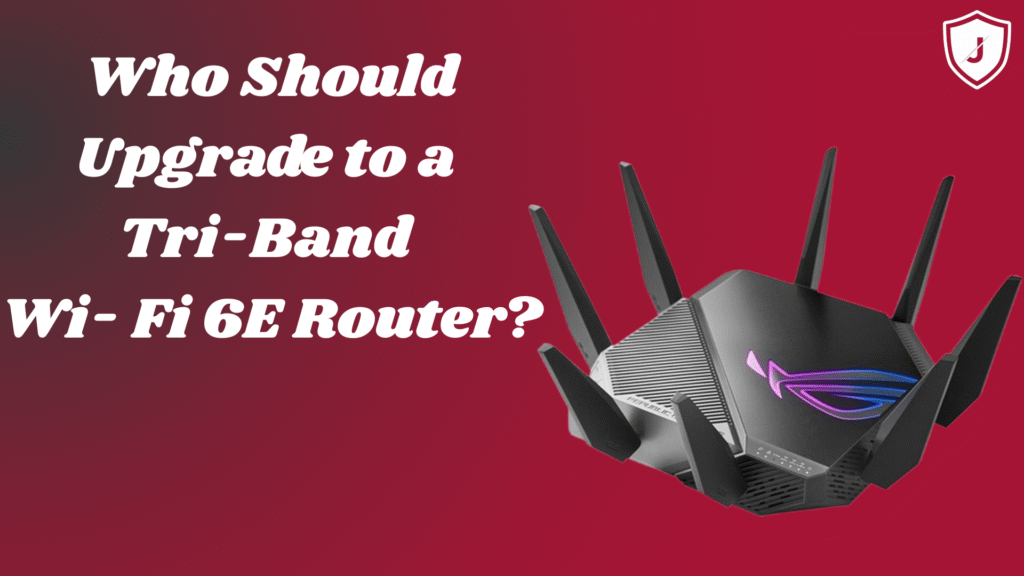
Homes today have many connected devices—smartphones, laptops, smart TVs, and more. Tri-band routers handle multiple devices better by distributing them across three bands instead of one or two. This prevents a single band from becoming overloaded and slowing everything down.
Picture your family streaming, gaming, and working all at the same time. The router balances the load, so everyone gets enough speed. If your current router feels overwhelmed by all your devices, upgrading to tri-band might be worth considering.
Setup Tips For Tri Band Routers
Setting up a tri band router correctly can reduce buffering and improve your Wi-Fi experience. Simple adjustments during installation make a big difference. Follow these tips to get the best performance from your router.
Optimal Placement
Place your tri band router in a central location. Avoid corners, walls, or metal objects that block signals. Higher spots, like shelves, help signals travel better. Keep the router away from microwaves and cordless phones. These devices cause interference and slow speeds.
Channel Selection
Choose the right channels for each band to avoid congestion. Use tools or apps to find less crowded Wi-Fi channels. Set the 2.4 GHz band to channels 1, 6, or 11. For 5 GHz bands, select channels with fewer nearby networks. Proper channel selection cuts down interference and buffering.
Firmware Updates
Keep your router’s firmware up to date. Updates fix bugs and improve performance. Check the manufacturer’s website or router settings for updates. Regular updates ensure your tri band router runs smoothly and reduces buffering issues.
Credit: blog.jazzcybershield.com
When Tri Band May Not Help
Tri band routers may not reduce buffering if your internet speed is slow or the router is placed far away. Network congestion and device limits can also cause delays despite having tri band technology.
When Tri Band May Not Help Tri band routers promise faster internet. Yet, they don’t always solve buffering. Some factors can limit their effectiveness. Understand these limitations before investing.Internet Service Limits
Your internet speed depends on your service plan. A tri band router can’t increase it. If your plan is slow, buffering may still occur. Check your provider’s speed options. Upgrade if necessary.Old Devices Compatibility
Older devices may not support tri band routers. They might only connect to one band. This limits the benefits of a tri band router. Consider upgrading outdated devices for better performance.Physical Barriers
Walls and furniture can block signals. A tri band router can’t eliminate these barriers. Place your router in a central location. This helps improve signal strength throughout your home.Alternatives To Reduce Buffering
Buffering interrupts streaming and online activities. Many users want smooth, fast internet without pauses. Tri-band routers help but aren’t the only solution to reduce buffering. Other practical alternatives can improve your connection and reduce delays effectively.
Wired Connections
Using Ethernet cables provides a stable connection. It avoids interference common with Wi-Fi signals. This direct link improves speed and lowers buffering during videos or games. Wired connections are reliable for devices close to the router.
Quality Of Service Settings
Quality of Service (QoS) lets you control internet traffic. It prioritizes important activities like streaming or video calls. Adjusting QoS settings helps reduce buffering by giving bandwidth to key devices. Many routers include easy-to-use QoS options in their settings.
Upgrading Internet Plans
Higher internet speeds mean less buffering. Plans with faster download and upload rates support multiple devices better. Choose a plan that fits your household’s internet use. Upgrading your plan often improves streaming quality and online gaming experiences.
Credit: blog.jazzcybershield.com
Frequently Asked Questions
Does A Tri Band Router Improve Streaming Quality?
Yes, a Tri Band Router reduces congestion by offering three separate frequency bands. This enhances streaming quality by minimizing buffering and interruptions.
How Does Tri Band Reduce Buffering On Multiple Devices?
Tri Band Routers allocate devices across different bands, preventing overload on a single band. This distribution reduces buffering during simultaneous usage.
Is A Tri Band Router Better Than Dual Band For Gaming?
Yes, Tri Band Routers provide an extra band, reducing latency and buffering. This results in a smoother gaming experience compared to Dual Band routers.
Can Tri Band Routers Handle More Connected Devices Efficiently?
Absolutely, Tri Band Routers support more devices by splitting traffic across three bands. This reduces network congestion and buffering for all connected devices.
Conclusion
Tri-band routers can help reduce buffering by spreading devices across three bands. This lowers congestion and improves speed for each device. Streaming, gaming, and video calls become smoother with less interruption. Still, other factors like internet speed and device quality matter too.
Choosing the right router depends on your home’s needs. Tri-band routers offer more stability but cost more than single or dual-band models. Think about how many devices connect at once before buying. Overall, tri-band routers can help, but they are just one part of a better internet experience.