Are you wondering if your budget router can keep up with your growing internet needs? You might be surprised to learn that upgrading your router could be easier than you think—and could save you money.
Imagine boosting your Wi-Fi speed and range without buying a brand-new device. You’ll discover simple ways to enhance your current router’s performance and find out when it’s time to upgrade completely. Keep reading to unlock the full potential of your home network.
Budget Routers At A Glance
Budget routers serve as basic networking devices for many homes. They offer essential features but come with some limits. Understanding these limits and hardware specs helps decide if upgrades are possible or worth it.
Common Limitations
- Lower wireless range and slower speeds compared to high-end models
- Limited number of Ethernet ports for wired connections
- Basic security features, sometimes lacking advanced protections
- Restricted support for multiple devices and simultaneous connections
- Minimal firmware update options, which may affect performance improvements
Typical Hardware Specs
- Processor: Usually single or dual-core with low clock speed
- RAM: Often between 32MB and 128MB, limiting multitasking
- Storage: Small flash memory mainly for firmware and settings
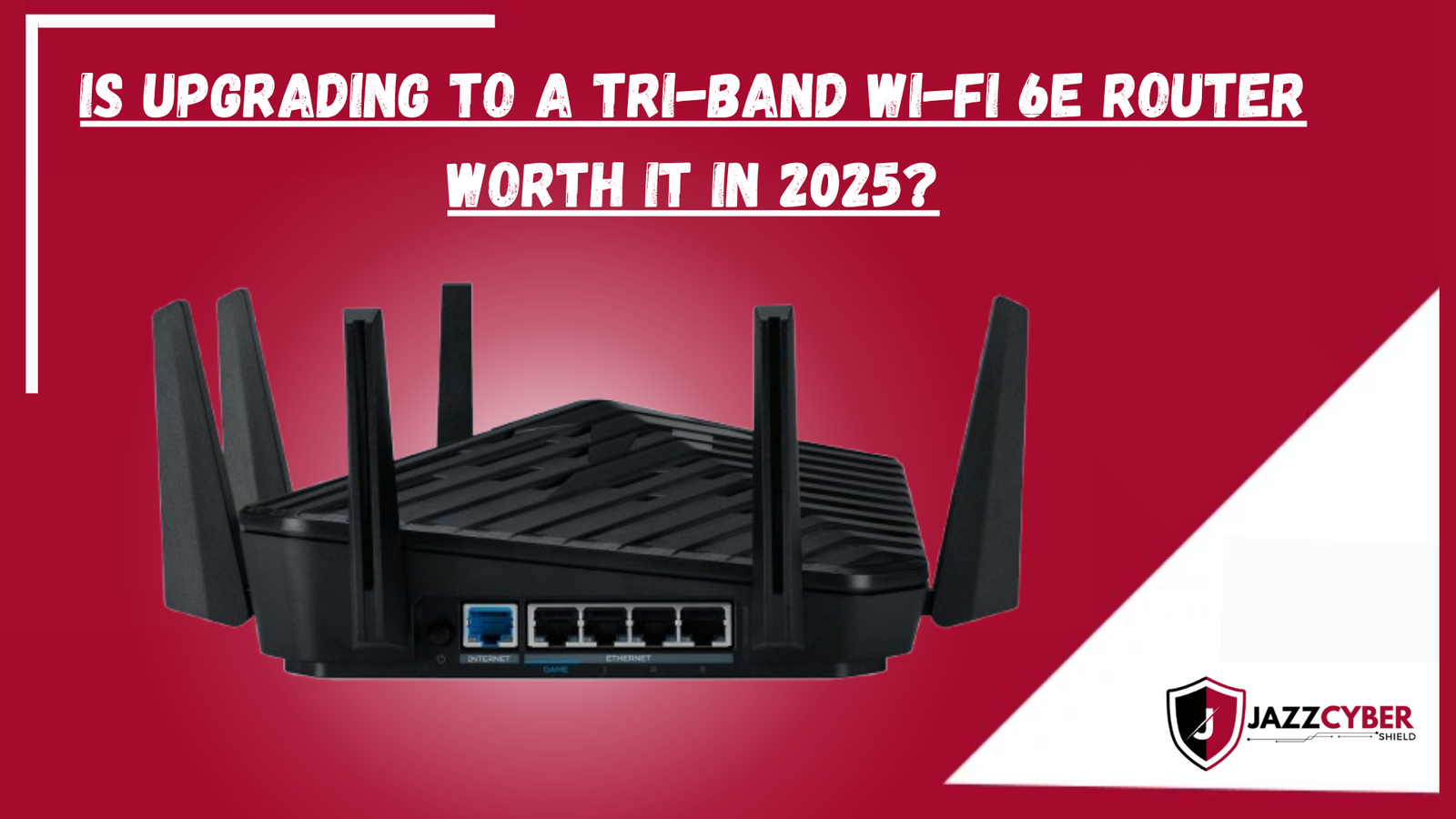
- Wireless standards: Commonly supports up to Wi-Fi 5 (802.11ac)
- Antennas: Typically 2 to 3 fixed or detachable antennas
Credit: blog.jazzcybershield.com
Firmware Upgrades
Firmware upgrades breathe new life into budget routers. They fix bugs, improve security, and sometimes add new features. Keeping firmware updated ensures smoother and safer internet connections. Many budget routers support firmware upgrades, but options vary widely.
Stock Firmware Updates
Most budget routers come with stock firmware from the manufacturer. These updates are official and tested for stability. They often address security issues and improve performance.
- Check the router’s admin page for update notifications.
- Download updates only from the official website.
- Follow the update instructions carefully to avoid errors.
Stock updates are easy to install but may lack advanced features. They maintain the router’s basic functions and keep it secure.
Custom Firmware Options
Custom firmware offers more control and extra features. Popular choices include OpenWrt, DD-WRT, and Tomato. These firmwares can enhance speed, add VPN support, and improve network management.
- Verify if your router model supports custom firmware.
- Follow installation guides closely to prevent damage.
- Custom firmware may void the warranty.
Using custom firmware requires some technical knowledge. It can transform a budget router into a more capable device.
Hardware Tweaks
Hardware tweaks can significantly improve the performance of budget routers without needing a full replacement. These adjustments focus on physical components, offering practical ways to boost signal strength and device longevity. Have you ever thought about how simple changes might extend your router’s capabilities?
Antenna Upgrades
Many budget routers come with basic antennas that limit range and signal quality. Swapping out the stock antennas for higher-gain versions can enhance your Wi-Fi coverage noticeably. You don’t need expensive equipment—just look for antennas compatible with your router’s connectors.
Directional antennas, for example, focus the signal in specific directions, which can be perfect if you want to cover a particular room or area. Omnidirectional antennas spread the signal evenly, ideal for open spaces. Have you tested which antenna type matches your home layout?
Upgrading antennas often requires minimal tools and can be done in minutes. Plus, the improvement in signal strength can reduce dead zones and improve device connectivity. It’s a straightforward tweak that makes a real difference in everyday use.
Cooling Enhancements
Budget routers may overheat during heavy use, causing slowdowns or disconnections. Improving your router’s cooling can maintain performance and extend its lifespan. Have you ever noticed your router getting hot after streaming or gaming sessions?
Simple steps like elevating the router for better airflow or placing it near a fan can help. For those comfortable opening their device, adding small heat sinks or upgrading internal fans can make a big difference. These tweaks reduce thermal throttling, keeping your router running smoothly.
Pay attention to where you place your router. Avoid enclosed spaces that trap heat, and clean dust buildup regularly. Cooling enhancements are low-cost fixes that protect your investment and keep your network stable.

Credit: www.ungeek.ph
Optimizing Router Settings
Optimizing your router settings can enhance its performance significantly. Even budget routers can deliver better speeds and stability with proper tweaks. Let’s explore some effective settings you can adjust.
Channel Selection
Wireless routers broadcast on specific channels. If too many devices use the same channel, interference occurs. Changing the channel can reduce this interference. Access your router’s admin panel. Look for wireless settings. Try channels 1, 6, or 11. These are non-overlapping and often clearer.
Qos Configuration
Quality of Service (QoS) settings prioritize certain types of traffic. This ensures important data, like video calls, get bandwidth priority. Open the router’s dashboard. Find the QoS settings. Enable it and prioritize applications or devices. This can improve streaming and gaming experiences.
Extending Network Reach
Extending the reach of your network is often necessary when budget routers struggle to cover every corner of your home or office. These routers may not have the strongest signals, but you don’t have to replace them right away. Instead, there are practical ways to boost your network’s coverage without breaking the bank.
Using Range Extenders
Range extenders are a simple way to increase your Wi-Fi coverage. They pick up your router’s signal and rebroadcast it to areas with weak or no signal. This can be a quick fix if you notice dead zones in certain rooms.
One thing to keep in mind is that range extenders can sometimes reduce your internet speed because they share the same channel as your main router. Positioning the extender halfway between your router and the dead zone is crucial for better performance.
Have you tried moving your extender around to find the sweet spot? Small adjustments can make a big difference in coverage and speed.
Mesh Network Alternatives
Mesh networks are often seen as the upgrade path for budget routers, especially when you need seamless coverage across larger spaces. Instead of a single router, you add multiple nodes that communicate with each other to provide consistent Wi-Fi everywhere.
Setting up a mesh system might sound complex, but many models are designed for easy installation and management through smartphone apps. They can work alongside your existing budget router or replace it entirely for a more reliable connection.
Consider whether your home layout justifies investing in a mesh system. If your space has many walls or floors that block signals, mesh networks often outperform simple extenders. What’s the size and shape of your space, and how stubborn are your Wi-Fi dead zones?

Credit: tech.yahoo.com
When To Upgrade Your Router
Knowing when to upgrade your router can save you from frustrating slowdowns and connectivity issues. It’s not just about having the latest gadget; it’s about meeting your current needs effectively. Let’s break down how to recognize the signs that your budget router might be holding you back and when it’s time to make a change.
Performance Thresholds
Ask yourself how your router handles daily tasks. Does streaming buffer unexpectedly, or do your video calls drop frequently? These are clear signs your router is struggling to keep up.
Think about the number of devices connected. If your router was fine with just a few gadgets but now falters with smartphones, laptops, and smart home devices, it has likely reached its performance limit.
Also consider your internet speed. If your plan offers faster speeds than what your router supports, upgrading can unlock the full potential of your connection.
Cost Vs. Benefit Analysis
Upgrading isn’t just about spending money; it’s about getting value. Compare the cost of a new router to the benefits you’ll gain, like stronger signals and faster speeds.
Sometimes, a small investment can lead to big improvements in your home network’s reliability. Other times, tweaking your current setup might be enough.
Think about how much downtime or frustration your current router causes. Is it worth the cost to restore smooth browsing and streaming? Your time and peace of mind are part of the equation.
Frequently Asked Questions
Can Budget Routers Get Firmware Upgrades?
Yes, most budget routers support firmware updates. These updates improve security, fix bugs, and sometimes add new features. Check the manufacturer’s website for the latest firmware and update instructions to keep your router running smoothly.
Do Budget Routers Support Hardware Upgrades?
Typically, budget routers have limited hardware upgrade options. You usually cannot replace internal components like antennas or processors. For better performance, consider upgrading to a higher-end router rather than modifying a budget model.
How To Improve Budget Router Performance?
You can improve performance by updating firmware, optimizing placement, and reducing interference. Use wired connections when possible and limit connected devices. These simple steps help maximize your budget router’s capabilities without costly upgrades.
Is It Worth Upgrading A Budget Router?
Upgrading a budget router can be cost-effective if firmware updates enhance features or security. However, hardware limitations often cap performance gains. For significant improvements, investing in a mid-range or high-end router is usually better.
Conclusion
Budget routers can often get small upgrades to improve speed and security. New firmware updates can fix bugs and add features. Sometimes, adding better antennas helps boost the signal range. Yet, these upgrades have limits and may not match high-end routers.
For heavy internet use, investing in a better model might be smarter. Small changes can help, but they won’t solve all problems. Think about your needs before deciding on upgrades or a new purchase. Simple steps can make your connection more reliable and smooth.