Are you tired of juggling multiple devices just to stay connected while on the go? Imagine having a single, reliable internet source that powers all your gadgets at once.
Using a travel router with your mobile hotspot could be the game-changer you need. But can these two work together seamlessly? You’ll discover how combining a travel router with your mobile hotspot can boost your connection, improve security, and make your travel experience smoother.
Keep reading to find out how to unlock the full potential of your mobile internet.

Credit: www.theverge.com
What Is A Travel Router
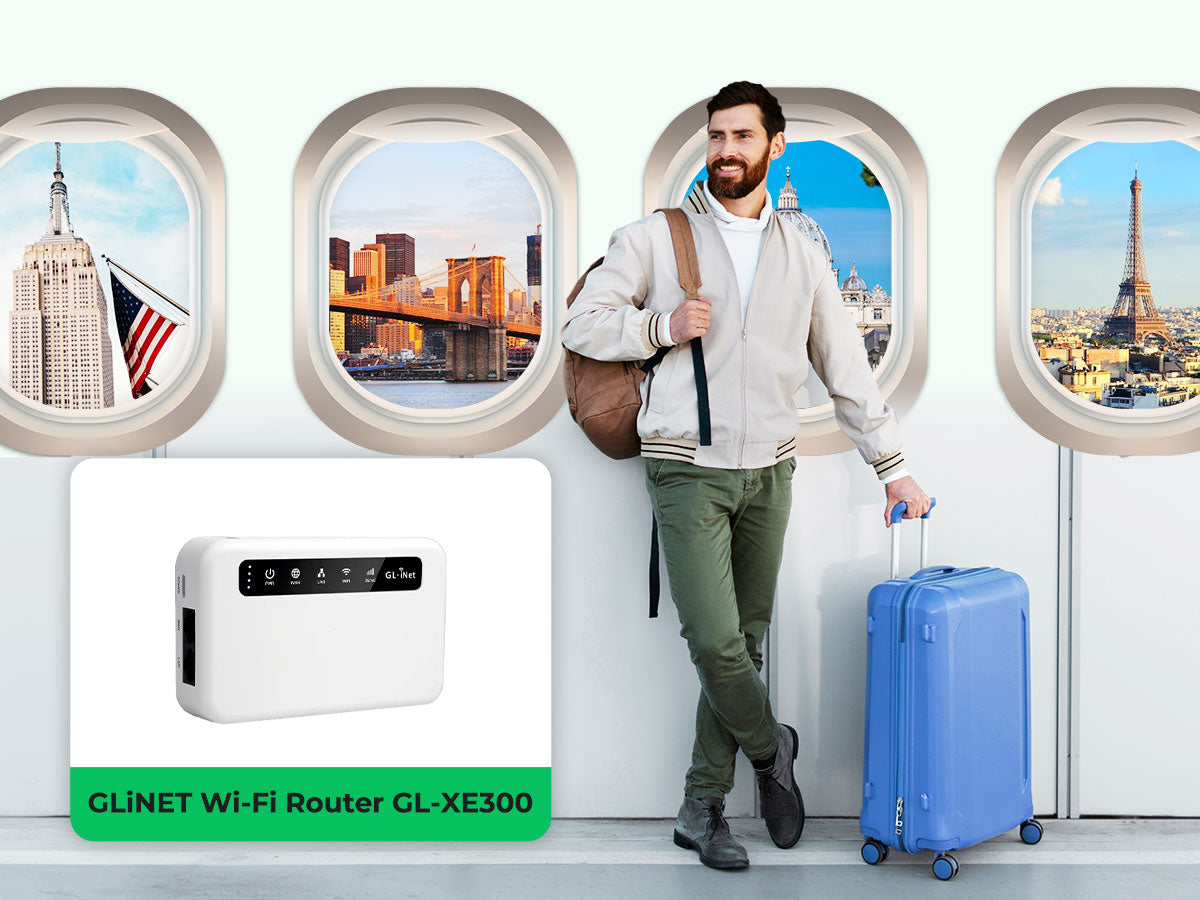
A travel router is a small device that creates a Wi-Fi network for your devices. It connects to the internet source and shares the connection wirelessly. This tool is handy for travelers who want to connect multiple devices safely and easily. Travel routers often work with hotel Ethernet ports, public Wi-Fi, or mobile hotspots.
Key Features
- Compact and lightweight for easy packing
- Supports multiple devices at once
- Creates a secure Wi-Fi network
- Can connect to Ethernet, Wi-Fi, or mobile data
- Easy setup and user-friendly interface
- Provides privacy by hiding connected devices
- Some models include USB ports for file sharing
Benefits For Travelers
Travel routers help travelers connect many devices with one internet source. They improve security by encrypting connections. This protects personal information on public Wi-Fi networks. Travelers can enjoy stable internet without relying on hotel Wi-Fi. It also helps save mobile data by sharing one connection. Using a travel router reduces the hassle of logging into multiple networks. It is perfect for business trips, vacations, and remote work.
How Mobile Hotspots Work
Understanding how mobile hotspots work helps explain their role in internet sharing. A mobile hotspot uses cellular data to create a Wi-Fi network. Devices nearby connect to this network to access the internet. It acts as a bridge between cellular service and your devices.
Mobile hotspots are convenient for travel or places without fixed internet. They rely on cellular towers to provide data. The strength of the signal affects internet speed and reliability.
Data Connection Basics
A mobile hotspot gets internet from a cellular network, like 4G or 5G. It converts this data into a Wi-Fi signal. Devices like phones, tablets, and laptops connect via Wi-Fi to this signal. The hotspot uses a SIM card with a data plan from a carrier.
Data usage depends on your plan limits. Streaming videos or downloading large files use more data. The hotspot can support multiple devices at once, but more devices may slow the speed.
Device Compatibility
Most modern devices can connect to a mobile hotspot. Laptops, smartphones, tablets, and even some gaming consoles support Wi-Fi. The device must have Wi-Fi capability to join the hotspot network.
Some travel routers can connect to a mobile hotspot to share internet. They create a local Wi-Fi network for multiple devices. Check the router’s specifications to ensure it supports connecting to a mobile hotspot.
Using A Travel Router With A Mobile Hotspot
Using a travel router with a mobile hotspot can significantly improve your internet experience on the go. It allows you to share a single mobile data connection with multiple devices, creating a more stable and manageable network. This setup can be especially useful in places where Wi-Fi options are limited or unreliable.
Setup Process
Start by powering on your travel router and connecting it to your mobile hotspot. Most travel routers have a Wi-Fi client mode or repeater mode that lets them connect wirelessly to your hotspot.
Access the travel router’s admin page through a browser on your device. You’ll usually enter an IP address like 192.168.0.1 or a URL provided in the manual.
From there, select the Wi-Fi network of your mobile hotspot and enter the password. Once connected, the travel router will create a new Wi-Fi network for your devices to join.
Don’t forget to update the travel router’s SSID and password to something easy for you to recognize. This helps avoid confusion when connecting multiple devices.
Common Configurations
Many travelers prefer setting their travel router in one of these common modes:
- Repeater Mode:Extends the range of your mobile hotspot by capturing its signal and rebroadcasting it.
- Router Mode:Connects directly to the hotspot and assigns IP addresses to your devices, managing traffic more efficiently.
- Access Point Mode:Creates a new network using the mobile hotspot’s wired connection, if available.
Choosing the right mode depends on your travel environment. If your hotspot signal is strong but you need to connect many devices, router mode offers better control. If you’re in a large area and want to boost the range, repeater mode can be handy.
Have you noticed that some travel routers also offer extra features like VPN support or bandwidth control? These can add a layer of security and help you manage your data use, which is crucial when relying on mobile hotspots with limited data plans.

Credit: tech.yahoo.com
Advantages Of Combining Both
Combining a travel router with a mobile hotspot boosts Wi-Fi range and allows multiple devices to connect. This setup offers more stable and secure internet access during travel. It also helps manage data usage better.
The combination of a travel router with a mobile hotspot offers several advantages. This setup enhances your connectivity, security, and device support on the go. Whether you’re traveling for business or leisure, this pairing can make your internet experience smoother and more reliable.Improved Connectivity
Using a travel router with your mobile hotspot boosts your internet signal. It extends the range of your hotspot, allowing more flexibility. Enjoy a stable connection even in areas with weak signals. This setup reduces the chances of dropped connections. Ideal for remote work or streaming.Enhanced Security
A travel router adds an extra layer of security. It creates a private network, safeguarding your data. Protect sensitive information from cyber threats. Your personal details stay safe, even on public Wi-Fi. Peace of mind for online banking and confidential work.Multiple Device Support
Connect several devices at once without slowing down. A travel router handles multiple connections efficiently. Share the internet with family or colleagues effortlessly. No more fighting over bandwidth. Everyone stays connected and productive.Potential Challenges
Using a travel router with a mobile hotspot sounds like a perfect solution for staying connected on the go. However, several challenges might affect your experience. Understanding these potential hurdles helps you prepare better and avoid frustration during your travels.
Compatibility Issues
Not all travel routers work seamlessly with every mobile hotspot device. Some routers may not recognize the hotspot’s network or struggle to connect properly due to differing network protocols or firmware limitations.
Before buying a travel router, check if it supports your mobile hotspot’s carrier and frequency bands. Have you ever bought a gadget only to find it won’t connect? This happens more often than you think, especially with less common hotspot models.
Speed Limitations
Your internet speed depends heavily on both the mobile hotspot and the travel router. Even if your mobile hotspot offers fast 4G or 5G speeds, the router might bottleneck the connection, lowering your overall speed.
Many travel routers are designed for basic tasks like email and browsing, not heavy streaming or large downloads. If you rely on fast and stable connections, this can be a real pain. You might ask yourself: is my travel router powerful enough to handle my data needs?
Battery Life Concerns
Mobile hotspots and travel routers both consume battery power, which can drain your devices faster than expected. If you’re traveling without easy access to charging, this creates a serious limitation.
Using a travel router means managing two batteries instead of one. Sometimes, the router itself needs external power, which adds to your gear. Have you considered how long your devices last before needing a recharge on a long trip?
Credit: www.eiotclub.com
Best Travel Routers For Mobile Hotspots
Travel routers improve your mobile hotspot experience by extending Wi-Fi range and connecting multiple devices. Choosing the right travel router enhances internet speed and stability on the go. They offer extra security and better control over your network settings.
Some travel routers work better with mobile hotspots due to their compatibility and features. Picking a model with the right specs ensures smooth and reliable internet wherever you travel. Below are some top models and key features to consider.
Top Models
- TP-Link TL-WR902AC:Compact, dual-band support, easy setup, works well with mobile hotspots.
- GL.iNet GL-AR750S-Ext:Portable, strong security features, supports OpenVPN, perfect for travelers.
- Netgear Nighthawk M1:Mobile hotspot and router combo with fast LTE and Wi-Fi 5 support.
- RAVPower FileHub:Multi-purpose device, acts as travel router and media hub.
- HooToo TripMate Titan:Battery-powered, supports file sharing and hotspot connection.
Features To Look For
- Dual-Band Wi-Fi:Ensures better speed and less interference.
- Compatibility:Works seamlessly with your mobile hotspot device.
- Portability:Small size and lightweight for easy travel.
- Security:WPA3 encryption and VPN support to protect your data.
- Multiple Device Support:Connects several devices without speed loss.
- Battery Life:Useful for travel when power outlets are limited.
- Easy Setup:Simple interface and quick installation process.
Tips To Maximize Performance
Using a travel router with a mobile hotspot can improve your internet experience. Small changes can boost speed and reliability. Follow these tips to get the best connection during your travels.
Optimal Settings
- Choose the right frequency band: 5 GHz offers faster speeds but shorter range; 2.4 GHz covers more area but is slower.
- Set a strong password to secure your network from unauthorized users.
- Update your travel router’s firmware to fix bugs and improve performance.
- Disable unnecessary features like guest networks or parental controls if not needed.
- Place the travel router in an open space for better signal distribution.
Troubleshooting Common Problems
- Restart both the mobile hotspot and travel router to refresh connections.
- Check if your mobile data plan supports tethering or hotspot use.
- Reduce the number of connected devices to avoid overloading the hotspot.
- Move closer to the mobile hotspot to improve signal strength.
- Reset the travel router to factory settings if connections fail repeatedly.
Frequently Asked Questions
Can A Travel Router Improve Mobile Hotspot Connectivity?
Yes, a travel router can enhance your mobile hotspot. It boosts Wi-Fi signal strength and extends coverage for multiple devices, creating a more stable and reliable connection.
How Do You Connect A Travel Router To A Mobile Hotspot?
To connect, enable the mobile hotspot on your phone. Then, access the travel router’s settings and select the hotspot’s network to share its internet connection.
Will Using A Travel Router Drain My Mobile Hotspot Battery?
Using a travel router does not directly drain your mobile hotspot’s battery. However, increased data usage may cause your phone’s battery to drain faster.
Can Multiple Devices Connect To A Mobile Hotspot Via A Travel Router?
Yes, a travel router allows multiple devices to connect simultaneously to a mobile hotspot. It manages connections efficiently, preventing slowdowns and improving network stability.
Conclusion
Using a travel router with a mobile hotspot can improve your internet experience. It helps share your connection with many devices. This setup offers better Wi-Fi range and stability. Travel routers are easy to carry and use anywhere. Just connect the router to your hotspot and enjoy.
This solution suits travelers who need reliable internet on the go. It saves battery on your phone too. Overall, combining these devices makes travel internet simpler and more effective. Consider trying this method for your next trip.