Are you frustrated with slow Wi-Fi in some parts of your home? Wondering how far your dual band router can really reach?
Understanding the range of your dual band router is key to unlocking faster, more reliable internet wherever you need it. You’ll discover what affects your router’s signal range and how you can make the most of it. Keep reading to get the full picture and boost your Wi-Fi experience today.

Credit: www.amazon.com
Dual Band Router Basics
Understanding the basics of a dual band router helps you grasp why it might be the right choice for your home or office. These routers operate on two different frequency bands, which can improve your wireless network’s performance and range. Knowing how these bands work can help you decide if a dual band router fits your needs.
Frequency Bands Explained
Dual band routers broadcast signals on two frequencies: 2.4 GHz and 5 GHz. The 2.4 GHz band covers a larger area and penetrates walls better, but it tends to be slower and more crowded. The 5 GHz band offers faster speeds and less interference but has a shorter range and struggles with obstacles.
Think about your home setup. If you stream videos in the living room far from the router, the 2.4 GHz band might serve you better. Meanwhile, for gaming or video calls near the router, 5 GHz will give you the speed you need.
Benefits Over Single Band Routers
Single band routers only use the 2.4 GHz frequency, which can lead to network congestion, especially if many devices connect at once. Dual band routers reduce this problem by splitting devices across both bands, balancing the load.
This means fewer interruptions and smoother connections. Imagine having several family members working, gaming, and streaming all at once. A dual band router can handle this more efficiently, making your internet experience more reliable.
- Better performance with multiple devices
- Reduced interference from other electronics
- Improved speed and connection stability
Have you noticed your Wi-Fi slowing down when too many devices connect? A dual band router might be the upgrade you need to keep your network fast and steady.
Factors Affecting Router Range
The range of a dual band router depends on several key factors. These factors can limit or extend the wireless signal coverage. Understanding them helps improve your Wi-Fi experience.
Some elements reduce signal strength, while others cause interruptions. Knowing these helps in setting up your router effectively.
Physical Obstacles
Walls, floors, and furniture block Wi-Fi signals. Thick walls made of concrete or brick weaken signals more than drywall. Metal objects and mirrors reflect signals, causing dead zones. Large objects between the router and device reduce range and speed.
Interference Sources
Other electronic devices can interfere with Wi-Fi signals. Microwaves, cordless phones, and baby monitors emit signals in the same frequency range. Neighboring Wi-Fi networks may cause congestion, especially on the 2.4 GHz band. This interference reduces the router’s effective range.
Router Placement
Placing the router in a central, open area improves signal spread. Avoid placing it near walls or inside cabinets. Higher placement, like on a shelf, helps signals cover larger areas. Position antennas for the best coverage, usually upright or angled slightly.
Range Of 2.4 Ghz Band
The 2.4 GHz band is one of the two frequency bands used by dual band routers. It is known for its ability to cover larger areas compared to higher frequency bands. This band is ideal for basic internet tasks and devices that do not need very high speeds. Understanding its range helps in placing your router for better coverage.
Typical Coverage Distance
The 2.4 GHz band can cover distances up to 150 feet indoors. Outdoors, it can reach up to 300 feet or more. Walls and furniture reduce this range. Open spaces allow signals to travel further. This band works well in homes with multiple rooms.
Strengths And Limitations
- Stronger signal through walls and obstacles
- Better coverage in larger areas
- More common interference from other devices
- Slower speeds compared to the 5 GHz band
- Ideal for simple browsing and email
- Not best for high-definition video or gaming
Range Of 5 Ghz Band
The 5 GHz band on a dual band router offers faster speeds but usually covers a smaller area compared to the 2.4 GHz band. This frequency is less crowded, which means less interference from other devices. However, its higher frequency also means the signal doesn’t travel as far through walls and obstacles.
Typical Coverage Distance
On average, the 5 GHz band covers around 30 to 50 feet indoors. This range varies depending on your home’s layout and construction materials. For instance, thick walls or metal objects can reduce the signal strength significantly.
In open spaces without many barriers, the 5 GHz signal can extend up to 150 feet. But inside your home, expect a much shorter range. Have you noticed your Wi-Fi speed drops when you move to another room? That’s the 5 GHz band’s range limit in action.
Strengths And Limitations
- Strengths:The 5 GHz band supports higher data rates, making it ideal for activities like streaming HD videos or online gaming.
- Limitations:Its shorter range means it struggles to penetrate walls and floors, which can cause dead spots in larger homes.
- Interference:It faces less interference from household devices like microwaves or Bluetooth gadgets.
If your priority is speed and you’re close to the router, 5 GHz is a great choice. But if you need coverage throughout your entire house, relying solely on 5 GHz might leave you frustrated. How do you balance speed and coverage in your setup?
Comparing 2.4 Ghz And 5 Ghz Ranges
Dual band routers operate on two different frequencies: 2.4 GHz and 5 GHz. Each band has unique characteristics. Understanding these can help you choose the best option for your needs.
Coverage Differences
The 2.4 GHz band offers greater coverage. It penetrates walls and obstacles better than 5 GHz. This makes it ideal for larger homes or areas with many walls. The 5 GHz band has a shorter range. It is best used in open spaces or smaller areas. It struggles with barriers, reducing its effective range.
Speed Vs. Distance Tradeoffs
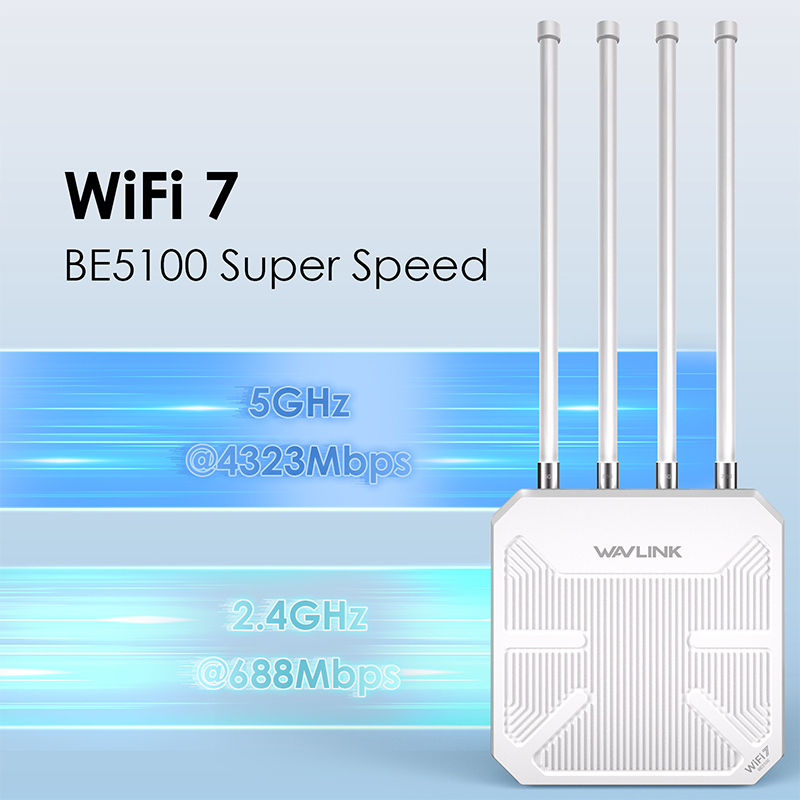
The 2.4 GHz band provides slower speeds over longer distances. It is suitable for basic browsing or streaming. The 5 GHz band offers faster speeds. But, its range is limited. It is perfect for high-speed tasks like gaming or HD streaming. Choosing the right band depends on your speed and coverage needs.
Credit: www.wavlink.com
Enhancing Dual Band Router Range
Enhancing the range of your dual band router can dramatically improve your internet experience. A stronger signal means fewer dead zones and faster connections throughout your home or office. Small adjustments and the right tools can make a noticeable difference in coverage and performance.
Optimal Router Placement Tips
Where you put your router matters more than you might think. Place your router in a central, elevated location to spread the signal evenly across all rooms.
Avoid placing it near thick walls, metal objects, or electronic devices that can block or interfere with the signal. If your router is hidden away in a cabinet or behind furniture, move it to an open space.
Have you noticed your Wi-Fi gets weaker in certain corners? Experiment with moving the router to see if it improves coverage in those spots.
Using Range Extenders
Range extenders amplify your existing Wi-Fi signal to cover larger areas. They work well in houses with multiple floors or thick walls that reduce signal strength.
Make sure to place extenders halfway between your router and the dead zone for the best boost. Keep in mind, some extenders might reduce overall speed, so choose one designed for dual band routers.
Have you tried using a range extender before? It’s a simple way to fill in weak spots without rewiring or buying a whole new router.
Upgrading Antennas
Many dual band routers come with detachable antennas that you can replace with higher gain ones. These upgraded antennas focus the signal more effectively, increasing range and stability.
Look for antennas with a higher dBi rating; this number indicates the strength and reach of the antenna. Installing directional antennas can target specific areas, while omnidirectional ones spread coverage evenly.
Upgrading antennas is a cost-effective way to boost your router’s range without changing your entire setup. Have you checked if your router supports antenna upgrades yet?
Real-world Coverage Expectations
Real-world coverage of a dual band router varies widely. Several factors shape how far the signal reaches. The environment plays a big role in signal strength and quality. Understanding these factors helps set correct expectations for router performance.
Indoor Vs. Outdoor Range
Indoor range is usually shorter than outdoor range. Walls, furniture, and appliances block signals inside homes. Dual band routers offer two frequencies: 2.4 GHz and 5 GHz.
- 2.4 GHz travels farther but is slower.
- 5 GHz is faster but covers less distance.
Outdoor signals travel farther with fewer obstacles. Open spaces allow better signal flow and coverage. Expect up to 150 feet indoors on 2.4 GHz. Outdoors, signals may reach 300 feet or more.
Impact Of Building Materials
Building materials affect how signals pass through walls. Some materials block signals more than others.
- Concrete and brick reduce signal strength greatly.
- Wood and drywall allow better signal passage.
- Metal and mirrors reflect or absorb signals.
- Glass varies; some types weaken signals.
Thick walls and floors reduce signal quality and speed. Signal drops and dead zones can appear in large buildings. Position routers near open areas and avoid obstacles for better coverage.
Choosing The Right Dual Band Router
Choosing the right dual band router can make a huge difference in your home or office internet experience. It’s not just about picking the most expensive model; understanding your specific needs and the router’s capabilities helps you get the best value and performance. Let’s break down what to look for so you can make an informed decision that fits your space and usage.
Assessing Your Coverage Needs
Start by thinking about the size of the area you want to cover. Are you working in a small apartment or a multi-story house? The larger the space, the stronger and more powerful the router you’ll need.
Consider any obstacles like thick walls or floors that might block the signal. These can reduce the effective range, so you might want a router with better penetration capabilities or additional devices like range extenders.
How many devices will connect at the same time? More devices require a router that can handle heavy traffic without slowing down. This helps avoid dead zones and keeps your connection smooth everywhere.
Features That Boost Range
Look for routers with external antennas, which often provide better signal strength than internal ones. Some models allow you to adjust or even replace antennas to improve coverage.
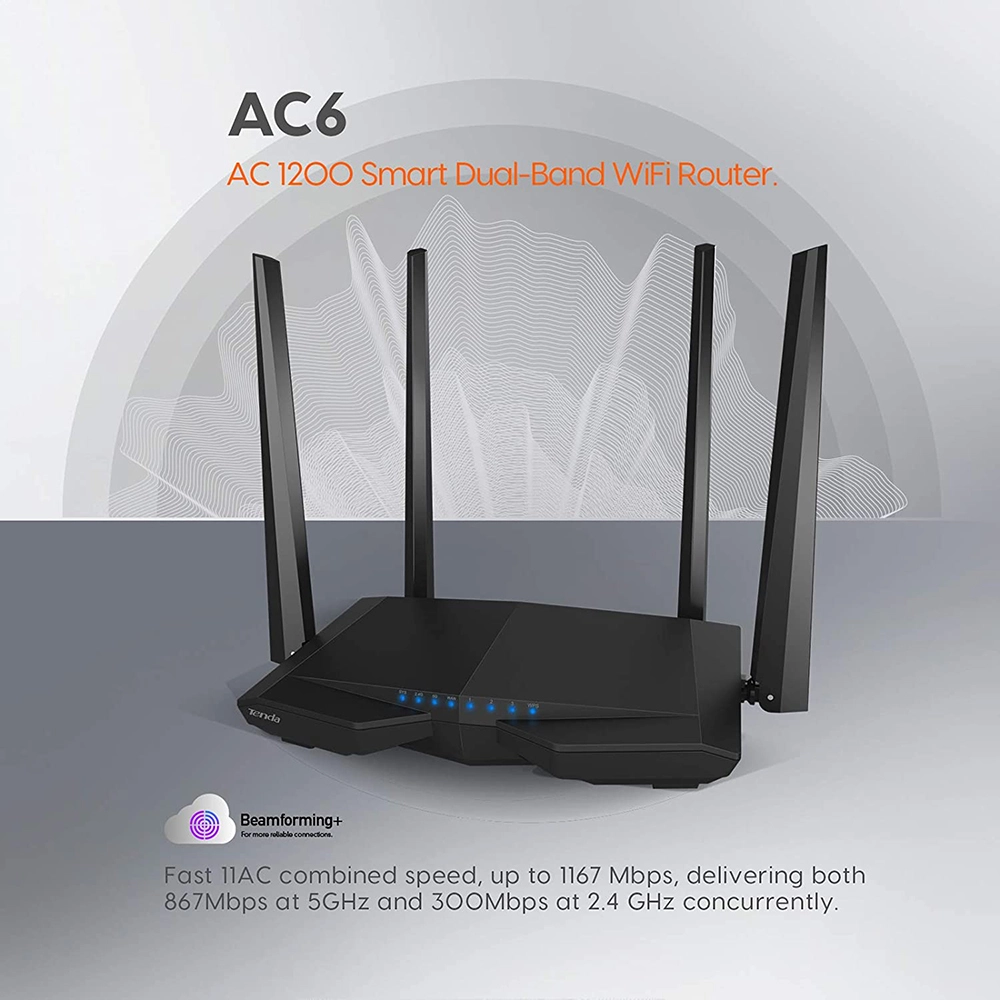
Check if the router supports beamforming technology. This feature directs the Wi-Fi signal straight to your devices instead of spreading it evenly around the room, which can significantly increase range and speed.
Dual band routers usually offer both 2.4 GHz and 5 GHz frequencies. The 2.4 GHz band covers a wider area but at slower speeds, while 5 GHz offers faster speeds but shorter range. A router that smartly switches between these bands can optimize your connection based on your location and device.
Credit: www.northamptondrivingsociety.org
Frequently Asked Questions
What Is The Typical Range Of A Dual Band Router?
A dual band router usually covers 150 feet indoors on 2. 4 GHz and 50-100 feet on 5 GHz. Walls and interference may reduce this range.
How Does Frequency Affect Dual Band Router Range?
The 2. 4 GHz band offers longer range but slower speeds. The 5 GHz band provides faster speeds but shorter range.
Can Obstacles Impact A Dual Band Router’s Range?
Yes, walls, furniture, and electronic devices can weaken signals and reduce the effective range of both frequency bands.
How To Extend The Range Of A Dual Band Router?
Use Wi-Fi extenders, place the router centrally, reduce interference, and update firmware to improve range and signal strength.
Conclusion
Dual band routers offer two frequency options: 2. 4 GHz and 5 GHz. The 2. 4 GHz band covers a larger area but may be slower. The 5 GHz band provides faster speeds but with shorter range. Walls and furniture can reduce the signal strength.
Choosing the right band depends on your space and needs. Understanding the range helps you place your router better. This way, you get stronger signals in your home or office. Remember, both bands work together to give you flexible connectivity.