Have you ever found yourself struggling with slow or unreliable internet while traveling? What if you could turn your travel router into a powerful hotspot that keeps all your devices connected wherever you go?
Understanding whether a travel router can work as a hotspot could change the way you stay online on the road. You’ll discover how this little device might be your secret weapon for fast, secure internet no matter where you are.
Keep reading to find out how to make your travel router work harder for you and stay connected without hassle.
How Travel Routers Function
Travel routers offer a compact and versatile solution for internet access on the go. They create a private Wi-Fi network by connecting to a wired or wireless internet source. This lets multiple devices share one internet connection easily. Travel routers also add security and control, which is essential when using public networks.
Unlike regular routers, travel routers are designed for portability. They often include features tailored to travelers’ needs, making them handy for hotels, airports, or coffee shops. Understanding how travel routers function helps in knowing if they can replace a mobile hotspot.
Key Features Of Travel Routers
- Small and lightweight for easy packing
- Supports multiple input types like Ethernet and Wi-Fi
- Creates a secure Wi-Fi network for several devices
- Offers password protection and firewall options
- Often includes USB ports for charging or storage
- Runs on low power, sometimes with battery options
- Easy to set up with simple interfaces
Comparison With Standard Routers
| Feature | Travel Router | Standard Router |
|---|---|---|
| Size | Compact and portable | Larger and stationary |
| Power Source | USB or battery powered | Needs constant power outlet |
| Internet Input | Ethernet, Wi-Fi, cellular (some models) | Primarily Ethernet |
| Security Features | Basic firewall and encryption | Advanced security options |
| Setup | Quick and user-friendly | Complex for beginners |
| Device Support | Limited to fewer devices | Supports many devices |
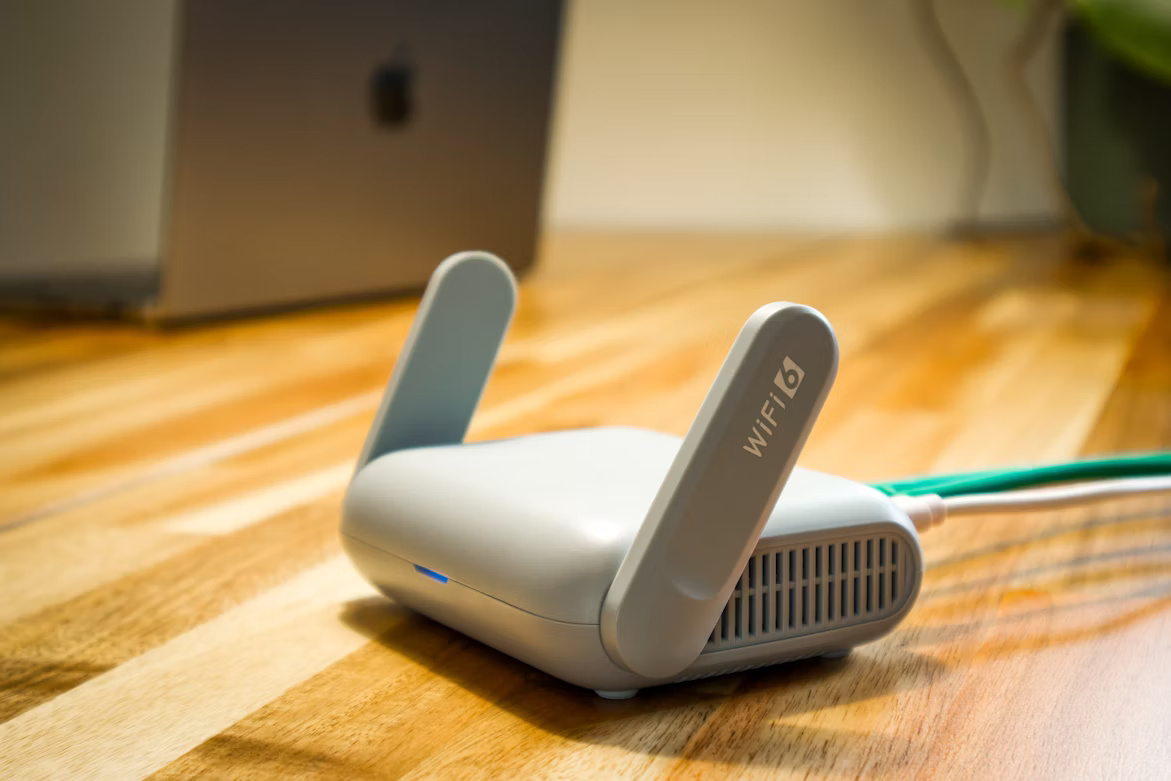
Credit: lightyear.ai
Travel Router As A Hotspot
A travel router can serve as a reliable hotspot, offering you internet access wherever you go. Unlike traditional mobile hotspots, travel routers often come with more versatile features and better connectivity options. Understanding how to set up and use your travel router as a hotspot can significantly improve your travel experience.
Setting Up A Travel Router For Hotspot Use
First, you need to connect your travel router to an available internet source, such as a hotel Wi-Fi or a wired Ethernet connection. Most travel routers have a simple web interface that lets you configure your network settings quickly.
After connecting, you create a new Wi-Fi network that other devices can join. You can set a custom network name (SSID) and password to secure your connection. This setup turns your travel router into a personal hotspot, allowing multiple devices to share one internet source.
Benefits Over Mobile Hotspots
Travel routers often provide stronger signals and better range compared to mobile hotspots. They support more devices simultaneously without significant drops in speed, which is crucial if you travel with family or colleagues.
Many travel routers offer advanced features like VPN support and guest networks, adding layers of security and convenience. Plus, they usually have the ability to connect to multiple types of internet sources, giving you more flexibility on the road.
Have you ever struggled with spotty hotel Wi-Fi? Using a travel router as your hotspot might be the solution you didn’t know you needed.
Compatibility And Connectivity
Understanding the compatibility and connectivity of a travel router when used as a hotspot is key to making the most out of your device. Not every travel router works seamlessly with all devices or networks, so knowing what fits your needs can save you from connectivity headaches. Let’s break down how supported devices and network types impact your experience, along with what you can expect in terms of range and signal strength.
Supported Devices And Networks
Travel routers generally support a wide variety of devices, including smartphones, tablets, laptops, and even smart TVs. However, it’s important to check the specifications before you buy or set up. Some routers work best with certain operating systems or may limit the number of devices that can connect simultaneously.
On the network side, many travel routers are designed to work with 3G, 4G LTE, and even 5G SIM cards. But not all routers support every frequency band, which means your device might not connect properly in certain countries or with certain carriers. Have you ever been stuck in a hotel with poor Wi-Fi only to find your travel router didn’t work with the local network? This is why checking network compatibility is crucial.
- Check if the travel router supports your device’s operating system.
- Confirm that the router is compatible with the network bands of your SIM card.
- Look into the maximum number of devices the router can handle at once.
Range And Signal Strength
Range and signal strength are often overlooked but play a major role in how well your travel router functions as a hotspot. Most travel routers offer a range of around 30 to 100 feet indoors. But walls, furniture, and other obstacles can reduce this significantly.
Outdoor use usually results in better range, but even then, interference from other wireless devices can cause drops in signal quality. If you’re in a large hotel or a busy airport, your travel router might struggle to maintain a strong connection for all your devices.
Think about your typical travel spots—are you mostly in compact hotel rooms, open-air cafes, or large conference centers? Your environment will dictate whether you need a router with stronger antennas or special signal-boosting features.
Power And Portability
Travel routers are the unsung heroes for globetrotters, offering both power and portability to keep your devices connected. Imagine a tiny device that fits in your pocket but packs a punch in terms of functionality. The convenience of a travel router extends beyond just creating a local network; it also can act as a hotspot, making internet access seamless wherever you roam.
Battery Life Considerations
Battery life is a critical factor when choosing a travel router. A long-lasting battery ensures uninterrupted connectivity, essential for those long layovers or remote locations. Some travel routers offer up to 10 hours of battery life, allowing you to use them throughout your journey without constantly searching for power outlets.
Before your trip, assess your daily internet usage to choose a device that meets your needs. Consider how often you’ll be away from power sources and select a model with a battery life that aligns with your plans. A device that charges via USB can be a lifesaver, enabling you to recharge using a power bank.
Travel-friendly Designs
Travel routers come in compact, lightweight designs that make them perfect companions for any trip. These devices often weigh less than your smartphone, making them easy to carry without adding bulk. Look for models that offer foldable antennas or integrated plugs to save even more space in your luggage.
Some routers also come with protective cases, ensuring they withstand the hustle and bustle of travel. When selecting a travel router, think about your packing style and the space available in your bag. Opt for a design that integrates easily into your existing travel gear.
Have you ever wished for better connectivity while on the go? A travel router might be the solution you need. It’s an investment in convenience and peace of mind, offering the power and portability that modern travelers demand.
Security Features
Security features are a key factor to consider when using a travel router as a hotspot. Your data and devices must stay safe, especially when connecting to public or unfamiliar networks. Travel routers often come with robust security settings that can help protect your connection from prying eyes and unauthorized users.
Encryption And Password Protection
Encryption scrambles your data so outsiders can’t read it. Most travel routers support WPA2 or even WPA3 encryption, which are currently the strongest standards available. These protocols keep your information secure as it travels between your device and the router.
Password protection is another essential layer. Always set a strong, unique password for your hotspot. Avoid simple passwords like “12345678” or “password.” Instead, use a mix of letters, numbers, and symbols to make it harder for hackers to break in.
Think about your last trip—did you connect to an open Wi-Fi without a password? That’s a huge risk. A travel router allows you to create a private, encrypted network that only you and your trusted devices can access.
Preventing Unauthorized Access
Preventing unauthorized access means more than just setting a password. Many travel routers offer additional security features like MAC address filtering. This lets you specify exactly which devices can connect to your hotspot.
Some models also include guest networks. These separate your main connection from visitors, reducing the risk that someone on your network could access your personal files. You can give guests internet access without exposing your devices.
Have you ever noticed slow internet speeds in a crowded cafe? It could be because unknown users are hogging the bandwidth. By controlling who can join your travel router’s network, you keep your connection fast and secure.
Common Use Cases
Travel routers can serve as hotspots in many situations. They create a private Wi-Fi network using a wired or wireless internet source. This feature helps users stay connected easily and securely. Here are some common use cases where travel routers work well as hotspots.
Business Travel Scenarios
Business travelers often face unreliable or unsecured Wi-Fi networks. A travel router provides a secure connection by creating a personal hotspot. It helps protect sensitive data during meetings or presentations. Sharing one internet connection with multiple devices becomes easy. Travelers can connect laptops, phones, and tablets simultaneously. This setup reduces the need for multiple mobile data plans.
- Secure internet access in hotels or airports
- Connecting multiple devices safely
- Maintaining privacy on public Wi-Fi networks
- Easy setup for quick meetings and presentations
Leisure And Remote Work
Travel routers benefit people working remotely or enjoying leisure trips. They create a stable internet hotspot from hotel or café connections. This allows smooth video calls, online work, and streaming. Groups traveling together can share one internet source without issue. Outdoor enthusiasts can also use travel routers with mobile data modems. This ensures internet access even in remote places.
- Sharing Wi-Fi among family and friends
- Supporting video conferences and online classes
- Using mobile data safely in areas with weak signals
- Accessing the internet in remote locations
Limitations To Consider
Travel routers can act as hotspots, but they come with some limits. Knowing these helps avoid surprises during your trip. These limits affect how well your internet works and what devices you can connect.
Speed And Data Caps
Travel routers depend on the internet source they use. If the source is slow, your connection will be slow too. Many travel routers use mobile data, which often has data caps.
Data caps limit how much you can use before extra charges or slower speeds start. Streaming videos or downloading large files can quickly use up your data. This can cause interruptions or extra costs during travel.
Device Compatibility Issues
Not all devices work perfectly with travel routers. Some phones or laptops might have trouble connecting. Older devices may not support the router’s Wi-Fi standards.
Some travel routers do not support certain network types or encryption methods. This can cause connection problems or reduce security. Checking device compatibility before travel saves frustration.

Credit: www.theverge.com
Top Travel Routers For Hotspot Use
Travel routers can serve as portable hotspots, letting you share internet on the go. Choosing the right travel router depends on budget, features, and ease of use. Some models offer basic functions at a low cost, while others provide advanced options for heavy users.
Budget-friendly Options
Affordable travel routers still deliver solid hotspot functionality. These models are compact and easy to carry. They usually support multiple device connections and basic security features.
- TP-Link TL-WR902AC: Compact with dual-band Wi-Fi and USB port.
- GL.iNet GL-AR300M: Small size, simple setup, and good battery life.
- HooToo TripMate Titan: Combines power bank and travel router in one.
These routers suit casual travelers or those needing internet for a few devices. They provide good value without complex features.
Premium Models
Premium travel routers offer faster speeds and better coverage. They come with enhanced security and advanced settings for tech-savvy users. These models often support multiple SIM cards or 4G LTE connections.
- Netgear Nighthawk M1: High-speed LTE, long battery life, and many ports.
- GL.iNet GL-MT1300 (Beryl): Dual-band Wi-Fi with OpenVPN and WireGuard support.
- Asus WL-330NUL: Lightweight, supports various connection modes and VPNs.
These routers work well for frequent travelers needing reliable, fast internet access. They handle multiple devices smoothly and offer strong security options.
Tips For Optimal Hotspot Performance
Travel routers can serve as effective hotspots with proper setup and placement. Keep the device near windows for better signal and limit connected devices to maintain speed. Regularly update firmware to ensure smooth and secure performance.
When using a travel router as a hotspot, ensuring optimal performance can significantly enhance your connectivity experience. Often, the difference between a smooth connection and frustrating buffering lies in a few strategic adjustments. Let’s dive into some practical tips to maximize your travel router’s hotspot capabilities.Placement And Setup
The physical placement of your travel router is crucial. Position it in a central location where signals can easily reach all corners of your space. Avoid placing it near thick walls or large metal objects, as these can block signals. Elevating the router can also improve signal strength. Consider placing it on a shelf rather than on the floor. Ensure your router’s firmware is up to date. Manufacturers often release updates that enhance performance and security.Managing Connected Devices
Keeping track of connected devices is essential for maintaining optimal hotspot performance. Too many devices can strain your connection, leading to slower speeds for everyone. Prioritize which devices need the best connection. Devices streaming video or involved in video calls should take precedence over less demanding activities like browsing. Encourage users to disconnect devices not in use. This frees up bandwidth and improves performance for active devices. By fine-tuning your travel router’s setup and effectively managing connected devices, you can enjoy a seamless hotspot experience. What creative solutions have you discovered for enhancing your travel connectivity?
Credit: www.eiotclub.com
Frequently Asked Questions
Can A Travel Router Replace A Mobile Hotspot?
Yes, a travel router can work as a hotspot by sharing an internet connection. It creates a Wi-Fi network from wired or wireless sources, ideal for multiple devices. However, it depends on the travel router’s features and network compatibility.
How Does A Travel Router Create A Hotspot?
A travel router connects to an internet source via Ethernet or cellular data. It then broadcasts a Wi-Fi signal, enabling devices to connect wirelessly. This function allows it to act as a portable hotspot, especially in hotels or locations with wired internet.
Is Using A Travel Router As A Hotspot Secure?
Yes, travel routers offer standard Wi-Fi security protocols like WPA2 or WPA3. Users can set passwords to protect their hotspot network. This ensures safe internet access, preventing unauthorized users from connecting to your hotspot.
Can A Travel Router Improve Hotspot Performance?
Yes, travel routers can enhance performance by providing stable connections and better range. They manage multiple devices efficiently and reduce network congestion. This results in faster and more reliable internet compared to some mobile hotspots.
Conclusion
A travel router can often work as a hotspot. It shares internet with multiple devices easily. This helps when you have limited Wi-Fi options. Some models need a SIM card or Ethernet connection. Others connect to public Wi-Fi and create a private network.
Keep in mind battery life and speed may vary. Choose a device that fits your travel needs well. This way, staying connected on the go becomes simpler and safer.