Are you wondering if your budget router can work with a hotspot? It’s a question many face when trying to save money without losing connectivity.
You might think expensive gear is necessary, but that’s not always true. Understanding how budget routers handle hotspot connections can save you time, money, and frustration. Keep reading to discover what really works and how you can make the most of your devices.
Your next reliable internet setup might be simpler than you think.
Budget Routers And Hotspots
Budget routers and hotspots serve different roles but can work well together. Budget routers provide internet access in homes or small offices. Hotspots create internet connections using cellular networks. Understanding how these devices function helps decide if budget routers suit hotspot use.
How Budget Routers Work
Budget routers connect devices to the internet through wired or wireless signals. They receive internet from a modem or another source. Then, they share this connection with multiple devices like phones, laptops, and tablets. Most budget routers support Wi-Fi standards such as 802.11n or 802.11ac.
These routers have simple setups and basic features. They often include:
- Wi-Fi coverage for small areas
- Limited number of device connections
- Basic security options like WPA2 encryption
- Ethernet ports for wired connections
Though affordable, budget routers provide stable internet for everyday tasks. Streaming, browsing, and video calls work well on these devices.
Hotspot Basics
Hotspots use cellular networks like 4G or 5G to offer internet access. They convert mobile data into Wi-Fi signals. This lets multiple devices connect to the internet anywhere with cellular coverage. Hotspots are portable and do not need fixed wiring.
Common types of hotspots include:
- Dedicated mobile hotspot devices
- Smartphones with hotspot feature
- USB dongles for laptops
Hotspots suit travel, remote areas, or backup internet needs. Their connection speed depends on signal strength and network congestion.
Compatibility Factors
Compatibility between budget routers and hotspot devices depends on several key factors. Understanding these factors helps ensure smooth connectivity and optimal performance. Both the router and hotspot must support compatible features and settings.
Router Specifications
Check the router’s wireless standards, such as 802.11n or 802.11ac. Budget routers may have limited speed and range. The router should support DHCP to assign IP addresses automatically. Look for routers with a WAN or Internet port for hotspot connection. Some routers allow USB tethering, which can connect directly to a hotspot device. Firmware updates can improve compatibility and security on budget routers.
Hotspot Device Requirements
The hotspot must support sharing its internet connection with other devices. It should allow tethering via Wi-Fi or USB. Battery life is crucial for hotspot devices used with routers. Ensure the hotspot’s data plan supports tethering without extra charges. Check the hotspot’s network band (2.4 GHz or 5 GHz) to match the router’s wireless bands.
Setting Up Budget Routers With Hotspots
Setting up budget routers with hotspots can extend your internet connection to multiple devices. This setup allows you to share a mobile data connection across your home or office. Budget routers often support this feature but require specific steps to work correctly.
Understanding how to configure these routers helps avoid connectivity issues. The process involves connecting the hotspot and adjusting settings on the router. This section explains the main steps and common settings to ensure smooth operation.
Connecting Steps
- Turn on your mobile hotspot and confirm it has an active data connection.
- Power on the budget router and connect it to a computer via Ethernet or Wi-Fi.
- Access the router’s admin page using the default IP address (usually 192.168.0.1 or 192.168.1.1).
- Log in with the default username and password found in the router manual.
- Locate the WAN or Internet settings section in the router’s interface.
- Select the option to connect via Wi-Fi or use “Wireless WAN” if available.
- Scan for available Wi-Fi networks and select your mobile hotspot’s SSID.
- Enter the hotspot password to establish the connection.
- Save the settings and reboot the router to apply changes.
Common Configuration Settings
| Setting | Description | Recommended Value |
|---|---|---|
| Connection Type | Defines how the router connects to the internet | Wireless WAN or Client Mode |
| SSID | Name of the mobile hotspot network | Your hotspot’s network name |
| Password | Security key for hotspot access | Your hotspot’s password |
| DHCP | Assigns IP addresses to devices on your network | Enabled |
| AP Isolation | Prevents devices from communicating with each other | Disabled for device sharing |
| Firmware Version | Router software version | Latest available |
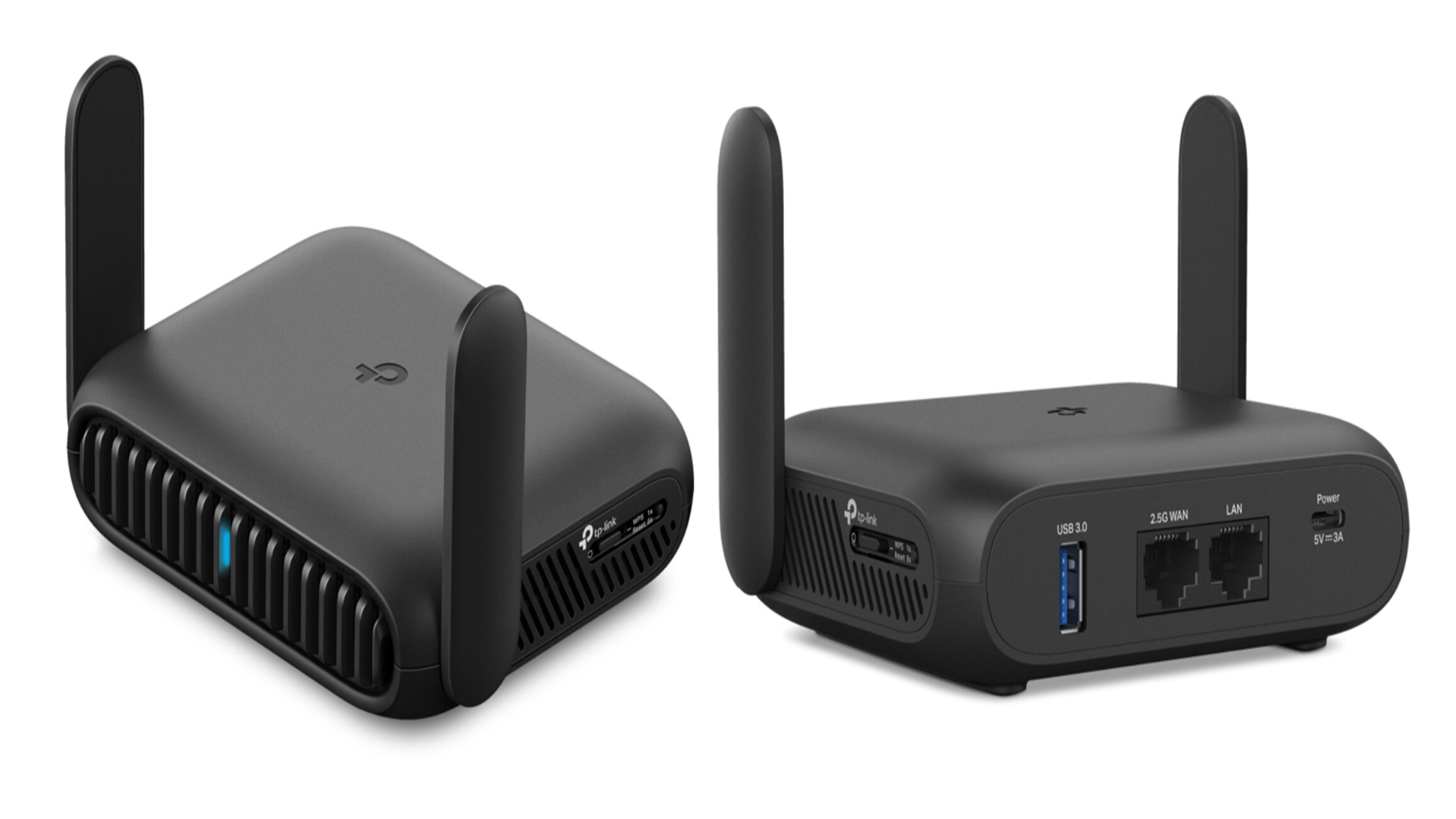
Credit: www.techradar.com
Performance Expectations
Budget routers can work with hotspots, but their performance varies. Understanding what to expect helps manage your experience. Let’s explore key aspects of performance.
Speed And Stability
Budget routers offer decent speed but have limits. They manage basic tasks like browsing and streaming in low quality. High-speed activities may cause lag. Stability is another factor. Connections might drop more often than with premium routers. Frequent resets can be necessary to maintain performance.
Coverage Limitations
Budget routers cover small spaces effectively. Larger areas may face dead zones. Walls and obstacles weaken the signal. Placing the router centrally improves coverage. Adding range extenders can help, but adds cost. Consider space size before choosing a budget router.
Smart Tips For Optimal Use
Using a budget router with a hotspot can be a practical solution if you optimize its performance. Small tweaks and smart habits can make a noticeable difference in speed and reliability. Here are some key tips to get the most out of your setup.
Firmware Updates
Keeping your router’s firmware up to date is crucial. Manufacturers release updates to fix bugs and improve performance. Ignoring these updates might leave your router vulnerable or slower than it could be.
Check the router’s admin panel regularly or set it to update automatically. You’ll often find improvements that directly affect your hotspot connection’s stability and speed.
Placement Strategies
Where you place your router impacts your internet experience more than you might think. Position it in an open area, away from thick walls or electronic devices that cause interference.
Try placing the router higher off the ground and near the hotspot device. Have you noticed certain spots in your home where the signal feels stronger? Use those insights to guide your router’s location.
Security Measures
Security is often overlooked but vital, especially when using a hotspot. Make sure your router’s password is strong and unique to keep unwanted users out.
Enable WPA3 or at least WPA2 encryption for safer connections. Also, consider turning off WPS, as it can be a security risk. Do you know who’s connected to your network? Regularly check connected devices to spot any unauthorized access.
Troubleshooting Common Issues
Troubleshooting common issues with budget routers and hotspots helps keep your connection stable. Basic problems can often be fixed quickly without expert help. Understanding frequent issues improves your internet experience.
Connection Problems
Connection drops often happen with budget routers. Restart the router and hotspot device first. Check if the hotspot data plan is active. Ensure the router supports the hotspot’s frequency band.
Reset network settings on your device if connection fails. Keep the hotspot close to the router for better signal strength. Update the router’s firmware regularly to fix bugs. Clear cache on connected devices to avoid conflicts.
Signal Interference
Signal interference reduces internet speed and stability. Common sources include other Wi-Fi networks, microwaves, and cordless phones. Place your router away from these devices to reduce interference.
Change the router’s Wi-Fi channel to one with less traffic. Use 5 GHz frequency if the router supports it, as it faces less interference. Keep obstacles like walls and furniture between devices minimal. Use a Wi-Fi analyzer app to find the best channel and spot interference.
When To Upgrade Your Router
Knowing when to upgrade your router can save you from frustration and improve your overall internet experience. Budget routers often do the job initially, but there comes a point when their limitations become clear. Recognizing that moment helps you avoid slow connections and connectivity drops, especially when using a hotspot.
Signs Of Poor Performance
Is your internet frequently dropping or slowing down, even when your hotspot signal is strong? That’s a clear sign your router might be struggling.
Other signs include:
- Multiple devices lagging during streaming or video calls.
- Inconsistent Wi-Fi coverage in your home or office.
- Long delays in loading websites or buffering videos.
If you notice these issues happening regularly, your budget router may not be handling your hotspot connection well. Think about how often you rely on multiple devices at once—if your router can’t keep up, it’s time to consider an upgrade.
Benefits Of Higher-end Models
Upgrading to a higher-end router can bring immediate improvements to your hotspot experience.
- Better speed management:These models handle multiple devices without slowing down your network.
- Stronger signal strength:They offer wider and more stable coverage, reducing dead zones.
- Advanced features:Quality-of-service settings let you prioritize hotspot traffic for smoother connections.
When I switched from a basic router to a mid-range model, my video calls stopped freezing, and streaming became seamless. Have you ever felt your router was the bottleneck during critical work or entertainment moments? A better router could be the solution you need.
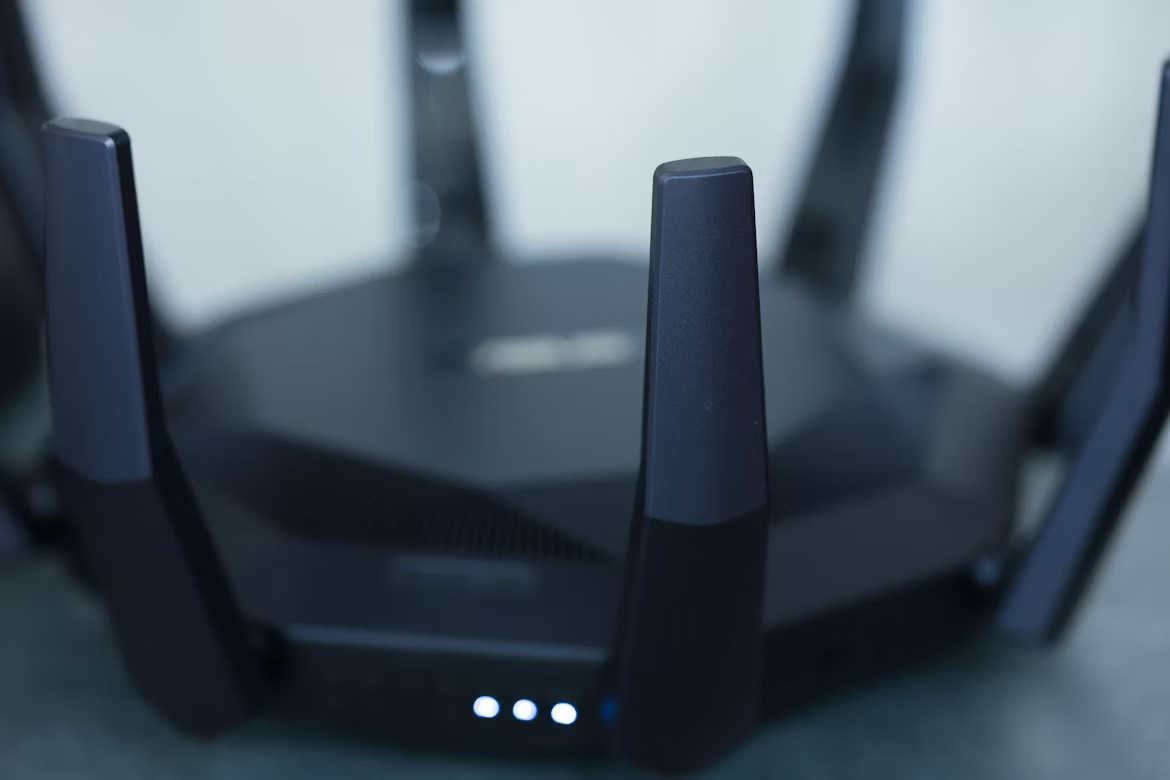
Credit: lightyear.ai
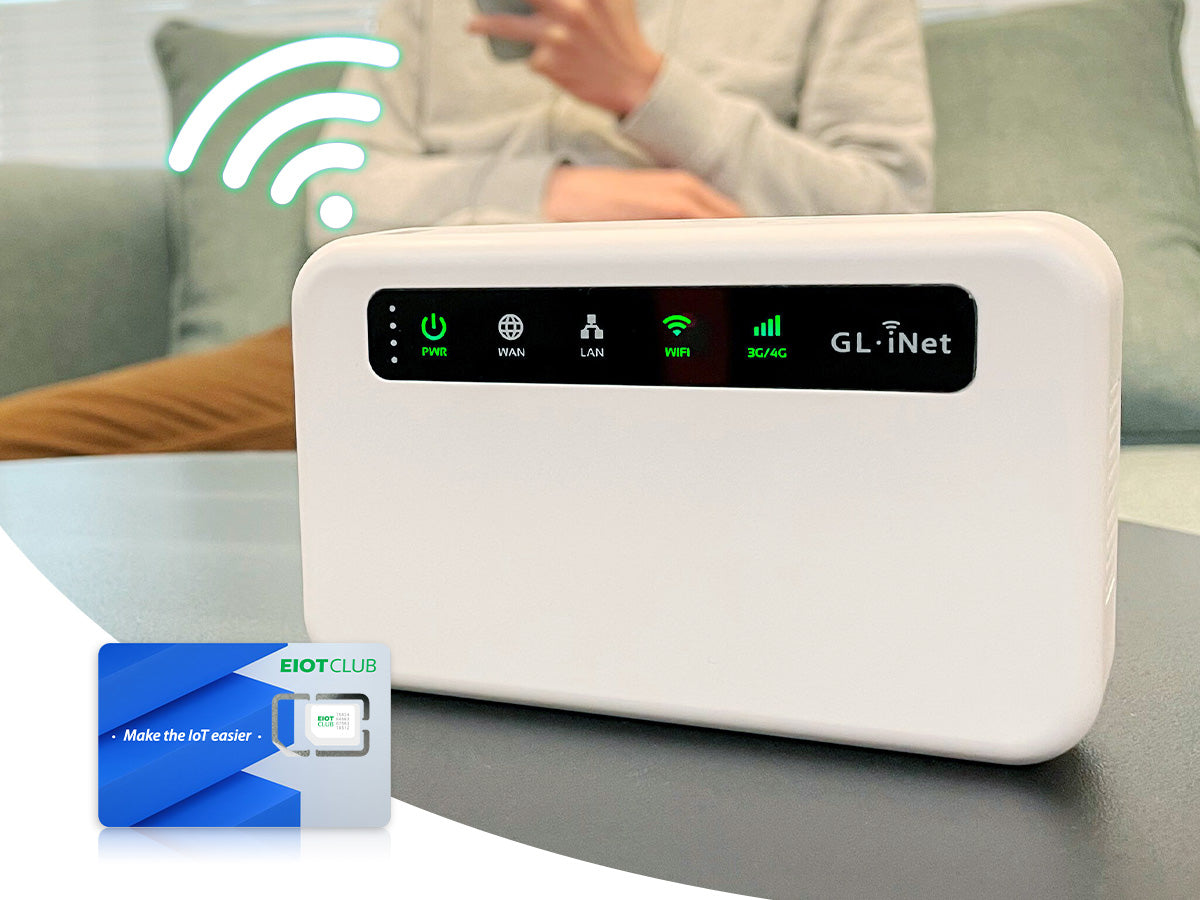
Credit: www.eiotclub.com
Frequently Asked Questions
Can Budget Routers Support Mobile Hotspot Connections?
Yes, many budget routers can support mobile hotspot connections. They use the hotspot’s Wi-Fi as an internet source. However, performance may vary based on router quality and hotspot signal strength.
Are Budget Routers Reliable For Hotspot Internet Sharing?
Budget routers can be reliable for basic hotspot internet sharing. They work well for light browsing and streaming. For heavy usage, higher-end routers offer better stability and speed.
How To Set Up A Budget Router With A Hotspot?
To set up, connect the router to the hotspot via Wi-Fi or USB tethering. Access the router’s admin panel to configure settings. Follow the manual for hotspot compatibility and optimal performance.
Do Budget Routers Limit Hotspot Internet Speed?
Budget routers may limit hotspot internet speed due to weaker hardware. They often have lower processing power and fewer antennas. For faster speeds, consider routers with better specs and dual-band support.
Conclusion
Budget routers can often work with hotspots for basic internet needs. They offer a simple and affordable way to share a mobile data connection. Keep in mind, speed and coverage may be limited. Choose a router that supports your hotspot device and meets your usage.
Testing your setup before relying on it is a smart step. This helps avoid surprises and ensures a steady connection. Overall, budget routers provide a practical option for hotspot users on a tight budget. Simple, effective, and easy to use.