Are you wondering if your old devices will work smoothly with a dual band router? You’re not alone.
Many people worry about whether upgrading their router means losing connection with older gadgets. The good news is, understanding how dual band routers work can save you from frustration and help you get the most out of your home network.
Keep reading, and you’ll discover exactly what you need to know to make your devices work together effortlessly.
Dual Band Router Basics
Understanding the basics of a dual band router helps to know how it works with old devices. These routers use two frequencies to connect devices to the internet. This design aims to improve speed and reduce interference compared to single band routers.
What Dual Band Means
A dual band router broadcasts on two frequencies: 2.4 GHz and 5 GHz. The 2.4 GHz band covers a larger area and passes through walls better. The 5 GHz band offers faster speeds but has a shorter range.
Devices can connect to either band depending on their capability. Older devices usually support only the 2.4 GHz band. Newer devices can use both bands for better performance.
Benefits Over Single Band
- Less interference due to two frequency options
- Improved network speed on the 5 GHz band
- Better coverage with the 2.4 GHz band
- More devices can connect without slowing down the network
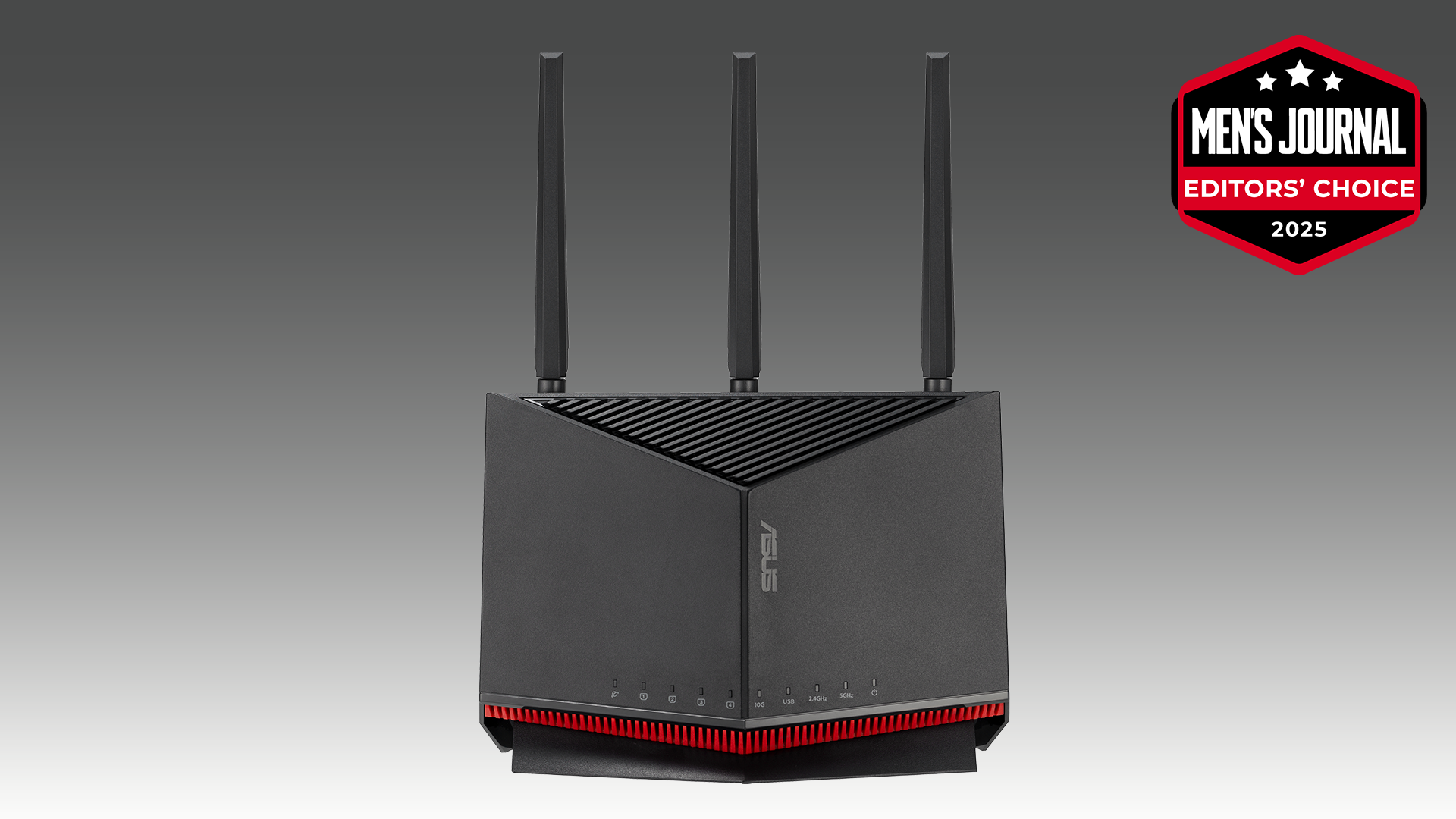
Dual band routers manage network traffic more efficiently. They allow old devices to connect on 2.4 GHz while newer ones use 5 GHz. This separation reduces congestion and keeps connections stable.
Credit: www.mensjournal.com
Types Of Old Devices
Old devices come in many forms, and understanding their types helps you figure out if your dual band router will work with them. These devices vary by their Wi-Fi technology and the connectivity features they support. Knowing these details can save you time and frustration when setting up your network.
Legacy Wi-fi Standards
Older devices often use legacy Wi-Fi standards like 802.11b, 802.11g, or 802.11n. These standards mainly operate on the 2.4 GHz band, which means your dual band router’s 2.4 GHz frequency is crucial for compatibility.
For example, a decade-old laptop or smartphone might only connect to the 2.4 GHz band, missing out on the faster 5 GHz speeds. Does your router’s 2.4 GHz band support these older standards? If yes, your device should connect without issues.
Common Connectivity Features
Old devices usually have basic connectivity features like single-band Wi-Fi and limited security protocols such as WEP or WPA. Modern routers support these but often prioritize WPA2 or WPA3, which can cause connection problems if your device doesn’t support newer encryption.
Many old gadgets also lack features like MU-MIMO or beamforming found in new routers. You won’t get these advanced perks, but basic internet access remains possible. Have you checked your device’s Wi-Fi settings to confirm its capabilities before upgrading your router?
Compatibility Factors
Understanding the compatibility factors between dual band routers and older devices can save you a lot of hassle. Compatibility is not just about plugging in a device and expecting it to work seamlessly. It depends on several technical aspects that determine whether your old gadgets will connect smoothly or face issues.
Frequency Bands Explained
Dual band routers operate on two frequency bands: 2.4 GHz and 5 GHz. The 2.4 GHz band is older and more common, so most old devices support it without problems.
The 5 GHz band offers faster speeds but shorter range, and older devices might not recognize this frequency at all. If your device only supports 2.4 GHz, it will still connect to a dual band router, but only through that band.
Have you checked which frequency your device uses? This simple step can prevent connectivity headaches.
Backward Compatibility
Dual band routers are generally backward compatible with older Wi-Fi standards like 802.11b/g/n that many legacy devices use. This means your device can connect, but the connection speed will be limited to what the device supports.
However, some very old devices might struggle with newer security protocols or settings on dual band routers. Adjusting the router settings to support older encryption methods can help.
Think about your device’s Wi-Fi standard and security support before assuming full compatibility.
Firmware And Driver Support
Your old device’s firmware and drivers also play a crucial role in compatibility. Outdated firmware might not handle newer router features or bands efficiently.
Updating the device’s network drivers or firmware can improve connection stability and speed. If updates aren’t available, you might face persistent issues.
Have you checked for driver updates on your device lately? It might be the fix you need.
Connecting Old Devices
Connecting old devices to a dual band router can sometimes feel like fitting a square peg into a round hole. Older gadgets often lack support for the faster 5 GHz band, which can lead to confusion about how best to keep them online. Understanding how these devices interact with dual band routers helps you maintain a smooth, reliable network without unnecessary upgrades.
Using 2.4 Ghz Band
The 2.4 GHz band is your go-to for connecting older devices. This frequency has been around longer and offers broad compatibility with gadgets like old laptops, printers, and smart home devices.
While the 2.4 GHz band provides slower speeds compared to 5 GHz, it has better range and penetration through walls. This means your vintage smartphone or older tablet will likely connect without issues on this band.
Have you noticed devices dropping connection when too far from the router? The 2.4 GHz band can help reduce those dead spots thanks to its wider coverage.
Limitations With 5 Ghz Band
Many older devices simply don’t support the 5 GHz band. This frequency is newer and designed for faster data transfer but shorter range.
Even if your device detects a 5 GHz network, compatibility isn’t guaranteed. Some gadgets might connect but experience frequent disconnections or weak signals.
Ask yourself: Is it worth pushing an old device to use 5 GHz when stability could suffer? Often, sticking to 2.4 GHz provides a more consistent experience.
Network Settings Tips
Configuring your router’s settings can improve how old devices connect. Consider naming your 2.4 GHz and 5 GHz networks differently to avoid confusion.
- Assign separate SSIDs for each band, such as “HomeNetwork_2.4G” and “HomeNetwork_5G.”
- Set a strong but simple password for each to keep security tight without complicating access.
- Disable automatic band steering if your router supports it, so devices stay connected to their preferred frequency.
Sometimes, updating your device’s wireless drivers can help it recognize dual band routers better. Check the manufacturer’s website for available updates.
Could tweaking your router’s settings be the key to reviving those old devices? It’s often a small change that makes a big difference in connection quality.
Troubleshooting Connection Issues
Experiencing connection issues with dual-band routers and old devices? You’re not alone. Many face challenges when blending modern technology with older gadgets. Understanding potential problems and solutions can make a difference. Here, we address common issues and how to tackle them.
Signal Interference
Signal interference affects your connection quality. Older devices may struggle with dual-band frequencies. Check for nearby electronics causing interference. Cordless phones, microwaves, and other routers can disrupt signals. Try placing your router away from these devices. A clear path boosts signal strength. Adjust the router’s channel settings to minimize interference.
Device Firmware Updates
Outdated firmware creates compatibility issues. Always update your old devices’ firmware. Manufacturers often release updates for better compatibility. Visit the manufacturer’s website for the latest firmware. Follow the instructions to update. It’s a simple step that often solves many problems. Ensure your router firmware is up to date as well.
Router Configuration Adjustments
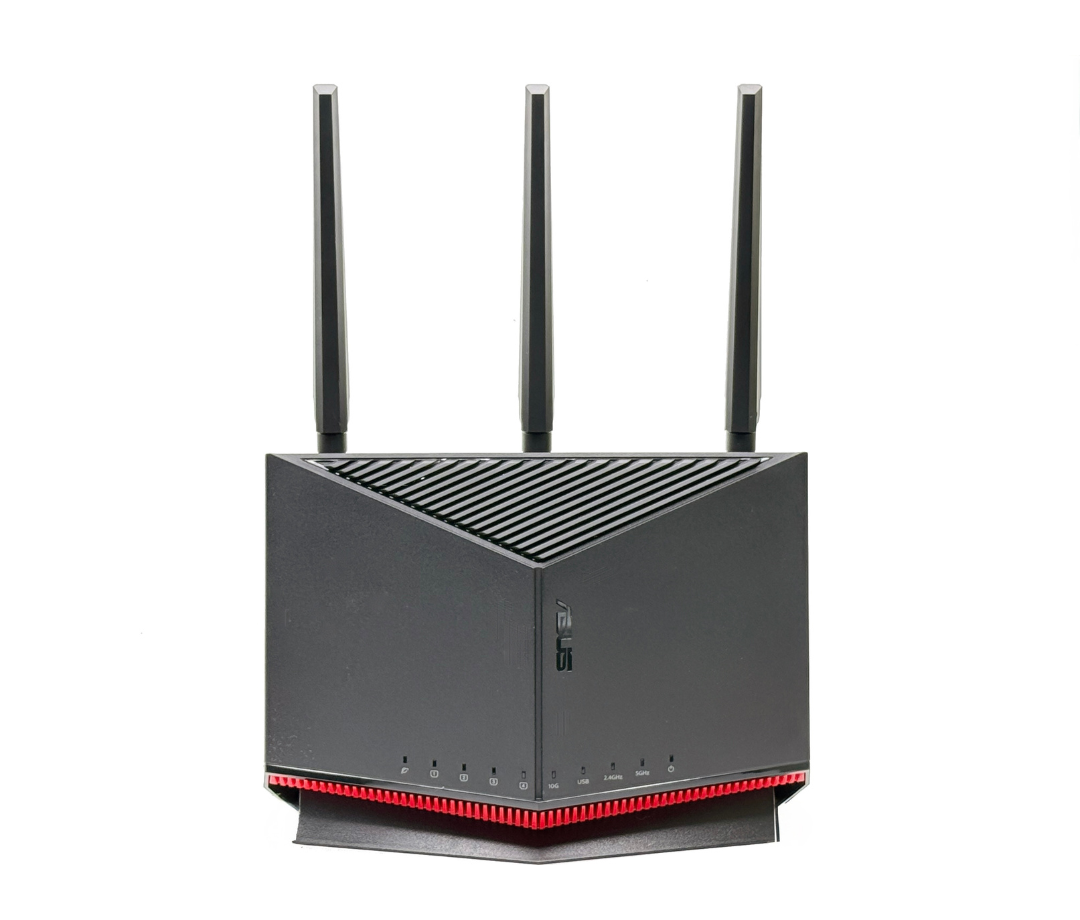
Configuring your router settings aids compatibility. Access the router’s admin panel using a web browser. Change the wireless mode settings to accommodate older devices. Switch between 2.4 GHz and 5 GHz bands for better performance. Sometimes, sticking to 2.4 GHz helps older devices connect easily. Experiment with different settings to find what works best. Document changes made for future reference.
Credit: www.mensjournal.com
Enhancing Performance
Enhancing the performance of your dual band router, especially when using older devices, requires a bit of strategy. You want to make sure every device gets the best connection possible without slowing down the network. Understanding how to manage bandwidth, set up guest networks, and maintain security can dramatically improve your internet experience.
Optimizing Bandwidth Allocation
Older devices often support only the 2.4 GHz band, which is more crowded but has better range. Newer devices can use the 5 GHz band, which is faster and less congested.
You can manually assign devices to the appropriate band to avoid interference. For instance, connect your laptop and smartphone to 5 GHz, while your older printer and smart home gadgets stay on 2.4 GHz.
This separation helps reduce network traffic jams and improves overall speed. Have you tried checking which devices hog the most bandwidth on your network?
Using Guest Networks
Setting up a guest network on your dual band router is a smart way to keep visitors’ devices from affecting your main network’s performance.
Guest networks usually use the 2.4 GHz band, isolating traffic so your primary devices don’t slow down. This also keeps your personal devices more secure.
Imagine hosting a party and multiple phones trying to stream videos simultaneously. A guest network prevents this from turning your internet into a bottleneck.
Security Considerations
Older devices might not support the latest security protocols, which can leave your network vulnerable.
Dual band routers often support WPA3, but many old gadgets only work with WPA2 or even WEP, which is outdated and risky.
To protect your network, consider creating separate SSIDs for older devices with compatible security settings. This way, you keep your newer devices safe without cutting off access.
How often do you update your router’s firmware or check security settings to keep threats at bay?
When To Upgrade Devices
Knowing the right time to upgrade your devices matters. Technology changes fast, and old devices may slow down your network. Upgrading helps keep your internet fast and secure. It also makes sure your devices work well with a dual band router.
Signs Of Incompatibility
- Devices can’t connect to the 5 GHz band.
- Slow internet speeds on certain devices.
- Frequent disconnections or weak signals.
- Older devices only support outdated Wi-Fi standards.
- Inability to access modern router features.
Benefits Of Modern Hardware
- Better speed and stronger signals.
- Support for both 2.4 GHz and 5 GHz bands.
- Improved battery life for wireless devices.
- Enhanced security with updated protocols.
- Compatibility with new router features and apps.

Credit: www.amazon.ca
Frequently Asked Questions
Is A Dual Band Router Compatible With Old Wi-fi Devices?
Yes, dual band routers support both 2. 4 GHz and 5 GHz bands. Old devices usually connect via the 2. 4 GHz band, ensuring compatibility without issues.
Can Old Devices Connect To The 5 Ghz Band?
Most old devices cannot connect to the 5 GHz band. They only support 2. 4 GHz, so they will use that band when paired with a dual band router.
Will A Dual Band Router Improve Old Device Performance?
A dual band router may improve performance slightly by reducing network congestion. However, old devices still rely on the 2. 4 GHz band, which is slower than 5 GHz.
Do I Need To Configure Old Devices For Dual Band Routers?
No special configuration is needed. Old devices automatically connect to the 2. 4 GHz band on dual band routers for seamless use.
Conclusion
Dual band routers work well with most old devices. Older gadgets connect using the 2. 4 GHz band. This band offers good range and stable signals. Newer devices use the faster 5 GHz band. You don’t need to replace old devices to use a dual band router.
It helps improve your Wi-Fi experience overall. Just check your device’s Wi-Fi settings to connect properly. Upgrading your router can boost speed without losing compatibility. So, dual band routers fit well in mixed device homes. Simple and effective for better internet at home.