Are you thinking about getting a budget router but worried it might be tricky to set up? You’re not alone.
Many people hesitate because they assume installing a router means dealing with confusing tech and endless cables. But what if setting up your new router could be simple and stress-free? You’ll discover how easy—or challenging—budget routers really are to install.
By the end, you’ll know exactly what to expect and how to get your internet up and running fast, without any headaches. Keep reading to find out how you can take control of your home network today.

Credit: cybernews.com
Choosing The Right Budget Router
Choosing the right budget router can make a huge difference in your internet experience. You want a device that’s not just affordable but also reliable and easy to set up. Picking the wrong one might lead to frustration, slow speeds, or connectivity issues, which no one wants.
Key Features To Look For
Focus on features that directly impact your daily use. Look for routers that support the latest Wi-Fi standards like Wi-Fi 5 (802.11ac) or Wi-Fi 6 (802.11ax) for better speed and coverage.
Check if the router offers dual-band or tri-band support. This helps reduce interference and improves device connections. Also, consider built-in security features like WPA3 encryption to keep your network safe.
Compatibility With Your Devices
Not all routers work the same with every device. Make sure the router supports the number and types of devices you have, from smartphones and laptops to smart home gadgets.
Think about the size of your home and where you’ll place the router. Will it cover every corner? Some budget routers struggle with large spaces or multiple floors, so consider one with good range or mesh capabilities if needed.
Popular Budget Router Brands
- TP-Link:Known for affordable models with solid performance and user-friendly interfaces.
- Netgear:Offers budget options that often include advanced features usually found in pricier routers.
- ASUS:Provides reliable routers with good range and easy setup apps, perfect for beginners.
- D-Link:Focuses on value for money with straightforward installation and decent performance.
Picking a brand you trust can save you time and headaches during installation. Have you noticed how some routers just click into place with minimal fuss, while others feel like a puzzle? Your choice can make setup smoother and get your network running quickly.

Credit: cybernews.com
Preparing For Installation
Preparing for installation is key to setting up a budget router smoothly. Taking time to organize and plan makes the process faster and easier. Clear steps help avoid confusion and ensure your router works well from the start.
Unboxing And Initial Setup
Open the box carefully and check all items. Most budget routers come with a power adapter, Ethernet cable, and a quick start guide. Read the guide to understand basic setup instructions. Remove any protective films on the device before use. Connect the power cable to the router and plug it into an outlet. Wait for the router’s lights to show it is ready.
Gathering Necessary Equipment
Have all needed tools and devices ready before installation. This includes:
- Modem (if not built into the router)
- Ethernet cables
- Computer or smartphone for setup
- Access to your internet provider’s details
Ensure your devices have charged batteries or power supply. Clear your workspace to avoid losing small parts.
Positioning Your Router For Best Signal
Place your router in an open, central location at home. Avoid corners, thick walls, or metal objects. Higher positions, like shelves, improve signal range. Keep the router away from other electronics that cause interference. This helps provide a strong, stable Wi-Fi signal throughout your space.
Step-by-step Installation Guide
Installing a budget router may seem intimidating at first, but breaking the process into clear, manageable steps makes it much easier. You don’t need to be a tech expert to get your new router up and running. Let’s walk through the essential actions that will have your network ready in no time.
Connecting To The Modem
Start by unplugging your modem to avoid any connection issues. Take an Ethernet cable and connect one end to the modem’s LAN port and the other end to the router’s WAN or Internet port.
Once connected, plug the modem back in and wait for it to fully power up. This ensures your router will receive a stable internet signal from the modem.
Powering Up The Router
Next, plug your router into a power source using the adapter provided. Look for indicator lights on the router; they usually blink or turn solid once the device is powered and ready.
It might take a minute or two to complete its boot process. If the lights don’t come on, double-check the power connection before moving forward.
Accessing The Router Settings
To configure your router, open a web browser on a device connected via Wi-Fi or Ethernet. Type the router’s default IP address into the address bar—common ones include 192.168.0.1 or 192.168.1.1.
You’ll be prompted to enter a username and password, usually found on a sticker on the router or in the manual. This login gives you access to the router’s control panel.
Configuring Network Name And Password
Inside the settings, locate the section for wireless or Wi-Fi settings. Here, change the default network name (SSID) to something unique and easy for you to identify.
Set a strong password to protect your network from unauthorized access. Avoid simple passwords like “12345678” and opt for a mix of letters and numbers.
Once done, save your settings and reconnect your devices using the new network name and password. Have you thought about how often you update these details to keep your network secure?
Troubleshooting Common Issues
Installing a budget router is usually straightforward, but occasional hiccups can happen. Knowing how to troubleshoot common issues will save you time and frustration. Let’s dive into practical tips to fix connection problems, reset your device, and understand the role of firmware updates.
Dealing With Connection Problems
If your devices aren’t connecting to the internet, start by checking the basics. Ensure all cables are firmly plugged in and your modem is working properly. Sometimes, simply restarting your router can restore the connection.
Interference from other electronics or walls can weaken your signal. Try moving the router to a central, open spot in your home. Have you noticed certain rooms always have weak Wi-Fi? Adjusting the router’s placement might be the key.
If the problem persists, check your device’s network settings. Forget the network and reconnect by entering the password again. This simple step often resolves authentication glitches.
Resetting The Router
Resetting your router can fix stubborn issues but should be used as a last resort. A soft reset, or reboot, clears temporary glitches without changing settings. Power off the router, wait 30 seconds, then power it back on.
For more serious problems, a factory reset restores default settings. This erases your customized configurations like Wi-Fi names and passwords. Keep your setup details handy before pressing the reset button, usually found at the back of the device.
Have you ever felt stuck after a reset? Remember, you’ll need to reconfigure your router through its web interface or app. It’s a bit of work but often gets your network back on track.
Firmware Updates And Their Importance
Firmware is the software running inside your router. Regular updates improve performance and security. Ignoring updates can leave your network vulnerable and slow.
Check the manufacturer’s website or the router’s admin panel for update options. Updates usually install quickly but require a reboot afterward.
Think of firmware like a tune-up for your router. Would you skip software updates on your phone? Your router deserves the same care to keep your internet running smoothly.
Maximizing Router Performance
Budget routers often come with simple setup processes that anyone can follow. Clear instructions and user-friendly apps make installation quick and stress-free. These routers help improve network speed without complex steps.
Maximizing Router Performance Maximizing the performance of your budget router can transform your internet experience. Even with an inexpensive device, you can enjoy smooth streaming, fast downloads, and reliable connectivity. It’s all about making the most of what you have with some simple adjustments and smart choices.Optimizing Placement And Antennas
Where you place your router significantly impacts its performance. Position it centrally in your home to reduce dead zones. Elevate it on a shelf rather than hiding it in a cabinet. Adjust the antennas for optimal coverage. Point them perpendicular to each other, with one vertical and the other horizontal. This helps in covering both horizontal and vertical spaces effectively.Securing Your Network
Securing your network not only protects your data but also improves performance. Set a strong, unique password to prevent unauthorized access. Use WPA3 encryption if available, as it offers the best security. Regularly update your router’s firmware. This ensures you have the latest security features and performance improvements. Think of it as a routine check-up for your network.When To Upgrade Your Router
Is your router struggling to keep up with multiple devices? If you’re experiencing constant buffering or weak signals, it might be time to consider an upgrade. Look for routers that support the latest Wi-Fi standards like Wi-Fi 6. They offer faster speeds and handle more devices effortlessly. But remember, it’s not always about spending more. Sometimes a simple tweak or a minor upgrade can make a huge difference. Have you explored all the possibilities with your current setup?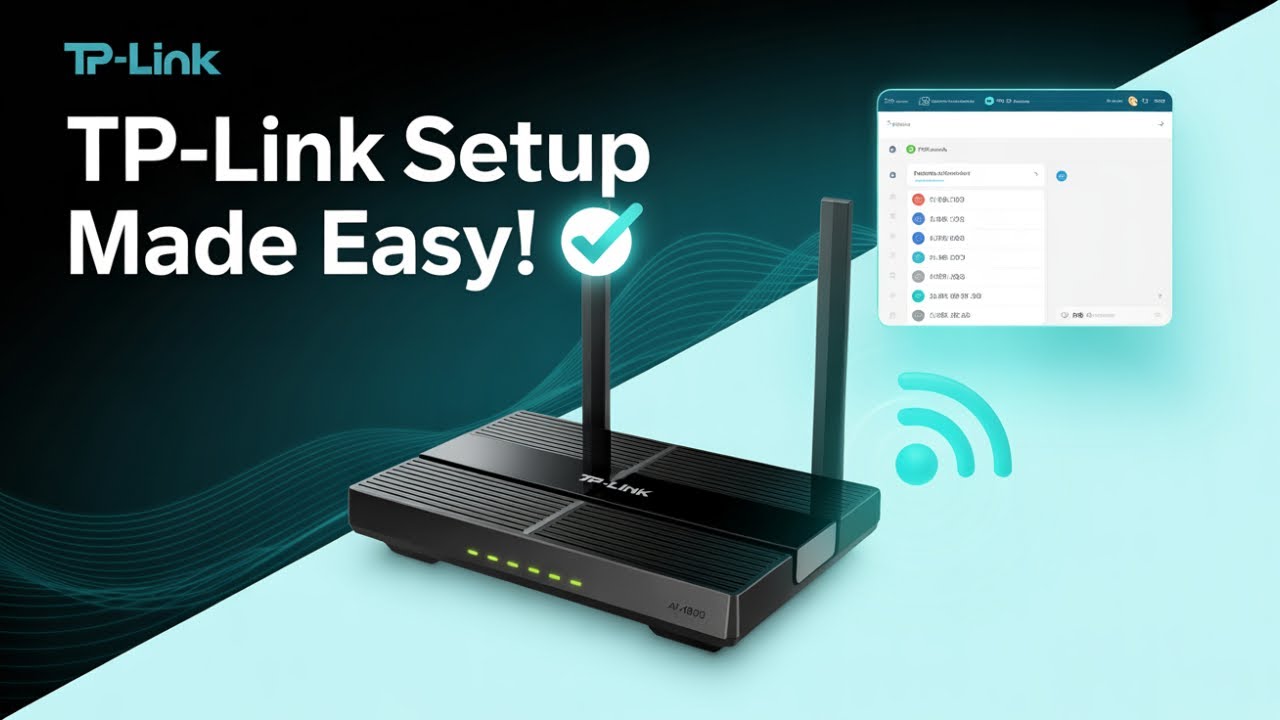
Credit: www.youtube.com
Frequently Asked Questions
Are Budget Routers Simple For Beginners To Install?
Yes, budget routers often come with easy setup guides. Many offer user-friendly apps and step-by-step instructions. This makes installation straightforward, even for beginners without technical skills. Most models support plug-and-play, reducing complexity and saving time during setup.
Do Budget Routers Require Special Tools For Installation?
No, budget routers typically do not need special tools. Most require only a power source and an internet connection. Basic setup involves connecting cables and following on-screen instructions. This simplicity helps users avoid extra costs or technical hassle.
Can Budget Routers Handle Firmware Updates Easily?
Yes, budget routers usually support automatic firmware updates. Many models notify users when updates are available. Updating improves security and performance. The process is often done through the router’s app or web interface, making it simple and quick.
Is Technical Support Available For Budget Router Installation?
Most budget router brands offer technical support. Support options include phone, chat, or email assistance. Many brands provide detailed online tutorials and FAQs. This ensures users can get help easily during installation or troubleshooting.
Conclusion
Budget routers often come with simple setup steps anyone can follow. Most models include clear instructions and easy tools. A basic understanding of Wi-Fi and cables helps a lot. You won’t need special skills or tools for installation. Taking your time and reading the manual makes the process smoother.
Small issues can be fixed by restarting or checking connections. Overall, budget routers offer an easy way to get online quickly. No need to worry about complex setups or technical problems. Just plug in, follow steps, and enjoy your new connection.