Are you tired of lag ruining your gaming experience? You’ve invested in a high-end router, but is it really making your games faster and smoother?
The secret lies in whether your router can prioritize gaming traffic. Imagine your router recognizing your game’s data and giving it the fastest lane, leaving other internet activities in the slow lane. This could be the game-changer you need to stay ahead in every match.
You’ll discover how high-end routers handle gaming traffic and whether they truly make a difference for your gameplay. Keep reading to find out how to get the most out of your router and finally say goodbye to frustrating lag.
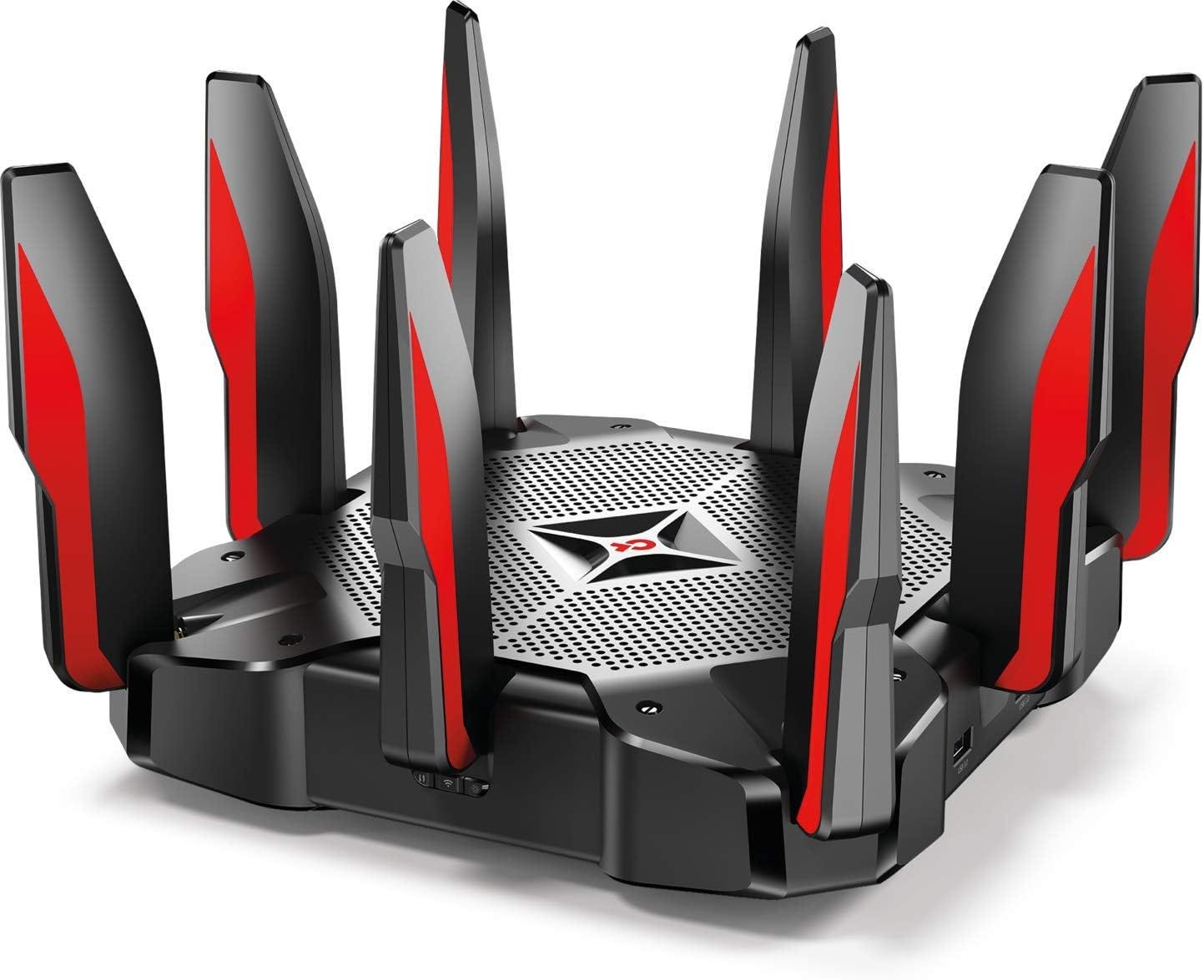
Credit: medium.com
Gaming Traffic And Network Prioritization
Gaming traffic needs fast and steady data flow. It is different from regular web browsing or video streaming. Games send many small packets of data that must arrive quickly. Delays or lost packets can cause lag and poor gameplay.
Prioritizing gaming traffic helps keep games smooth. Routers can give gaming data higher priority over other types. This means less waiting time for game packets to reach the player.
Without prioritization, games might share bandwidth with downloads or streams. This sharing can slow down the game and cause delays. Prioritization reduces lag and improves the gaming experience.
Credit: helpdeskgeek.com
Features Of High-end Routers
Quality of Service (QoS)helps routers manage internet traffic. It gives priority to gaming data over other activities. This reduces lag and keeps your game smooth. Basic QoS allows simple rules like prioritizing certain devices or apps.
Advanced Traffic Managementuses smart techniques to control data flow. It can detect gaming packets and speed them up automatically. Some routers allow custom settings for different games. This helps keep latency low and reduces interruptions.
Strong hardware and softwaremake a big difference. Fast processors and more memory help handle many tasks at once. Good firmware updates improve performance and add new features. Together, these parts ensure gaming traffic gets the best treatment.
Setting Up Traffic Prioritization
Access your router’s settings by typing its IP address into a web browser. Usually, it is 192.168.1.1or 192.168.0.1. Log in using the admin usernameand password. This info is often on the router’s label or manual.
Find the QoS (Quality of Service)section inside the settings menu. This lets you prioritize gaming traffic. Enable QoS and add your gaming device’s IP or MAC address. Set it to high priority to reduce lag and improve speed.
- Don’t forget to save changes after setup.
- Avoid setting all devices to high priority; it defeats the purpose.
- Keep firmware updated for best QoS performance.
- Double-check IP addresses to avoid wrong device prioritization.
Benefits Of Prioritizing Gaming Traffic
Reduced latency and lagmeans games run smoother. This helps players react faster. It cuts down delays that can spoil gameplay. High-end routers can spot gaming traffic and give it priority. This keeps the connection steady and quick.
Improved stabilityensures a steady connection. It stops sudden drops or disconnections. Players get a reliable network that keeps working during long gaming sessions. This is important for focused, uninterrupted play.
Enhanced multiplayer experienceallows fair and fun matches. Prioritizing gaming traffic helps sync all players better. This reduces issues like lag spikes or freezes. Everyone enjoys smoother and more balanced games.
Limitations And Considerations
Network congestioncan reduce the benefits of gaming traffic prioritization. When many devices use the internet at once, even the best routers struggle to keep gaming smooth. Slow speedsand lagmay still happen, despite router settings.
ISP constraintsalso matter. Some internet providers limit how much data you can use or control traffic on their end. This can stop your router from fully prioritizing gaming data. The router’s power is limited by the ISP’s rules.
Not all devices work well with high-end routers. Some older or simpler gadgets may not support advanced prioritization features. This can cause uneven performance across devices in your home. Compatibility issues might reduce the router’s effectiveness in prioritizing gaming traffic.
Comparing Popular High-end Routers
High-end routers often include features to prioritize gaming traffic. This helps reduce lag and improve game response time. Popular models like ASUS ROG, Netgear Nighthawk, and TP-Link Archer offer these options. They use Quality of Service (QoS)to manage data flow. This means games get more bandwidth over other devices.
Price and performance vary widely. Some routers cost more but deliver faster speeds and better coverage. Others are cheaper but still handle gaming well. User reviews show that ease of setup and reliable connections matter most. Many gamers prefer routers with simple interfaces and clear gaming modes.
| Router Model | Price Range | Gaming Features | User Rating |
|---|---|---|---|
| ASUS ROG Rapture | $250 – $350 | Advanced QoS, Game Boost | 4.5/5 |
| Netgear Nighthawk Pro | $200 – $300 | Dynamic QoS, Geo-Filter | 4.3/5 |
| TP-Link Archer GX90 | $180 – $250 | Game Accelerator, QoS | 4.2/5 |
Tips For Optimizing Gaming Network
Keep your router’s firmware updated. Updates fix bugs and improve performance. Check the router settings often for new versions. Updated firmware can boost gaming speedand reduce lag.
Wired connectionsusually give faster and stable internet than wireless. Use an Ethernet cable to connect your device to the router. Wireless is convenient but can have interferenceand slower speeds.
Gaming VPNs can help lower ping and protect privacy. Choose a VPN that supports gamingand has low latency. A VPN can also reduce lag by choosing better routes for your data.

Credit: www.popsci.com
Frequently Asked Questions
Can High-end Routers Improve Gaming Performance?
Yes, high-end routers can improve gaming performance by prioritizing gaming traffic. They reduce lag and latency, ensuring smoother gameplay. These routers use Quality of Service (QoS) settings to allocate bandwidth to gaming devices first, minimizing interruptions from other network activities.
How Do Routers Prioritize Gaming Traffic?
Routers prioritize gaming traffic using QoS technology. QoS identifies gaming data packets and gives them higher priority over other traffic. This reduces lag and packet loss, resulting in a faster, more stable gaming experience on high-end routers.
Are All High-end Routers Good For Gaming?
Not all high-end routers are optimized for gaming. Look for models with advanced QoS features and gaming-specific settings. These routers provide better traffic management, lower latency, and improved network stability tailored for gamers.
Does Router Prioritization Reduce Lag In Online Games?
Yes, router prioritization reduces lag by managing bandwidth efficiently. It ensures gaming packets are sent first, minimizing delays. This helps maintain stable connections and faster response times during online gameplay.
Conclusion
High-end routers can make a difference for gamers. They prioritize gaming traffic effectively. This leads to smoother gameplay and less lag. Gamers enjoy a better online experience. Not all routers offer this feature, though. Choosing the right router is crucial.
Consider your gaming needs and budget. Research options available in the market. Read reviews and compare features. A good router investment enhances gaming sessions. Enjoy faster and more reliable connections. Make your gaming time more enjoyable. Remember, a high-quality router can be a worthy choice.
It’s all about improving your gaming experience.