Are you wondering if your high-end router keeps itself up to date without you lifting a finger? Automatic updates can be a game-changer for your home network’s security and performance.
But do premium routers really handle updates on their own, or will you need to step in? Keep reading to find out how automatic updates work, why they matter for your device, and what you should look for to keep your internet running smoothly and safely.
This could save you time, protect your data, and give you peace of mind.
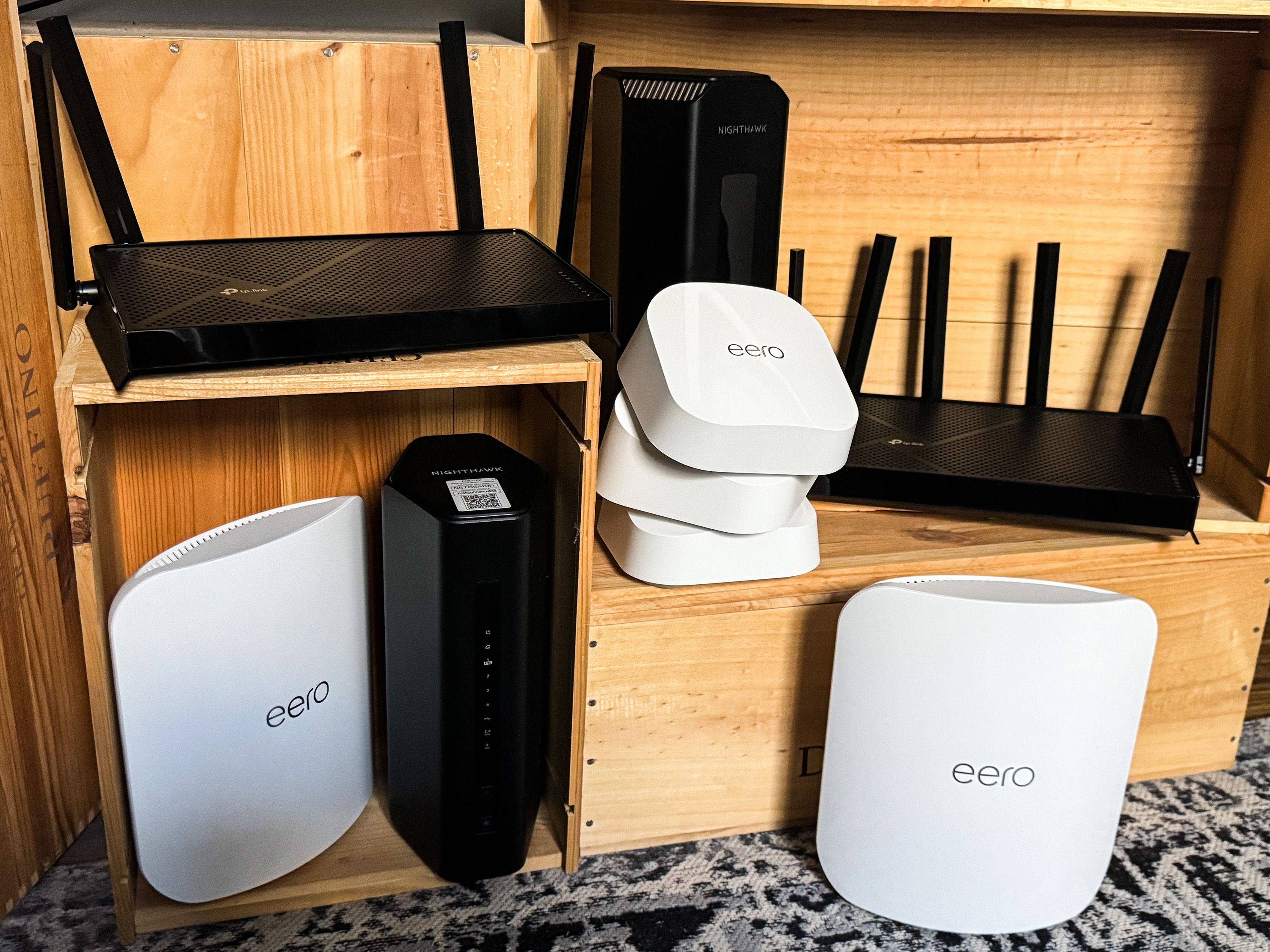
Credit: www.popularmechanics.com
High-end Routers And Firmware
Firmwareis the software inside a router. It controls how the router works and communicates.
Firmware updates fix bugs and add new features. They help keep the router secure from threats.
Without updates, routers can become slow or unsafe. Updates improve speed, stability, and security.
Many high-end routersoffer automatic firmware updates. This means updates install without user action.
This feature saves time and ensures the router always runs the latest software.
Automatic updates help protect your network from new security risks.
Automatic Update Features
Automatic updateshelp keep routers safe and fast. These updates fix bugs and add new features. The router checks for updates by connecting to the brand’s server. If a new update is found, it downloads and installs it without needing user action. This process usually happens during low-use hours to avoid disruption.
Some routers let users choose to enable or disable automatic updates. Others update only after user approval. The key is keeping the device secure from new threats.
| Brand | Automatic Update Feature | Update Control |
|---|---|---|
| Asus | Yes, automatic updates available | User can enable or disable |
| Netgear | Automatic updates by default | Limited user control |
| TP-Link | Supports automatic updates | User approval needed |
| Linksys | Automatic updates supported | Users can choose update time |
Benefits Of Automatic Updates
Automatic updateskeep routers safe from new security risks. They add protectionagainst hackers and viruses without user effort. This helps keep your home or office network secure.
Updates also improve router performance. They make internet speeds faster and connections more stable. You get a smoother experience with less lag or dropped signals.
Bug fixes are another key benefit. Updates fix errors and glitchesthat cause problems. This means the router works better and lasts longer.
- Stronger securityprotects your data and devices.
- Better speed and reliabilityfor all your online needs.
- Fewer crashes and errorsthanks to ongoing fixes.
Potential Drawbacks
Automatic updates on high-end routers can sometimes fail to install. This may cause security risks or bugs to stay unresolved.
Users often lose control over update timing. This may lead to unexpected restarts or interruptions in internet service.
Some updates might not work well with certain devices or software. This can create compatibility problemsthat slow down or block connections.
Manual Update Options
Manual updates are needed when a router does not update automatically. This can happen if the update server is down or the router settings block auto updates. Also, some updates fix bugs that affect your internet speed or security. Checking for updates helps keep your router safe and fast.
Follow these simple steps to update your router firmware manually:
- Go to your router’s official website.
- Find the support or download section.
- Download the latest firmware for your router model.
- Log in to your router’s admin page using its IP address.
- Locate the firmware update option in the settings menu.
- Upload the downloaded file and start the update process.
- Wait until the router restarts automatically.
- Verify the new firmware version in the router settings.
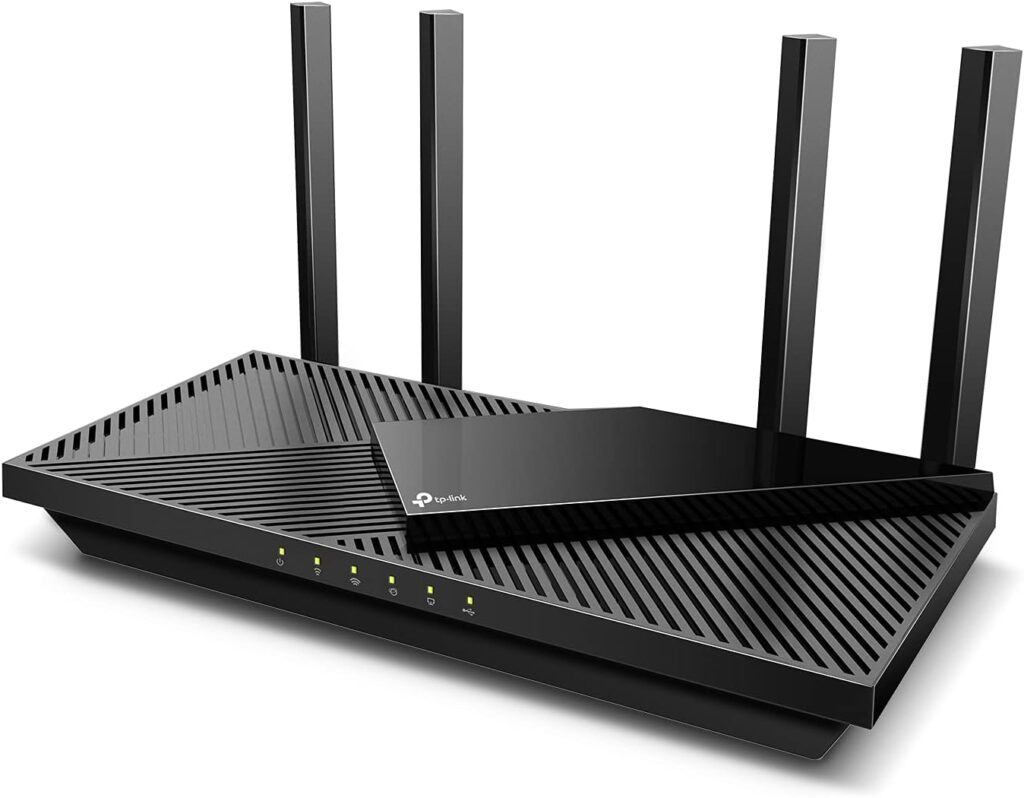
Credit: www.highspeedoptions.com
Tips For Managing Router Updates
Scheduling updates helps keep your router secure and fast. Many high-end routers allow setting a specific time for updates. Choose times when the internet is less used to avoid disruption. Automatic updates can run overnight or during off-hours.
Backing up your settings is important before any update. Save your current router configuration to restore it if needed. This prevents loss of custom settings like Wi-Fi names and passwords.
Monitoring update logs shows what changes were made. Check logs regularly to confirm updates installed correctly. Logs also help spot any problems after updates. Keeping an eye on these details ensures smooth router performance.

Credit: www.expressvpn.com
Frequently Asked Questions
Do High-end Routers Support Automatic Firmware Updates?
Yes, most high-end routers support automatic firmware updates. This feature ensures your router stays secure and performs optimally without manual intervention.
How Do Automatic Updates Improve Router Security?
Automatic updates quickly patch security vulnerabilities. They protect your network from emerging threats and keep your data safe.
Can I Disable Automatic Updates On High-end Routers?
Yes, you can usually disable automatic updates in settings. However, it’s recommended to keep them enabled for security.
How Often Do High-end Routers Update Automatically?
Update frequency varies by brand and model. Typically, updates occur weekly or monthly to maintain security and functionality.
Conclusion
High-end routers often come with automatic updates. These updates enhance security and performance. Keeping your router updated is crucial. It protects your network from potential threats. Automatic updates save time and effort. They ensure your device runs smoothly. Not all routers offer this feature, though.
Check your router’s specifications to confirm. Choosing a router with automatic updates is wise. It provides peace of mind and convenience. Your network stays safe with minimal hassle. Always prioritize security for your home network. Stay informed and make smart choices.
Your digital safety depends on it.