Have you ever wondered if your high-end router needs extra cooling to perform at its best? You might think routers just sit quietly in a corner, but inside, they work hard to keep your internet fast and steady.
If your router gets too hot, it could slow down or even stop working properly. You’ll discover why cooling matters for powerful routers and how it can protect your connection. Keep reading to find out how to keep your network running smoothly and avoid unexpected interruptions.
Credit: www.which.co.uk
Heat And High-end Routers
High-end routers generate heat because of their powerful processorsand continuous data handling. These devices work hard to manage many connections and large amounts of data. This constant activity causes the internal parts to heat up.
Heat can affect a router’s performance. Too much heat may cause the router to slow downor disconnectfrequently. It can also shorten the device’s lifespan. Keeping a router cool helps it work better and last longer.
Credit: www.which.co.uk
Signs Of Overheating
Performance dropsare a clear sign of router overheating. The device may slow down or stop working well. This happens because heat affects the router’s chips and parts.
Connectivity issuesalso point to overheating. You might see your internet disconnect often or have weak signals. The router struggles to keep a stable connection when too hot.
- Slow internet speeds
- Frequent disconnections
- Router feels hot to touch
- Unusual blinking lights
- Device restarts by itself
Cooling Solutions For Routers
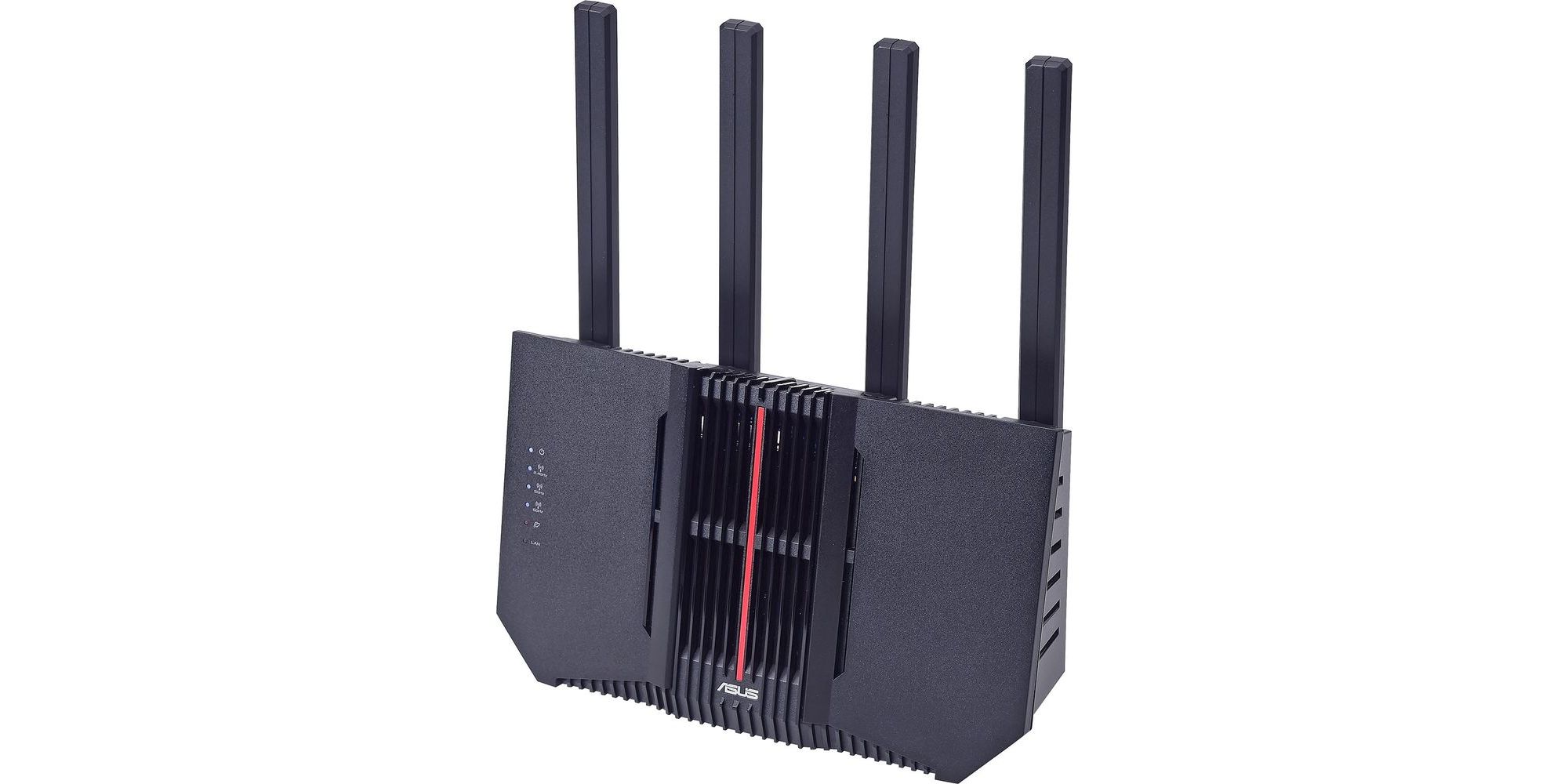
High-end routers often have built-in cooling featuresto keep them running smoothly. These include small fans and heat sinks that help move heat away from key parts. This prevents the router from getting too hot during heavy use.
External cooling options can help if your router gets warm in a hot room. Simple solutions like placing the router in a well-ventilated area or using a small external fan can improve airflow. Cooling pads designed for electronics are also useful to lower temperature.
| Cooling Feature | Description |
|---|---|
| Built-In Fans | Small fans inside the router remove heat |
| Heat Sinks | Metal parts that absorb and spread heat |
| External Fans | Fans placed near the router to improve airflow |
| Cooling Pads | Pads that cool the router from underneath |
Placement Tips To Reduce Heat
Placing a router in a cool, open area helps prevent overheating. Avoid spots near windows that get direct sunlight. High shelves or walls allow better airflow around the device. Keep the router away from thick curtains, walls, or furniture that block air.
Heat traps can form around appliances like microwaves or TVs. These spots make the router warm quickly. Avoid placing the router in corners or small enclosed spaces. Make sure vents on the router are not blocked.
- Choose a central location for better signal and cooling.
- Keep the router off the floor to avoid dust buildup.
- Avoid stacking devices on or near the router.
- Use a stand or mount to allow air circulation underneath.
Maintenance For Heat Management
Cleaning and dust removalare important to keep routers cool. Dust blocks airflow and traps heat. Use a soft brush or compressed air to clear vents and fans. Clean the router regularly to stop overheating.
Firmware updateshelp manage heat better. Updates fix bugs and improve performance. Use monitoring toolsto check the router’s temperature. Some routers have built-in sensors that alert when it gets too hot. Keeping firmware fresh and watching temperature helps avoid damage.
When To Upgrade Your Router
Signs your router needs replacement include slow speeds, frequent disconnections, and overheating. If your router feels hot often, it may not cool well. Old routers may not support newer devices or fast internet plans.
Choosing routers with better cooling helps keep the device running smoothly. Some routers have built-in fans or heat sinks to reduce heat. Good ventilation around the router also improves cooling.
| Cooling Feature | Benefit |
|---|---|
| Built-in fan | Keeps router cool during heavy use |
| Heat sink | Helps spread heat away from chips |
| Ventilation holes | Allows airflow to reduce temperature |
Credit: www.which.co.uk
Frequently Asked Questions
Do High-end Routers Overheat Without Cooling?
High-end routers can overheat during heavy use. Cooling prevents damage and maintains optimal performance. Many models include built-in fans or heat sinks for this reason.
Is Passive Cooling Enough For High-end Routers?
Passive cooling, like heat sinks, often suffices for most high-end routers. It reduces noise and power use while keeping temperatures stable under typical loads.
Can Overheating Affect Router Performance?
Yes, overheating can cause slow speeds, dropped connections, and hardware failure. Proper cooling ensures consistent performance and prolongs router lifespan.
Should I Add External Cooling To My Router?
External cooling is usually unnecessary if your router has built-in solutions. However, in hot environments or heavy use, adding fans can help maintain safe temperatures.
Conclusion
High-end routers often generate heat during heavy use. Cooling helps maintain performance. Without it, routers may overheat and slow down. Fans or heat sinks can help. They disperse heat effectively. Ensure proper ventilation around your router. This prevents overheating issues.
Regular maintenance is also crucial. Dust can block vents and fans. Keep your router clean for optimal function. Investing in cooling solutions can prolong your router’s life. It also ensures stable internet connectivity. Effective cooling is essential for high-end routers.
It keeps your network running smoothly.