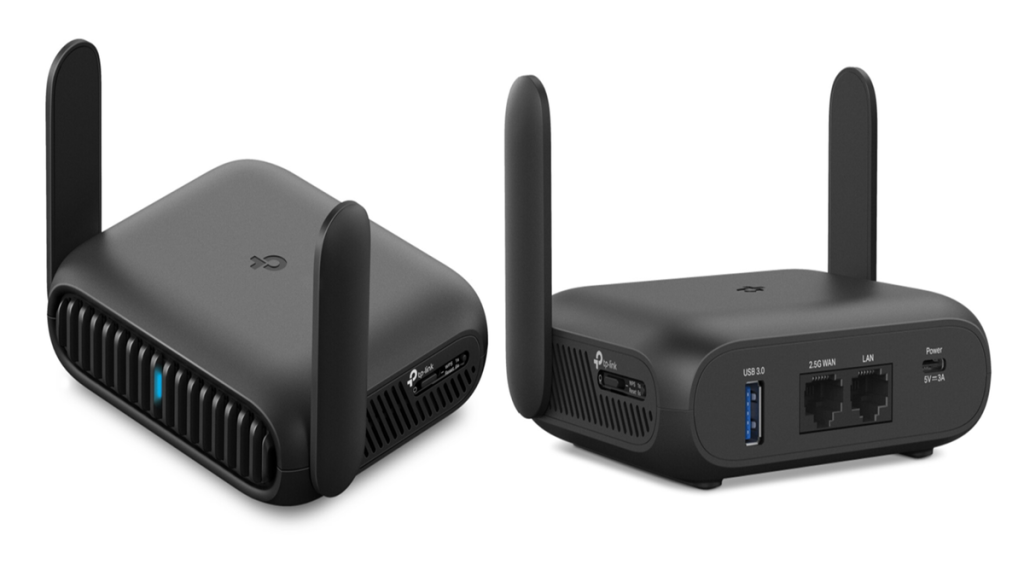
Are you wondering if your expensive router is doing more than just connecting your devices? You might think that investing in a high-end router automatically means you’re protected from online threats.
But does your router really come with built-in antivirus to keep your network safe? Understanding this can save you from hidden risks and costly mistakes. Keep reading to discover what your router can—and can’t—do to guard your digital life.
High-end Routers And Security Features
High-end routers focus on fast internet speedand strong connections. They manage traffic between devices and the internet. These routers often include advanced security featuresto protect your network.
Common security protocols in these routers help keep data safe. They use WPA3 encryption, which is stronger than older versions. Firewalls block many threats from outside. Some routers offer VPN supportto secure online activities.
| Security Protocol | Description |
|---|---|
| WPA3 | Strong encryption for wireless networks |
| Firewall | Blocks unauthorized access |
| VPN Support | Encrypts internet traffic for privacy |
| Automatic Updates | Keeps firmware secure and up to date |
Antivirus Capabilities In Routers
Built-in antivirusin routers means the device can scan and block threats. This helps protect all devices connected to the network. It works by filtering harmful data before it reaches your computer or phone.
Not all high-end routers include antivirus features. Some offer extra security like firewall protection and malware blocking. These features run automatically and do not need user setup.
| Router Model | Antivirus Feature | Description |
|---|---|---|
| Asus RT-AX88U | AiProtection | Blocks malware and unsafe websites automatically |
| Netgear Nighthawk | Armor Security | Offers real-time threat detection and blocking |
| TP-Link Archer AX6000 | HomeCare Antivirus | Protects all connected devices from viruses |
How Router Antivirus Works
Routers with antivirus use malware detection techniquesto protect devices. They scan data packets for harmful codesbefore they reach your devices. This stops viruses from spreading in the network.
Real-time threat monitoring means the router watches network traffic constantly. It can spot new attacksfast and block them right away. This keeps your internet safe without delay.
- Signature-based detection checks data against known malware patterns.
- Heuristic analysis finds suspicious behavior in files and traffic.
- Behavioral monitoring tracks unusual activity on the network.
Such features help routers act like a first line of defense. They protect all connected devices without needing extra software.
Benefits Of Built-in Antivirus In Routers
Built-in antivirus in routersprotects all devices connected to the network. This means no device is left vulnerable to threats. It works silently, scanning traffic for harmful content before it reaches your devices. This network-wide protectioncan stop malware, phishing, and other attacks early.
With antivirus on the router, there is less need for each device to have its own security software. This reduces dependency on endpoint security. Devices like smart TVs or IoT gadgets, which often lack strong protection, benefit from this setup. It also makes managing security easier and less costly.
Limitations Of Router Antivirus
High-end routers may include some antivirus features, but their scope of protectionis limited. They mainly block harmful websites and prevent some known threats. They do not replace full antivirus software on your devices. These routers cannot scan every file or app on your computer or phone.
Performance and speed can be affected by router antivirus. Running security checks on the router uses extra processing power. This may slow down your internet speed, especially if many devices are connected. Some routers let you turn off antivirus features to improve speed.
| Aspect | Details |
|---|---|
| Scope of Protection | Blocks harmful websites; limited threat detection; no full device scan |
| Performance Impact | May slow internet speed; uses router’s processing power |
| User Control | Antivirus features can often be enabled or disabled |
Credit: www.highspeedinternet.com
Comparing Router Antivirus With Traditional Solutions
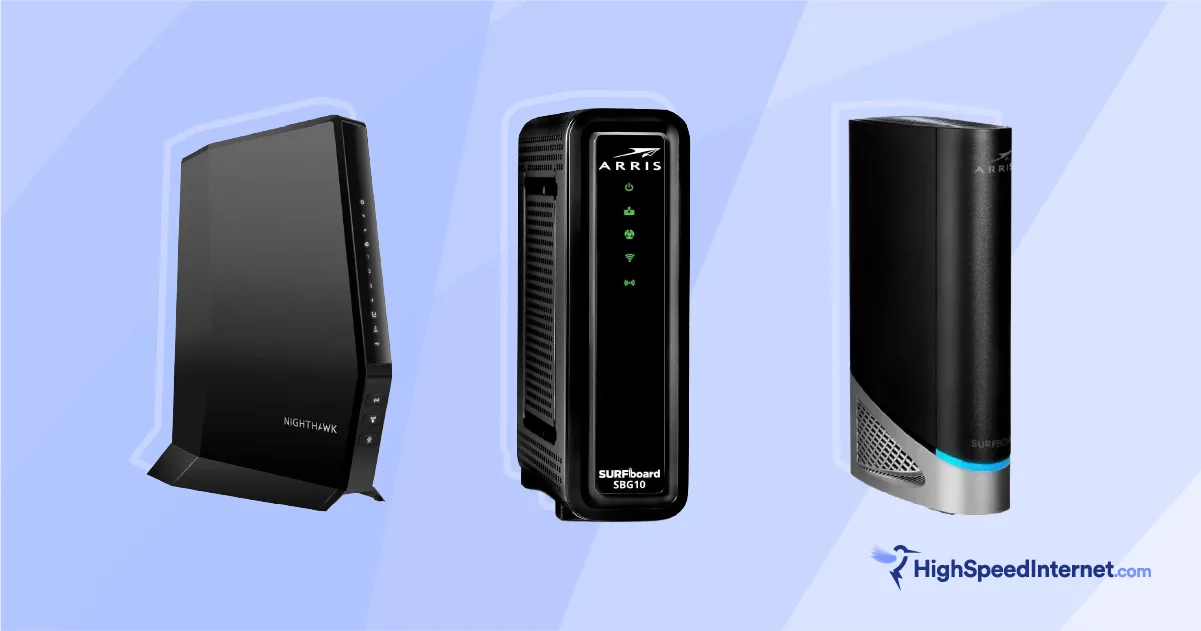
Router antivirusprotects all devices on the network. It works by blocking threats before they reach your device. Software antivirusscans and removes threats from individual devices. Both types have limits. Router antivirus cannot scan files deeply. Software antivirus can catch more types of malware.
Router antivirus is easy to use. It needs little setup. Software antivirus needs regular updates and scans. Router antivirus helps protect smart home devices. Software antivirus works better on computers and phones.
| Feature | Router Antivirus | Software Antivirus |
|---|---|---|
| Protection Scope | All devices on network | Single device |
| Threat Detection | Basic, network-level | Deep, file-level |
| Setup | Simple, once | Requires updates |
| Performance Impact | Minimal on devices | Uses device resources |
Router antivirus can work with software antivirus. They do not replace each other. Together, they give better security. Some routers allow adding existing security tools. This helps keep all protections active and updated.
Choosing The Right Router For Security
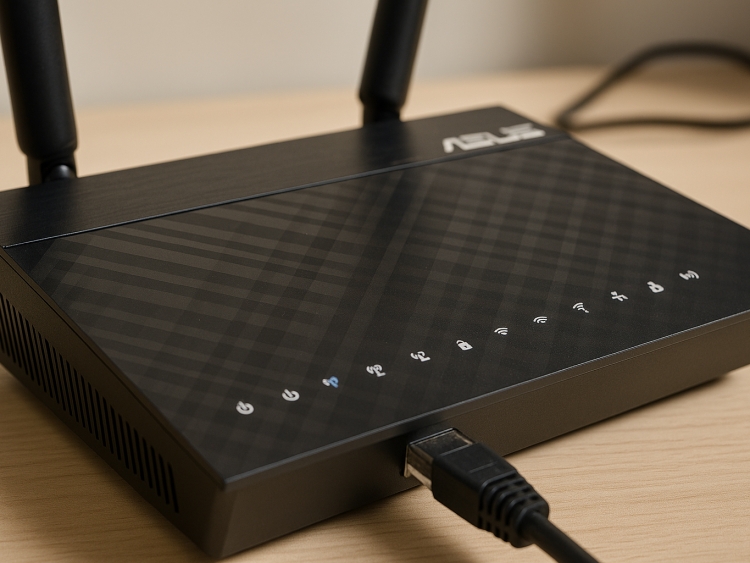
Choosing a router with strong security featuresprotects your home network. Look for routers with built-in firewalland automatic updates. Some models include antivirus protectionto block malware. A good router should offer parental controlsand guest networksto keep your devices safe.
Here is a quick list of key security featuresto consider:
- Automatic firmware updatesfor latest protections
- Built-in firewallto block threats
- Antivirus or malware protectioninside the router
- VPN supportfor encrypted connections
- Parental control optionsto manage device access
- Guest networkto separate visitors
| Router Model | Security Features | Antivirus Built-In |
|---|---|---|
| Asus RT-AX88U | Firewall, AiProtection, Parental Controls | Yes |
| Netgear Nighthawk AX12 | Advanced Firewall, Automatic Updates | No |
| Synology RT2600ac | Intrusion Prevention, VPN Support | No |
| TP-Link Archer AX6000 | HomeCare Security, Parental Controls | Yes |
Credit: www.fudzilla.com
Enhancing Router Security Beyond Antivirus
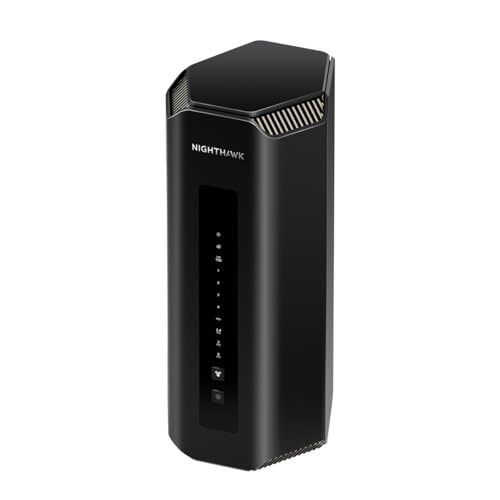
Firmware updates keep routers safe by fixing bugs and security holes. Regular updates help stop hackers from using old weaknesses. Always check for new patches to improve your router’s defense.
- Separate your networkto protect important devices.
- Use firewallsto block unwanted access.
- Segmenting limits damage if one part is attacked.
- Firewalls monitor traffic and stop harmful data.
Credit: wifi-guy.net
Frequently Asked Questions
Do High-end Routers Include Built-in Antivirus Protection?
Some high-end routers offer built-in antivirus features. These protect your network by scanning for malware and blocking threats. However, the protection level varies by brand and model. It’s best to check specific router specifications before buying for antivirus capabilities.
How Effective Is Router Antivirus Against Cyber Threats?
Router antivirus can block many common threats like malware and phishing attacks. However, it may not catch all advanced threats. Combining router antivirus with device-level security software offers better overall protection for your network and devices.
Can Built-in Router Antivirus Replace Traditional Antivirus Software?
Built-in router antivirus enhances network security but does not replace traditional antivirus software. Device-level antivirus provides detailed scanning and real-time protection. Using both together ensures stronger defense against viruses and malware.
Which Brands Offer Routers With Built-in Antivirus?
Brands like ASUS, Netgear, and Bitdefender offer routers with built-in antivirus features. These routers provide additional network security and malware protection. Always verify the specific model’s antivirus capabilities before purchase.
Conclusion
High-end routers often come with built-in antivirus features. These features help protect your network from threats. They offer an extra layer of security. But, they might not replace your main antivirus software. Regular updates are still crucial. Make sure to check compatibility with your devices.
Consider your needs before choosing a router. A smart choice ensures both speed and safety. Research well to find the best fit. Protecting your digital world is important. Stay informed and secure your network effectively.


