Are you tired of your WiFi dropping just when you’re about to send an important email or stream your favorite show? If you’ve invested in a tri-band WiFi extender hoping to solve these problems, you’re not alone.
While these devices promise to boost your internet coverage, they can sometimes come with their own set of challenges. Understanding these common issues is crucial to getting the most out of your device and ensuring seamless connectivity throughout your home.
We’ll dive into some of the typical problems users face with tri-band WiFi extenders and how you can tackle them effectively. Get ready to transform your internet experience and say goodbye to frustrating interruptions!
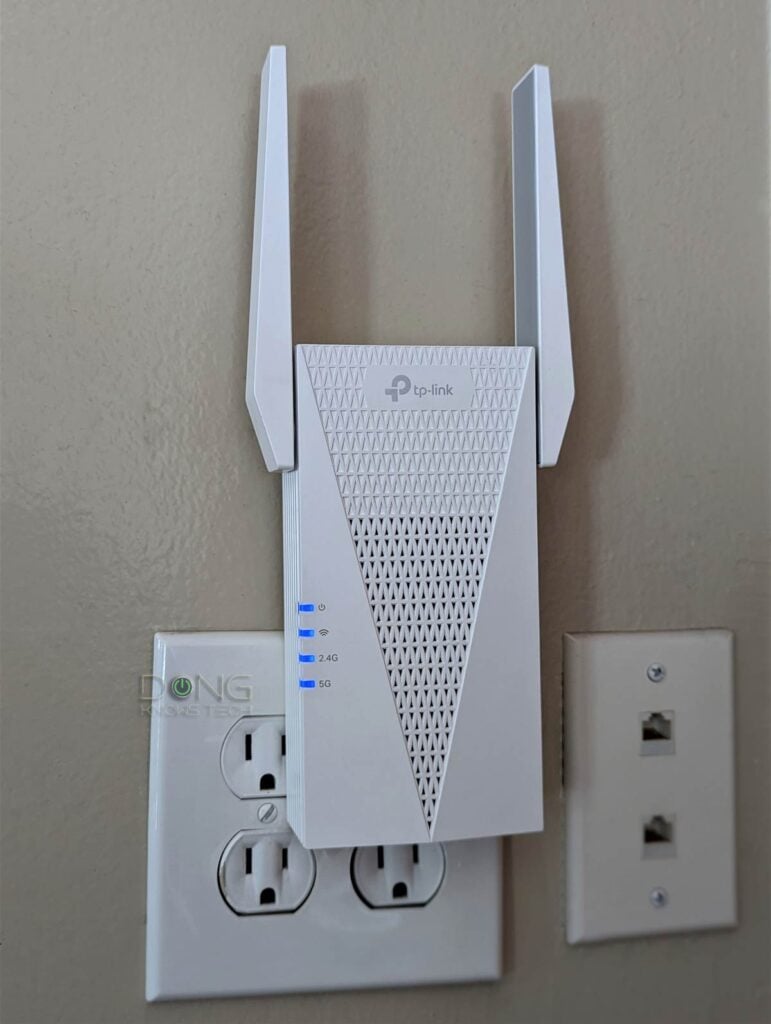
Credit: dongknows.com
Signal Interference
Signal interferencecan cause slow or unstable WiFi connections. Many devices use the same frequency bands, leading to overlap. Common sources include:
- Microwavesoperating near the 2.4 GHz band
- Bluetooth devicessharing similar frequencies
- Other WiFi networksin close proximity
- Wireless phonesand baby monitors
Minimizing overlap helps improve signal quality. Place the extender away from walls and large metal objects. Change the extender’s channel to a less crowded one. Use the 5 GHz or 6 GHz bands for less interference. Keep devices that emit radio waves far from the extender.

Credit: www.reddit.com
Connection Drops
Connection dropsin tri band WiFi extenders often occur due to router compatibilityissues. Not all routers work well with every extender. Some routers use different settings that the extender cannot handle well. This mismatch causes the connection to drop frequently.
Firmware updatesplay a key role in fixing these problems. Extenders and routers need the latest software to talk properly. Outdated firmware can lead to bugs and unstable connections. Regular updates help keep the connection strong and stable.
- Check if your router supports your extender’s bands.
- Update firmware for both router and extender regularly.
- Restart devices after updates to apply changes.
- Use manufacturer’s website for official update files.
Slow Speeds
Slow speeds often happen because of poor bandwidth allocation. Tri band extenders share bandwidth between devices, which can cause delays. If many devices connect, each gets less speed. This leads to slower internetfor all users.
Placement optimization is key. Placing the extender too far from the router or devices can reduce speed. Walls and furniture block signals, causing weak connections. The best spot is halfway between the router and the device. It helps keep a strong, stable signal.
Setup Problems
Incorrect configurationcan stop the extender from working well. The device must connect to the right WiFi network name and password. Sometimes people enter the wrong details or choose the wrong frequency band. This causes weak signals or no connection at all. Always check the settings carefully before finishing setup.
Resetting the extender often solves many setup problems. Press the reset button for about 10 seconds until the lights blink. This clears old settings and restores factory defaults. After resetting, the extender will need to be set up again from scratch. This helps fix issues caused by bad configurations or software glitches.
Device Compatibility
Tri band WiFi extenders do not work with all devices. Some older gadgets only support single or dual bands. This can cause connection problemsor slow speeds.
Checking device compatibility helps avoid issues. Most extenders support common devices like smartphones, tablets, and laptops. Still, some smart home devices may not connect well.
Network settings often need changes for proper use. Adjusting the extender’s SSIDand password to match the router can improve performance. Using different channelsfor each band reduces interference.
- Ensure devices support the 2.4 GHz, 5 GHz, or both bands.
- Match extender SSID and password with the main router.
- Set separate channels for each WiFi band.
- Check for firmware updates to fix compatibility bugs.

Credit: www.screenbeam.com
Security Concerns
Password protectionis key to keeping tri band wifi extenders safe. Use a strong, unique passwordto stop others from accessing your network. Avoid simple passwords like “123456” or “password”. Change passwords regularly to reduce risks. Also, check for default passwords on your device. Many extenders come with weak default passwords that hackers can guess easily.
Firmware security patcheshelp fix bugs and close security holes. Extender makers release updates often. Install these updates as soon as they are available. This keeps your device protected from new threats. Ignoring firmware updates can leave your network open to attacks.
Frequently Asked Questions
What Causes Slow Speeds On Tri-band Wifi Extenders?
Slow speeds often result from poor placement or interference. Walls, distance, and other devices can weaken signals. Proper positioning and minimizing obstacles improve performance.
Why Does My Tri-band Extender Keep Disconnecting?
Frequent disconnections may stem from firmware issues or network congestion. Updating firmware and reducing connected devices can stabilize connections.
How To Fix Tri-band Extender Not Connecting To Router?
Check the extender’s settings and ensure it’s within router range. Restart both devices and use the correct network credentials for a stable connection.
Can Tri-band Extenders Cause Wifi Interference?
Yes, overlapping channels or nearby electronics can cause interference. Using less congested channels and placing the extender away from other devices helps reduce issues.
Conclusion
Tri band WiFi extenders offer great coverage but can face common problems. Signal drops, slow speeds, and setup issues happen often. Interference from other devices can cause weak signals. Choosing the right spot helps improve performance. Regular updates keep the extender working well.
Understanding these issues makes using your extender easier. Stay patient and troubleshoot step by step. A better WiFi experience is possible with some care and attention.