Are you struggling with weak WiFi signals in some areas of your home? A tri-band WiFi extender might be the solution you need.
But here’s a common question: can a tri-band WiFi extender use the same SSID as your router? Understanding this can change the way your devices connect and improve your internet experience. You’ll discover how using the same SSID affects your network, why it matters, and how to set it up for the best performance.
Keep reading to unlock the secret to a stronger, more seamless WiFi connection throughout your space.
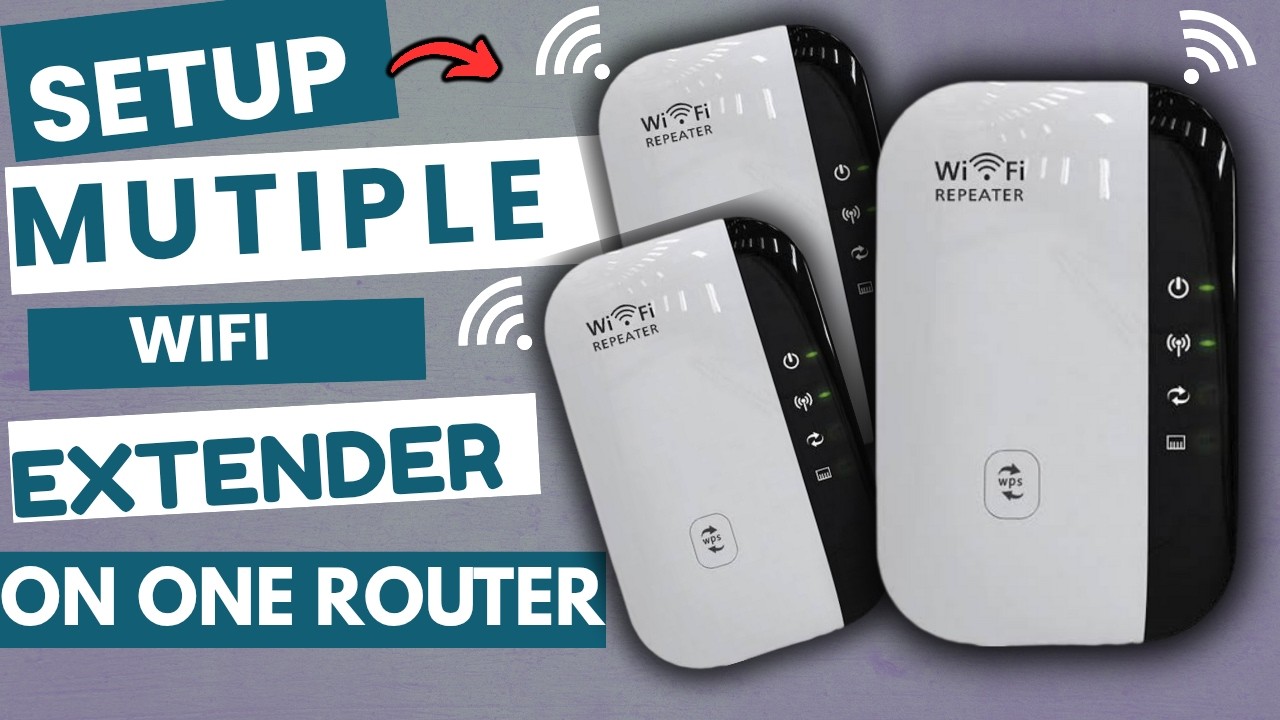
Credit: www.youtube.com
Tri Band Wifi Extender Basics
A tri band wifi extenderuses three separate frequency bands to boost your wifi signal. It connects to your router on one band and sends data through the other two bands. This helps devices get a stronger and faster connection.
Compared to dual band extenders, tri band extenders reduce slowdowns. One band links to the router, while the other two serve your devices. This means less traffic and better speed.
- One band connects to the router
- Two bands deliver wifi to devices
- Less signal interference
- Improved speed and coverage
Ssid And Network Names
The SSIDis the name that shows up when you connect to WiFi. It helps devices find and join the network easily. Each WiFi network has its own SSID to tell it apart from others.
Using the same SSIDfor a tri-band WiFi extender and the router can make the network look like one big network. Devices can switch between bands without asking you. This can help keep the connection smooth.
But, there can be some problems:
- Devices might connect to the extender with a weaker signal.
- Some devices may not switch to the best band quickly.
- Troubleshooting network issues can be harder.
Choosing the same SSID works well if the router and extender support fast roaming. Otherwise, using different SSIDs can help you know which device you connect to.
Using Same Ssid With Tri Band Extender
A Tri Band WiFi extendercan use the same SSIDas your router to create a seamless network. Both devices must support band steeringand mesh technologyfor smooth switching between bands.
Check if the extender and router use compatible WiFi standardslike 802.11ac or 802.11ax. The extender should support all three bands: 2.4 GHz and two 5 GHz bands. Matching security settings(WPA2 or WPA3) is important too.
- Connect extender to power and place near the router.
- Access extender’s setup page via a browser.
- Enter the router’s SSIDand password exactly.
- Enable band steeringif available.
- Save settings and restart the extender.
| Issue | Solution |
|---|---|
| Devices not switching bands | Enable band steering on both devices |
| Slow speeds on extender | Place extender closer to router |
| Connection drops | Update firmware on router and extender |
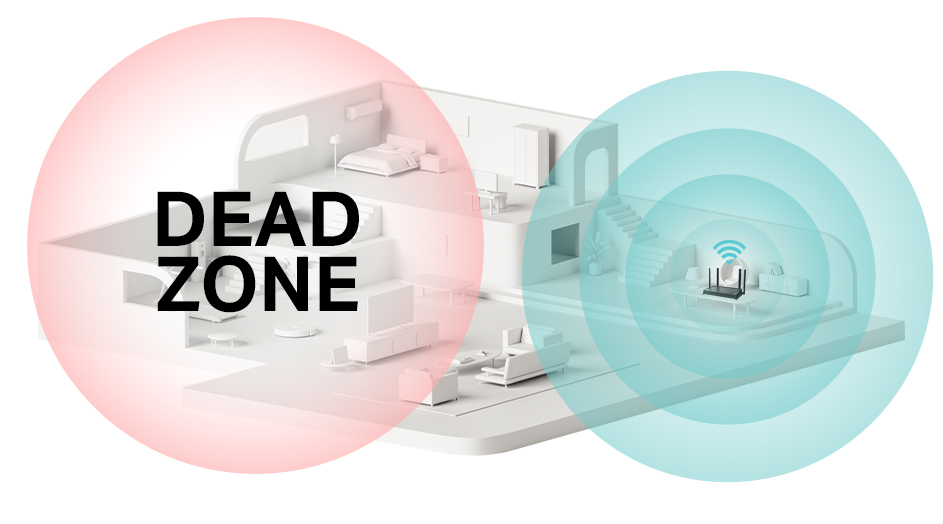
Credit: www.tp-link.com
Benefits Of Same Ssid Setup
Using the same SSIDfor your tri-band WiFi extender and router helps devices switch networks without interruption. It creates a seamless roaming experience, so your phone or laptop stays connected as you move around.
Network management becomes easier too. You only need to remember one network name and password. This setup reduces confusion and saves time during setup or troubleshooting.
- Devices connect automaticallyto the strongest signal.
- One network name means simple accesseverywhere in your home.
- Helps avoid dropsin connection when moving between rooms.
- Easier to managethan having multiple network names.
When To Use Different Ssids
Different SSIDshelp stop signal confusion between devices. Using unique names avoids wireless interferencefrom overlapping signals. This is important in busy areas with many WiFi networks.
Devices connect more reliably when the extender and router have separate SSIDs. Troubleshooting becomes easier because you can tell which device causes connection problems. Also, switching between networks is clearer for the user.
- Separate SSIDs reduce signal overlap and interference.
- Easier to identify weak or failing connections.
- Helps devices choose the strongest signal manually.
- Prevents constant switching between networks.
- Improves overall network stability in crowded areas.

Credit: www.amazon.ca
Performance Tips For Tri Band Extenders
Placing the tri band extender in a spot with clear line of sight to the router boosts signal strength. Avoid walls and metal objects that block WiFi waves. Position the extender halfway between the router and the area needing better coverage. Keep it away from microwaves and cordless phones to reduce interference.
Updating the firmware regularly ensures the extender has the latest features and security patches. Check the manufacturer’s website or app for updates. Configure settings like channel selection and band steering to balance traffic and reduce congestion. Use the same SSID as the router for seamless device connection and easy roaming.
Frequently Asked Questions
Can A Tri Band Extender Use Same Ssid?
Yes, a tri-band WiFi extender can use the same SSID as your router. This helps in creating a seamless network. Devices can automatically switch to the strongest signal without manual intervention. It enhances connectivity and reduces interruptions during movement within the network range.
What Are The Benefits Of Same Ssid For Extenders?
Using the same SSID provides seamless roaming across your network. It simplifies network management and ensures consistent connectivity. Devices automatically connect to the strongest signal, reducing manual switching. This setup enhances the user experience by maintaining stable connections throughout your home or office.
Does Using Same Ssid Affect Wifi Speed?
Using the same SSID generally does not affect WiFi speed. However, network congestion or interference can impact performance. Ensure your extender is optimally placed for best results. Proper configuration and placement can help maintain consistent speeds across your network.
How To Set Up Same Ssid On Extender?
To set up the same SSID, access your extender’s settings. Choose the option to use the same SSID as your router. Follow the manufacturer’s instructions for specific steps. Proper configuration ensures seamless connectivity and optimal performance across your network.
Conclusion
Using the same SSID for a tri-band WiFi extender and router can make your network simpler. Devices switch smoothly between signals without confusion. This setup helps keep one name for your whole WiFi. Still, check your extender’s settings to avoid connection issues.
Keep your passwords strong and your devices updated. A clear network name makes home or office WiFi easier to use. Simple steps lead to better internet coverage and fewer dropped connections. Choose what fits your needs and enjoy steady WiFi everywhere.