Are you tired of WiFi dead zones in your home or office? Imagine streaming your favorite show or working on an important project, only to have your connection drop at the worst possible moment.
It’s frustrating, right? That’s where long-range WiFi extenders come into play, promising to boost your signal and eliminate those pesky dead zones. But before you invest in one, there’s a burning question you need answered: Do long-range WiFi extenders need a clear line of sight to work effectively?
Understanding this can make all the difference in choosing the right solution for your connectivity woes. Dive into this article to discover the truth and ensure you’re making the best choice for your WiFi needs. Your seamless internet experience awaits!
Credit: simplewifi.com
Line Of Sight Basics
Line of sightmeans a clear, straight path between two points. For long-range WiFi extenders, this path is very important. Signals travel best without obstacles like walls or trees. If something blocks the path, signals can become weak or lost.
WiFi signals are like light beams. They move in straight lines. Obstacles can reflect, absorb, or scatterthese signals. This makes the connection slower or stops it completely.
- Clear line of sight gives the strongest signal.
- Obstacles cause signal lossand slower speeds.
- Long range extenders work best with few or no barriers.
Long Range Wifi Extenders Explained
Long range wifi extenders help increase the wifi signal distance. They boost signals to reach far places. Some extenders need a clear path to work best. Others can pass signals through walls or obstacles. The right extender depends on your space and needs.
Types Of Extenders
| Type | Description | Line of Sight Needed? |
|---|---|---|
| Repeater | Receives and rebroadcasts wifi signals | No, but works better with clear path |
| Mesh Extender | Creates a network with multiple nodes | Usually no |
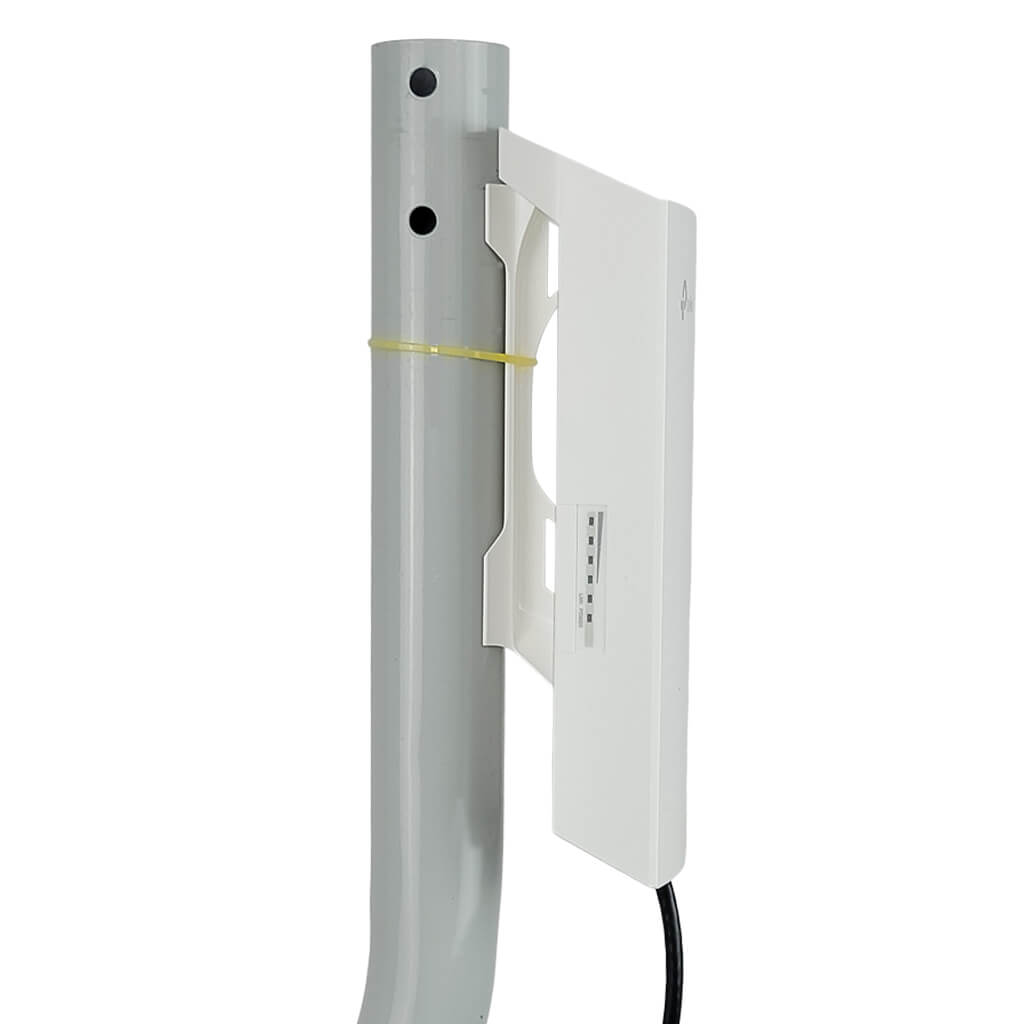
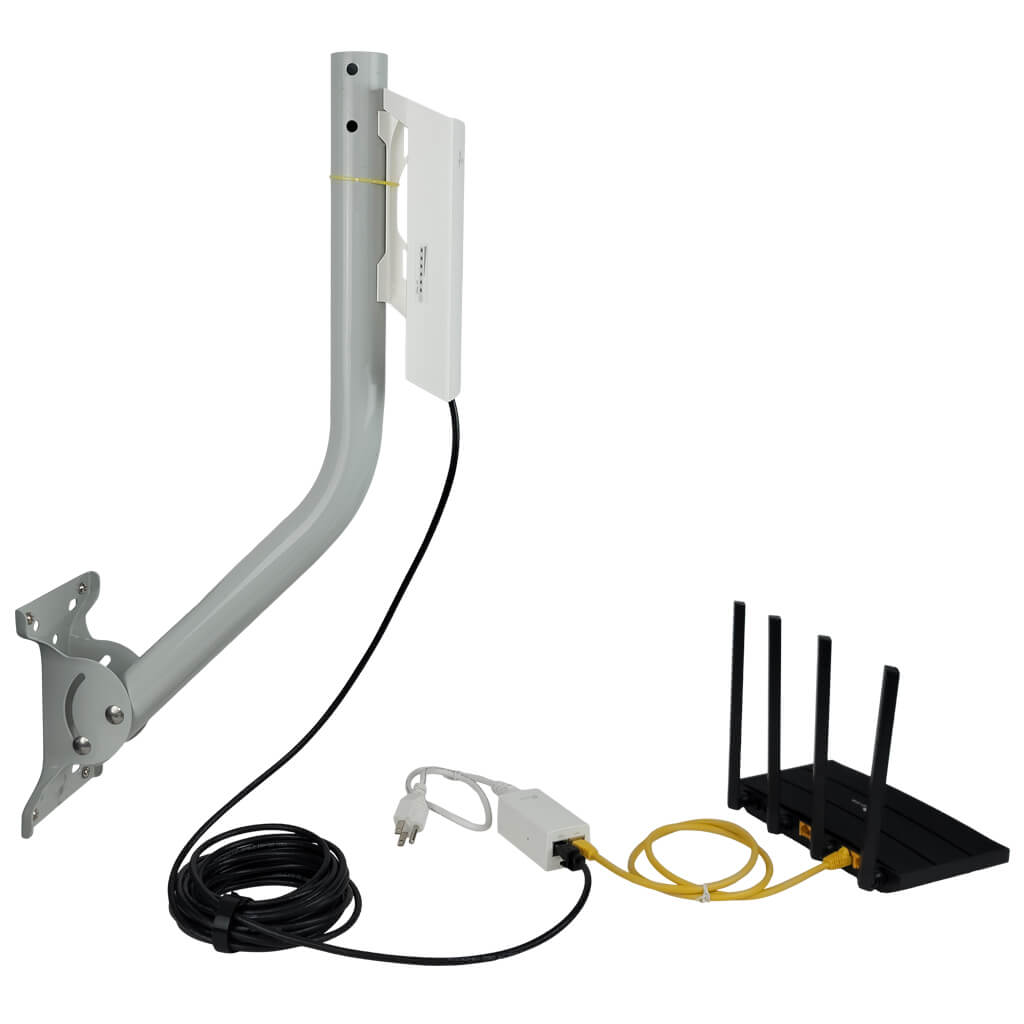
| Directional Antenna | Focuses signal in one direction | Yes, best with clear line of sight |
Common Use Cases
- Extend wifi in large homes or offices
- Cover outdoor areas like gardens or patios
- Connect buildings separated by walls or distance
- Improve signal in spots with weak wifi
Line Of Sight And Extender Performance
Line of sighthelps wifi extenders send signals without blocks. Walls, furniture, and trees can weaken signals. Clear paths give stronger, faster connections. Signals can bend a little but lose strength.
| Factor | Effect on Signal |
|---|---|
| Direct line of sight | Best signal strength and speed |
| Obstacles like walls | Signal becomes weak, slower speeds |
| Long distance without line of sight | Signal may drop or disconnect |
Data speeds depend on signal strength. Strong signals mean quicker downloads and smoother video. Weak signals cause delays and buffering. Extenders work best when placed where the signal is clear and strong.
Obstacles That Affect Connectivity
Physical barrierslike walls, floors, and furniture can block WiFi signals. Thick walls made of concrete or brick reduce signal strength a lot. Glass and wood are easier for signals to pass through but still cause some loss. Metal objects reflect signals and create dead zones. Placing an extender in a clear path improves connection.
Environmental factorsalso affect WiFi range. Trees, rain, and fog can weaken signals outdoors. Electronic devices like microwaves and cordless phones cause interference inside homes. Large metal appliances can block signals too. Keeping extenders away from such devices helps maintain good signal quality.
Alternatives To Line Of Sight
Reflectorscan help direct WiFi signals around obstacles. These are simple metal sheets or panels placed to bounce signals. This improves coverage where direct line of sight is blocked.
Repeatersreceive the WiFi signal and send it further. They help extend the WiFi range through walls and floors. Place them where the signal is still strong for best results.
| Mesh Network Benefits | Description |
|---|---|
| Multiple Nodes | WiFi nodes spread throughout the area for wide coverage. |
| No Line of Sight Needed | Signals hop between nodes, avoiding obstacles easily. |
| Easy to Expand | Add more nodes to increase coverage without rewiring. |
| Stable Connection | Automatically finds the best path for data to travel. |
Credit: simplewifi.com
Installation Tips For Best Coverage
Place the extender where it can receive a strong WiFi signal. Walls, furniture, and appliances can block signals. Keep the extender away from thick walls or metal objects. Open spaces work best for better coverage. Try to put the extender in a higher spot, like a shelf. This helps the signal travel further.
Remember, some obstacles can weaken or stop the signal. Avoid placing the extender too far from the main router. It needs to catch the signal clearly to boost it well.
- Choose a spot with a clear path to the router.
- Do not hide the extender inside cabinets or behind large objects.
- Keep it away from microwaves and cordless phones that cause interference.
- Test different locations to find the best signal strength.
Troubleshooting Signal Issues
Testing signal strength helps find weak spots. Use a phone or laptop to check signal levels near the extender. Move closer or farther to see how signal changes. Strong signals show good extender placement. Low signals may mean obstacles or wrong settings.
Adjusting extender settings can improve connection. Try changing the channel to avoid interference. Set the extender closer to the router but within range. Lower the antenna angle or change its position. Some extenders have power-saving modes; turn them off for better strength.
- Check signal with simple apps or device tools.
- Move extender for fewer walls or objects in path.
- Change WiFi channel to reduce interference.
- Adjust antennas for better signal direction.
- Keep extender firmware updated for best performance.

Credit: simplewifi.com
Frequently Asked Questions
Do Long Range Wifi Extenders Require Line Of Sight?
Long range WiFi extenders do not always require a direct line of sight. However, obstacles like walls can reduce signal strength and speed. Clear line of sight helps maximize performance and range.
How Do Obstacles Affect Long Range Wifi Extenders?
Obstacles such as walls, furniture, and metal objects weaken WiFi signals. They cause interference and signal loss, reducing extender efficiency. Minimizing obstacles improves connection stability and speed.
Can Long Range Wifi Extenders Work Through Walls?
Yes, long range WiFi extenders can work through walls but with reduced signal quality. Signal strength decreases with each barrier, especially thick or dense materials. Positioning extenders strategically helps maintain better coverage.
What Improves Long Range Wifi Extender Performance?
Placing extenders in open spaces with minimal obstacles improves performance. Using high-gain antennas and updated firmware also helps. Avoid interference from other wireless devices for optimal results.
Conclusion
Long range WiFi extenders work best with a clear line of sight. Walls and objects can block the signal and reduce speed. Still, some extenders use technology to go around obstacles. Placement matters a lot for stronger, stable connections. Testing different spots helps find the best signal.
Keep in mind, no setup is perfect everywhere. Understanding how extenders work guides better choices for your space. Good WiFi means less frustration and more smooth browsing. Simple steps can improve your home internet experience.