Are you tired of battling weak Wi-Fi signals in certain areas of your home or office? Investing in a dual band WiFi extender could be the solution you need.
But with so many options on the market, how do you choose the right one? Understanding the key features of a dual band WiFi extender can be your first step towards seamless connectivity. Imagine streaming your favorite shows without buffering, enjoying lag-free online gaming, or conducting video calls without interruptions.
By focusing on the right features, you can transform your internet experience. So, what exactly should you be looking for? Stay tuned as we delve into the must-have features that can make all the difference in your WiFi performance.
Credit: www.wavlink.com
Benefits Of Dual Band Wifi Extenders
Dual band wifi extendersimprove internet speed by using two frequency bands: 2.4 GHz and 5 GHz. This helps devices connect faster and with less interference. The 2.4 GHz band covers longer distances but is slower. The 5 GHz band is faster but covers a shorter range. Using both bands gives better coverage and speed.
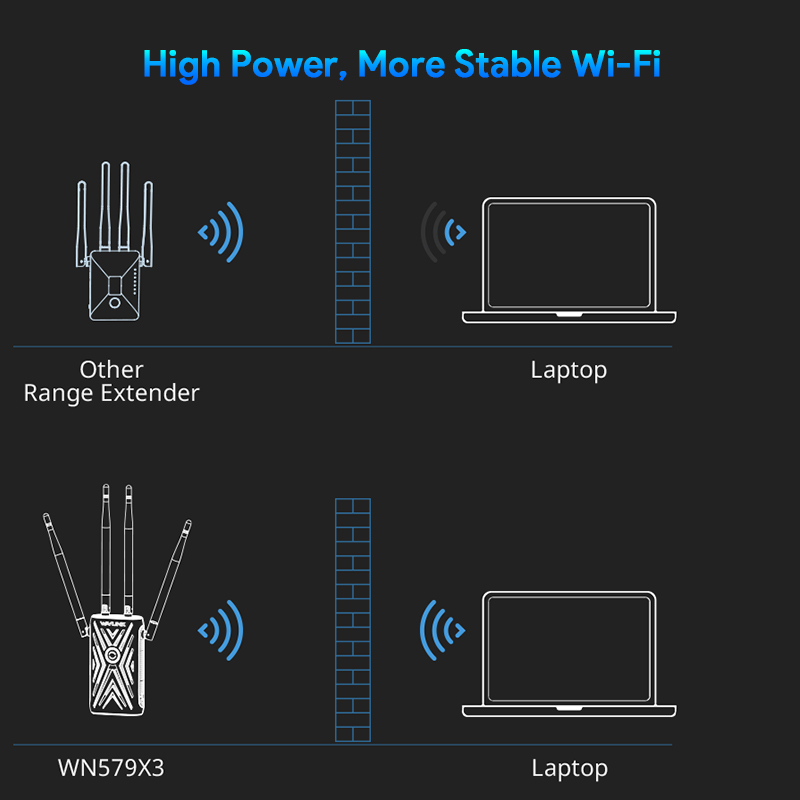
These extenders reduce dead spots in large homes or offices. They support many devices at once without slowing down the connection. This is great for streaming, gaming, or video calls. They also help keep the network stable and reduce buffering.
- Better internet speed
- Wider coverage area
- Supports multiple devices
- Less interference and buffering
- Improves connection stability
Credit: www.amazon.ca
Frequency Bands Explained
The 2.4 GHz bandcovers a wider area and passes through walls easily. It works well for general internet use and devices far from the router. But it is slower and has more interference from other electronics.
The 5 GHz bandoffers faster speeds and less interference. It is best for streaming videos and gaming. Its range is shorter and may not go through walls as well.
| Frequency Band | Range | Speed | Interference | Best Use |
|---|---|---|---|---|
| 2.4 GHz | Longer, better through walls | Slower | More interference | General browsing, far devices |
| 5 GHz | Shorter, less wall penetration | Faster | Less interference | Streaming, gaming, close devices |
Key Features To Consider
The range and coveragedecide how far the extender can send the WiFi signal. A larger range means better connection in big homes.
Speed and performancematter for smooth internet. Choose extenders supporting fast WiFi standards like AC or AX.
Check compatibilitywith your router’s brand and WiFi bands. Dual band extenders work on 2.4 GHz and 5 GHz.
Ease of setupsaves time. Look for simple apps or WPS button support to connect quickly.
Security optionskeep your network safe. Features like WPA3 encryption are best for protection.
| Feature | Why It Matters |
|---|---|
| Number of Antennas | More antennas improve signal strength and stability. |
| Ethernet Ports | Allow wired devices to connect directly for better speed. |
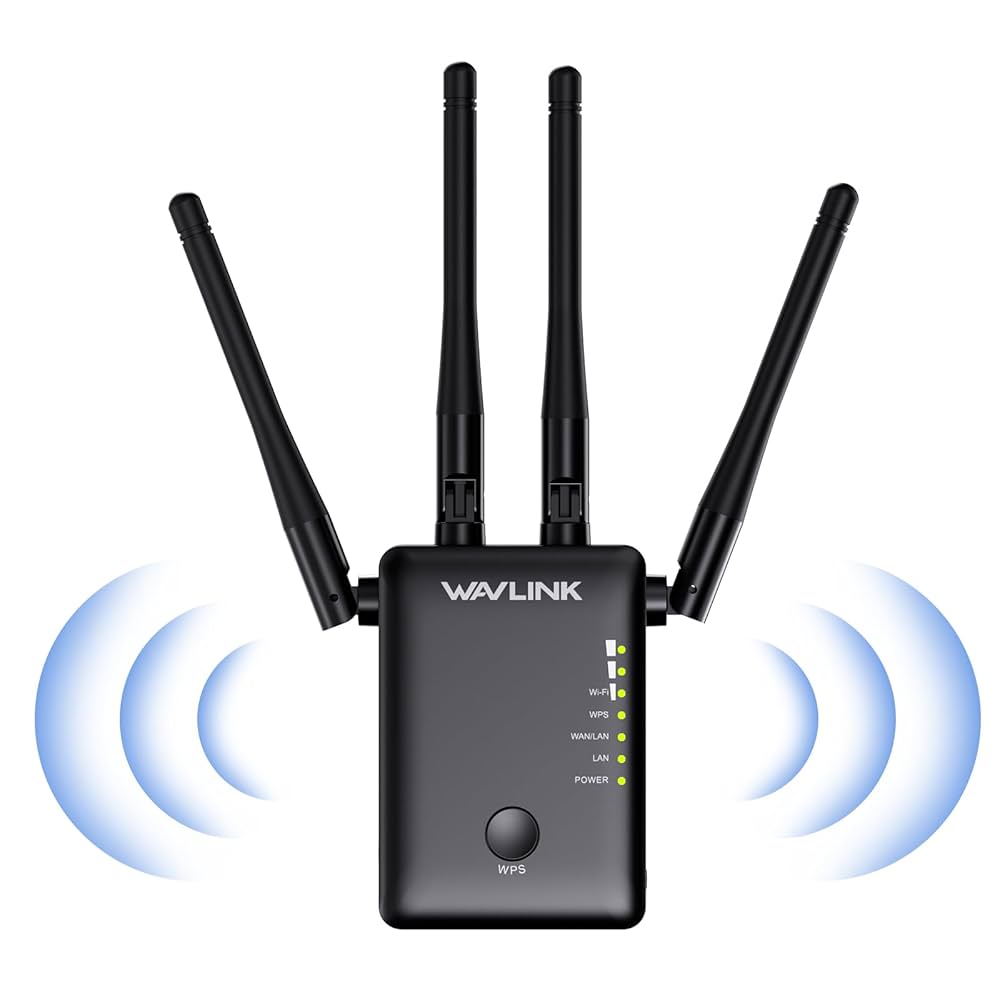
| Signal Indicators | Help find the best spot for placing the extender. |
Advanced Features To Explore
MU-MIMO technologyallows the extender to connect with multiple devices at once. This means faster speeds and less waiting. It helps when many devices use the WiFi together.
Beamformingfocuses the WiFi signal toward your device. This gives you a stronger and more reliable connection. It reduces dead spots in your home.
Smart roaminglets your device switch to the best signal automatically. You move around your house, and your phone or laptop stays connected without dropping the signal.
App controlmakes managing your WiFi extender easy. You can set it up, check status, or change settings from your phone. No need for a computer or complex steps.
Placement Tips For Optimal Performance
Place the WiFi extenderhalfway between your router and the weak signal area. Walls and large objects can block signals. Avoid placing the extender near metal objects or microwaves. Keep it away from cordless phones and baby monitors to reduce interference.
Ensure the extender is in an open space for better signal spread. Avoid placing it on the floor or inside cabinets. Higher positions, like on a shelf, work best.
- Check signal strength before final placement.
- Move the extender to find the strongest signal spot.
- Use the extender’s signal indicator lights for help.
Common Mistakes To Avoid
Avoid placing the extender too far from your router. It weakens the signal.
Do not buy cheap extenders; they may slow your internet speed.
Choose a device that supports both 2.4GHz and 5GHz bands for better coverage.
Don’t forget to update the extender’s firmware regularly. It fixes bugs and improves performance.
Avoid using only one band if your devices support both. Dual-band gives more stability.
Set a strong password to keep your network safe from hackers.
Do not ignore the placement height; higher spots often work better.
- Check compatibility with your router brand and model.
- Remember to reboot the extender if the connection drops.
- Use the correct WiFi channel to reduce interference.

Credit: www.screenbeam.com
Frequently Asked Questions
What Is A Dual Band Wifi Extender?
A dual band WiFi extender boosts WiFi signals on two frequencies: 2. 4 GHz and 5 GHz. This improves speed and coverage. It reduces interference and supports more devices, enhancing your wireless network’s performance effectively.
Why Choose Dual Band Over Single Band Extender?
Dual band extenders offer faster speeds and less interference than single band models. They provide better coverage by using both frequency bands. This ensures stable connections for streaming, gaming, and browsing across multiple devices.
How Important Is Compatibility With Routers?
Compatibility ensures the extender works seamlessly with your router’s brand and frequency bands. It prevents connectivity issues and maximizes performance. Always check if the extender supports your router’s WiFi standards and bands before purchasing.
Should I Look For Easy Setup Features?
Yes, easy setup features save time and frustration. Look for extenders with user-friendly apps, WPS buttons, or step-by-step guides. This ensures quick installation even for non-technical users, making the device more convenient.
Conclusion
Choosing the right dual band WiFi extender improves your internet experience. Focus on speed, range, and easy setup. Check compatibility with your router and devices. Look for reliable signal strength and secure connections. Small size and energy efficiency matter too.
A good extender keeps your home connected without interruptions. This helps with streaming, gaming, and working online smoothly. Take time to compare features before buying. A smart choice makes your WiFi faster and more stable. Enjoy better coverage in every corner of your home.