Are you tired of losing your Wi-Fi signal just when you step outside? Imagine relaxing in your backyard, streaming your favorite music, or working on your patio without any interruptions.
Setting up an outdoor Wi-Fi extender using your phone is easier than you think, and it can transform your outdoor space into a connected oasis. In this guide, you’ll discover simple steps to boost your Wi-Fi coverage outdoors. We’ll walk you through the process, making it so straightforward that you’ll wonder why you didn’t do it sooner.
Dive in, and get ready to enjoy seamless connectivity wherever you are in your yard.

Credit: www.youtube.com
Choosing The Right Outdoor Wifi Extender
Choosing the right outdoor WiFi extenderis important for strong signals outside. Check if the extender works with your router. Some extenders only support certain brands or models. Look for weatherprooffeatures like water and dust resistance. The extender should be durableto survive rain, sun, and wind.
| Key Features | Why It Matters |
|---|---|
| Compatibility | Ensures the extender connects well with your router. |
| Weatherproof | Protects the device from rain and harsh weather. |
| Durability | Lasts longer outdoors without damage. |
Preparing Your Phone For Setup
Start by downloading the official appfor your outdoor WiFi extender. This app will guide you through the setup process step-by-step. Find it on the App Storeor Google Play. Make sure the app is updatedto avoid any issues.
Check your phone’s network settings next. Confirm it is connected to your home WiFior mobile data. Turn off any VPNs or proxy settings that might block the connection. This helps the phone communicate easily with the extender.
- Keep your phone’s battery above 50%to prevent shutdowns.
- Ensure you have a stable WiFi or mobile dataconnection during setup.
- Disable any power-saving modes that limit app activity.
Placing Your Outdoor Wifi Extender
Place the outdoor WiFi extenderwhere it gets a strong signal from your main router. Walls, trees, and metal can block or weakenthe WiFi signal. Choose a spot with clear line of sightto your router and the area you want to cover.
Keep the extender away from devices that cause interference, such as microwaves, cordless phones, and large metal objects. These can disrupt WiFi signalsand lower performance.
- Mount the extender at least 6-10 feet above the ground for better coverage.
- Use weatherproof mounts designed for outdoor use.
- Securely attach the extender to avoid damage from wind or rain.
- Ensure cables are properly sealed to prevent water entry.
- Follow safety rules to avoid electric shock or falls during installation.

Credit: manuals.plus
Connecting The Extender Using Your Phone
Plug the outdoor WiFi extenderinto a power source. Wait for the power lightto turn on. This shows the extender is ready.
Open your phone’s WiFi settings. Find the extender’s network name, often labeled as EXTENDER_XXXX. Connect to this network. No internet is needed now.
Download the extender’s official appfrom your phone’s app store. Open the app and follow on-screen instructions. Enter your home WiFi name and passwordto link the extender. The app will complete the setup.
Configuring Network Settings
Select your existing WiFi network from the list shown on your phone. This allows the extender to connect to your main router.
Enter the correct passwordfor your WiFi network. Make sure it matches exactly to avoid connection issues.
Choose the security typesuch as WPA2 to keep your network safe. Using strong security helps protect your data.
You can customize the extender’s network name (SSID). This helps you know which network is from the extender.
- Use a name similar to your main WiFi but add “_EXT” or “_PLUS”
- Keep it simple and easy to remember
- Do not use personal information in the SSID
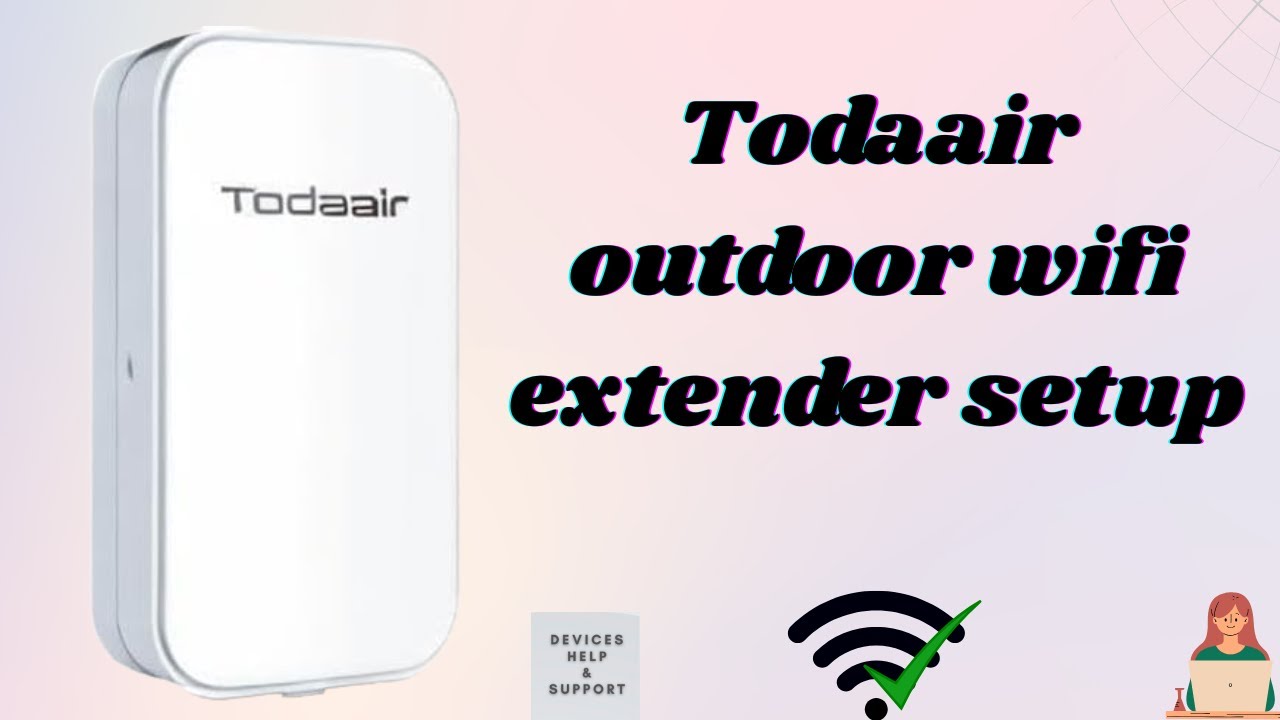
Credit: www.youtube.com
Testing And Optimizing Performance
Check the signal strengthon your phone after setting up the extender. Use your phone’s Wi-Fi settings or a signal meter app. Stronger signals mean better coverage.
Troubleshooting common issues helps keep your connection steady. Restart the extender and your phone if the signal drops. Ensure the extender firmware is updated for best results.
Adjust the extender placement if the signal is weak. Move it closer to the main router but still outside to cover the outdoor area. Avoid walls and metal objects that block signals.
- Test signal strength in different outdoor spots.
- Restart devices to fix minor glitches.
- Keep the extender firmware up to date.
- Place the extender near windows or open spaces.
- Avoid thick walls or metal barriers.
Maintaining Your Outdoor Wifi Extender
Keeping your outdoor WiFi extender in good shape is very important. Regular firmware updateshelp fix bugs and improve performance. Check for updates using your phone app often. This keeps your device secure and fast.
Cleaning and physical maintenanceprevent dirt and dust buildup. Wipe the extender gently with a dry cloth. Avoid water or harsh chemicals. Check for any damage or loose wires to ensure it works well.
Monitoring network healthhelps find problems early. Use your phone to check the signal strength and speed. Notice any slowdowns or disconnections. This way, you can fix issues quickly to keep your connection strong.
Frequently Asked Questions
How Do I Connect My Phone To An Outdoor Wifi Extender?
To connect your phone, first power on the WiFi extender. Use your phone’s WiFi settings to find the extender’s network. Select it and enter the password. Open the extender’s setup page via a browser to finalize settings for optimal outdoor coverage.
Can I Setup An Outdoor Wifi Extender Without A Router?
No, an outdoor WiFi extender requires an existing router to extend its signal. The extender boosts your router’s WiFi range outdoors. Without a router, there’s no WiFi signal to amplify or distribute outside.
What Is The Best Location For Outdoor Wifi Extender Placement?
Place the extender halfway between your router and outdoor area. Avoid physical obstructions and interference sources. A higher, open location ensures better signal strength and wider coverage for your outdoor WiFi network.
How Do I Secure My Outdoor Wifi Extender Network?
Use WPA3 or WPA2 encryption for your extender’s WiFi network. Set a strong, unique password. Regularly update the extender’s firmware to protect against vulnerabilities and unauthorized access.
Conclusion
Setting up an outdoor WiFi extender with your phone is simple. Follow the steps carefully to get a stronger signal outside. A better connection means smoother browsing and fewer interruptions. Keep your extender in a good spot for the best results.
Regular checks help maintain good WiFi performance. Enjoy more freedom to use the internet outdoors. This small device can improve your outdoor internet experience greatly. Just a few minutes can bring big benefits to your WiFi range.