Are you tired of battling with weak WiFi signals in certain corners of your home? Do you often find yourself moving from room to room just to catch a decent signal on your devices?
You’re not alone. Many people face this frustrating issue, and the solution might be simpler than you think. Enter the tri-band WiFi extender, a powerful tool that can significantly boost your internet coverage. But here’s the catch: to unlock its full potential, you need to find the best location for it.
In this guide, we’ll explore how the right placement can make a world of difference. Ready to transform your home into a seamless, internet-connected haven? Keep reading to discover the secrets to optimal WiFi extender placement.
Tri Band Wifi Extenders Basics
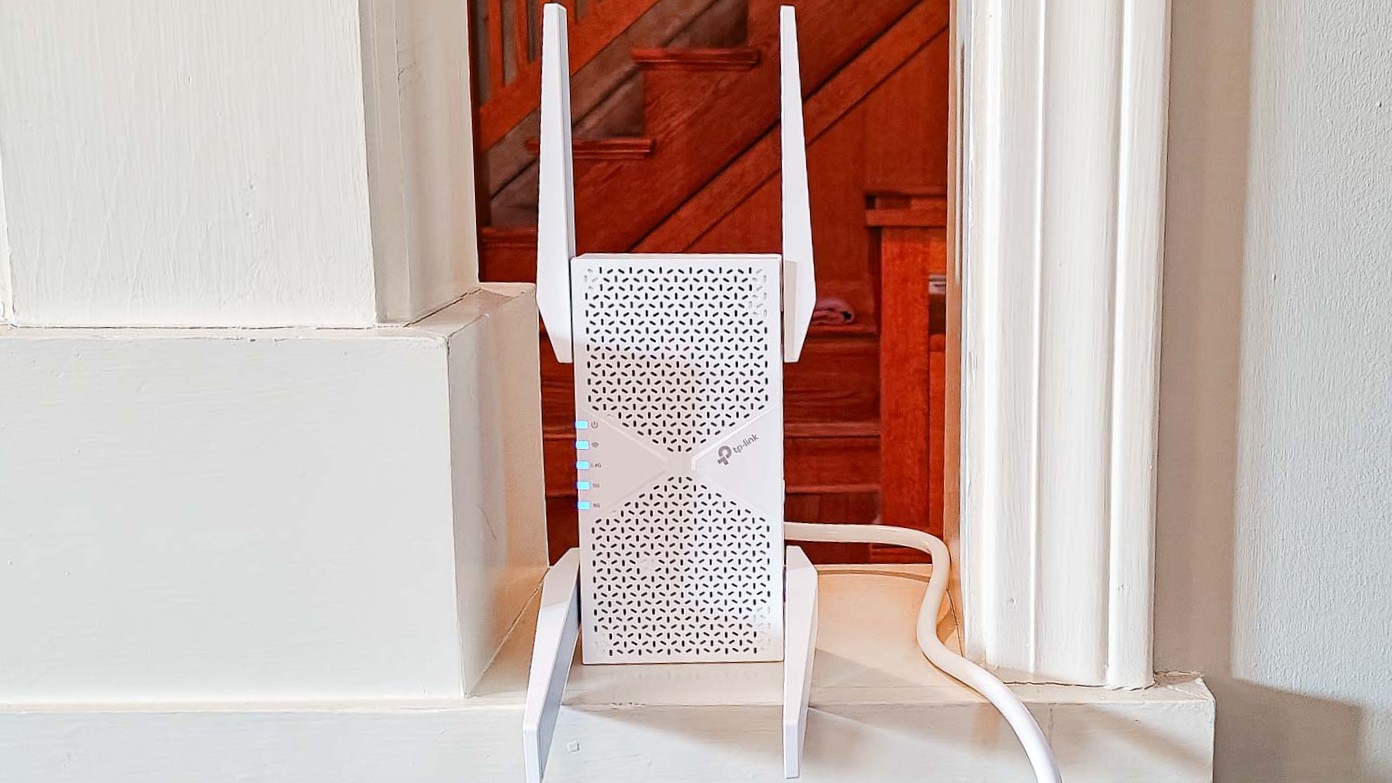
Tri band wifi extendersuse three separate frequency bands to boost your wifi. Two bands usually work on 5 GHz, and one on 2.4 GHz. One 5 GHz band often acts as a dedicated link between the router and extender. This reduces traffic and keeps speeds fast.
Benefits over dual bandinclude less network congestion and better speed. Tri band extenders handle more devices at once without slowing down. They also improve coverage in larger homes or offices.
Common use casesinclude streaming in multiple rooms, online gaming, and smart home devices. Homes with many users and devices gain the most. Offices with many connected gadgets also benefit from stable connections.
Credit: www.tomsguide.com
Factors Affecting Signal Strength
Physical obstacleslike walls and furniture block the WiFi signal. Thick walls reduce signal strength more than thin walls. Metal and concrete cause bigger problems than wood or glass. Place the extender where fewer obstacles exist to improve coverage.
Interference sourcesinclude devices like microwaves, cordless phones, and baby monitors. These create noise that makes the WiFi signal weak or unstable. Keep the extender away from such electronics to get a better signal.
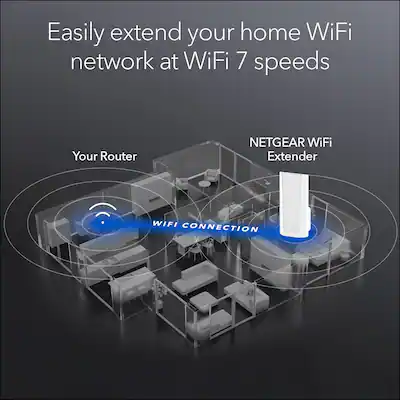
Distance and placementmatter a lot. The farther the extender is from the main router, the weaker the signal it receives. Place the extender halfway between the router and the area needing better WiFi. Avoid placing it too close to the router or too far away.
Ideal Placement Strategies
The best spot for a tri-band WiFi extenderis halfway between the router and the weak signal area. This helps the extender catch a strong signal and send it further.
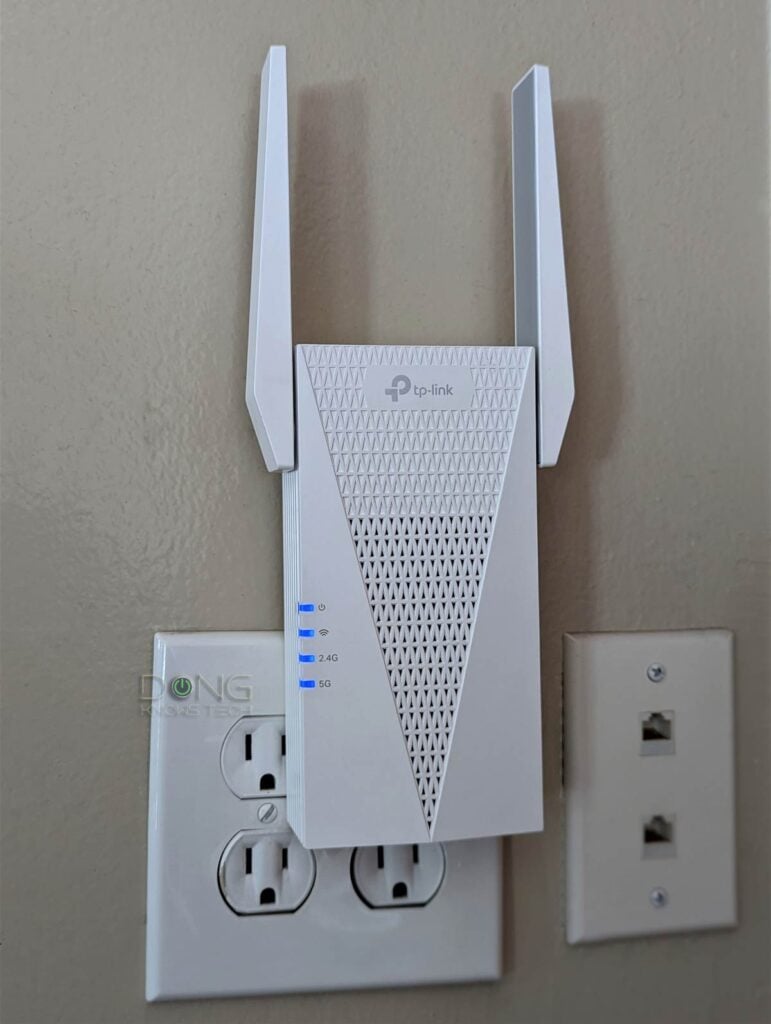
Avoid placing the extender near wallsor metal objects. These block the signal and lower the speed. Keep the extender in an open space for better reach.
Put the extender higher up, like on a shelf. This helps the signal move freely. Also, face the extender’s antennas toward the dead zone for stronger coverage.
- Place midway between router and dead zone
- Avoid walls and metal objects
- Keep extender elevated
- Orient antennas toward weak signal area
Credit: dongknows.com
Tools To Find Best Location
Wifi Analyzer Appshelp find the strongest signal spots. They show real-time data of signal strength and channel use. This helps avoid crowded frequencies and pick the best spot for your extender.
Signal Strength Metersmeasure how strong the wifi signal is around your home. These tools are simple and give quick feedback. Move around with the meter to find where the signal is weak or strong.
| Router Management Software | Function |
|---|---|
| Manufacturer Apps | Show signal strength and connected devices |
| Web Interface | Allows changing settings and checking wifi coverage |
| Mobile Apps | Provide easy access to router info on phones |
Common Mistakes To Avoid
Placing the extender too far from the router causes weak signals. The extender needs a strong signalto work well. If it is too far, it cannot boost the WiFi properly.
Ignoring interference can slow down your WiFi. Devices like microwaves, cordless phones, and walls can block signals. Keep the extender away from these obstacles.
Overlapping networks may cause signal confusion. Many WiFi networks near each other can create interference. Try to place the extender where fewer networks overlap to get better speed.
Credit: www.bestbuy.com
Optimizing Settings For Best Performance
Choosing the right channelcan reduce interference and improve WiFi speed. Most extenders allow manual channel selection. Try channels 1, 6, or 11 for 2.4 GHz to avoid overlap. For 5 GHz, pick a less crowded channel. Use WiFi analyzer apps to check nearby signals.
Firmware updatesfix bugs and add new features. Always keep your extender’s firmware up to date. Check the manufacturer’s website or the extender’s settings page for updates. Updated firmware can enhance performance and security.
Power settingscontrol how strong the extender’s signal is. Some models let you adjust transmit power. Higher power covers more area but may cause noise. Lower power saves energy and reduces interference. Find a balance that fits your home layout.
Frequently Asked Questions
Where Is The Ideal Spot For A Tri-band Wifi Extender?
Place the tri-band WiFi extender halfway between your router and dead zones. Avoid walls and metal objects to ensure a strong signal. Proper placement maximizes coverage and internet speed throughout your home or office.
How High Should I Install My Wifi Extender?
Install your tri-band WiFi extender at a mid-level height, around chest or eye level. Avoid placing it on the floor or too close to the ceiling. This position reduces interference and improves signal distribution.
Can Distance Affect Tri-band Wifi Extender Performance?
Yes, distance greatly impacts performance. Too far from the router, the extender gets a weak signal. Too close, it won’t extend coverage effectively. Find a balanced spot for optimal speed and range.
Should I Avoid Obstacles When Placing My Wifi Extender?
Absolutely. Physical barriers like walls, furniture, and appliances weaken WiFi signals. Keep the extender in an open area free from obstructions. This improves signal strength and overall network reliability.
Conclusion
Placing your tri-band WiFi extender in the right spot matters a lot. Choose a location halfway between your router and the area with weak signal. Avoid walls and large objects that block signals. Keep it away from devices that cause interference.
This way, your WiFi will reach farther and stay strong. A good spot helps you enjoy fast and stable internet everywhere at home. Simple steps bring better coverage and fewer connection drops. Try different places until you find the best one.
Your WiFi will thank you.