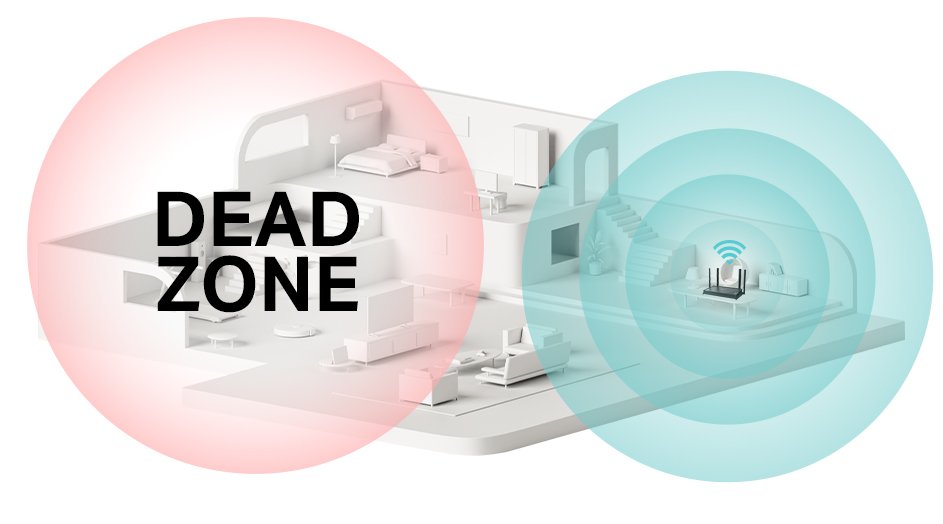
Are you tired of dealing with weak Wi-Fi signals in certain areas of your home or office? A dual-band Wi-Fi extender can be a game-changer, providing you with faster and more reliable internet coverage.
However, ensuring that your extended network is secure is crucial to protecting your data and maintaining privacy. You don’t want unauthorized users accessing your network or slowing down your connection. In this guide, we’ll walk you through simple, effective steps to secure your dual-band Wi-Fi extender.
By the end of this article, you’ll have peace of mind knowing your internet is both fast and protected, allowing you to enjoy seamless connectivity without worry. Ready to transform your Wi-Fi experience? Let’s dive in!
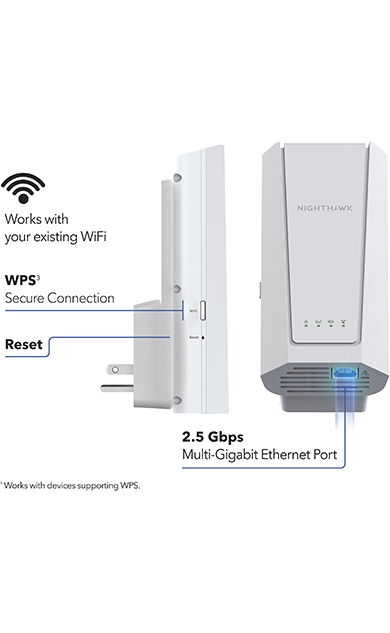
Credit: www.netgear.com
Choosing A Secure Extender
Choosing a dual band WiFi extenderwith the latest security protocols is vital. Look for devices that support WPA3, the newest and safest protocol. Older protocols like WPA2are less secure now.
Trustworthy brands often have better security features. They regularly update their products and provide reliable support. Avoid unknown or cheap brands that may lack proper protection.
Keeping the firmware updated is essential. Manufacturers release updates to fix security holes and improve performance. Check the extender’s settings regularly to install new updates fast.
Setting Up Strong Passwords
Create complex passwordsby mixing letters, numbers, and symbols. Use at least 12 characters. Avoid simple words or easy patterns. This makes it harder for hackers to guess.
Avoid default credentialslike “admin” or “password.” These are easy targets. Change them right after setup to keep your network safe.
Use password managersto store and generate strong passwords. They help you remember complex passwords without writing them down. This keeps your passwords secure and easy to manage.
Configuring Network Settings
Use WPA3 or WPA2 encryptionto protect your WiFi extender. These encryptions keep your network safe from hackers. Avoid using older security types like WEP.
Disable the WPS (WiFi Protected Setup)feature. It can be easy for attackers to exploit. Turning it off adds an extra layer of security.
Set separate SSIDsfor each band on your extender. This helps you control devices on different bands. It also makes managing your network easier and safer.
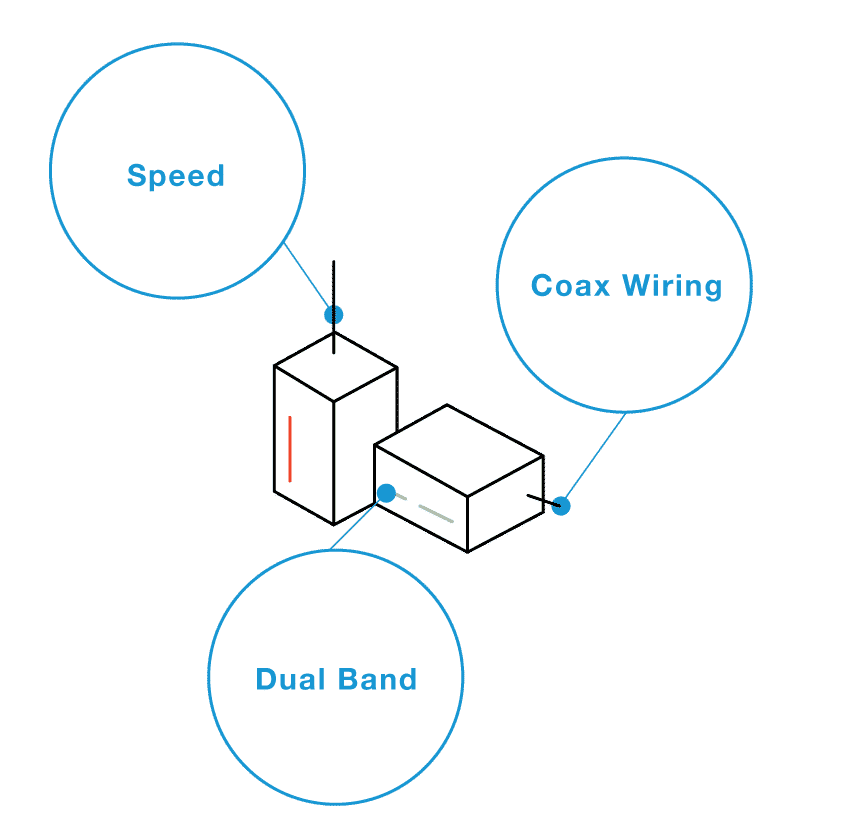
Credit: www.screenbeam.com
Securing Access Controls
MAC Address Filteringlets you allow only specific devices. You add the device’s unique ID (MAC address) to the list. This stops unknown devices from connecting. It adds an extra layer of security to your WiFi extender.
Limit Device Connectionsby setting a max number of devices. This helps keep your network fast and safe. Too many devices can slow down your internet and increase security risks.
Monitor Connected Devicesoften to see who is using your network. Check the device list in your extender’s settings. Remove any unknown or unwanted devices immediately to keep your network secure.
Regular Maintenance Steps
Keep your dual band WiFi extender safe by checking firmware often. Firmware updates fix bugs and protect against threats. Visit the extender’s website or app for updates.
Restart the extenderevery few days. This clears temporary issues and keeps it running smoothly. It helps in improving speed and connection stability.
- Save settings backupto avoid losing your setup.
- Store the backup file on your computer or cloud.
- Restore settings quickly if you reset the device.
Advanced Security Measures
Using a VPN with your dual band wifi extenderadds a strong layer of security. It helps hide your online activityand protects your datafrom hackers. This keeps your connection safe even on public networks.
Network segmentationdivides your home network into smaller parts. This way, if one part is attacked, the others stay safe. It limits access to important devices and reduces risks.
- Enable guest networksto keep visitors separate from your main network.
- This stops guests from accessing your private files or devices.
- Guest networks have their own password and settings.

Credit: m.tvcmall.com
Frequently Asked Questions
How Do I Secure My Dual Band Wifi Extender?
To secure your dual band WiFi extender, change the default admin password. Enable WPA3 or WPA2 encryption. Regularly update the extender’s firmware. Disable WPS to prevent unauthorized access. Use a strong, unique WiFi password for both bands.
Why Update Firmware On A Wifi Extender?
Firmware updates fix security vulnerabilities and improve performance. Updating ensures your extender has the latest protections. It also enhances compatibility with new devices. Regular updates help prevent hacking and connectivity issues.
How To Choose A Secure Wifi Password?
Create a password with at least 12 characters. Use a mix of letters, numbers, and symbols. Avoid common words or easily guessable patterns. Change passwords regularly to maintain strong security. Never share your password publicly.
What Encryption Is Best For Wifi Extenders?
WPA3 is the most secure encryption currently available. If not supported, use WPA2 as the next best option. Avoid outdated protocols like WEP or WPA. Strong encryption protects your network from unauthorized access.
Conclusion
Securing your dual band WiFi extender keeps your network safe. Change default passwords to strong, unique ones. Update the extender’s firmware to fix security issues. Use WPA3 or WPA2 encryption for better protection. Turn off WPS to avoid easy hacking risks.
Place the extender in a safe spot to reduce interference. Regular checks help catch problems early. These small steps protect your data and privacy. Stay alert and keep your connection secure at all times.


