Have you ever experienced the frustration of a weak WiFi signal just when you need it the most? Picture this: you’re in the middle of streaming your favorite show or working on an important project, and suddenly, your connection falters.
It’s enough to make anyone feel helpless. But what if there was a simple, cost-effective solution right at your fingertips? Long range WiFi extenders could be the game-changer you need, but here’s the twist—can they be powered by USB? Imagine the convenience of boosting your WiFi signal using just a USB port.
Intrigued? You’re not alone. Dive into this article to uncover the possibilities and discover how you can enhance your internet experience without any hassle.
Basics Of Long Range Wifi Extenders
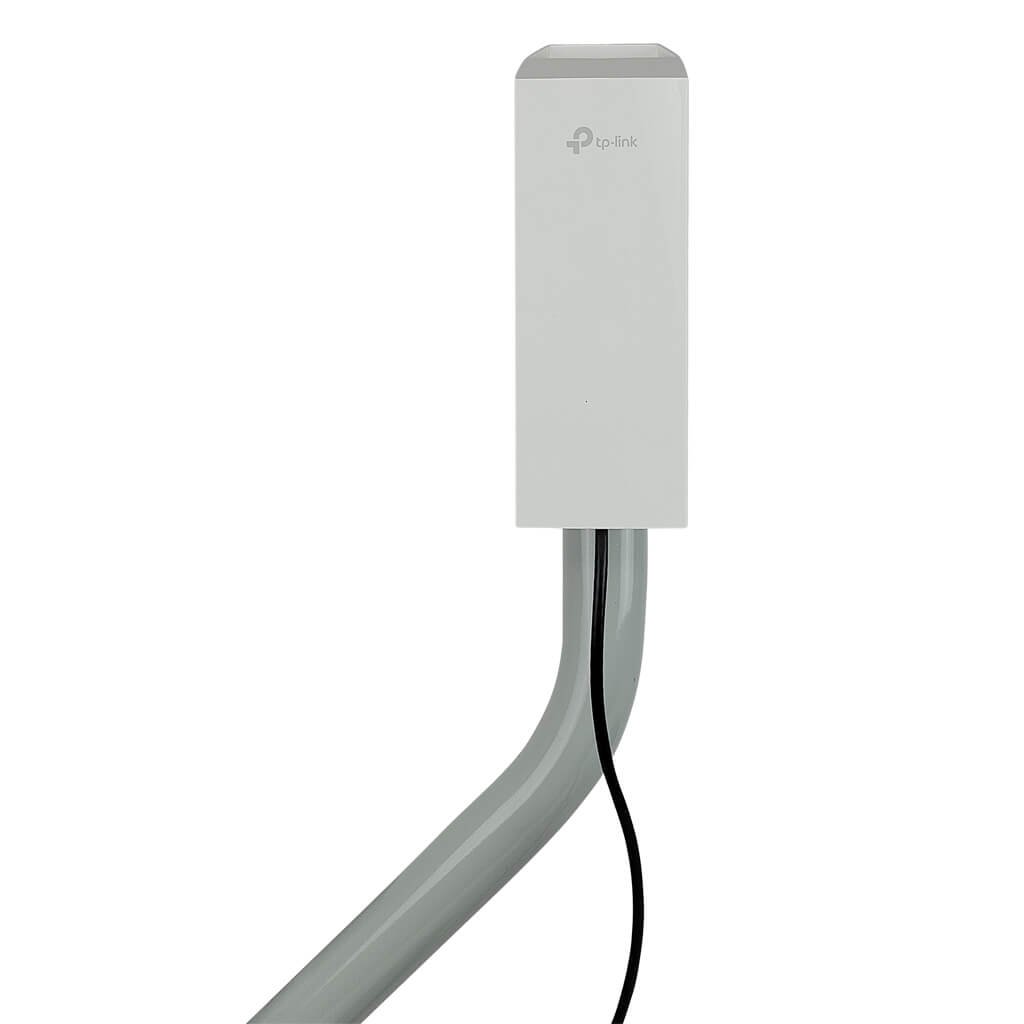
Long range wifi extenders help boost your wireless signal over large areas. They catch the existing wifi and send it further. This helps cover dead zones in your home or office. Some extenders work better outdoors or through thick walls.
Types Of Wifi Extenders
- Repeater extenders:Capture and rebroadcast the signal directly.
- Access point extenders:Connect to your router by cable and create new wifi spots.
- Mesh extenders:Work with mesh routers to create seamless coverage.
How Long Range Extenders Work
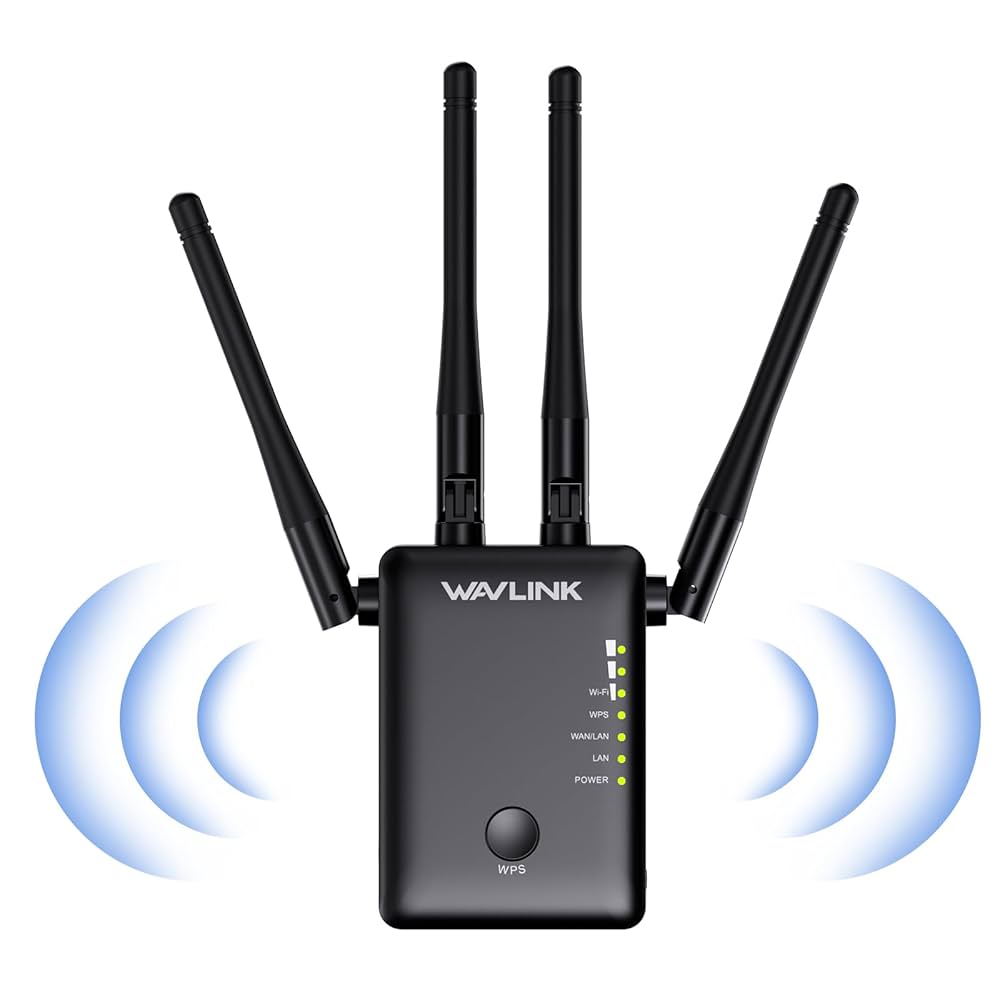
They receive the wifi from your main router. Then, they send the signal out to farther places. This extends wifi reach without losing much speed. Some extenders use special antennas to improve range.
Key Features To Consider
| Feature | Description |
|---|---|
| Power Source | Can it be powered by USB or needs a wall plug? |
| Frequency Bands | Supports 2.4 GHz, 5 GHz, or both for better speed. |
| Range | Maximum distance the extender can cover. |
| Speed | Maximum data speed it can handle. |
| Ease of Setup | Simple steps or need technical help. |
Power Requirements For Wifi Extenders
Wifi extenders need a steady power source to work well. Most use AC adaptersthat plug into wall sockets. Some models can be powered by USB ports, but this depends on their power needs.
The voltage and currentrequirements must match the extender’s specifications. Typical long-range extenders need around 5V USB power, but they might require higher current, often 1A or more. Insufficient power can cause poor performance or disconnections.
| Power Source | Voltage | Current | Performance Impact |
|---|---|---|---|
| AC Adapter | Typically 9V-12V | Varies, often 1A+ | Stable, supports full performance |
| USB Port | 5V | 0.5A to 2.4A depending on port | May limit range and speed if current is low |
Usb As A Power Source
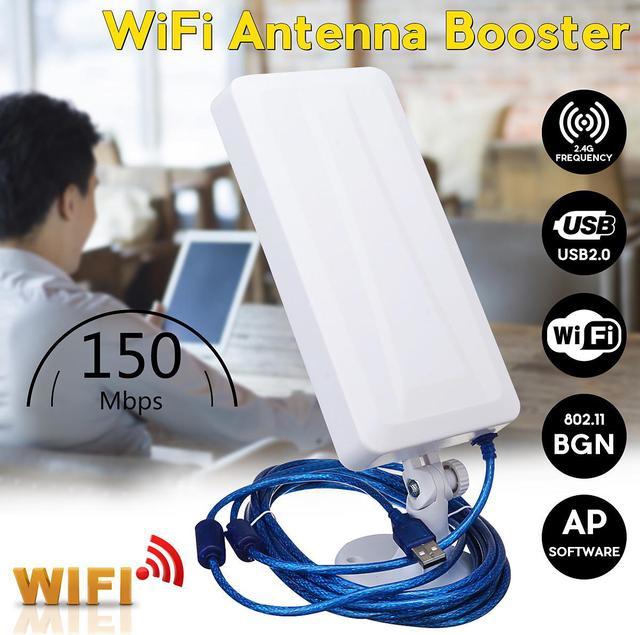
Many long range WiFi extenders can be powered using USB ports. USB power is common because it supplies 5 voltsof electricity, enough for most small devices. The power a USB port provides depends on its type:
| USB Type | Voltage | Current | Power (Watts) |
|---|---|---|---|
| USB 2.0 | 5 V | 0.5 A | 2.5 W |
| USB 3.0 | 5 V | 0.9 A | 4.5 W |
| USB-C | 5 V (up to 20 V) | 3 A (up to 5 A) | 15 W (up to 100 W) |
Most WiFi extenders need less than 5 watts. They work well with USB 2.0 or USB 3.0 ports. USB-C can power bigger devices if needed.
- USB power is easy to use and widely available.
- It allows flexible placement since many devices have USB ports.
- USB chargers are common at home, in cars, or with power banks.
- Using USB reduces the need for special power adapters.

Credit: www.signalbooster.com
Can Long Range Wifi Extenders Use Usb Power?
Many long range wifi extenders can use USB power. USB ports supply power in a simple way. This makes extenders easy to install in many places. Some models support USB 2.0 or USB 3.0for power. Others may need a special USB adapter.
Models Supporting Usb Power
- TP-Link RE450: Supports USB power input.
- Netgear EX3700: Can run on USB power.
- Linksys RE7000: Uses USB for flexible power options.
Power Limitations And Risks
USB ports usually supply 5 voltsand up to 2 amps. Some long range extenders may need more power. Using low power can cause the device to stop working. Overloading a USB port can damage the port or extender. Always check the extender’s power needs before using USB.
Practical Examples
| Extender Model | USB Power Support | Max USB Current | Notes |
|---|---|---|---|
| TP-Link RE450 | Yes | 2A | Works well with USB power banks |
| Netgear EX3700 | Yes | 1.5A | Can use USB wall adapter |
| Linksys RE7000 | Yes | 2A | Supports USB-C power |
Setting Up Usb-powered Wifi Extenders
Choose a USB adapterthat matches the extender’s power needs. Most long range WiFi extenders require 5V power. Check the amperagerating; 1A or higher is usually good. Using a weak adapter can cause unstable connectionsor device shutdowns.
Place the extender near a USB power source like a wall charger or power bank. Avoid plugging into low-power USB ports, such as some laptops or TVs. Connect the extender using a good quality USB cable to ensure steady power supply.
Try restarting the extender if it fails to power up. Swap the USB adapter to test if the problem is with the power source. Check for loose connections or damaged cables that might block power flow.
Alternatives To Usb Power
Long range WiFi extenders often need more power than USB can provide. Alternatives include using wall adapters or PoE (Power over Ethernet) for stable energy supply. These options ensure consistent performance without relying solely on USB power sources.
Using Ac Adapters
AC adapters plug directly into wall sockets. They provide a steady power supply. Many long range WiFi extenders come with AC adapter support. This option is reliable and keeps the device running all the time.
Power Over Ethernet (poe)
PoE sends power through the same cable as data. It reduces the need for extra power cables. This is helpful in places without nearby power sockets. PoE keeps the extender powered and connected using one cable.
Battery-powered Options
Some extenders use batteries for power. They work well in areas without electricity. Battery life varies by model and usage. Portable and flexible, but may need frequent recharging or replacement.
Maximizing Extender Performance
Long-range WiFi extenders can often be powered by USB, making them easy to install anywhere. Using USB power helps keep setups simple and flexible without needing extra outlets. This approach supports steady performance while extending your WiFi signal effectively.
Optimal Placement
Place the extenderwhere the signal is still strong but near the weak area. Avoid walls and metal objects that block signals. Higher spots often work better for wider coverage. Keep the extender away from microwaves and cordless phones to reduce interference.
Firmware Updates
Regularly check for firmware updates. Updates fix bugs and improve device speed and stability. Most extenders update through a simple web interface. Keeping firmware current helps the extender work well with new routers and devices.
Avoiding Interference
- Move awayfrom other electronics that use the same frequency.
- Use 5 GHz bandif available for less crowded signals.
- Reduce physical barrierslike walls and large furniture between extender and router.
Credit: www.amazon.ca
Safety And Maintenance
Long range WiFi extenders powered by USB need careful handling for safety. Preventing overheatingis key. Keep the extender in a cool, ventilated place. Avoid covering the device or blocking air vents.
Regular cleaninghelps maintain good airflow. Dust and dirt can cause the device to heat up. Use a soft, dry cloth to clean the extender every few weeks.
- Use the original USB power adapter or one with the same rating.
- Do not use damaged or frayed cables.
- Unplug the extender during storms or if it won’t be used for long.
Safe power practicesprotect both the extender and your home. USB power usually provides low voltage, which is safer than wall power. Still, always check the extender’s manual for power guidelines.
Credit: www.newegg.ca
Frequently Asked Questions
Can Long Range Wifi Extenders Be Powered By Usb?
Yes, many long range WiFi extenders can be powered via USB. USB power offers convenience and flexibility for placement. However, ensure the USB port provides adequate power output for proper operation. Check your extender’s specifications before using USB power.
What Usb Power Output Is Needed For Wifi Extenders?
Most WiFi extenders require 5V and at least 1A current from USB power. Some models may need higher current for optimal performance. Always verify the power requirements in the device manual to avoid insufficient power issues affecting connectivity.
Are Usb-powered Wifi Extenders Less Effective?
USB-powered extenders generally perform as well as those with dedicated adapters. Performance depends on the extender’s quality and placement, not the power source. Using a stable USB power source ensures consistent WiFi signal strength and range.
Can I Use A Power Bank To Run Wifi Extenders?
Yes, power banks with 5V USB output can run WiFi extenders temporarily. This option is useful during power outages or outdoor setups. Ensure the power bank has enough capacity to support continuous operation for extended periods.
Conclusion
Long range WiFi extenders can often be powered by USB ports. This makes them easy to use with many devices. USB power adds convenience and flexibility for placement. Still, check your extender’s power needs before buying. Not all extenders work well with USB power alone.
Choose one that matches your setup for best results. USB-powered extenders help improve WiFi reach without extra outlets. This simple power option fits many home and office spaces.


