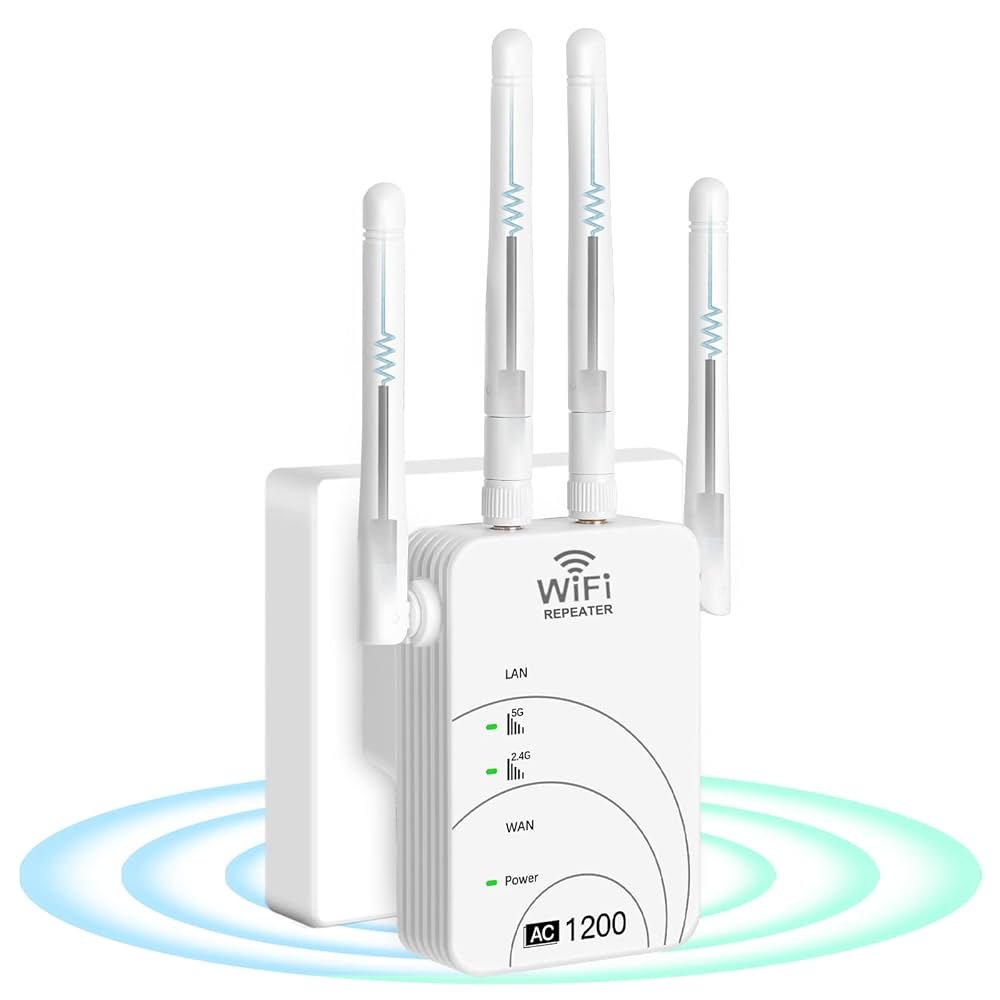
Is your dual band WiFi extender feeling hotter than your morning coffee? You’re not alone.
Overheating can turn your handy gadget into a frustrating source of connectivity woes. If you’ve noticed sluggish speeds or unexpected disconnections, your extender might be crying out for help. Why does this happen, and more importantly, what can you do about it?
In this blog post, we’ll unravel the mystery behind overheating WiFi extenders and share practical solutions to keep your device cool and efficient. Stick around, and you’ll soon have your WiFi performing at its best again, no sweat involved!
Credit: www.newswire.com
Common Causes Of Overheating
Poor ventilationblocks air flow, making the extender hot. Keep it away from walls and closed spaces. Air needs to move freely around the device.
Continuous heavy usagemakes the device work nonstop. This causes heat to build up. Give the extender breaks to cool down.
Faulty hardware componentslike bad chips or fans can cause overheating. These parts may fail and generate extra heat.
High ambient temperaturemeans the room is already warm. The device cannot cool down well in hot places. Keep it in a cool spot.
Power supply issuescan also cause overheating. A wrong or unstable power source can make the device heat up fast.

Credit: www.youtube.com
Signs Of An Overheating Extender
A dual band WiFi extender may feel hot to touch or shut down unexpectedly. Slow internet and poor signal can also signal overheating issues. Overheating often happens due to poor ventilation or long hours of use.
- Frequent Disconnects:Your wifi extender keeps losing connection. This happens because it gets too hot inside.
- Reduced Performance:Internet speed slows down. The device cannot work well when overheated.
- Device Feels Hot to Touch:The extender feels very warm or hot. This is a clear sign of overheating.
- Unexpected Shutdowns:The device turns off suddenly. It may shut down to protect itself from damage.
Effective Cooling Solutions
Place the wifi extender in an open space to allow good airflow. Avoid tight corners or crowded shelves. This helps heat escape and keeps the device cool.
- Use small external fans aimed at the device for extra cooling.
- Choose fans with quiet operation to avoid noise.
Keep the device out of direct sunlight. Sunlight heats up the extender quickly, causing it to overheat. Use shades or move it to a cooler room.
Check the power adapter specifications. Using a higher quality or more powerful adaptercan reduce overheating. It supplies steady power without stressing the device.
Maintenance Tips To Prevent Overheating
Dust buildupblocks vents and traps heat inside the extender. Use a soft cloth or small brush to clean it regularly. This helps air flow and cool the device down.
Keep the extender’s firmware updated. Updates fix bugs and improve performance. Check the manufacturer’s website or app for the latest version. This keeps the device running smoothly and avoids overheating.
Place the extender in a cool, open space. Avoid tight spots like shelves or behind furniture. Heat builds up in closed areas. Higher locations allow better air flow.
- Don’t run the extender at full capacity for hours.
- Limit heavy internet use like streaming or gaming on it.
- Give it breaks to cool down if it feels hot.
When To Replace Your Wifi Extender
Persistent overheatingcan damage your wifi extender permanently. If it gets too hot often, it may stop working well. This can cause slow internet or dropped connections. Frequent hardware failureslike random restarts or no signal also mean problems. These signs show your device is aging or broken.
Outdated technologycan limit your wifi speed and coverage. Newer models work better with modern routers and devices. Old extenders might not support faster wifi standards or security updates. Upgrading can improve your internet experience and keep your network safe.
Credit: www.pocket-lint.com
Frequently Asked Questions
Why Does My Dual Band Wifi Extender Overheat Frequently?
Overheating happens when your extender lacks proper ventilation or runs continuously. Dust buildup and placement near heat sources also cause excess heat. Regular cleaning and relocating the device can prevent overheating and improve performance.
Can Overheating Damage My Dual Band Wifi Extender?
Yes, overheating can harm your extender’s internal components. It may cause reduced signal strength, slower speeds, or permanent hardware failure. Avoid prolonged overheating by ensuring proper airflow and powering off the device when not in use.
How Can I Prevent My Wifi Extender From Overheating?
Place the extender in a cool, open area away from direct sunlight. Clean dust regularly and avoid blocking ventilation holes. Use a power strip with surge protection to maintain stable power and reduce heat generation.
Is Continuous Use Causing My Dual Band Wifi Extender To Overheat?
Continuous use can increase heat buildup inside the extender. Taking breaks or turning off the device during low usage periods helps it cool down. This practice prolongs the extender’s lifespan and maintains optimal performance.
Conclusion
Overheating can harm your dual band WiFi extender’s performance. Keep it in a cool, ventilated spot. Avoid blocking its vents with objects or walls. Regularly dust the device to stop heat buildup. Unplug it during long breaks to let it cool down.
Check firmware updates to improve efficiency. Watch for signs of overheating to protect your device. Taking these steps helps your WiFi extender work well and last longer. Stay alert, and your internet connection will stay strong.


