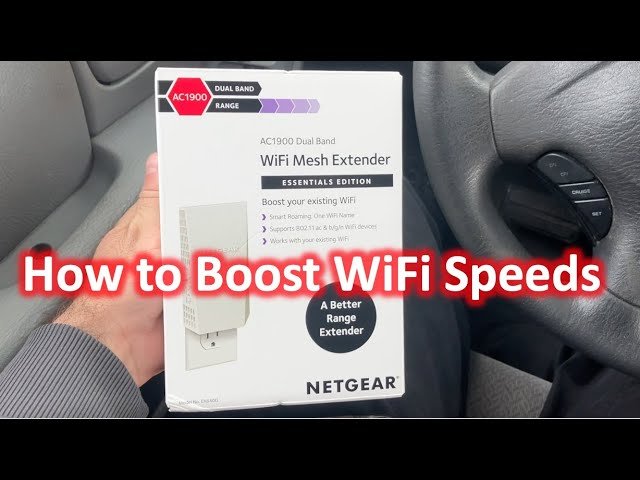
Are you tired of slow internet speeds and constant buffering while trying to stream your favorite shows or join online meetings? If your current single band WiFi extender isn’t cutting it, you’re not alone.
Many people face the same issues, and the solution could be simpler than you think. Switching from a single band to a dual band WiFi extender might just be the game-changer you need. Imagine browsing the web at lightning speed, streaming videos without a hitch, and enjoying seamless connectivity throughout your home.
You’ll learn how to make the switch effortlessly, improving your internet experience and enhancing your daily digital life. Stick with us, and by the end of this guide, you’ll be on your way to enjoying a faster, more reliable internet connection.
Benefits Of Dual Band Wifi Extenders
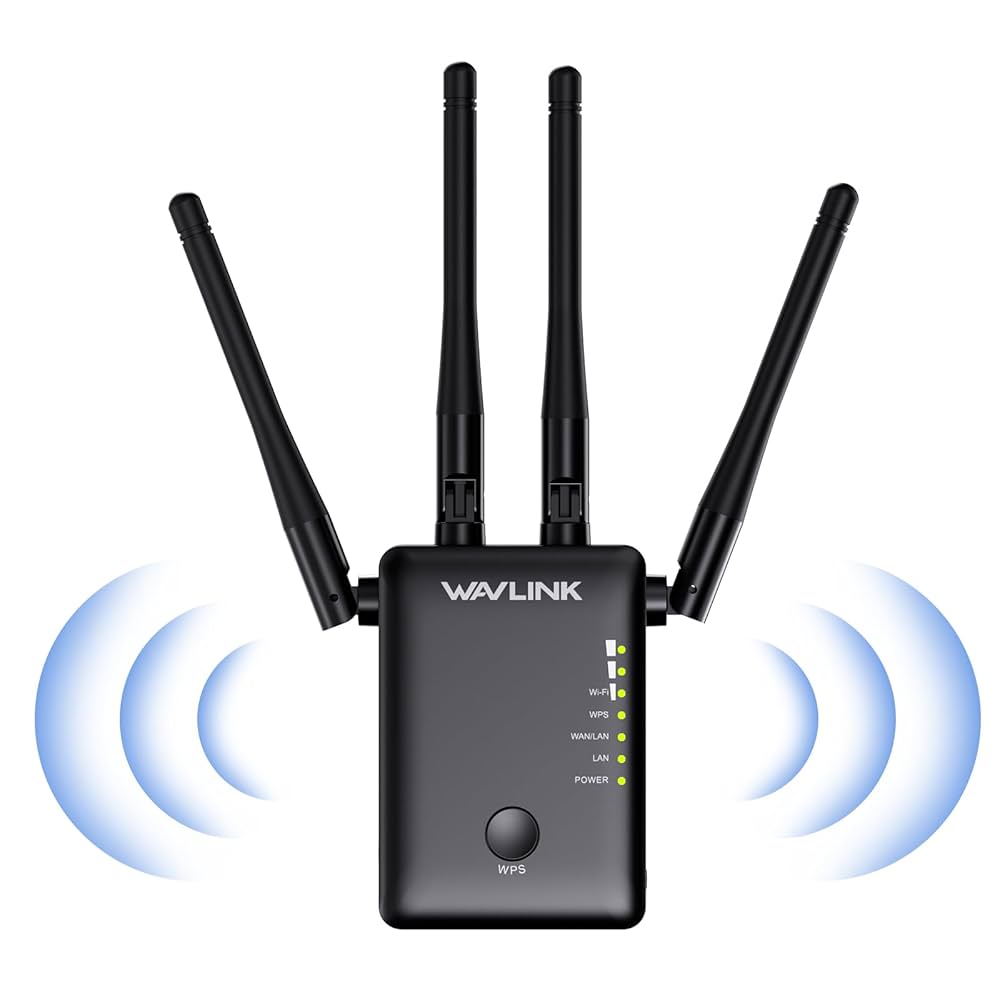
Dual band WiFi extendersoffer faster internet speeds by using two separate bands: 2.4 GHz and 5 GHz. This helps devices connect on the best band for their needs, improving overall network performance.
They reduce interference from other devices like microwaves or Bluetooth gadgets. This means fewer connection drops and more stable internet.
- Improved speedhelps with streaming and online gaming.
- Reduced interferencemeans fewer slowdowns or interruptions.
- Better device compatibilitysupports more gadgets at once.
Credit: www.amazon.ca
Choosing The Right Dual Band Extender
Compatibilityis key. Ensure the dual band extender works with your router’s brand and model. Check both 2.4 GHz and 5 GHzsupport for better speed and range.
Setting a budgethelps narrow options. Dual band extenders vary in price. Choose one that fits your needs without overspending.
| Feature | Why It Matters |
|---|---|
| Dual Band Support | Allows connection on both 2.4 GHz and 5 GHz bands for faster speeds. |
| Compatibility | Ensures the extender pairs well with your current router. |
| Price Range | Helps find a good balance between cost and features. |
Preparing For The Switch
Check your current wifi setup to understand what you have. Know if your router is single band or dual band. Find the frequency and speed it supports. This helps in choosing the right extender.
Save all your current network settings before making changes. Backup the wifi name, password, and any custom settings. This keeps your network safe and easy to restore if needed.
Choose a good spot for the new extender. It should be near the router but also reach areas with weak signal. Avoid walls or metal objects that block wifi signals. A clear line of sight works best.
Credit: www.youtube.com
Setting Up The Dual Band Extender
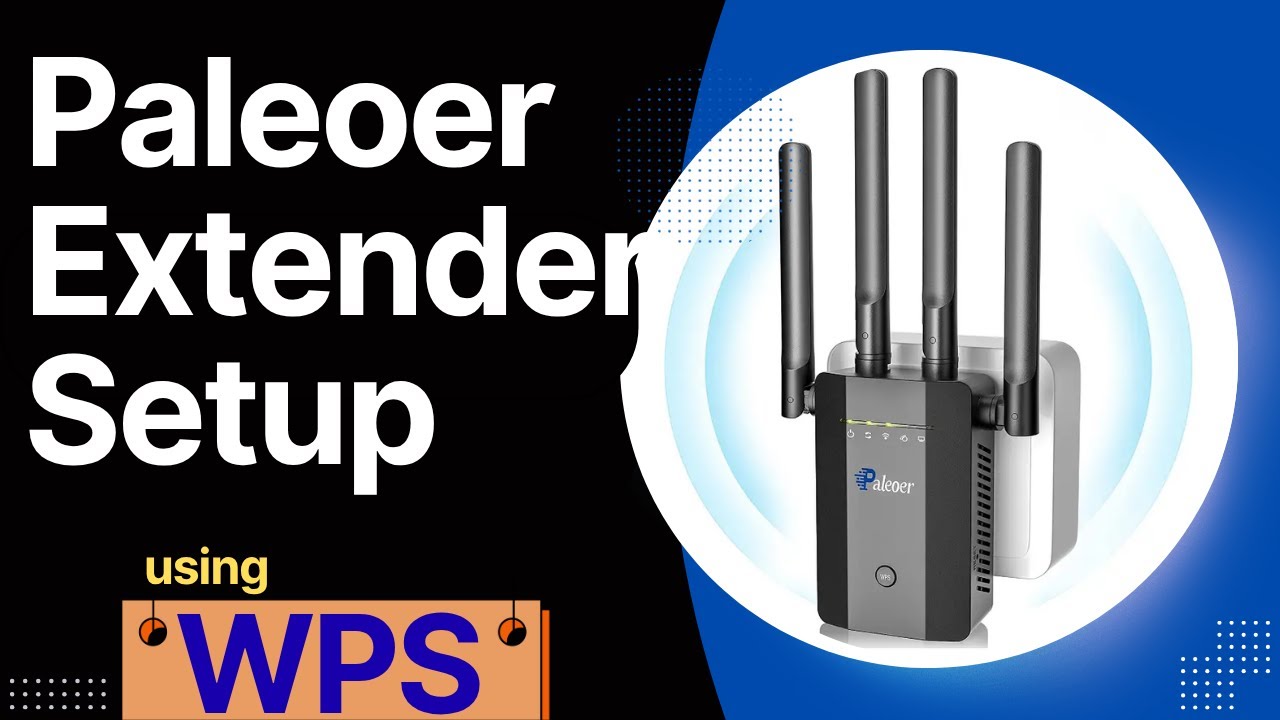
Plug the dual band extenderinto a power outlet near your router. Wait for the indicator light to show it is on. Connect the extender to your router using WiFi or an Ethernet cable.
Open a web browser on your phone or computer. Enter the extender’s IP address or URL to access its interface. Use the default username and password found in the manual to log in.
Set up both the 2.4GHzand 5GHzbands. Choose network names (SSID) and passwords for each band. Save your settings to start using the dual band extender.
Optimizing Dual Band Performance
Choosing the right channelshelps avoid interference. The 2.4 GHz band has fewer channels but longer range. The 5 GHz band offers more channels and faster speeds but shorter range. Use a WiFi scanner app to find the least crowded channels.
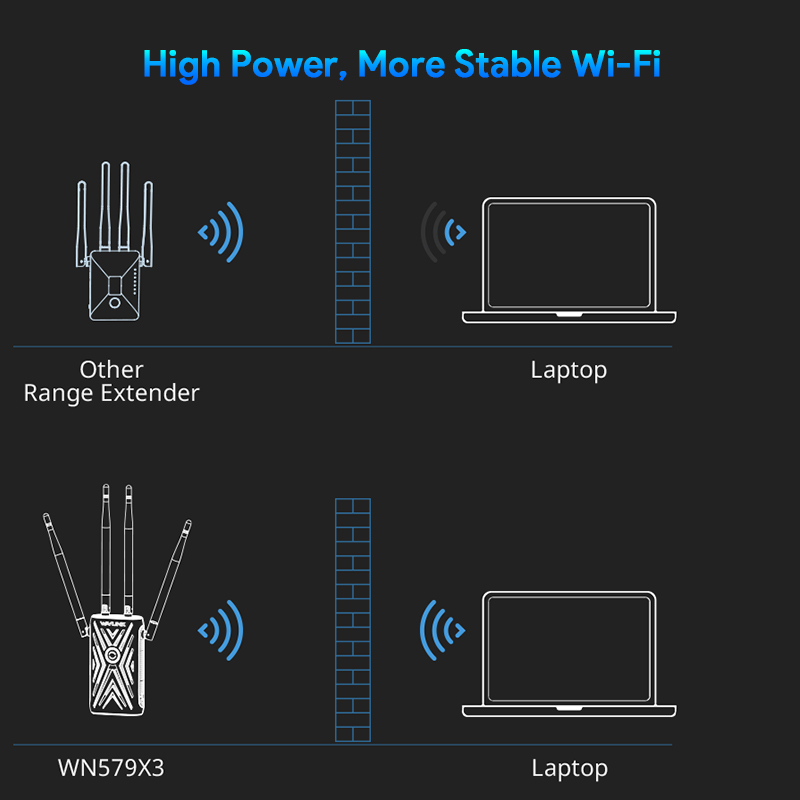
Place the extender where the signal is strong but also reaches far. Avoid thick walls and metal objects. The best spotis usually halfway between the router and the area with weak WiFi.
- Connect devices to 5 GHz for faster speeds and less interference.
- Use 2.4 GHz for devices far from the extender or with lower speed needs.
- Limit the number of devices on one band to keep speed stable.
Credit: www.wavlink.com
Troubleshooting Common Issues
Connection dropsoften happen due to weak signal or interference. Place the extender closer to the router for a stronger link. Avoid thick walls or metal objects between devices. Restart the extender and router to refresh connections.
Slow speedscan result from too many devices on the network. Check if the extender is set to the correct band, 2.4 GHz or 5 GHz. Use the 5 GHz band for faster speeds but shorter range. Update the extender’s firmware for best performance.
Extender not detectedmay happen if the device is not properly plugged in or powered. Ensure the extender is on and within range of the main router. Use the correct app or website to find the extender’s setup page. Reset the extender to factory settings if needed.
Maintaining Your Dual Band Extender
Keeping your dual band extenderup to date is key. Regular firmware updatesfix bugs and improve performance. Check the extender’s website or app often for updates. Install them as soon as possible to stay secure and fast.
Watch your network healthto catch issues early. Use the extender’s app or a network tool to see signal strength and connection speed. This helps find weak spots or interference. Adjust the extender’s location if the signal is poor.
Sometimes, resetting and reconfiguring your extender helps. Reset if the connection drops or settings get mixed up. After reset, follow the setup steps to connect again. This refreshes the extender and can solve many problems.
Frequently Asked Questions
What Is The Difference Between Single Band And Dual Band Extenders?
Single band extenders operate on one frequency, usually 2. 4 GHz. Dual band extenders use both 2. 4 GHz and 5 GHz bands. This provides better speed, less interference, and improved network performance.
How Do I Upgrade To A Dual Band Wifi Extender?
To upgrade, buy a compatible dual band extender. Follow the setup guide to connect it to your router. Replace or disable the old single band extender for a seamless switch.
Will Dual Band Extenders Improve My Wifi Speed?
Yes, dual band extenders can increase speed by using the less congested 5 GHz band. This reduces interference, enhancing overall network speed and stability.
Can I Use A Dual Band Extender With Any Router?
Most modern routers support dual band extenders. Check your router’s specifications for compatibility. Ensure the extender matches your router’s WiFi standards for best results.
Conclusion
Switching from a single band to a dual band WiFi extender improves your connection. You get better speed and less interference. Dual band helps devices work smoothly at home or office. Setup is simple with the right steps. Just follow the instructions carefully and test your network.
Enjoy faster internet and fewer dropouts today. Stay connected and make the most of your WiFi extender. Small changes bring big benefits. Try it now and feel the difference.


