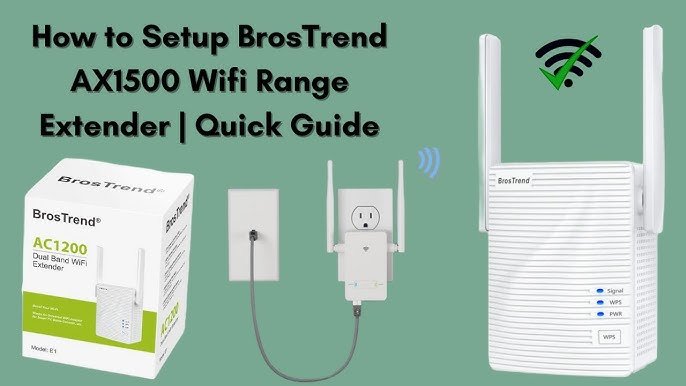
Struggling with spotty internet connection in certain corners of your home? A dual band WiFi extender might just be the solution you need.
But here’s the catch: where you place it can significantly impact its performance. You might think any spot will do, but choosing the right location can mean the difference between seamless streaming and frustrating buffering. Imagine enjoying uninterrupted video calls, streaming your favorite shows, or gaming without lag.
Sounds ideal, right? This guide will help you discover the perfect spot for your dual band WiFi extender, ensuring that every nook and cranny of your space is covered with fast and reliable internet. Ready to transform your WiFi experience? Let’s dive in.
Benefits Of Dual Band Wifi Extenders
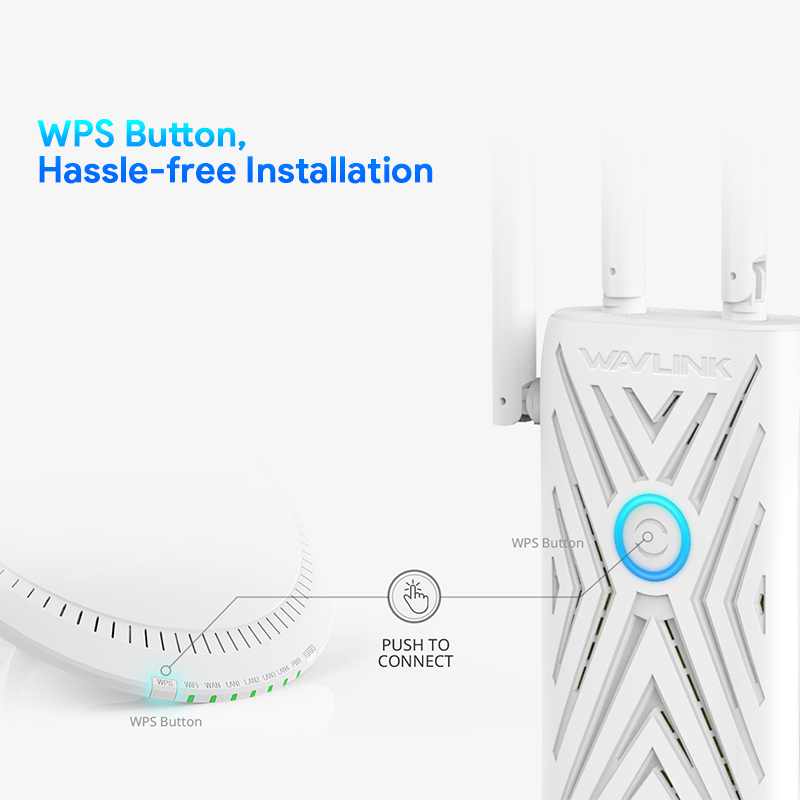
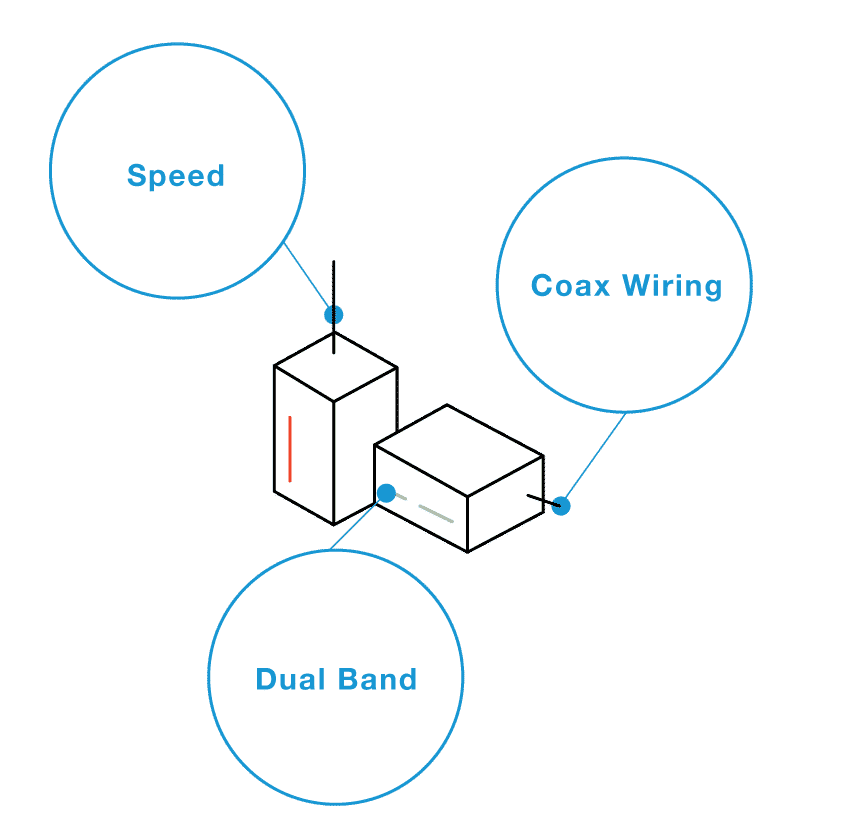
Dual band WiFi extendersoffer better internet speeds and wider coverage. They use two frequency bands: 2.4 GHz and 5 GHz. This helps devices connect to the best band for their needs. The 2.4 GHz band covers longer distances but is slower. The 5 GHz band is faster but covers less distance.
These extenders reduce dead spots in homes or offices. They also help many devices connect smoothly without slowing down. This means stronger signalsand faster downloadsfor everyone.
- Improves WiFi range and signal strength.
- Supports multiple devices at once.
- Offers faster internet speeds on 5 GHz band.
- Reduces interference for clearer connections.
- Easy to set up and use.
Credit: www.wavlink.com
Factors Affecting Wifi Signal Strength
Physical obstacleslike walls and furniture can block wifi signals. Thick walls, metal objects, and mirrors weaken the signal. Placing the extender near open spaces helps it catch a strong signal.
Interference from other devicessuch as microwaves, cordless phones, and Bluetooth gadgets can disturb wifi signals. Keep the extender away from these devices for better performance.
Distance from routermatters a lot. The farther the extender is, the weaker the signal it receives. Place it halfway between the router and the area needing wifi boost to get the best coverage.
Ideal Locations For Wifi Extender Placement
Place the wifi extender midway between the router and dead zone. This spot helps the extender catch a strong signal and spread it further. Avoid putting it too close to the router or too far into the weak area.
Choose open and elevated areasfor better coverage. High places like shelves or walls let the signal travel without many blocks. Avoid corners, closets, or under furniture where signals get trapped.
Keep the extender away from electronic interference. Devices like microwaves, cordless phones, and baby monitors can weaken the signal. Also, metal objects and thick walls reduce wifi strength.

Credit: www.youtube.com
Using Tools To Find Best Placement
Wifi signal analyzershelp find the best spot for your extender. They measure signal strength in different rooms. This shows where the signal is weak or strong. You can move the extender to a better place to get a stronger signal.
Mobile appsmake testing easy and quick. These apps show live signal levels on your phone. You can walk around your home and see where signal drops. This helps pick a perfect spot for the extender. Some popular apps work on both Android and iOS devices.
| Tool | Use | Features |
|---|---|---|
| Wifi Signal Analyzer | Measures signal strength in different locations | Shows weak/strong signal areas, helps find best extender spot |
| Mobile Apps | Test wifi signal on the go | Live signal feedback, easy to use, works on smartphones |
Common Placement Mistakes To Avoid
Placing a dual band WiFi extender near metal objectscan block signals. Metal reflects WiFi waves, causing weak connections.
Extenders in obstructed cornersoften struggle to reach devices. Walls and furniture reduce signal strength dramatically.
Positioning the extender too closeto the router wastes its range. Too far, and it won’t catch the signal well.
- Keep the extender in open spaces, away from metal.
- Avoid tight corners or behind large furniture.
- Place it at a midpoint between the router and devices.
- Test different spots to find the best signal.
Credit: www.screenbeam.com
Tips For Optimizing Dual Band Performance
Balance the 2.4 GHz and 5 GHz bandsfor better wifi performance. The 2.4 GHz band covers a larger area but is slower. The 5 GHz band is faster but has a smaller range. Place the extender where both bands get a strong signal from your main router. This helps devices connect to the best band based on distance and speed needs.
Keep your extender’s firmware updated. Updates fix bugs and improve performance. Check the manufacturer’s website or app for new firmware versions. Regular updates help your extender work well with new devices and security standards.
Frequently Asked Questions
Where Is The Best Location For A Dual Band Wifi Extender?
Place the extender halfway between your router and the WiFi dead zone. Avoid walls or large metal objects. This spot ensures strong signal reception and better coverage for your dual band extender.
How High Should I Place My Wifi Extender?
Position your WiFi extender at a mid-level height, like on a shelf or table. Avoid placing it on the floor or too high near the ceiling. Mid-height placement helps the signal spread evenly across your space.
Can I Place My Dual Band Extender Outside My Home?
Dual band extenders are usually designed for indoor use. Placing them outside exposes them to weather damage. Use outdoor-specific extenders if you need WiFi coverage in open areas.
How Far Should A Dual Band Extender Be From The Router?
Keep the extender within 30 feet of your router for optimal performance. Too far weakens the signal, while too close limits coverage extension. Find a balance to maximize WiFi reach.
Conclusion
Place your dual band WiFi extender where the signal is strong. Avoid walls and metal objects that block signals. Find a spot halfway between your router and the weak signal area. This keeps your connection steady and fast. Test different locations for the best result.
A good placement helps your devices work better. Enjoy smoother internet without interruptions. Keep it simple, and your WiFi will cover more space easily.


