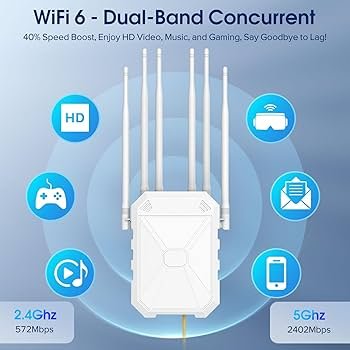
Are you tired of weak WiFi signals interrupting your streaming or video calls? You might have considered a long-range WiFi extender to boost your connection.
But before you make a purchase, there’s an important question to address: Do these extenders support WPA3, the latest in WiFi security technology? In this blog post, we’re diving into this critical topic to help you make an informed decision.
You’ll discover how WPA3 can enhance your network’s security and if your potential extender can keep up. By the end, you’ll know exactly what to look for to ensure a secure and seamless internet experience. Ready to strengthen your connection and protect your data? Let’s get started!

Credit: deepticlasses.com
Wpa3 Security Basics
WPA3is the latest security standard for WiFi networks. It offers stronger protectionagainst hackers than WPA2. This new protocol uses better encryption to keep data safe.
- Improved encryption:Uses 192-bit security for sensitive data.
- Protection from brute force attacks:Limits password guessing attempts.
- Forward secrecy:Keeps past data safe even if passwords change.
Compared to WPA2, WPA3 is more secureand handles weak passwords better. It also makes public WiFi safer with individualized data encryption. These benefits matter for WiFi extenders.
WiFi extenders often repeat signals and can be vulnerable. WPA3 support helps keep extended networks secure. This is key for long range extenders where security risks are higher.
Long Range Wifi Extenders Explained
Long range WiFi extenders help boost your internet signal far from the router. They catch the WiFi and send it further, making weak spots stronger. This works by receiving the wireless signal and rebroadcasting it to areas with low coverage.
Common places to use these extenders include large homes, offices, and outdoor spaces. They help cover dead zones where WiFi is weak or not present.
| Factor | Effect on Range and Performance |
|---|---|
| Obstacles (walls, furniture) | Reduce signal strength, lower speed |
| Interference (other electronics) | Can disrupt connection, cause drops |
| Extender quality | Better devices offer longer range and speed |
| Router placement | Central spots improve coverage |
Wpa3 Compatibility In Extenders
Long range WiFi extenders may or may not support WPA3. Many devices still use WPA2, which is more common. Newer models are starting to include WPA3 compatibility.
Supporting WPA3 needs both firmware and hardwareupgrades. Older devices often lack the necessary hardware. Firmware updates might add WPA3, but only if hardware allows.
- Extenders with WPA3 offer better security.
- Many extenders need manual firmware updates.
- Hardware limits stop some extenders from using WPA3.
Challenges include device compatibilityand slow user adoption. Some networks mix WPA2 and WPA3, causing connection issues. Users must check extender specs before buying.
Security Risks Without Wpa3
Long range WiFi extenders without WPA3 support risk weaker security and easier hacking. Older encryption leaves networks open to unauthorized access and data theft. Choosing extenders with WPA3 helps protect your connection effectively.
Vulnerabilities In Older Protocols
Older WiFi protocols like WPA2 have known security flaws. These flaws allow hackers to break into networks easily. They use tricks like password guessing or stealing data packets. This makes it unsafe to use old protocols for important connections.
Potential Threats To Networks
- Hackers can join your network without permission.
- Attackers can create fake WiFi hotspots to trick users.
- Malware can spread through weakly protected networks.
- Devices may get infected or controlled remotely.
Impact On Data Privacy
Without strong encryption, private data can be exposed. This includes passwords, messages, and financial details. Hackers might watch or steal this information. It can lead to identity theft or money loss.
Choosing The Right Extender
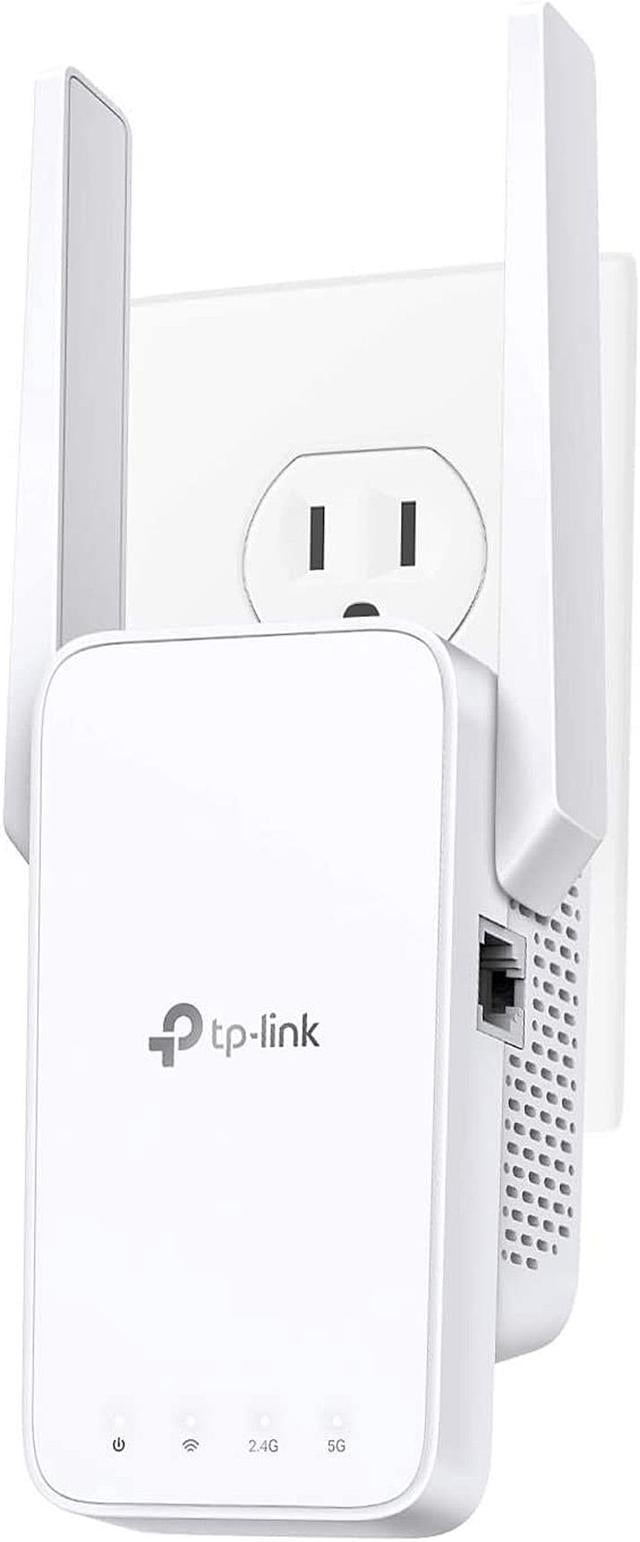
Many long range WiFi extendersnow support WPA3 security. This is important for better protectionagainst hackers. Check the product details to see if WPA3is listed. Some extenders offer mixed mode, which works with both WPA2 and WPA3 devices.
Securityfeatures often include:
- WPA3 encryption for stronger safety
- Automatic updates to fix vulnerabilities
- Guest networks for limited access
Balancing rangeand securityis key. A device with a very long range but weak security is risky. Choose one that offers good coverageand WPA3 supportto keep your network safe.
Credit: www.newegg.ca
Setting Up Wpa3 On Extenders
Long range WiFi extenders may support WPA3, but compatibility depends on the model and firmware. Check device specs before setup to ensure secure connections. Updating firmware often adds WPA3 support to older extenders.
Configuration Steps
Access your extender’s settings page through a web browser. Enter the device’s IP address in the address bar. Login with your username and password. Find the wireless securitysection in the menu. Select WPA3as the security mode. Save changes and restart the extender. Connect your devices using the new WPA3 password.
Troubleshooting Common Issues
- Extender firmware might need an update for WPA3 support.
- Some older devices may not connect with WPA3 enabled.
- Check if your main router supports WPA3 for full compatibility.
- Reset the extender if connection issues persist after setup.
- Ensure you enter the correct password during device connection.
Maintaining Secure Connections
Regularly update your extender’s firmware to fix security flaws. Use strong, unique passwords for your WiFi networks. Avoid sharing passwords with unknown users. Monitor connected devices for any unusual activity. Enable automatic updates if your extender supports it.
Future Of Wifi Security
WiFi securityis moving forward fast. New protocols aim to keep networks saferthan ever before. WPA3is the current strong standard, but researchers work on better options.
Emerging protocols focus on stronger encryptionand easier setup. These changes help protect against hackingand data theft. Devices and extenders must adaptto support these new standards.
| Industry Trends | Preparing for Next-Gen Networks |
|---|---|
|
|
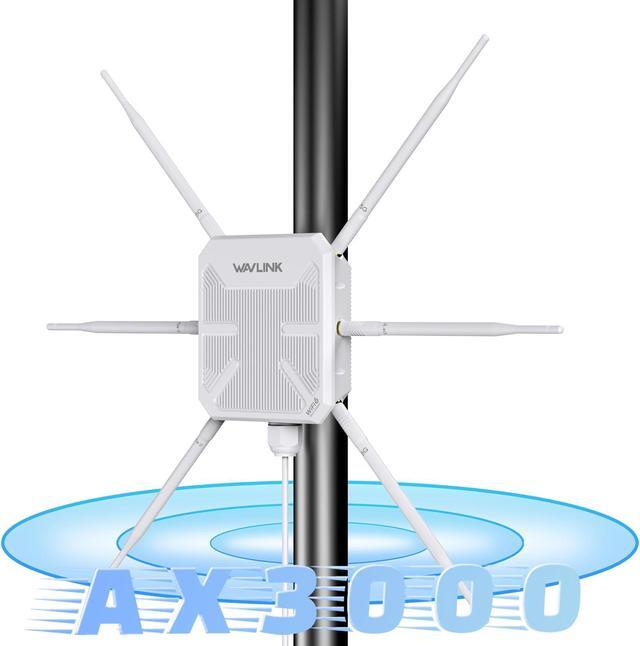
Long-range WiFi extenders may not support all new protocols yet. Checking device specs and updates is important for better security.
Credit: www.newegg.ca
Frequently Asked Questions
Do Long Range Wifi Extenders Support Wpa3 Security?
Many long range WiFi extenders now support WPA3. This latest protocol enhances encryption and protects against cyber attacks. Always check product specs to confirm WPA3 compatibility before purchasing an extender. Using WPA3 improves your network’s security and future-proofs your setup.
How Does Wpa3 Improve Extender Network Security?
WPA3 provides stronger encryption and better password protection. It prevents unauthorized access even with weak passwords. Extenders with WPA3 ensure safer data transmission and reduce hacking risks. Upgrading to WPA3 is crucial for securing WiFi extenders on modern networks.
Can Older Wifi Extenders Be Upgraded To Wpa3?
Most older WiFi extenders cannot be upgraded to WPA3 via firmware. WPA3 requires specific hardware support. If your extender is outdated, consider replacing it with a WPA3-compatible model. This ensures you benefit from improved security standards.
Are All Long Range Wifi Extenders Compatible With Wpa3?
Not all long range WiFi extenders support WPA3. Compatibility depends on the device’s chipset and firmware. Check manufacturer specifications for WPA3 support. Choose extenders explicitly listing WPA3 to ensure maximum security and performance.
Conclusion
Long range WiFi extenders can support WPA3, but check device specs first. WPA3 offers better security for your wireless network. Not all extenders have this feature yet. Choosing one with WPA3 helps protect your data. It also improves safety when connecting many devices.
Always update your extender’s firmware for best security. Secure WiFi means safer browsing and less risk of hacking. So, pick extenders wisely to keep your network safe.


