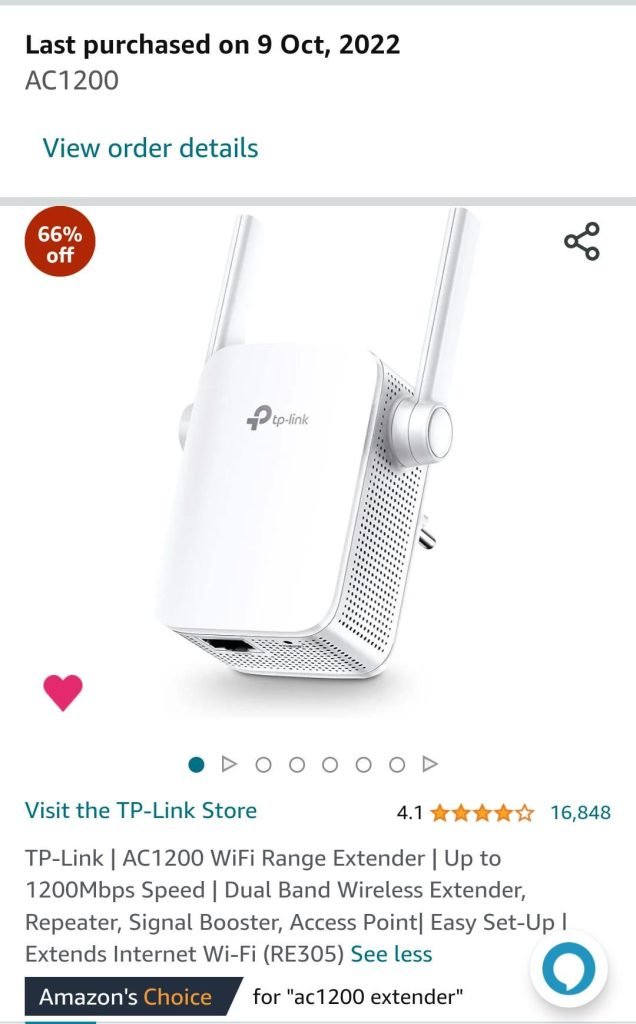
Ever been in the middle of an intense online game or an important video call only to be let down by lag and high ping? It’s frustrating, isn’t it?
You might have heard about tri-band WiFi extenders and wondered if they could be the game-changer you need. Imagine a world where your WiFi signal is strong, your connection is stable, and your ping is low. Sounds like a dream, right?
But can a tri-band WiFi extender really make that dream a reality? Before you invest in new tech, you’ll want to know if it truly delivers on its promise. Dive into this article to discover if this device could be the solution to your connectivity woes.
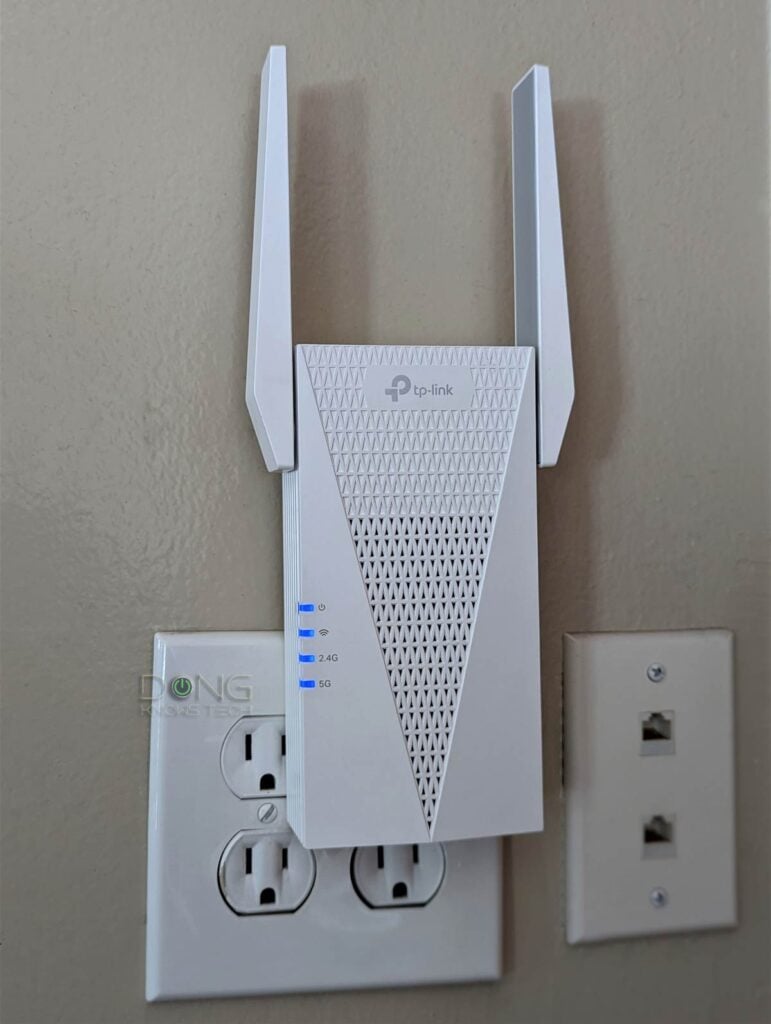
Credit: dongknows.com
Tri Band Wifi Extender Basics
Tri band WiFi extenders use three separate bands to reduce congestion and improve connection speed. This setup can lower ping by providing a more stable and faster link. Better signal strength means less delay during online gaming or video calls.
How Tri Band Differs From Dual Band
Tri Band Wifi Extendershave three separate frequency bands. Dual Band devices have only two. The extra band helps reduce traffic and interference. It gives one band specifically for connecting to the router. The other two bands are for your devices. This separation can lower network congestionand improve overall speed and stability.
Key Features Of Tri Band Extenders
- Three frequency bands: one dedicated backhaul and two device bands
- Better handling of multiple devices at once
- Reduced interference for smoother connections
- Improved WiFi range and coverage in large homes
- Can help lower ping timesby easing network load
Credit: www.engadget.com
Impact On Ping And Latency
Pingmeasures the time it takes for data to travel from your device to the server and back. Latencyis the delay before data transfer begins. Both affect how smoothly games and videos run.
Several factors affect pingand latency:
- Distance between device and server
- Network traffic and congestion
- Quality of the internet connection
- Interference from other devices or walls
- Type of WiFi extender used
WiFi extenders, like Tri Band WiFi extenders, can help improve signal strength. They add an extra band for communication, reducing traffic on each band. This can lower interference and improve speed.
Still, extenders add an extra step for data to travel. This can increase latencya little. Placement matters a lot. An extender too far from the router or device may cause more delay.
Speed Improvements With Tri Band
Tri Band WiFi extenders reduce network traffic by using three separate bands, which can lower ping times. This helps create a smoother, faster connection for online activities. Using multiple bands spreads the load, reducing delays and improving overall speed.
Bandwidth Distribution Benefits
Tri band WiFi extendersuse three separate frequency bands. This setup helps to spread out devicesacross bands. It reduces network congestionand keeps speeds stable. One band connects to your main router, while the others serve your devices. This way, your devices get a dedicated channelwithout interference. The result is less lag and better overall performance.
Real-world Speed Gains
Users often see faster data transferwith tri band extenders. This means quicker downloads and smoother streaming. Ping times can improve because the network is less crowded. Devices experience fewer dropsand more consistent connections. In busy homes or offices, this can make a big difference. The extra band helps keep the WiFi running efficientlyeven with many devices connected.
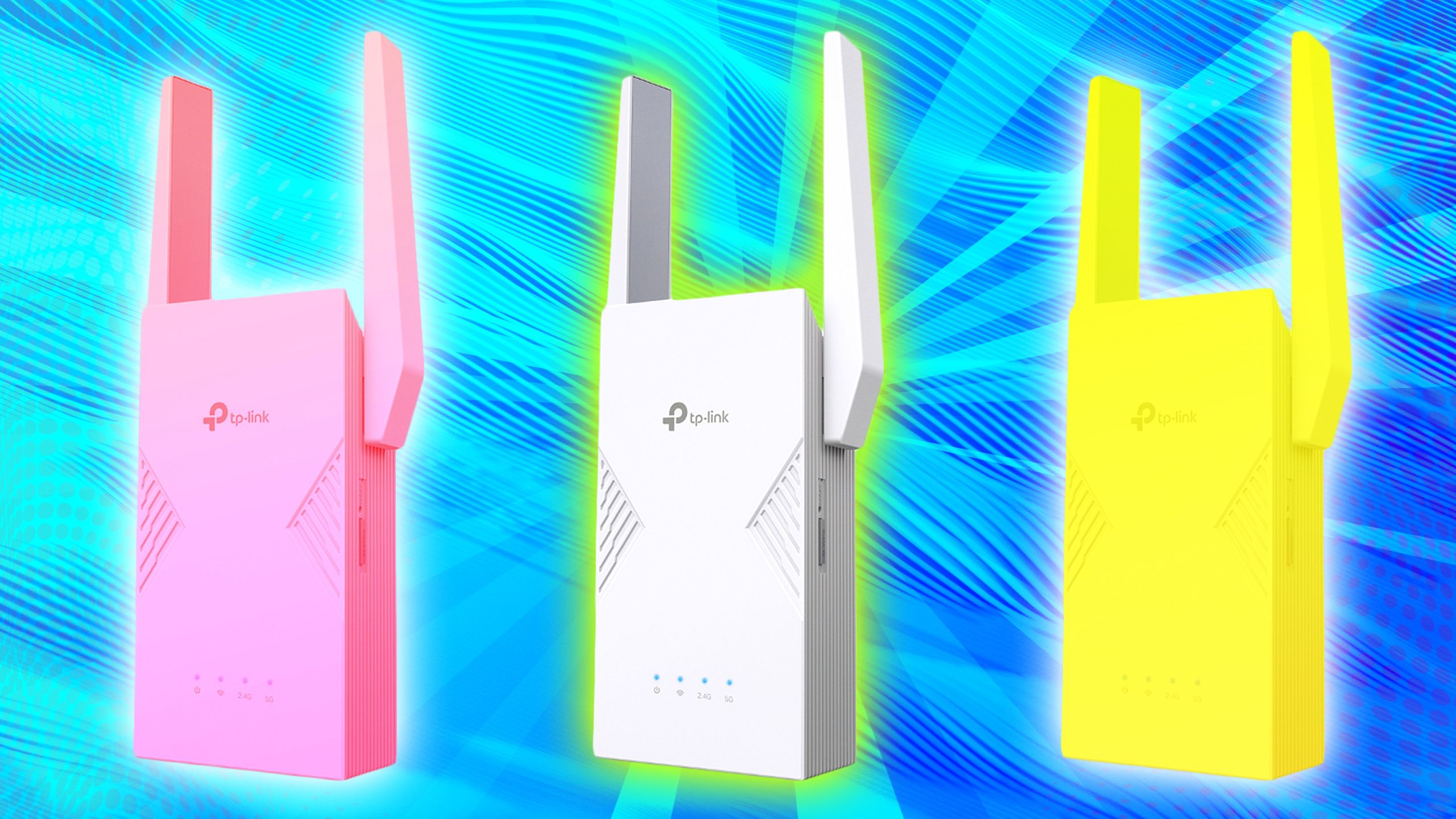
Credit: www.pocket-lint.com
Stability Enhancements
Tri-band WiFi extendershelp reduce interferenceby using three separate frequency bands. This means less traffic on each band, leading to lower congestion. Devices get a clearer signal and fewer interruptions.
These extenders keep connections steadyby switching devices to the best band automatically. This helps maintain a consistent connectionwith fewer drops or slowdowns. The result is a smoother experience with improved ping stability.
- Three bands reduce crowding on WiFi channels
- Devices connect to less busy bands for better speed
- Automatic band selection keeps signals strong and stable
- Less interference means fewer lag spikes during use
Setup And Placement Tips
Place the tri-band WiFi extenderwhere it gets a strong signal from your router. Avoid walls and metal objects that can block the signal. Keep it midway between the router and the areawhere you want better coverage. This helps reduce ping delayand improves connection stability.
Check the extender’s LED lightsto confirm a good connection. Move it slightly if the signal looks weak. The best spot often is a higher place like a shelf, not on the floor.
- Use the extender’s app or web page to set up.
- Choose the best WiFi bandfor your device (5 GHz for speed, 2.4 GHz for range).
- Update the extender’s firmware for better performance.
- Try automatic channel selectionto avoid interference.
Comparing Alternatives
Dual band extendersuse two frequencies: 2.4 GHz and 5 GHz. They help reduce interference but share the same backhaul channel for data transfer. This can cause slower speeds and higher ping during heavy use.
Tri band extendersadd a third band, usually 5 GHz, dedicated to backhaul. This frees up the other two bands for devices, improving speed and reducing ping. They work better in busy networks with many devices.
| Feature | Dual Band Extender | Tri Band Extender |
|---|---|---|
| Frequency Bands | 2.4 GHz + 5 GHz | 2.4 GHz + 5 GHz + 5 GHz (dedicated backhaul) |
| Backhaul Channel | Shared with devices | Dedicated for extender use |
| Ping Improvement | Moderate | Better for low ping |
| Best For | Small to medium homes | Large homes with many devices |
Mesh networksreplace your router with multiple units. These units create a single network with strong signals everywhere. They manage traffic better and often lower ping more than extenders.
WiFi extendersboost the existing signal but may cause some delay. They are cheaper but less effective for very low ping needs.
When Tri Band Extenders May Not Help
ISP limitscan cap your internet speed and increase ping. No extender can fix this. Routers also have a max speed they can handle. If your router is old or weak, ping might stay high.
Distance affects signal strength. Even tri-band extenders may not help if you are too far from the router. Walls and other objects can block signals and cause lag.
- Internet speed set by your ISP
- Router’s maximum capacity and quality
- Physical distance from the router
- Obstacles like walls and furniture
- Network traffic and device load
Tri-band extenders add more WiFi bands but do not fix all problems. The main limits come from your internet plan and hardware. Reducing ping needs good ISP service and a strong router.
Frequently Asked Questions
Can A Tri Band Wifi Extender Reduce Ping Times?
Yes, a Tri Band WiFi extender can reduce ping by improving signal strength. Better signals mean less delay and faster responses, enhancing online gaming and streaming experiences.
How Does Tri Band Wifi Affect Internet Latency?
Tri Band WiFi reduces network congestion by splitting data across three bands. This leads to lower latency and smoother internet performance during high-demand activities.
Is Tri Band Wifi Better For Gaming Ping?
Tri Band WiFi is ideal for gaming because it offers stable, fast connections. It minimizes interference, resulting in lower ping and fewer lags during gameplay.
Will A Wifi Extender Improve Ping On Large Networks?
Yes, WiFi extenders boost coverage and reduce dead zones in large networks. This helps maintain consistent speeds and lowers ping across multiple devices.
Conclusion
A tri-band WiFi extender can help reduce ping in many cases. It offers more stable connections and less interference. This means smoother online gaming and faster responses. Still, your internet speed and device quality also matter. Choose a good extender and place it well for best results.
Small changes can improve your online experience a lot. Try it out and see the difference yourself.


